At a Glance
- •UptimeRobot's free plan is $0 per month with 50 monitors and 5 minute checks, but it is restricted to personal, non-commercial use since October 2024.
- •The cheapest paid plan is Solo at $9 per month billed annually ($108 per year) or $10 per month billed monthly, with 10 to 50 monitors and 60 second checks.
- •The Team plan is $38 per month annually ($456 per year) or $45 per month monthly, unlocking 100 monitors, full featured status pages, and 3 included team seats.
- •Enterprise starts at $69 per month annually ($828 per year) and supports 200 to 1,000+ monitors with 30 second checks; additional login seats cost $15 per month each.
- •SMS and voice call credits are not included on the Free plan and must be purchased separately, starting at $3 for 10 credits.
UptimeRobot updated its plan structure and pricing in 2025, retiring the old Pro tier and replacing it with Solo, Team, and Enterprise. If you've seen older articles quoting "$7/month for Pro," those numbers are out of date. Here's the complete breakdown of UptimeRobot's 2026 pricing, including the free plan limits, what's actually included at each tier, and the hidden add-on costs (SMS credits and login seats) that don't appear in the headline price.
Pricing verified directly from uptimerobot.com/pricing on May 5, 2026.
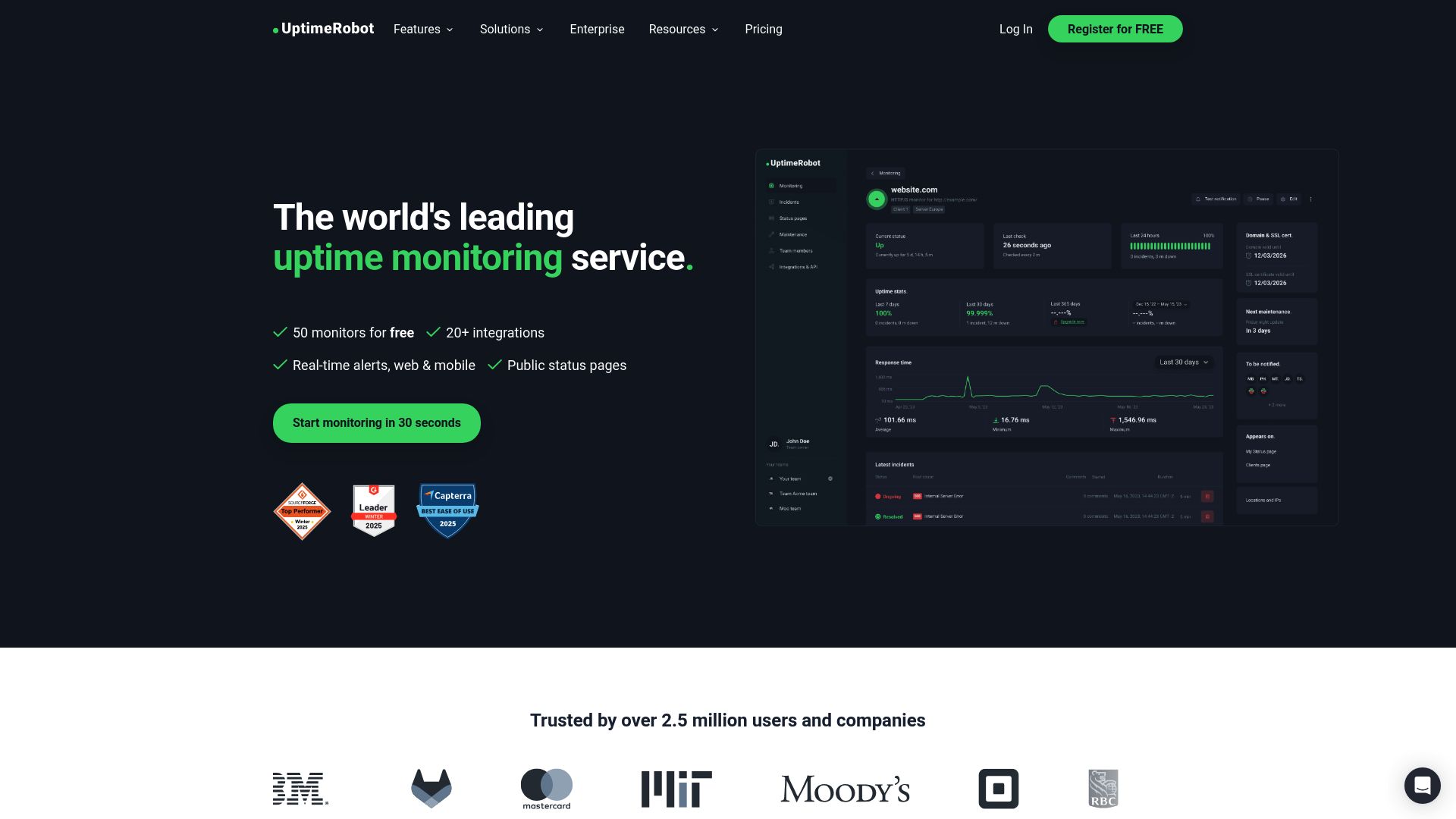
UptimeRobot 2026 Pricing Summary
UptimeRobot offers four plans in 2026: Free, Solo, Team, and Enterprise. All paid plans offer roughly 20% off when billed annually instead of monthly.
| Plan | Annual | Monthly | Yearly Total | Monitors | Interval |
|---|---|---|---|---|---|
| Free | $0/mo | $0/mo | $0 | 50 | 5 min |
| Solo | $9/mo | $10/mo | $108 | 10 to 50 | 60 sec |
| Team | $38/mo | $45/mo | $456 | 100 | 60 sec |
| Enterprise | $69/mo | $82/mo | $828 | 200 to 1,000+ | 30 sec |
These are the headline numbers. The real cost can be higher once you account for SMS credits, additional login seats, and the fact that Free plans cannot legally be used for business websites. Each plan is broken down in detail below.
UptimeRobot Free Plan
Cost: $0/month. No credit card required.
What's Included
- 50 monitors at 5 minute check intervals
- All monitor types: HTTP, port, ping, keyword, API, UDP, multi-location, slow response alerts, DNS, SSL, and domain expiration
- 5 third-party integrations (limited subset)
- 1 basic status page
- 3 month data retention
- Email alerts
Free Plan Limits to Know About
- No SMS or voice credits included. If you want SMS or phone alerts, you must buy credits separately starting at $3 for 10 credits.
- 5 minute check interval only. A site can be down for up to 5 minutes before the next check catches it.
- Status pages are limited to 1 and cannot be customized with your own domain.
- Maintenance windows are not available. You cannot pause monitoring during scheduled deployments without manually disabling each monitor.
- No incident root cause details.
- No notify seats or login seats. A single user account.
- No two-factor authentication.
- No commercial use allowed (since October 2024). See the non-commercial restriction section below for the full implications.
The 50 monitor count is generous compared to most free tiers, but the 5 minute check interval and the commercial use restriction limit who this plan actually works for in practice. For business sites or anything revenue-generating, the Free plan is no longer a legitimate option.
UptimeRobot Solo Plan
Cost: $9/month billed annually ($108/year) or $10/month billed monthly. Replaced the older Pro tier.
What's Included
- 10 to 50 monitors (slider; price scales with monitor count)
- 60 second check intervals
- All monitor types (HTTP, port, ping, keyword, API, UDP, multi-location, slow response, DNS, SSL, domain expiration)
- 9 third-party integrations
- 3 basic status pages
- 10 to 20 SMS or voice credits included
- 12 month data retention
- Maintenance windows
- Recurring and prolonging notifications
Solo Plan Limits
- Status pages remain "basic" (no custom design, no own domain, no whitelabel)
- No team or login seats
- Slack, Mattermost, Telegram and Microsoft Teams integrations are still locked behind the Team plan
- Webhooks, Zapier, and PagerDuty also require Team or higher
Solo is positioned as the entry paid plan for individuals. The biggest jump from Free is the 60 second check interval and the included SMS credits. The biggest gap from Team is the integrations: if you need Slack, webhooks, or PagerDuty, Solo will not get you there.
UptimeRobot Team Plan
Cost: $38/month billed annually ($456/year) or $45/month billed monthly.
What's Included
- 100 monitors at 60 second intervals
- All 12 third-party integrations including Slack, Mattermost, Telegram, MS Teams, Webhook, Zapier, and PagerDuty
- Full-featured status pages with custom design, own domain, translations, whitelabel, password protection, subscribers, search engine opt-out, and analytics
- 100 status pages included
- 3 notify seats and 3 login seats included (additional login seats $15/month each)
- 30 SMS or voice credits per month
- 24 month data retention
- Two-factor authentication
Team is where UptimeRobot starts to feel like a business tool. The integrations and full-featured status pages are the main reasons to upgrade from Solo. At $38/month annually, it's a meaningful jump from Solo's $9/month, so the question to ask is whether your team will actually use the integrations and the additional seats.
UptimeRobot Enterprise Plan
Cost: Starts at $69/month billed annually ($828/year) or $82/month billed monthly. Pricing scales with monitor count.
What's Included
- 200 monitors at the entry tier, scaling to 500 and 1,000+
- 30 second check intervals (twice as fast as Team)
- All 12 third-party integrations
- Unlimited full-featured status pages
- 5 notify seats and 5 login seats included ($15/month for each additional login seat)
- 50 to 200 SMS or voice credits per month (scales with plan size)
- 24 month data retention
Enterprise is for organizations that need either a high monitor count, faster checks (30 seconds vs 60), or unlimited status pages. For most small teams, the Team plan is enough. UptimeRobot also offers custom Enterprise demos for larger deployments.
Add-Ons and Hidden Costs
The headline plan price is not the full cost. Here are the add-ons that can quietly inflate your UptimeRobot bill.
SMS and Voice Call Credits
The Free and Solo plans include limited or zero SMS credits. To get reliable phone alerts, you'll need to buy credits as one-time top-ups.
| Credits | Cost | Cost per Credit |
|---|---|---|
| 10 | $3.00 | $0.30 |
| 100 | $15.00 | $0.15 |
| 200 | $25.00 | $0.125 |
| 500 | $55.00 | $0.11 |
| 1,000 | $100.00 | $0.10 |
Each SMS or voice call consumes 1 to 5 credits depending on the destination country. In the US, you're typically looking at 1 credit per SMS, which works out to roughly $0.10 to $0.30 per message. Voice calls cost more credits per minute. If your monitors generate frequent alerts, this can add up quickly.
Additional Login Seats
The Team plan includes 3 login seats; Enterprise includes 5. Each additional login seat above the included count costs $15/month. A 5-person team on the Team plan therefore costs an extra $30/month ($15 × 2 additional seats), making the effective price closer to $68/month annually rather than the headline $38/month.
Status Page Subscribers
Status page subscribers (visitor email/SMS notifications) are only available on Team and Enterprise plans. If you want subscribers on Solo, you'd have to upgrade.
Monitor Count Slider
Solo and Enterprise plans use a monitor count slider. The headline price is for the entry monitor count (10 for Solo, 200 for Enterprise). Bumping the slider up scales the price. Always check the actual price for your monitor count, not the advertised starting price.
Annual vs Monthly Billing
UptimeRobot offers approximately 20% savings for annual billing across all paid plans:
- Solo: $10/mo monthly vs $9/mo annual ($108/yr) — saves $12/year
- Team: $45/mo monthly vs $38/mo annual ($456/yr) — saves $84/year
- Enterprise: $82/mo monthly vs $69/mo annual ($828/yr) — saves $156/year
The annual savings are meaningful at the Team and Enterprise tiers. UptimeRobot does offer a 14-day money-back guarantee, so committing annually is lower-risk than it sounds; if the product doesn't fit, you can request a refund within the first two weeks.
The October 2024 Non-Commercial Restriction
Important: Since October 2024, UptimeRobot's Free plan is restricted to personal, non-commercial use. Using the Free plan to monitor business websites, revenue-generating services, or anything tied to a for-profit organization is explicitly prohibited and can result in account suspension.
This is the most important change in UptimeRobot's pricing structure since 2024 and the one most often missed in older articles. UptimeRobot's Terms of Service now prohibit Free plan use for:
- Monitoring business websites, applications, or services
- Anything that generates revenue, directly or indirectly
- Sites associated with for-profit organizations or institutions
- Embedding uptime data in client reports or business materials
If you fall into any of those categories and still rely on the Free plan, you have three real options: upgrade to Solo at $9/month annually, migrate to a competitor that still allows commercial use on a free tier, or self-host a tool like Uptime Kuma.
UptimeRobot does offer sponsored subscriptions for non-profits, charities, and open-source projects on application. If you're in one of those categories, contact UptimeRobot's support directly rather than relying on the Free plan.
Is UptimeRobot Worth It in 2026?
UptimeRobot is a mature product with a long track record. For users who fit cleanly into one of the paid tiers, it works well: setup is straightforward, monitoring is reliable, and the mobile app is solid. The 14-day money-back guarantee removes the commitment risk on annual plans.
The downsides come down to two things. First, the price has climbed: Solo went from $7/month to $9 to $10/month over the last 18 months, and Team is now $38 to $45/month for what's essentially still a single-product monitoring tool. Second, the Free plan's non-commercial restriction has pushed a lot of small business users into paid plans they didn't budget for.
Cheaper Alternatives
If UptimeRobot's pricing feels high, the most directly comparable alternatives at lower price points include Notifier and HetrixTools. Notifier's free plan ($0) covers 10 monitors with SSL monitoring, status pages, and SMS/phone alerts on every plan with no commercial-use restriction. The paid Solo plan is $4/month (vs UptimeRobot Solo at $9/month annually) and Notifier Team is $19/month (vs UptimeRobot Team at $38/month annually). For a side-by-side breakdown, see our UptimeRobot alternatives guide.
Other comparison guides that may help you decide:
- Better Stack vs UptimeRobot
- StatusCake vs UptimeRobot
- Uptime Kuma vs UptimeRobot (self-hosted option)
- HetrixTools vs UptimeRobot
- Cheap uptime monitoring options under $25/month
UptimeRobot Pricing FAQ
How much does UptimeRobot cost in 2026?
UptimeRobot has four plans in 2026: Free ($0/month), Solo ($9/month annually or $10/month monthly), Team ($38/month annually or $45/month monthly), and Enterprise (starts at $69/month annually or $82/month monthly). Annual billing saves roughly 20% compared to monthly. The old Pro tier at $7/month was discontinued and replaced with Solo.
What are the limits of UptimeRobot's free plan in 2026?
The Free plan includes 50 monitors at 5 minute check intervals, 1 basic status page, 5 third-party integrations, and 3 month data retention. It does not include SMS or voice call credits, maintenance windows, additional team or login seats, two-factor authentication, or full-featured status pages. The biggest restriction is that since October 2024, the Free plan is for personal, non-commercial use only.
Is UptimeRobot's free plan still available for businesses?
No. Since October 2024, UptimeRobot's Terms of Service prohibit using the Free plan for commercial, business, or revenue-generating purposes. Using it on a business website can result in account suspension. Businesses must upgrade to Solo ($9/month annually) or use an alternative like Notifier, whose free plan permits commercial use.
What's the difference between UptimeRobot Solo and Team?
Solo ($9/month annually) is for individuals and includes 10 to 50 monitors, 60 second checks, 9 integrations, and 3 basic status pages. Team ($38/month annually) is for small teams and adds 100 monitors, all 12 integrations (including Slack, Webhooks, and PagerDuty), full-featured status pages with custom domains, 3 included login seats, and 30 included SMS credits. The pricing gap is large, so Team is only worth it if you actually need the integrations or team seats.
How much do UptimeRobot SMS credits cost?
SMS and voice call credits are sold as one-time top-ups: 10 credits for $3, 100 for $15, 200 for $25, 500 for $55, or 1,000 for $100. Each SMS consumes 1 to 5 credits depending on the destination country (typically 1 credit per SMS in the US). That works out to about $0.10 to $0.30 per SMS at the largest top-up tiers. Voice calls cost more per minute. The Free and Solo plans don't include any free credits, so this is a real ongoing cost if you rely on phone alerts.
How much does an extra UptimeRobot login seat cost?
Additional login seats on the Team and Enterprise plans cost $15/month each. Team includes 3 seats, Enterprise includes 5. A 5-person team on the Team plan would pay an extra $30/month for the 2 additional seats, bringing the effective monthly cost to about $68/month annually rather than the advertised $38/month.
Does UptimeRobot offer annual discounts?
Yes. Annual billing is roughly 20% cheaper than monthly across all paid tiers. Solo saves $12/year, Team saves $84/year, and Enterprise saves $156/year when billed annually. UptimeRobot offers a 14-day money-back guarantee, so committing to a year is reasonably low-risk.
Has UptimeRobot's pricing changed in 2026?
Yes. The biggest changes since 2024 are the retirement of the old Pro tier (replaced by Solo at a higher price), the introduction of Solo, Team, and Enterprise as a three-tier paid lineup, and the October 2024 restriction prohibiting commercial use on the Free plan. The Solo entry price has climbed from $7/month (old Pro) to $9 to $10/month, and the Team plan's $38/month price point is significantly higher than older mid-tier offerings.
What's the cheapest UptimeRobot alternative?
The cheapest commercial-friendly alternative is Notifier at $4/month for 20 monitors with 60 second checks, custom domain status pages, SSL monitoring, and SMS/phone alerts (no per-message charges on the free tier). Notifier's free plan covers 10 monitors with no commercial-use restriction, in contrast to UptimeRobot's restricted Free plan. For self-hosted free monitoring, Uptime Kuma is open source and runs on your own server, but if your server goes down, monitoring goes down with it.
Is UptimeRobot worth $9/month?
UptimeRobot Solo at $9/month annually is reasonably priced for what it includes (60 second checks, 10 to 50 monitors, all monitor types). Whether it's worth it depends on your alternatives. Notifier offers a similar feature set on its $4/month Solo plan, plus a more generous free tier. UptimeRobot has the brand recognition and a slightly larger monitor count at the entry tier. If price is the deciding factor, look at cheaper alternatives. If you're already using UptimeRobot and the workflow fits, $9/month annually isn't unreasonable.
