At a Glance
- •Freelancers typically manage 5 to 15 client websites and need monitoring that covers all of them without eating into project margins.
- •The most important features for freelancers are low per-site cost, status pages you can share with clients, and SMS or phone alerts so you catch problems before clients do.
- •UptimeRobot offers 50 free monitors but restricts the free plan to non-commercial use. Uptime Kuma is free but requires your own server and ongoing maintenance.
- •Notifier offers the best value for freelancers: 10 free monitors with 5 status pages and SSL monitoring included. The Solo plan at $4/month covers 20 monitors, which is enough for most freelance portfolios.
You manage 5, 10, maybe 15 client websites. When one goes down, the client emails you before you even know there's a problem. That's a bad look, and it's entirely preventable with the right monitoring tool.
The challenge for freelancers is finding monitoring that covers all your client sites without costing more than the hosting itself. Enterprise tools are overkill. Free tools have restrictions that make them impractical for commercial use. This guide ranks the six best options for solo freelancers in 2026, with real pricing math so you can see exactly what each tool costs per client site.
What Freelancers Actually Need From a Monitoring Tool
Freelancers have different requirements than agencies or enterprise teams. You don't need incident management workflows, on-call rotations, or 50 integrations. You need a tool that quietly watches your client sites and yells at you when something breaks.
Here's what matters most:
| Feature | Why It Matters for Freelancers | Priority |
|---|---|---|
| Low per-site cost | Monitoring 10+ sites needs to stay under $20/month total to make financial sense | Essential |
| Enough monitors | At least 2 monitors per client (homepage + one key page), so 10 clients = 20 monitors | Essential |
| SMS or phone alerts | You're often away from your desk. Email alone means you miss critical outages | Essential |
| Status pages | Share a live uptime dashboard with clients to build trust and reduce "is it down?" messages | Important |
| SSL monitoring | Expired SSL certificates trigger browser warnings and tank SEO. You need advance notice | Important |
| Simple setup | No time for complex configuration. Add a URL, pick alerts, done | Important |
Features like incident management, on-call scheduling, server monitoring, and API access are nice to have but unnecessary for most freelancers. Don't pay for complexity you won't use.
6 Best Monitoring Tools for Freelancers, Ranked
1. Notifier (Best Overall Value)

Notifier is built for exactly this use case: simple, affordable monitoring that covers multiple sites without the bloat. The free plan gives you 10 monitors and 5 status pages, which is enough to start monitoring client sites immediately. When you need more, the Solo plan at $4/month doubles your capacity to 20 monitors with 1 minute check intervals.
What sets Notifier apart for freelancers is the combination of features you get at the price point. SSL certificate monitoring is free on every plan, including the free tier. SMS and phone call alerts are available on all plans through a credit system, so you don't need to upgrade to a $30/month tier just to get a text message when something breaks. Status pages with custom domains start at $4/month.
- Free plan: 10 monitors, 5 status pages, SSL monitoring, email/SMS/phone alerts
- Solo ($4/month): 20 monitors, 10 status pages, 1 min checks, custom domain status pages
- Team ($19/month): 100 monitors, 50 status pages, 30 sec checks, 3 team members
- Best for: Freelancers managing 5 to 20 client sites who want monitoring, SSL checks, and status pages in one affordable package
2. UptimeRobot (Most Free Monitors)
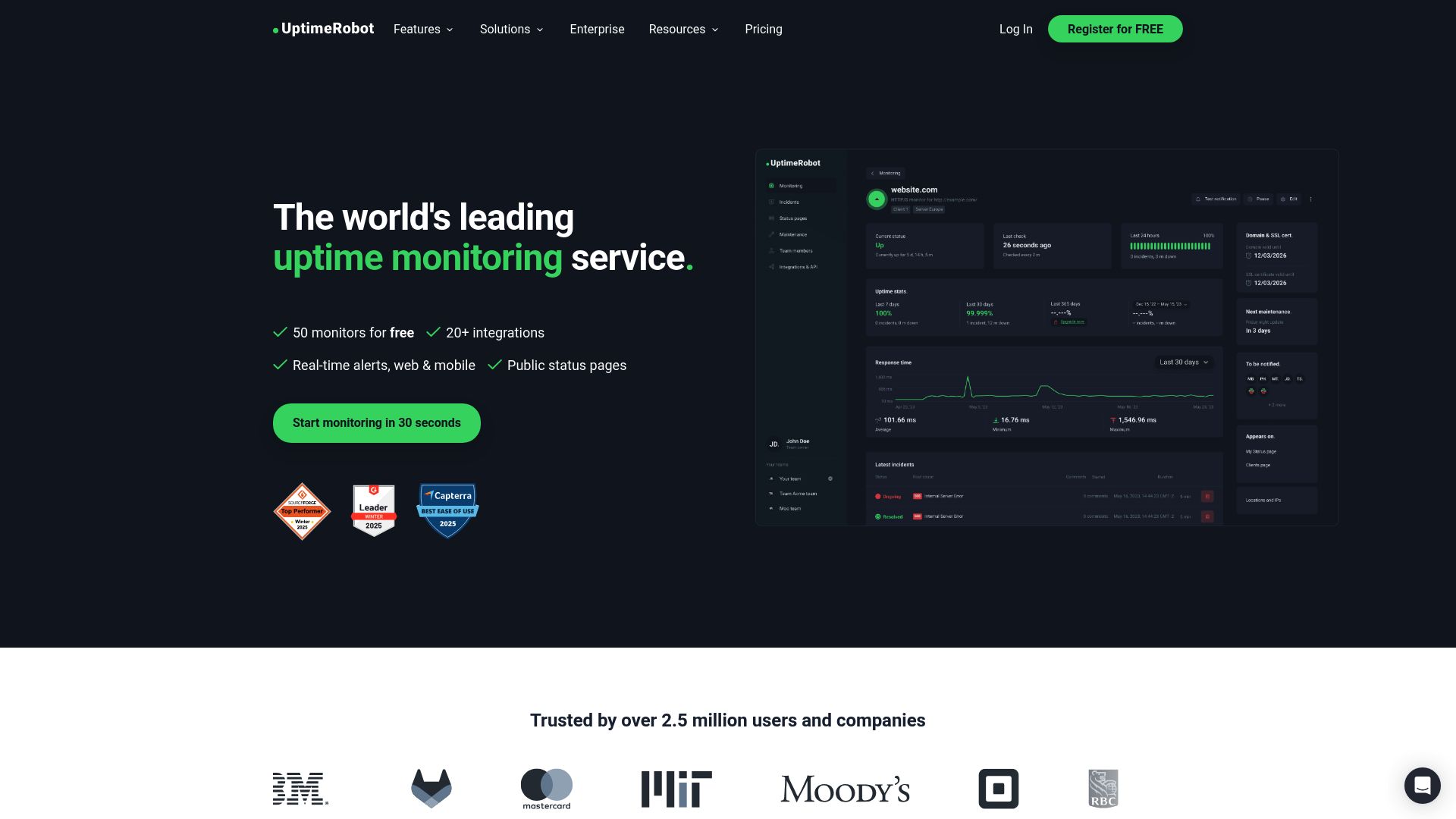
UptimeRobot has the most generous free monitor count at 50 monitors with 5 minute check intervals. That's enough to cover a large freelance portfolio without paying anything. The interface is straightforward and the setup takes minutes.
Important: Non-commercial restriction on the free plan
Since December 2024, UptimeRobot's free plan is limited to non-commercial use. If you're monitoring client websites as part of your freelance business, you technically need a paid plan. The Solo plan starts at $8/month for 10 monitors, and the Team plan is $34/month for 100 monitors.
On paid plans, UptimeRobot is solid but more expensive per monitor than some alternatives. SMS credits are a one-time welcome bundle that does not renew monthly, which can catch you off guard when the credits run out. Webhooks, Zapier, and PagerDuty integrations are locked behind the Team plan at $34/month.
- Free plan: 50 monitors, 5 min checks, 1 status page (non-commercial only)
- Solo ($8/month): 10 monitors, 1 min checks, 3 status pages
- Team ($34/month): 100 monitors, 1 min checks, 100 status pages, 3 login seats
- Best for: Freelancers with personal (non-commercial) projects, or those willing to pay $8+/month for commercial use
3. StatusCake (Best Free Plan for Commercial Use)
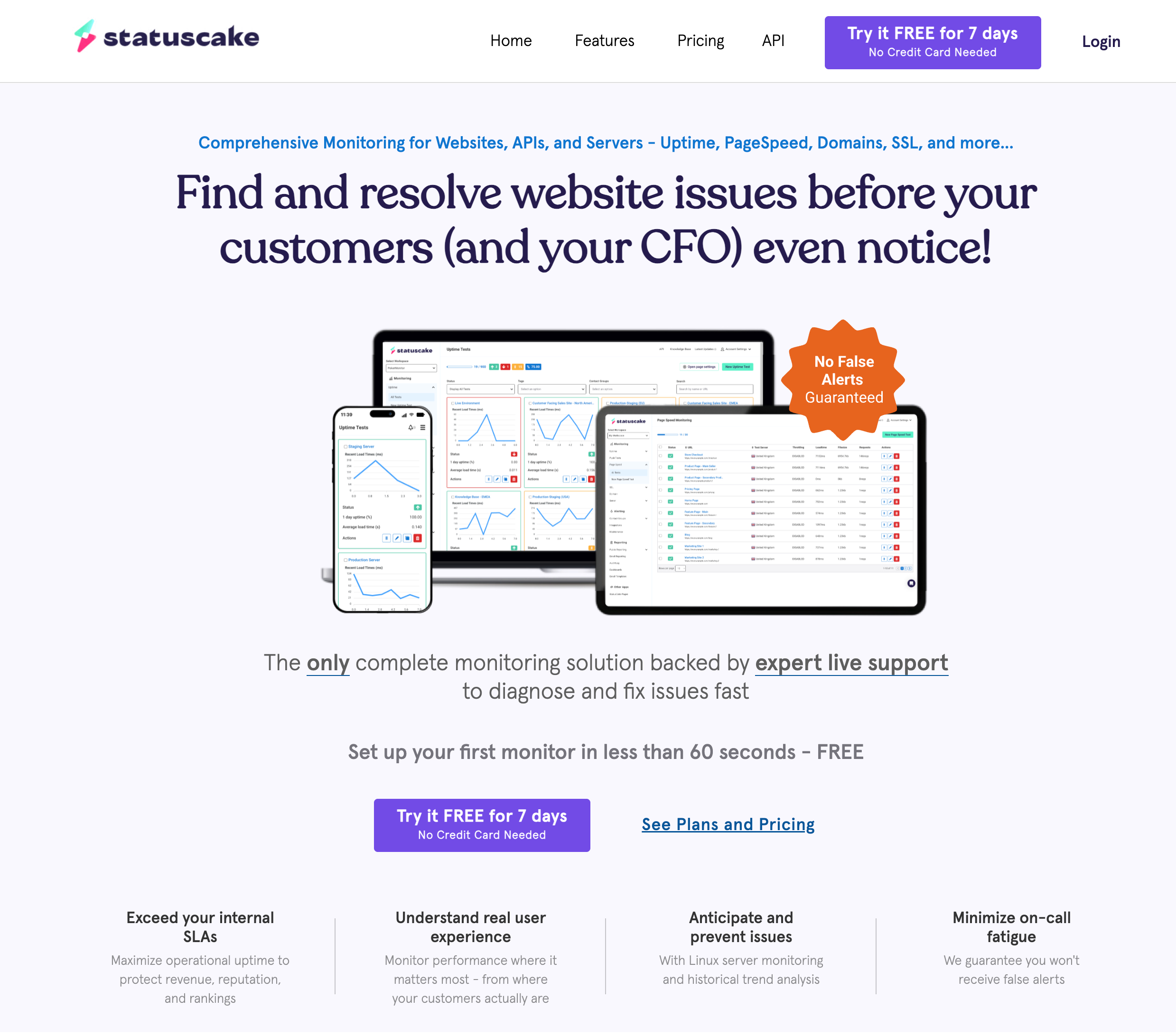
StatusCake's free plan allows commercial use with 10 monitors and 5 minute check intervals. It also includes SSL and domain monitoring (1 of each on free), plus Slack, Discord, and Telegram integrations at no cost. That's a strong free offering for freelancers who only need basic monitoring.
The main drawback is that status pages are sold as a separate product, not bundled with monitoring. If you want to share uptime dashboards with clients, you'll need to buy the status page add-on separately. The paid monitoring plans start at $24.49/month (Superior), which is a steep jump from free for freelancers on a tight budget.
- Free plan: 10 monitors, 5 min checks, 1 SSL monitor, Slack/Discord/Telegram included
- Superior ($24.49/month): 100 monitors, 1 min checks, 50 SSL monitors, 75 SMS credits
- Best for: Freelancers who need free commercial monitoring and already use Slack or Discord for client communication
4. HetrixTools (Best Free Check Interval)
HetrixTools gives freelancers 15 free monitors with 1 minute check intervals, which is the fastest free interval among hosted tools. It also includes unlimited status pages, blacklist monitoring, and a wide range of integrations (Slack, Discord, Telegram, PagerDuty) on the free plan.
The catch: the free plan requires you to log in every 90 days or your account gets deactivated. There are no SMS credits on the free tier (extra credits cost $0.20 each), and the interface feels more dated than newer competitors. Paid plans start at $9.95/month for 30 monitors.
- Free plan: 15 monitors, 1 min checks, unlimited status pages, Slack/Discord/Telegram
- Professional ($9.95/month): 30 monitors, 1 min checks, 25 SMS credits/month
- Best for: Freelancers who want fast check intervals on a free plan and don't mind a less polished interface
5. Pulsetic (Best Status Page Design)
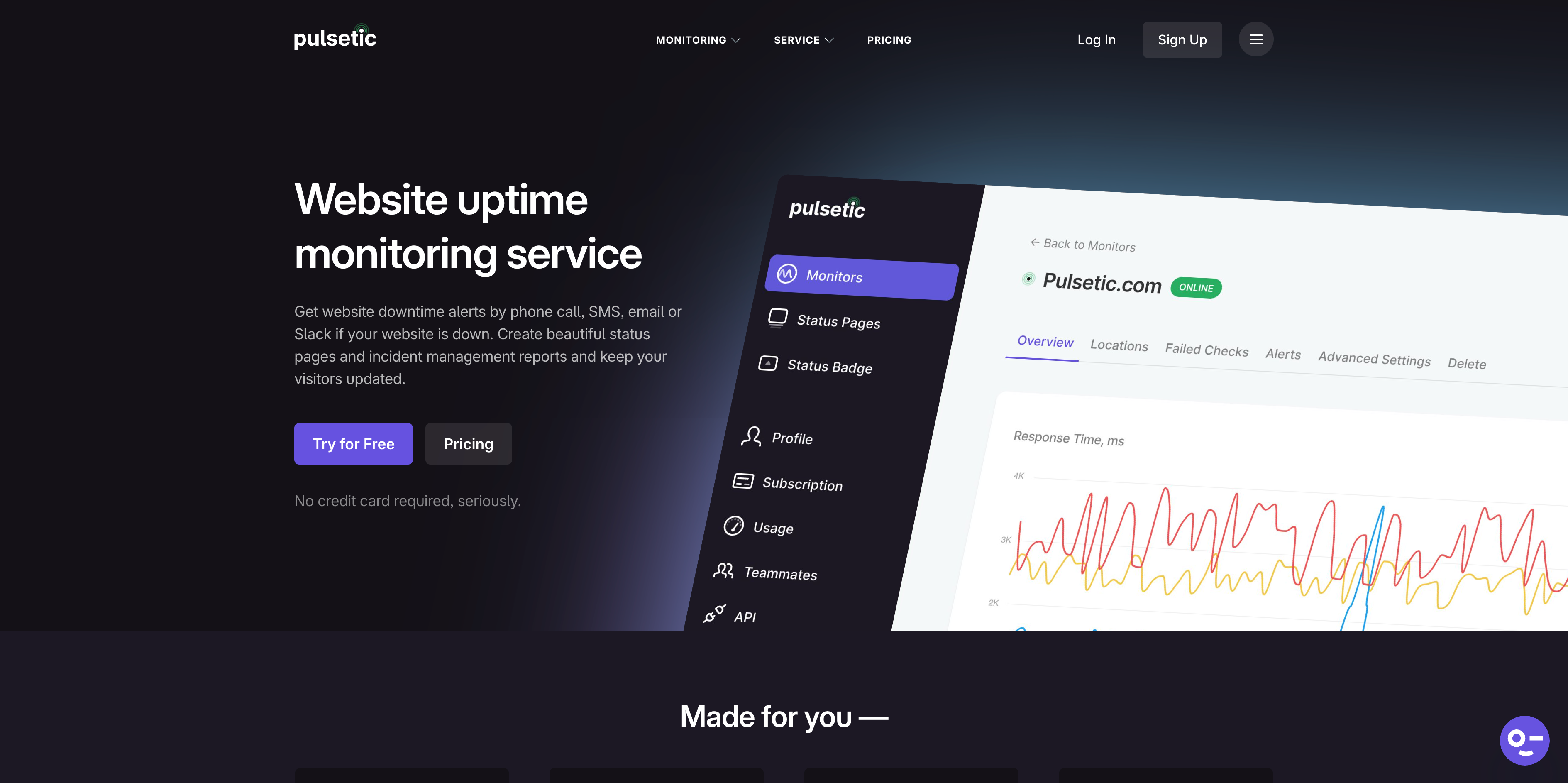
Pulsetic's strength is beautifully designed status pages. If impressing clients with a polished uptime dashboard matters to your freelance business, Pulsetic delivers. The free plan includes 10 monitors and 3 status pages.
The downside is that the free plan has no SMS, no phone alerts, no Slack, and only 5 minute check intervals with 3 monitoring regions. To get SMS and phone alerts, you need the Solo plan at $9/month (which still only gives you 10 monitors). That makes Pulsetic more expensive per monitor than most alternatives for freelancers who need more than basic email alerts.
- Free plan: 10 monitors, 5 min checks, 3 status pages, email only
- Solo ($9/month): 10+ monitors, 1 min checks, unlimited status pages, 30+ SMS/call alerts
- Best for: Freelancers who prioritize status page aesthetics and are willing to pay more for the design quality
6. Uptime Kuma (Best for Technical Freelancers)
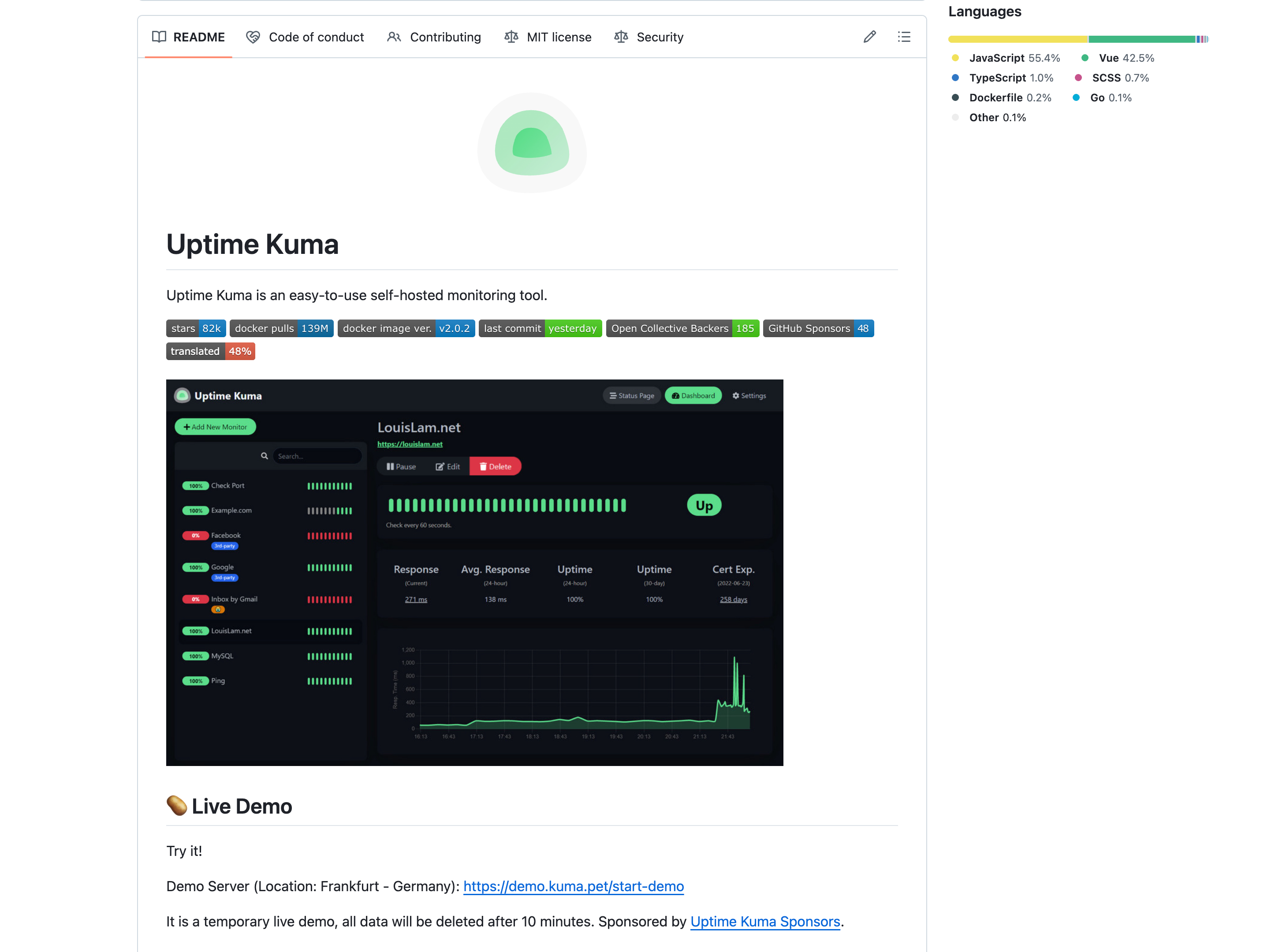
Uptime Kuma is free, open source, and self-hosted. You get unlimited monitors, unlimited status pages, and check intervals as low as 20 seconds. If you already have a VPS or spare server, the only cost is the server itself (typically $5 to $10/month).
The significant tradeoff: if your server goes down, your monitoring goes down with it. You also take on the maintenance burden of updates, security patches, and backups. There are no native SMS or phone call alerts (you'd need to configure third-party services like Telegram or Pushover). For technical freelancers who are comfortable with Docker and server administration, it's an excellent option. For everyone else, a hosted service saves time and provides more reliable alerting.
- Price: Free (you pay for your own server, typically $5 to $10/month)
- Monitors: Unlimited, 20 sec minimum interval
- Status pages: Unlimited
- Best for: Technical freelancers with a VPS who want total control and don't mind managing their own infrastructure
Note: Freshping has shut down
Freshping, which previously offered 50 free monitors with 1 minute checks, shut down permanently on March 6, 2026. All monitors, status pages, and historical data were deleted. If you were using Freshping, you'll need to migrate to one of the tools listed above.
Side-by-Side Comparison
| Tool | Free Monitors | Free Interval | Status Pages (Free) | SSL Monitoring | SMS/Phone (Free) | Commercial Use |
|---|---|---|---|---|---|---|
| Notifier | 10 | 5 min | 5 | All plans | Credits | Yes |
| UptimeRobot | 50 | 5 min | 1 | All plans | One-time bundle | No (free) |
| StatusCake | 10 | 5 min | 0 (separate product) | 1 free | No | Yes |
| HetrixTools | 15 | 1 min | Unlimited | All plans | No | Yes |
| Pulsetic | 10 | 5 min | 3 | All plans | No | Yes |
| Uptime Kuma | Unlimited | 20 sec | Unlimited | Built-in | Via integrations | Yes (self-hosted) |
Cost per Client Site: The Math That Matters
Freelancers should think about monitoring cost per client site, not just the monthly subscription. If you manage 10 client websites and want at least 2 monitors per client (homepage + one key page like checkout or contact), you need 20 monitors minimum.
Here's what each tool costs at that scale:
| Tool | Plan Needed (20 monitors) | Monthly Cost | Cost per Client (10 clients) | Includes Status Pages |
|---|---|---|---|---|
| Notifier | Solo | $4/month | $0.40/client | 10 pages |
| UptimeRobot | Team | $34/month | $3.40/client | 100 pages |
| StatusCake | Superior | $24.49/month | $2.45/client | Separate product |
| HetrixTools | Professional | $9.95/month | $1.00/client | Unlimited |
| Pulsetic | Solo + add-ons | $11/month | $1.10/client | Unlimited |
| Uptime Kuma | Self-hosted | ~$5 to $10 (server) | $0.50 to $1.00/client | Unlimited |
At $0.40 per client per month, Notifier is the most affordable hosted option. UptimeRobot's Solo plan only gives 10 monitors, so you'd need the Team plan at $34/month to cover 20 monitors, which is the most expensive option for this freelance use case. For a deeper look at budget monitoring tools, see our cheap uptime monitoring guide.
Using Status Pages as a Client Deliverable
A public status page is one of the most underused tools in a freelancer's toolkit. Instead of waiting for a client to ask "is my site working?", you can proactively share a live uptime dashboard that shows current status, response time, and incident history.
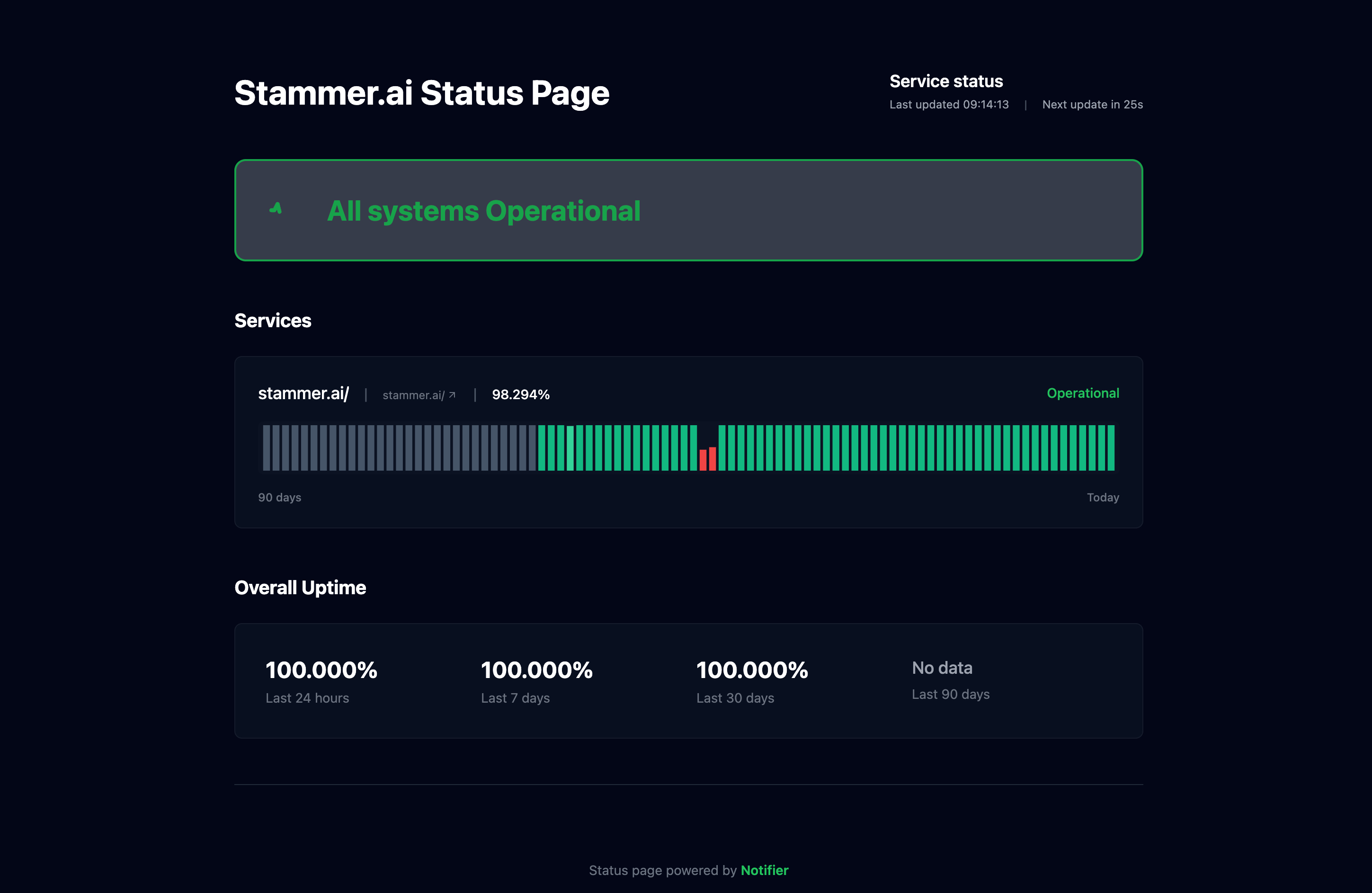
Here's why status pages are valuable for freelancers:
- Build trust: Sharing proactive uptime data shows clients you take their website seriously, even when nothing is wrong.
- Reduce support tickets: Clients can check the status page themselves instead of emailing you "is my site down?"
- Justify your rates: A monthly uptime report backed by real monitoring data demonstrates the value of ongoing maintenance retainers.
-
Custom domains: With Notifier's Solo plan ($4/month), you can set up status pages on custom domains like
status.clientsite.com, making it look like a native part of the client's infrastructure.
For a step-by-step walkthrough, see our guide on how to create a status page.
Setting Up Monitoring for Your Client Sites
Here's a practical walkthrough for setting up monitoring as a freelancer using Notifier.
Step 1: Create Your Account
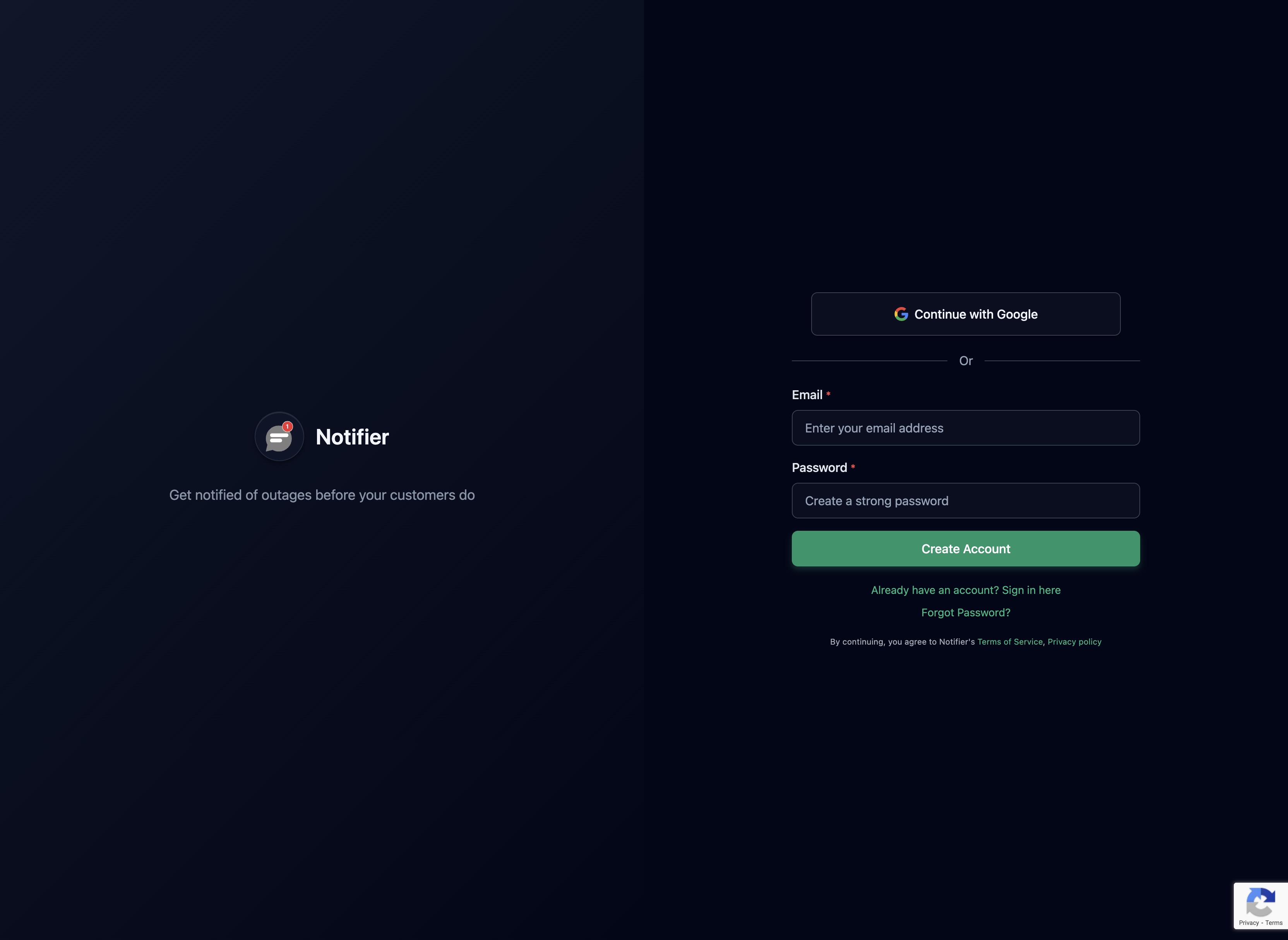
Sign up at notifier.so/register. The free plan gives you 10 monitors immediately. No credit card required.
Step 2: Add Monitors for Each Client

Use a consistent naming convention so your dashboard stays organized. For example: [Client Name] Homepage and [Client Name] Contact Page. This makes it easy to find monitors when you have 15+ entries and to remove all monitors when offboarding a client.
For each client, monitor at minimum:
- Homepage URL (the most visible page)
- One key conversion page (contact form, checkout, booking page)
- SSL certificate (automatically included with Notifier's HTTPS monitoring)
Step 3: Configure Alerts
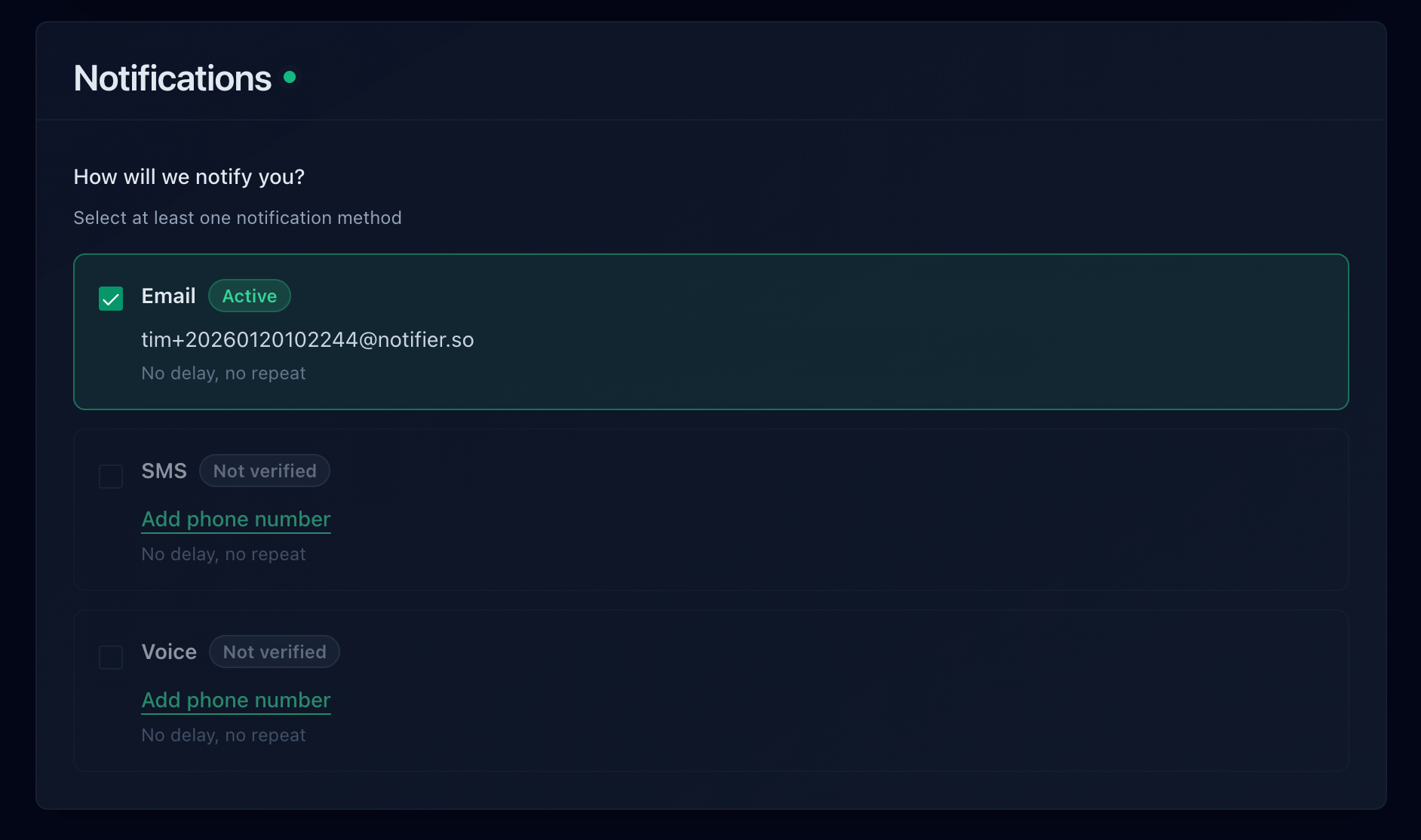
Set up email alerts as your baseline, then add SMS or Slack for your most important client sites. Notifier supports email, SMS, phone calls, and Slack alerts on all plans.
Step 4: Set Check Intervals
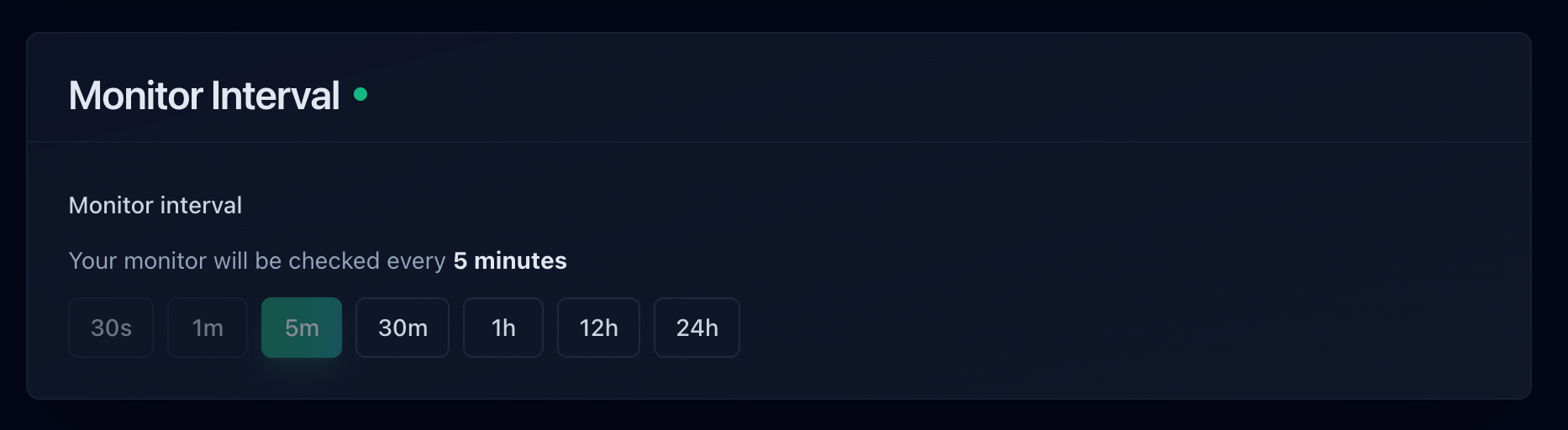
For most freelance client sites, 5 minute checks on the free plan are perfectly adequate. If a client has an e-commerce store or a high-traffic landing page, upgrade to 1 minute checks on the Solo plan. For more on choosing the right interval, see our guide on how to monitor website uptime.
Step 5: Create Client Status Pages
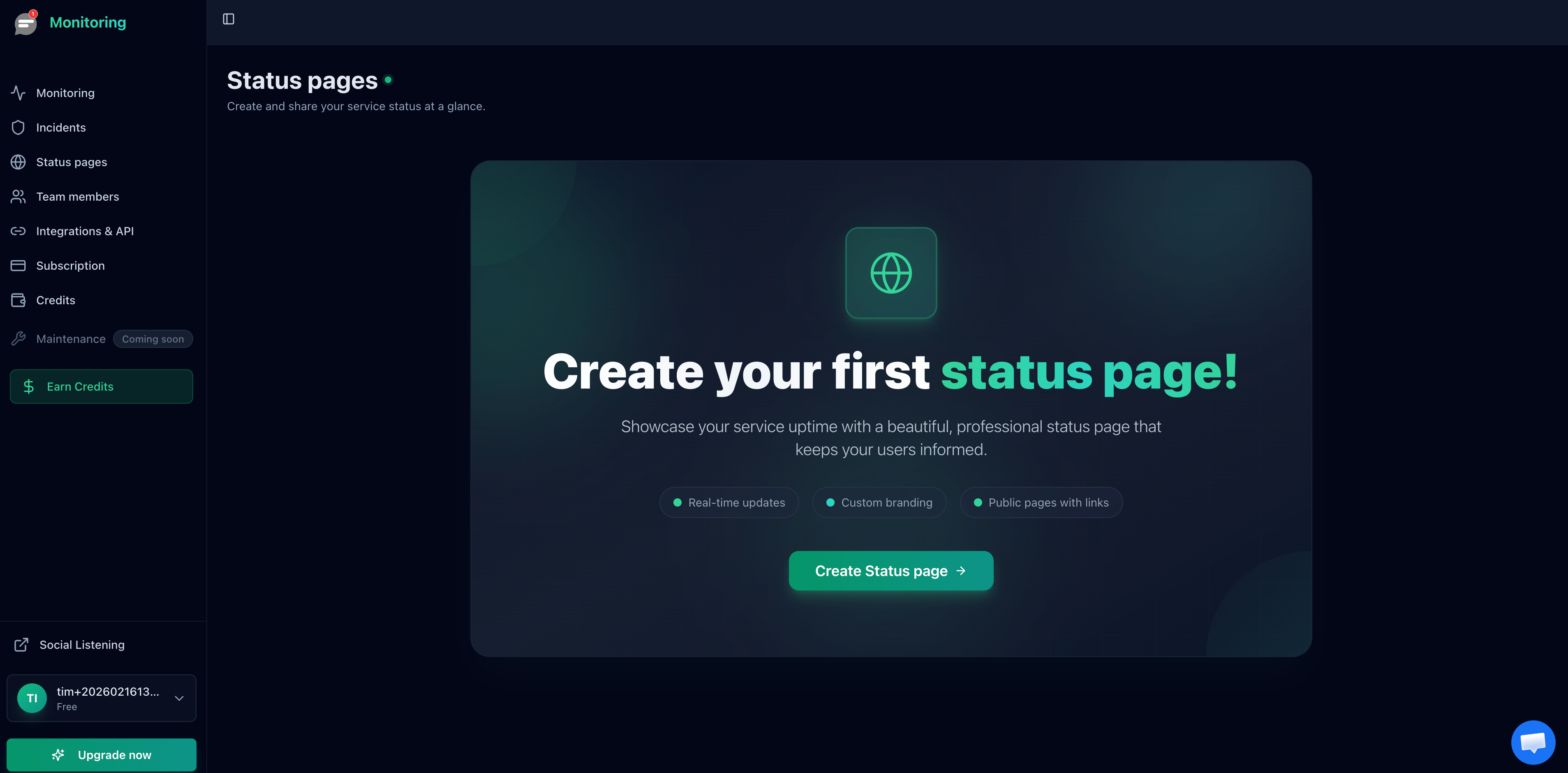
Create one status page per client, assign the relevant monitors, and share the URL. On the Solo plan, you can set up custom domains so each client gets a professional-looking status page at their own domain.
Alert Strategy for Solo Freelancers
As a solo freelancer, you can't have someone else take the call when you're busy. Your alert strategy needs to balance staying informed with avoiding burnout from notification noise.
Recommended alert setup for freelancers:
- All sites: Email alerts for every downtime and recovery event. This creates a paper trail you can reference with clients.
- Revenue-critical sites: Add SMS alerts for e-commerce stores, booking sites, or any client where downtime directly costs money. For more on SMS alerting, see our guide to monitoring with SMS alerts.
-
Slack (if you use it): Route all monitoring alerts to a dedicated
#monitoringchannel. This keeps alerts visible during work hours without cluttering your inbox. - Confirmation checks: Require 2 consecutive failures before alerting. This filters out false positives from brief network glitches and saves your sanity.
The goal is to know about problems fast enough to fix them before clients notice, without waking yourself up at 2 AM for a 30 second blip. For a full guide on alert channel setup, see our article on website downtime alerts.
Frequently Asked Questions
How many monitors do I need per client site?
At minimum, 2 per client: the homepage and one key conversion page (contact form, checkout, or booking page). If the client has a WordPress site, consider adding a third monitor for /wp-admin/ to catch WordPress-specific failures. SSL monitoring is typically included automatically with HTTPS monitoring, so it doesn't use an extra monitor slot.
Should I charge clients for monitoring?
Many freelancers include monitoring as part of a monthly maintenance retainer. If you charge $50 to $200/month for site maintenance and updates, monitoring is a natural addition that costs you $0.40 to $2 per client per month depending on the tool. It adds real value and gives you data to justify the retainer in monthly reports.
Can I use UptimeRobot's free plan for client sites?
Not for commercial purposes. Since December 2024, UptimeRobot's free plan is restricted to non-commercial use. Monitoring client websites as part of a paid freelance service qualifies as commercial use, so you'd need a paid plan ($8/month minimum) or a different tool. Notifier and StatusCake both allow commercial use on their free plans.
Do I need monitoring if the client uses managed hosting?
Yes. Managed hosting providers monitor their infrastructure, but they don't monitor your specific site for theme conflicts, plugin crashes, SSL renewal failures, or DNS misconfigurations. External monitoring catches problems that hosting providers can't see. For more context, see our guides on WordPress uptime monitoring and Squarespace uptime monitoring.
What check interval is right for freelance client sites?
5 minute checks are fine for most brochure and portfolio sites. For e-commerce stores or sites where downtime directly costs the client money, use 1 minute checks. 30 second checks are only worth the cost for high-traffic stores during critical periods like product launches or sales events.
Is self-hosted monitoring (Uptime Kuma) worth the effort?
Only if you already have a server and are comfortable with Docker and ongoing maintenance. The biggest risk is that self-hosted monitoring goes down when your server goes down, leaving you blind at the worst possible time. For most freelancers, a hosted service at $4 to $10/month is a better investment of your time. See our Uptime Kuma vs UptimeRobot comparison for a deeper look at this tradeoff.
