At a Glance
- •Most free monitoring tools only send email alerts. SMS and phone call notifications require a paid plan on nearly every platform.
- •UptimeRobot gives a one-time bundle of SMS credits that do not renew monthly. Pingdom includes SMS credits per tier but has no phone call option.
- •Better Stack limits free users to email and Slack only. StatusCake and HetrixTools use per-message credit systems on paid plans.
- •Notifier includes SMS and phone call alerts on all plans (including free) through a credit system, with paid plans starting at $4/month.
Email alerts are fine until you are asleep, in a meeting, or away from your desk. When your website goes down at 2 AM, an email sitting in your inbox does nothing. SMS and phone call alerts cut through the noise and reach you instantly, no matter where you are.
The problem is that most monitoring tools either lock SMS behind expensive plans, use confusing credit systems, or skip phone call alerts entirely. This guide compares the top uptime monitoring tools that offer SMS and phone call notifications, breaks down what each one actually costs, and ranks them by value so you can pick the right one.
Why SMS and Phone Call Alerts Matter
The average person checks email a few times per hour. A text message gets read within three minutes. A phone call gets answered immediately. For critical websites, that difference in response time translates directly to revenue and reputation.
| Alert Channel | Typical Response Time | Best For |
|---|---|---|
| 15 to 60 minutes | Non-urgent notifications, audit trail | |
| Slack / Teams | 5 to 30 minutes | Team visibility during work hours |
| SMS | 1 to 3 minutes | After hours, critical sites, on-call |
| Phone call | Immediate | Revenue-critical outages, overnight |
The ideal setup uses multiple channels together. Email and Slack provide a record and team visibility. SMS escalates when something needs immediate attention. Phone calls are the last resort for outages that absolutely cannot wait. For more on configuring effective alert strategies, see our website downtime alerts guide.
7 Best Uptime Monitoring Tools With SMS and Phone Alerts
1. Notifier (Best Overall Value)
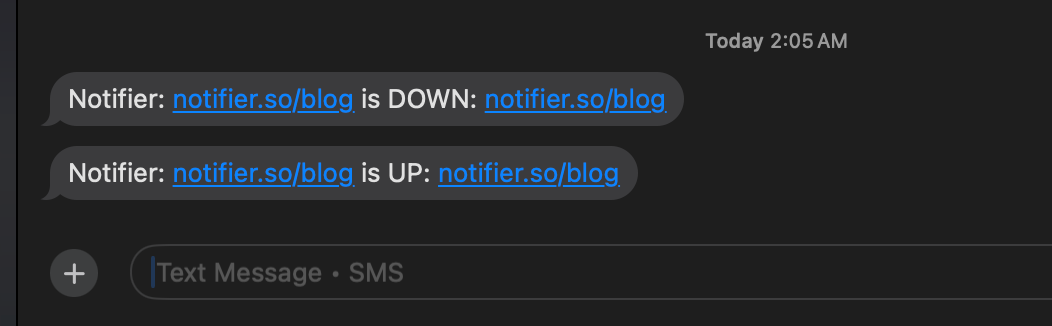
Notifier is the only monitoring tool that makes SMS and phone call alerts available on every plan, including the free tier. There is no waiting for a paid upgrade to get a text when your site goes down.
Alerts use a credit system: you purchase credits and spend them on SMS or phone call notifications. This keeps the base plan prices low while giving you full control over how you receive alerts. The free plan includes 10 monitors, 5 status pages, and SSL certificate monitoring at no cost.
Notifier highlights:
- SMS and phone call alerts on all plans (free, Solo, Team, Enterprise)
- Paid plans from $4/month (Solo: 20 monitors, 1 minute checks)
- Slack integration on all plans including free
- Status pages with custom domains on all paid plans
- SSL certificate monitoring included free
- Real human support with response times often measured in minutes
2. UptimeRobot (Largest Free Monitor Count)
UptimeRobot offers 50 monitors on its free plan with SMS and voice call alerts available on all tiers. The catch: SMS credits are a one-time welcome bundle. They do not renew each month. Once you burn through your initial credits, you need to buy more at $3 for 10 credits or $15 for 100 credits.
Commercial use restriction
Since December 2024, UptimeRobot's free plan is limited to personal, non-commercial use. Business websites, client projects, and revenue-generating sites require a paid plan starting at $8/month. Open-source, educational, and nonprofit projects are exempt.
UptimeRobot SMS details:
- SMS: 1 credit per message (2 credits in some countries like Germany and Japan)
- Voice calls: 2 credits per call
- Extra credits: 10 for $3, 100 for $15, 500 for $55
- Auto-refill available when credits drop to 25
- No native phone call alerts (voice calls use the same credit system as SMS)
3. Better Stack (Best for Incident Management)
Better Stack (formerly Better Uptime) bundles monitoring with incident management, on-call scheduling, and status pages. The free tier includes unlimited phone calls for a single responder, which sounds generous. But the free plan only supports email and Slack for general alert delivery. SMS notifications require a paid plan.
The pricing model is component-based: you pay per responder ($34/month), per block of monitors ($25 for 50), and per status page ($12 to $15 each). For a small team with 50 monitors and 2 responders, expect to pay around $79/month. That is significantly more than simpler tools, but it includes built-in on-call rotation and escalation policies. For a detailed breakdown, see our Better Stack alternatives guide.
4. Pingdom (Established Brand, No Phone Calls)
Pingdom includes SMS credits with every tier (50 credits on the base $15/month plan, scaling up from there). The SMS delivery is reliable and fast. However, Pingdom does not offer native phone call alerts at all. If you need a voice call to wake you up at 3 AM, Pingdom cannot do it without third-party workarounds.
Pingdom also has no free plan. The entry point is $15/month (annual) or $10/month (annual) for 10 monitors. For teams that need transaction monitoring or real user monitoring (RUM), Pingdom remains a solid choice. For teams that primarily need uptime checks with SMS alerts, there are more affordable options. See our Pingdom alternatives guide for a full comparison.
5. StatusCake (SMS on Paid Plans Only)
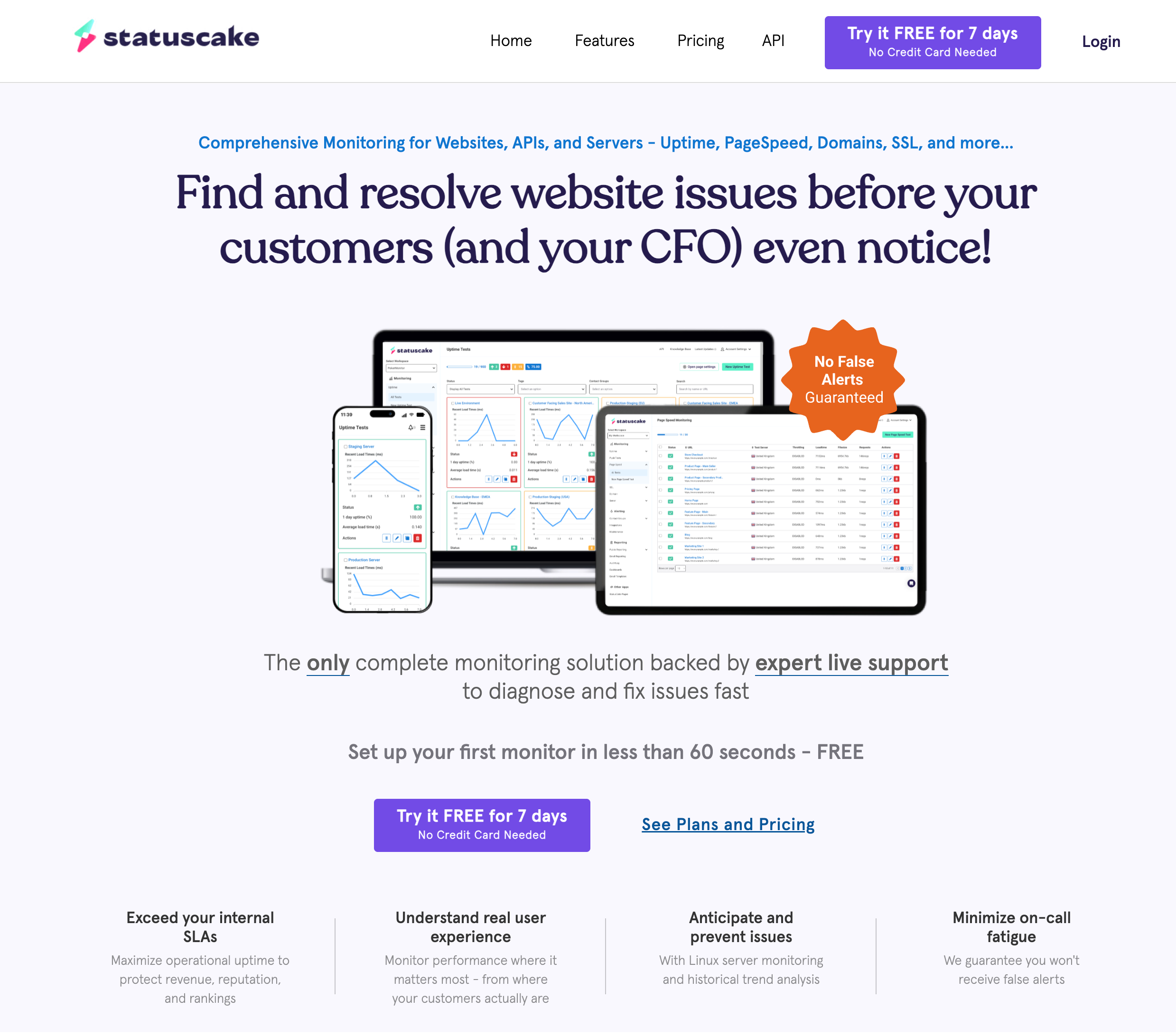
StatusCake provides SMS credits on paid plans: 75 credits per month on the Superior plan ($24.49/month) and 500 credits on the Business plan ($79.99/month). The free plan gets zero SMS credits and no phone call option. Status pages are also sold separately as a different product, which adds to the total cost.
StatusCake does integrate with PagerDuty, OpsGenie, and Slack on all plans, which can act as a workaround for phone call alerts if you already pay for those incident management tools. For a head-to-head comparison with another popular budget option, check our StatusCake vs UptimeRobot guide.
6. HetrixTools (Generous Free Monitors, No Free SMS)
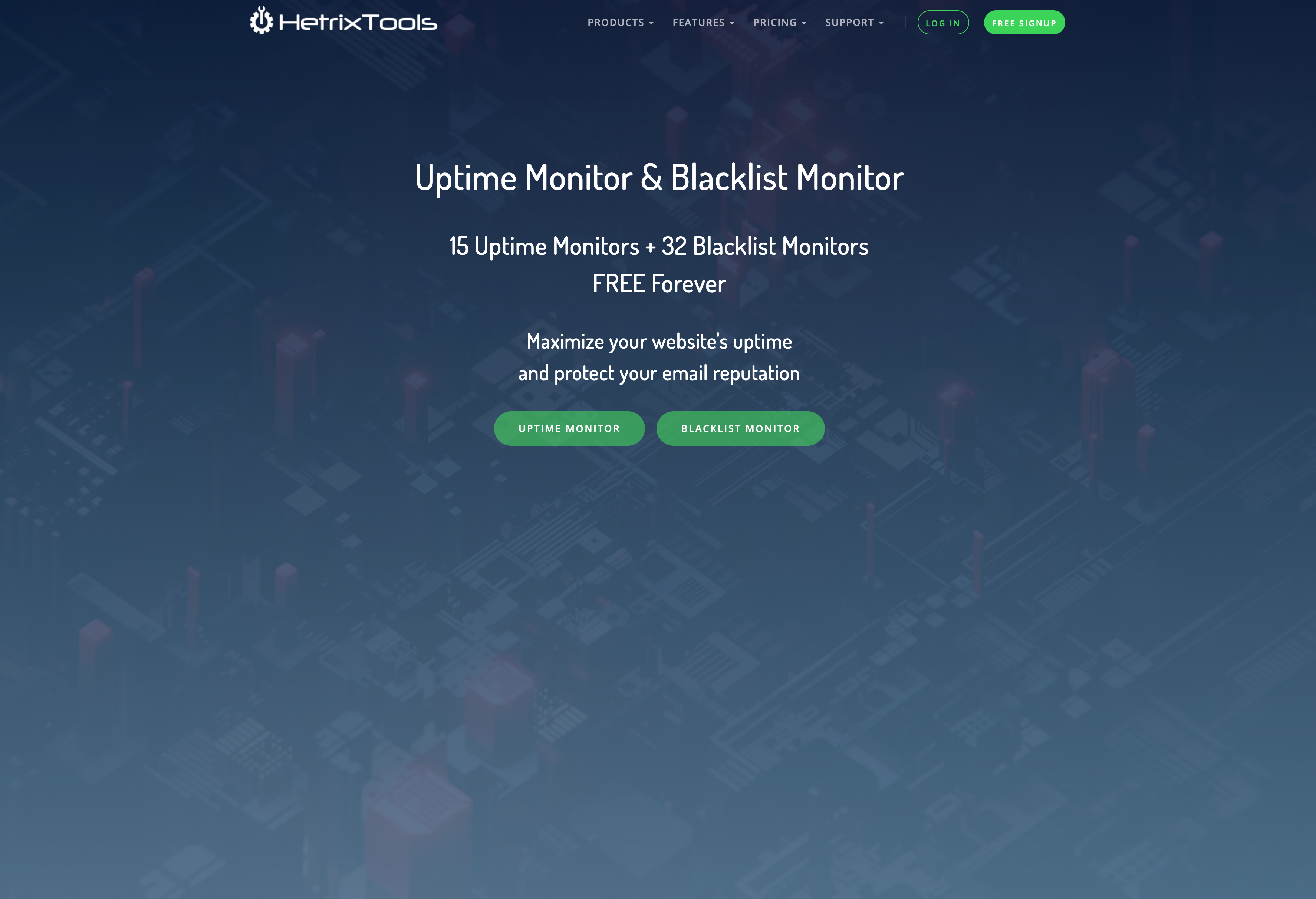
HetrixTools offers 15 free monitors with 1-minute check intervals, which is genuinely competitive. SMS and phone call credits start on the Professional plan at $9.95/month with 25 monthly credits. Extra credits cost $0.12 to $0.20 each depending on your plan tier.
The free plan gets zero SMS or phone credits, though it does include a wide range of other alert channels: Slack, Discord, Telegram, Microsoft Teams, Google Chat, PagerDuty, and webhooks. If you are comfortable relying on those channels, HetrixTools is a strong free option. For SMS specifically, you will need a paid plan. See our HetrixTools vs UptimeRobot comparison for more details.
7. Pulsetic (SMS Included on Paid Plans)
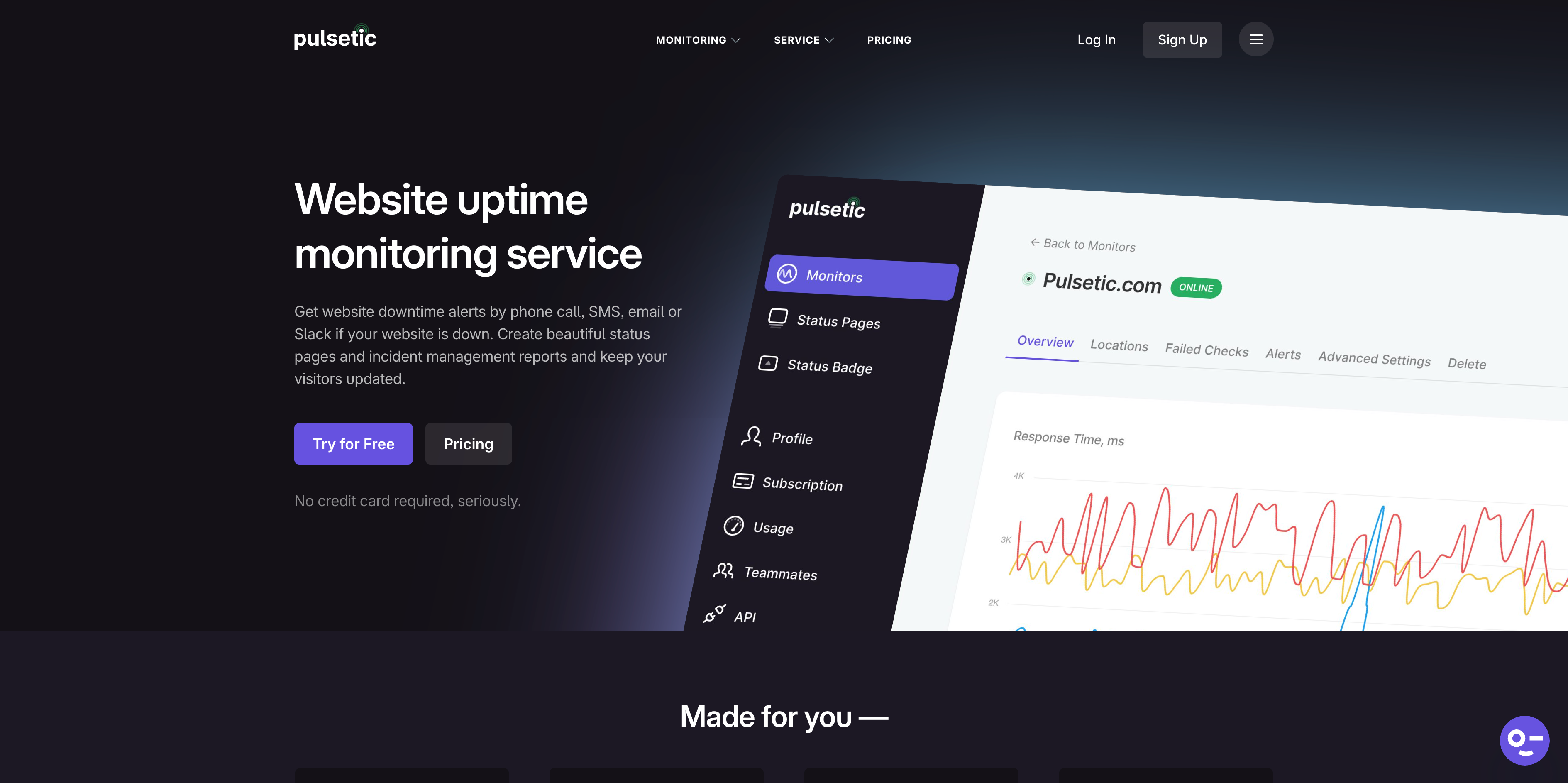
Pulsetic includes SMS and phone call alerts on all paid plans: 30+ on the Solo plan ($9/month), 100+ on Team ($19/month), and 200+ on Organization ($49/month). Additional alerts beyond the included amount cost $0.10 each. The free plan has no SMS or phone call option.
Pulsetic's real strength is status pages. Built by Designmodo, a design-focused company, their status pages are visually polished and highly customizable. If status page design is a priority and you also need SMS alerts, Pulsetic is worth considering. See our Pulsetic vs UptimeRobot comparison for a deeper look.
SMS and Phone Alert Comparison Table
| Tool | SMS on Free Plan | Phone Calls | Cheapest Plan With SMS | SMS Credit Model | SSL Monitoring |
|---|---|---|---|---|---|
| Notifier | Yes (credits) | Yes (all plans) | Free ($0) | Purchase credits, use on demand | Free (all plans) |
| UptimeRobot | Yes (one-time credits) | Yes (voice credits) | Free ($0)* | One-time bundle, does not renew | Yes |
| Better Stack | No | Free (1 responder only) | ~$34/mo (per responder) | Included with paid responder | Yes |
| Pingdom | No free plan | No | $10/mo (annual) | 50 to 400 credits per tier | Yes |
| StatusCake | No | No (via PagerDuty) | $24.49/mo | 75 to 500 credits/month | Yes (paid) |
| HetrixTools | No | Yes (paid plans) | $9.95/mo | 25 to 125 credits/month + extras | Yes |
| Pulsetic | No | Yes (paid plans) | $9/mo | 30 to 200+ included, $0.10 extra | Yes |
* UptimeRobot free plan is limited to non-commercial, personal use only.
How SMS Credit Systems Work
Most monitoring tools use some form of credit system for SMS and phone call alerts. Understanding the differences helps you avoid surprise costs.
One-Time Credits (UptimeRobot)
UptimeRobot gives you a bundle of SMS credits when you sign up or upgrade. These do not renew. Once they run out, you buy more in packs: 10 credits for $3, 100 for $15, or 1,000 for $100. Each SMS costs 1 credit in most countries (2 in some regions like Germany and Japan). Voice calls cost 2 credits. This model is simple but can be confusing since many users assume credits are monthly.
Monthly Credit Allotment (StatusCake, HetrixTools)
StatusCake and HetrixTools include a set number of SMS credits each month with paid plans. StatusCake gives 75 credits on Superior ($24.49/month) and 500 on Business ($79.99/month). HetrixTools gives 25 on Professional ($9.95/month) and scales to 125 on Enterprise ($49.95/month). Extra credits cost $0.12 to $0.20 each depending on the platform and plan.
Included Alerts (Pulsetic)
Pulsetic includes a set number of SMS and phone call alerts per month with each paid plan (30+ on Solo, 100+ on Team). Going over costs $0.10 per alert. This is the most predictable model since you know exactly how many alerts you get each month.
Purchase Credits (Notifier)
Notifier uses a credit purchase system. You buy credits when you need them and spend them on SMS or phone call alerts. This keeps the base subscription price low (starting at $4/month for Solo) while still giving you access to every alert channel from day one. Credits are available on all plans including free.
Alert Speed: Check Interval Matters More Than You Think
The SMS delivery itself is near-instant on all platforms. The real delay is in the check interval. If your monitor checks every 5 minutes, you could be down for up to 5 minutes before the first check even detects a problem. Then add confirmation checks (most tools require 2 to 3 consecutive failures before alerting) and you are looking at 10 to 15 minutes before that SMS arrives.
| Tool | Fastest Check Interval | Plan Required | Monthly Cost |
|---|---|---|---|
| Notifier | 30 seconds | Team | $19/mo |
| UptimeRobot | 30 seconds | Enterprise | $64/mo |
| StatusCake | 30 seconds | Business | $79.99/mo |
| Pulsetic | 30 seconds | Team | $19/mo |
| Pingdom | 1 minute | All tiers | $10/mo (annual) |
| HetrixTools | 1 minute | All plans (incl. free) | $0 |
| Better Stack | 30 seconds | Paid (per responder) | ~$34/mo |
For the fastest possible SMS alerts, you need both a short check interval and SMS capability on the same plan. Notifier offers 30-second checks with SMS alerts on the Team plan at $19/month. UptimeRobot requires the $64/month Enterprise plan for the same check speed. For a deeper look at how check intervals affect detection time, see our response time monitoring guide.
How to Set Up SMS and Phone Call Alerts With Notifier
Getting SMS and phone call alerts working takes about two minutes. Here is the process step by step.
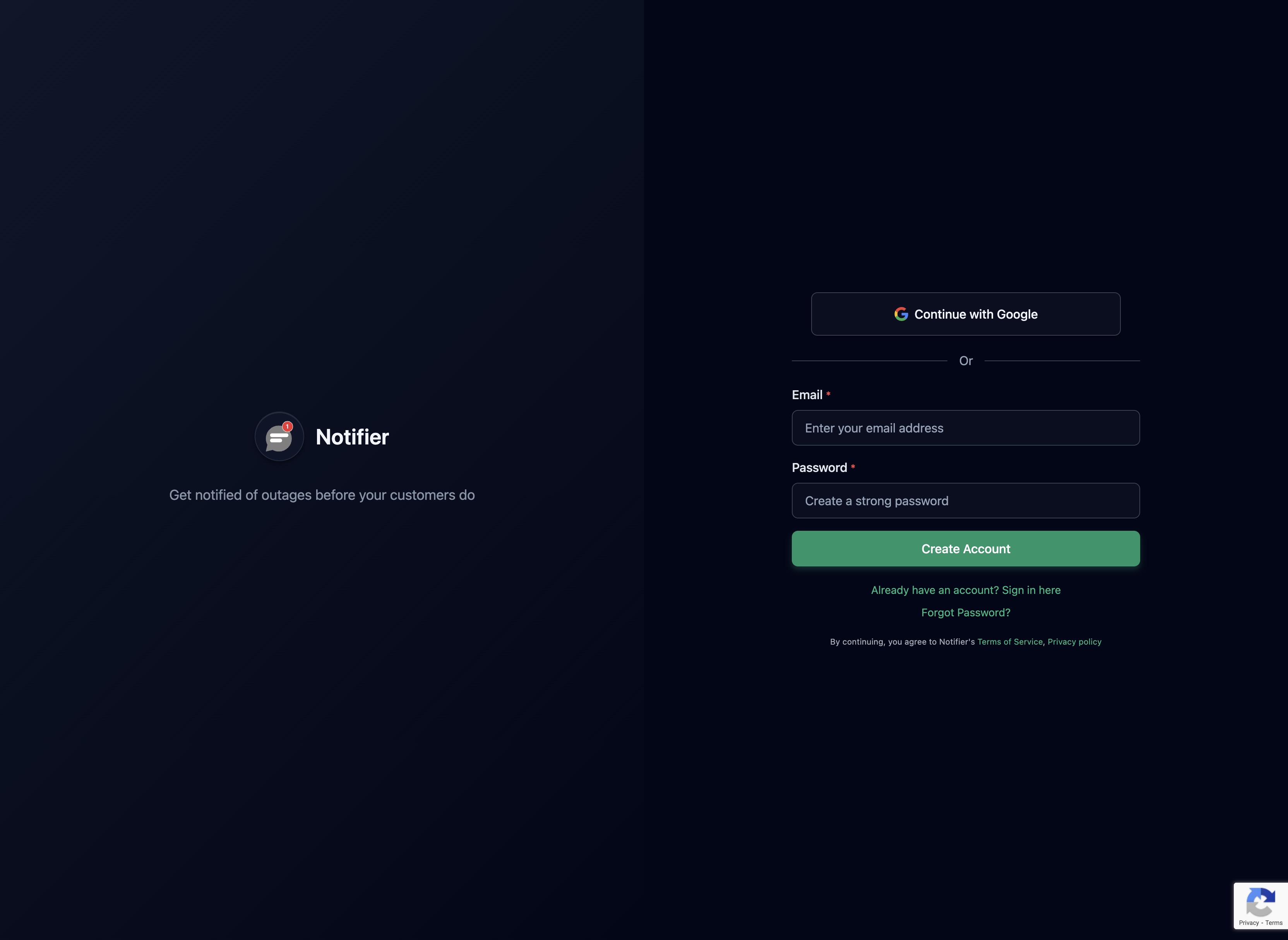
Step 1: Create an Account
Sign up at notifier.so/register. No credit card required for the free plan.
Step 2: Add Your First Monitor
Enter the URL you want to monitor. Notifier supports HTTP/HTTPS websites, DNS records, and API endpoints.

Step 3: Configure Notification Channels
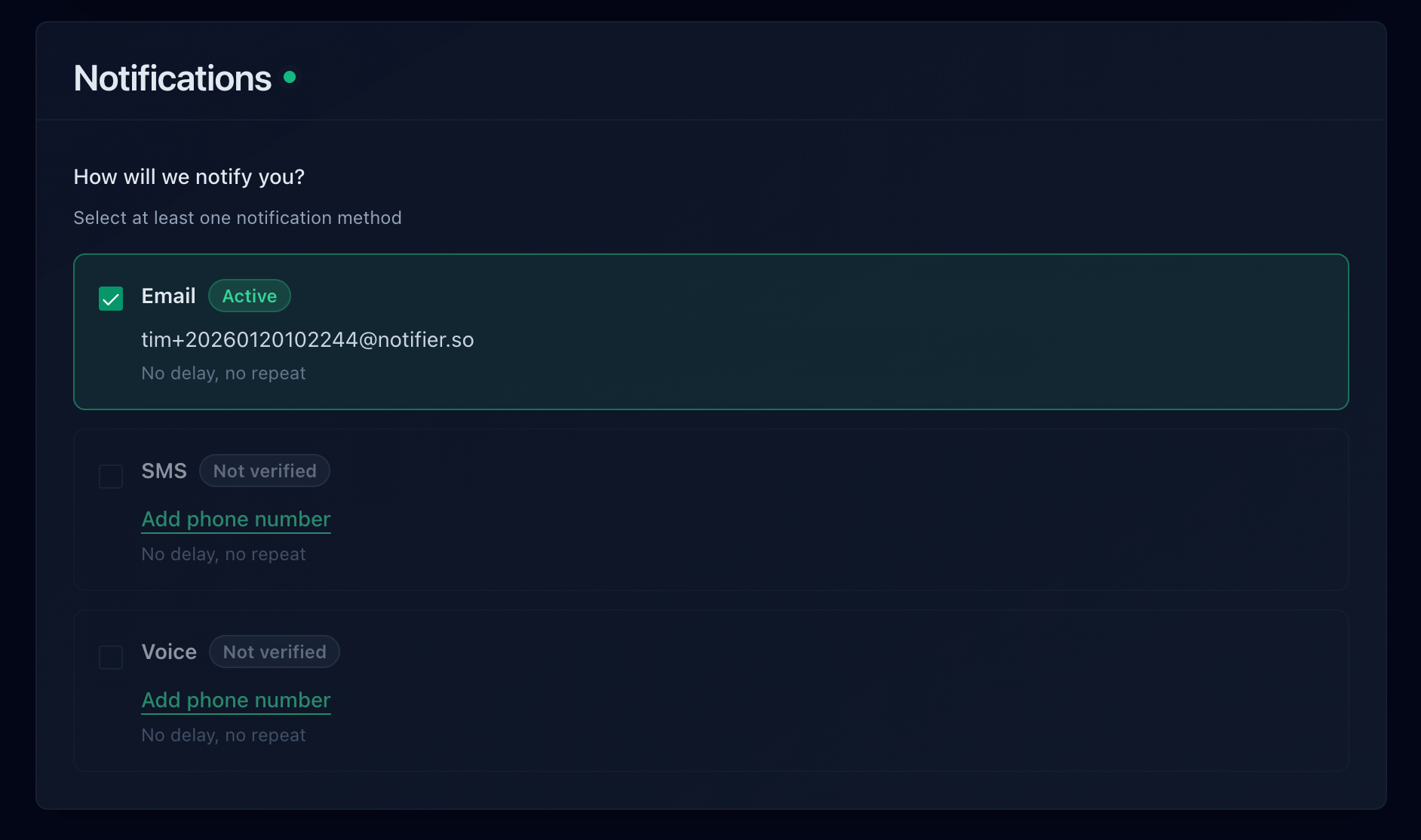
Select your alert channels. Enable SMS, phone call, email, or Slack notifications for the monitor. You can mix and match channels per monitor, sending email alerts for lower-priority sites and SMS for critical ones.
Step 4: Set Your Check Interval
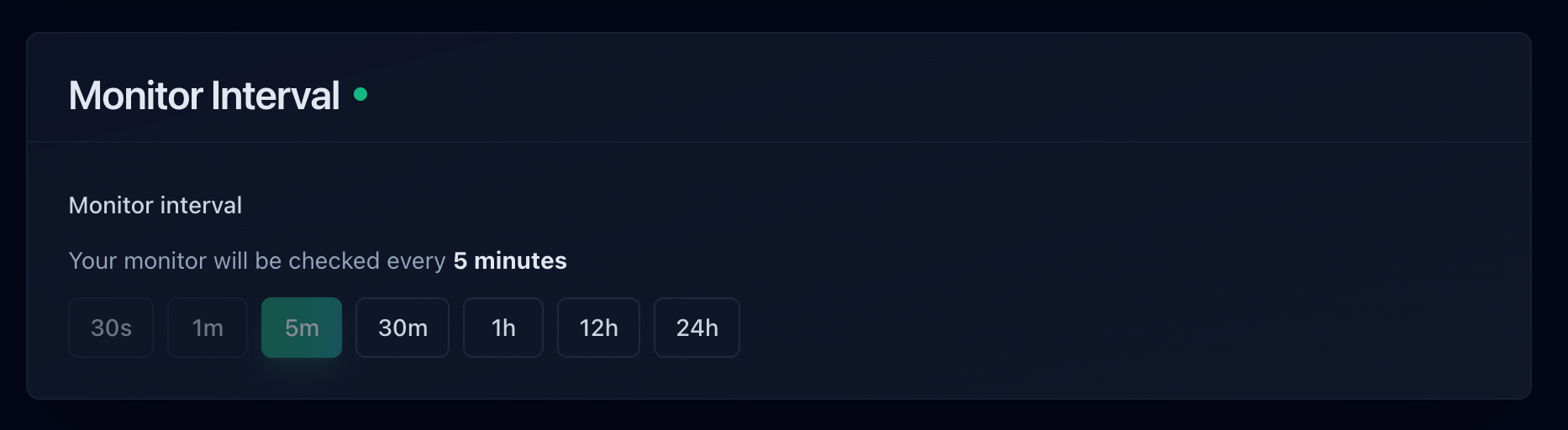
Choose how frequently Notifier checks your site. The free plan checks every 5 minutes, Solo checks every 1 minute, and Team/Enterprise check every 30 seconds. For critical sites where fast SMS alerts matter most, the 30-second interval catches issues the fastest.
Step 5: Test Your Alerts
Use the Test Notification button on any monitor to verify your SMS and phone call alerts are working. This sends a test alert through all your configured channels so you can confirm delivery before a real outage occurs.

That is it. Your monitor is live and will send you an SMS or phone call the moment something goes wrong. For a complete walkthrough including status page setup, see our website monitoring setup guide.
Who Actually Needs SMS and Phone Call Alerts?
Not every website needs SMS alerts. Here is a quick guide to matching alert channels with your actual needs.
E-commerce stores
Every minute of downtime is lost revenue. SMS and phone call alerts are essential, especially during peak traffic periods like product launches and seasonal sales. For a full guide on monitoring online stores, see our e-commerce monitoring guide.
SaaS applications
Your customers expect uptime guarantees backed by SLAs. An outage you find out about 30 minutes late can trigger SLA credits and erode trust. SMS alerts with fast check intervals protect both your revenue and your reputation. See our SaaS monitoring guide for recommendations.
Agencies managing client sites
When a client's site goes down, they expect you to know before they do. SMS alerts let you respond proactively instead of learning about the outage from an angry email. Check our agency monitoring guide for workflow tips.
Solo developers and freelancers
If you are the only person responsible for a site, there is no team to catch what you miss. A phone call at 3 AM is your safety net. The cost of a few SMS credits per month is nothing compared to hours of undetected downtime.
Personal blogs and portfolios
Email alerts are usually sufficient. Downtime on a personal site is annoying but rarely costly. Save your SMS credits for production infrastructure and revenue-generating properties.
Frequently Asked Questions
Which monitoring tool has the cheapest SMS alerts?
Notifier offers the lowest entry point for SMS alerts: $0/month on the free plan with a credit purchase system. For paid plans with SMS included, Notifier's Solo plan at $4/month is the cheapest. Pulsetic's Solo plan at $9/month includes 30+ SMS/phone alerts. UptimeRobot's paid plans start at $8/month with one-time (non-renewing) credits.
Do any monitoring tools offer unlimited SMS alerts?
No mainstream monitoring tool offers truly unlimited SMS alerts. SMS delivery has a real per-message cost, so every tool either uses credits, includes a fixed number per month, or charges per message. Better Stack includes unlimited phone calls for one responder on the free tier, but that applies to phone calls only, not SMS.
Can I get phone call alerts with a free monitoring plan?
Notifier makes phone call alerts available on the free plan through its credit system. Better Stack offers unlimited phone calls for a single responder on the free tier, though general SMS alerts require a paid plan. Most other tools restrict phone call notifications to paid plans.
How many SMS credits do I actually need per month?
It depends on how often your sites go down and how many monitors you have. A well-maintained site might generate 1 to 3 alerts per month (including recovery notifications). If you monitor 10 sites and each averages 2 incidents per month with both down and up alerts, that is roughly 40 SMS messages. Most credit systems handle this comfortably on their base allocations.
Should I use SMS or Slack for monitoring alerts?
Use both. Slack is excellent for team visibility during work hours since everyone sees the alert and can coordinate a response. SMS is essential for after-hours alerts when nobody is checking Slack. The best setup sends all alerts to Slack for the team record and escalates to SMS for critical monitors or when an incident is not acknowledged within a few minutes. See our Slack alerts guide for setup instructions.
Does Pingdom offer phone call alerts?
No. Pingdom supports email, SMS, Slack, and webhooks for alert delivery, but does not offer native phone call alerts. If you need voice calls, you would need to integrate Pingdom with a third-party service like PagerDuty or Opsgenie, which adds cost and complexity.
