At a Glance
- •Many teams need both uptime monitoring and a public status page, but buying separate tools doubles the cost and creates sync headaches.
- •Status pages with custom domains (e.g., status.yourcompany.com) look far more professional than generic subdomains and build trust with customers during outages.
- •Notifier includes status pages with custom domain support on all paid plans starting at $4/month, which is the lowest price for this combination among hosted tools.
- •Free tiers vary widely: Notifier offers 5 status pages free, Pulsetic offers 3, Better Stack offers 1, and StatusCake offers none.
- •Self-hosted Uptime Kuma gives you unlimited status pages for free, but you lose the reliability of external monitoring since your monitor goes down with your server.
You need uptime monitoring. You also need a status page. Buying them separately means two bills, two dashboards, and manual work keeping them in sync. The better approach is a single tool that does both.
This guide compares the best uptime monitoring tools that include built-in status pages, ranked by value, features, and how well the status page actually works. We tested each one so you can pick the right fit without signing up for six free trials.
Why You Want Monitoring and Status Pages in One Tool
Separate monitoring and status page tools create three problems:
- Manual updates during outages. When your site goes down at 2 AM, the last thing you want is to log into a second tool to update your status page. With a combined tool, the status page updates automatically when a monitor detects downtime.
- Double the cost. Standalone status page tools like Statuspage by Atlassian start at $29/month. Add monitoring on top and you are paying $40+ monthly for something a single tool handles for under $10.
- Data mismatch. If your monitoring tool says 99.95% uptime but your status page shows three incidents this month, customers notice the inconsistency. One tool, one source of truth.
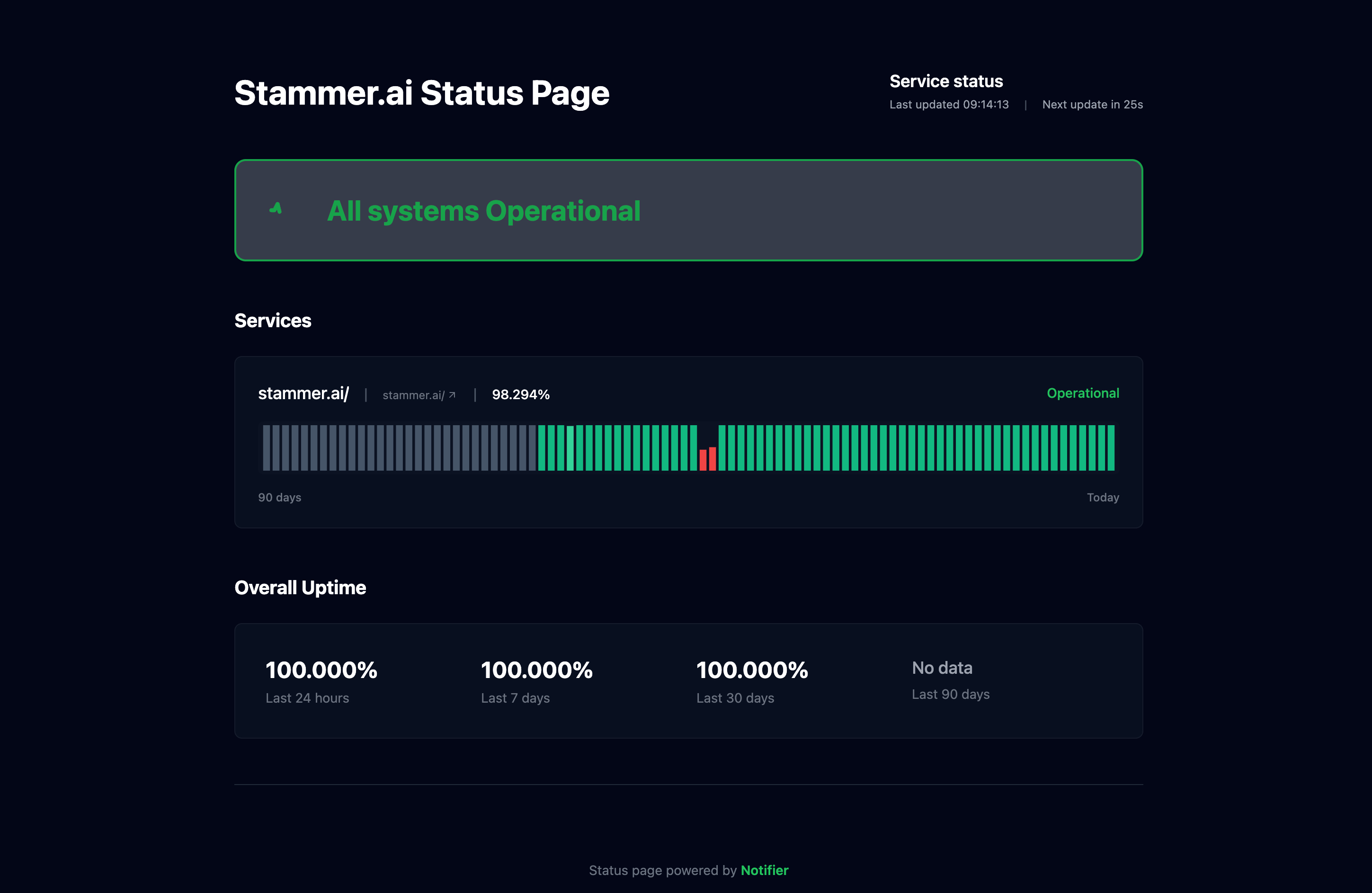
A public status page powered by your monitoring data. Customers see real-time status without you lifting a finger.
What to Look for in a Combined Tool
Not all built-in status pages are equal. Some are an afterthought with a single page and no customization. Others are a genuine feature. Here is what separates the useful ones from the checkbox features:
| Feature | Why It Matters |
|---|---|
| Custom domain | status.yourcompany.com looks professional. A generic subdomain on someone else's domain does not. |
| Automatic incident creation | The status page should reflect monitor state without manual intervention. When a monitor goes down, the status page should show it. |
| Subscriber notifications | Let customers subscribe for email or SMS updates so they know when service is restored. |
| Multiple status pages | Agencies and SaaS companies often need separate pages for different products or clients. |
| Uptime history | Shows a visual timeline of past uptime. Builds trust by proving your track record. |
| SSL monitoring included | An expired SSL certificate takes your site down. The best tools monitor certificates alongside uptime at no extra cost. |
6 Best Monitoring Tools With Built-In Status Pages
1. Notifier (Best Overall Value)
Notifier includes status pages on every plan, including the free tier. The free plan gives you 5 status pages with 10 monitors. Custom domains are available on all paid plans starting at $4/month, which is the lowest price for hosted monitoring with custom domain status pages.
Status pages update automatically when monitors detect downtime and recovery, so you never have to manually toggle incident status at 3 AM. Notifier also includes SSL certificate monitoring on all plans at no extra cost, plus email, SMS, and phone call alerts.
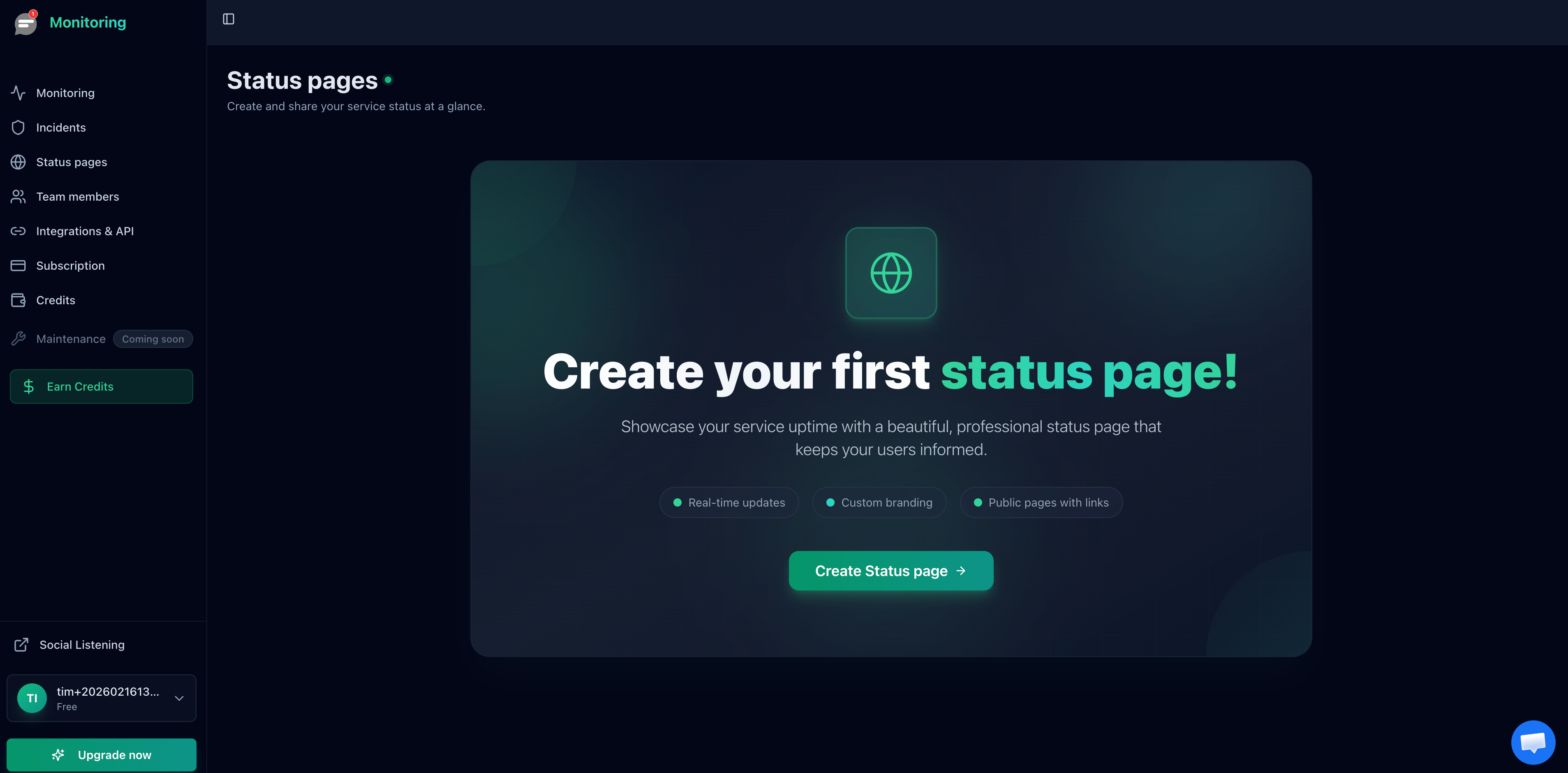
Creating a status page in Notifier takes about 30 seconds.
Notifier status page highlights:
- 5 free status pages (10 on Solo, 50 on Team, unlimited on Enterprise)
- Custom domains on all paid plans ($4/month and up)
- Automatic incident creation and resolution
- Visitor/subscriber notifications on Team plan and above
- SSL monitoring included free on every plan
2. Better Stack (Best for Incident Management Teams)
Better Stack includes 1 status page on the free plan with basic customization. Their status pages are well designed and include incident timelines, component grouping, and maintenance windows.
The catch is pricing. Additional status pages cost $12 to $15 each per month, and password-protected pages run $42 to $50 per page. If you need multiple status pages for different products or clients, costs add up fast. Better Stack works best for teams that also need their built-in on-call scheduling and incident management workflows.
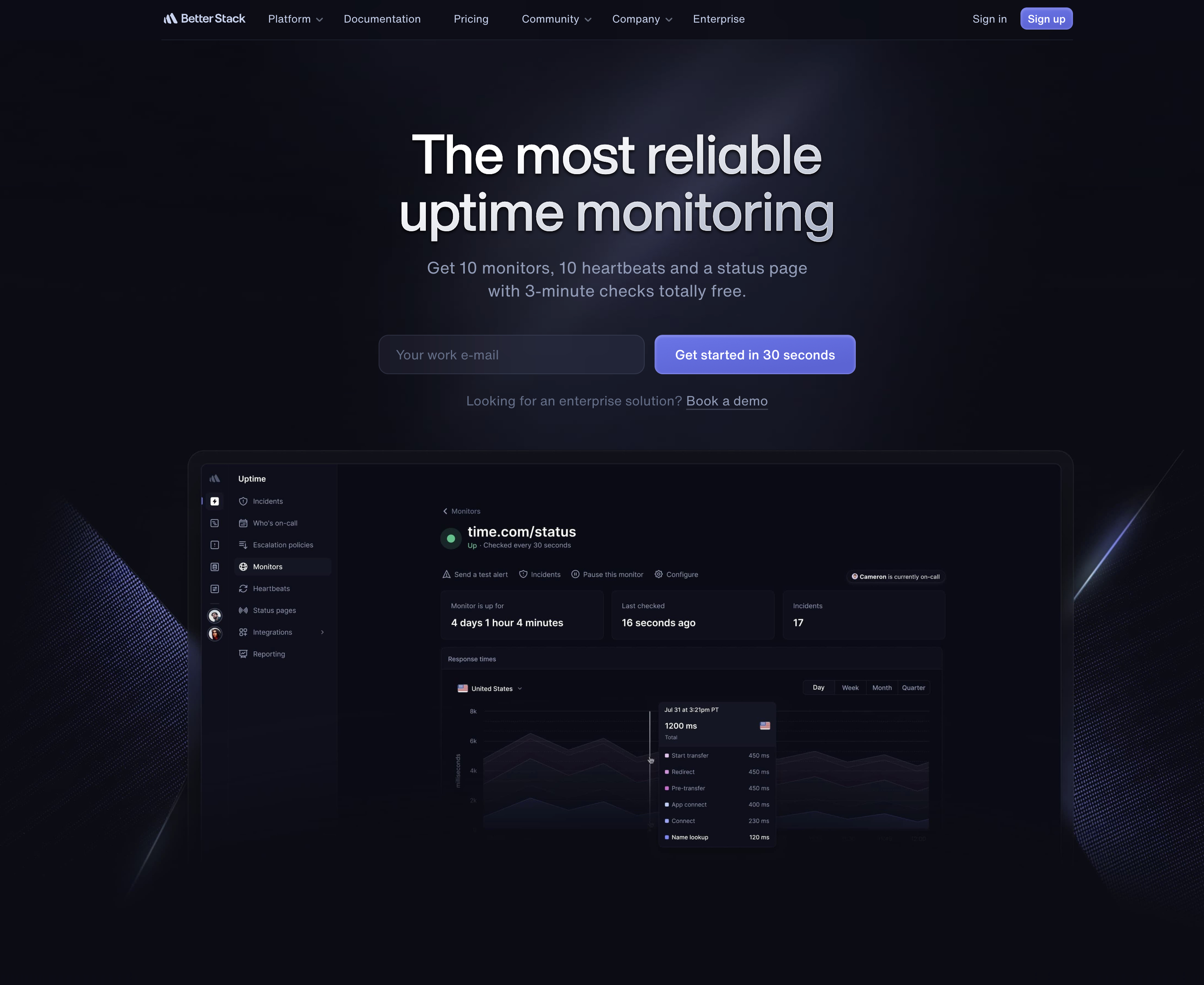
Better Stack status page highlights:
- 1 free status page included
- Custom domain support on paid plans
- Component grouping and maintenance windows
- Additional pages: $12 to $15/month each
- Password-protected pages: $42 to $50/page/month
3. Pulsetic (Best Status Page Design)
Pulsetic's main selling point is beautiful status pages. They offer 3 status pages on the free plan and unlimited pages on all paid plans. The design quality is noticeably above average, with polished layouts and good typography out of the box.
The tradeoff is that Pulsetic's monitoring features are more limited than dedicated monitoring tools. The free plan has no SMS or phone alerts, no Slack integration, and only 3 monitoring regions. Password-protected pages require the Team plan at $19/month. If status page aesthetics are your top priority and you do not need advanced monitoring, Pulsetic is worth considering.
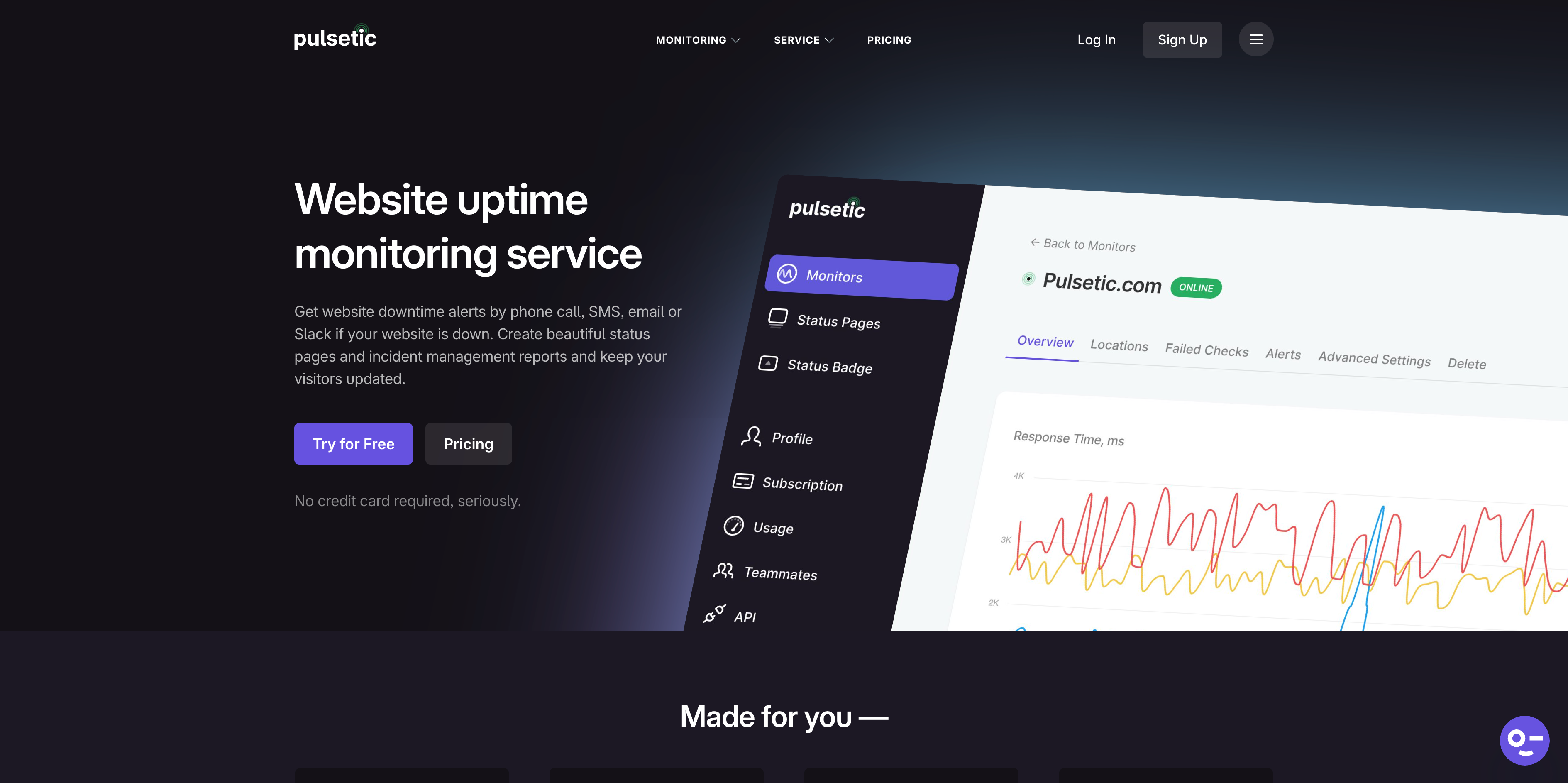
Pulsetic status page highlights:
- 3 free status pages, unlimited on paid plans
- High-quality design out of the box
- Custom domain support on paid plans
- Password protection on Team plan ($19/month)
- White-label pages on Organization plan ($49/month)
4. UptimeRobot (Largest Free Monitor Count)
UptimeRobot includes 1 branded status page on the free plan and up to 3 on the Solo plan ($8/month). Full status page features with custom domains require the Team plan at $34/month.
UptimeRobot has the most generous free monitor count at 50, but the status page on the free tier is basic and carries UptimeRobot branding. For professional status pages with custom domains, you are looking at $34/month, which is significantly more expensive than alternatives that include custom domains at lower tiers.
Note on UptimeRobot's free plan:
Since October 2024, UptimeRobot's free tier is limited to non-commercial use only. Businesses, freelancers, and anyone using it for commercial websites must use a paid plan. Open-source projects, educational use, and nonprofits are exempt.
UptimeRobot status page highlights:
- 1 branded status page on free plan
- 3 basic pages on Solo ($8/month)
- Custom domains on Team plan ($34/month)
- Full features (100 pages) on Team and above
- Free plan restricted to non-commercial use
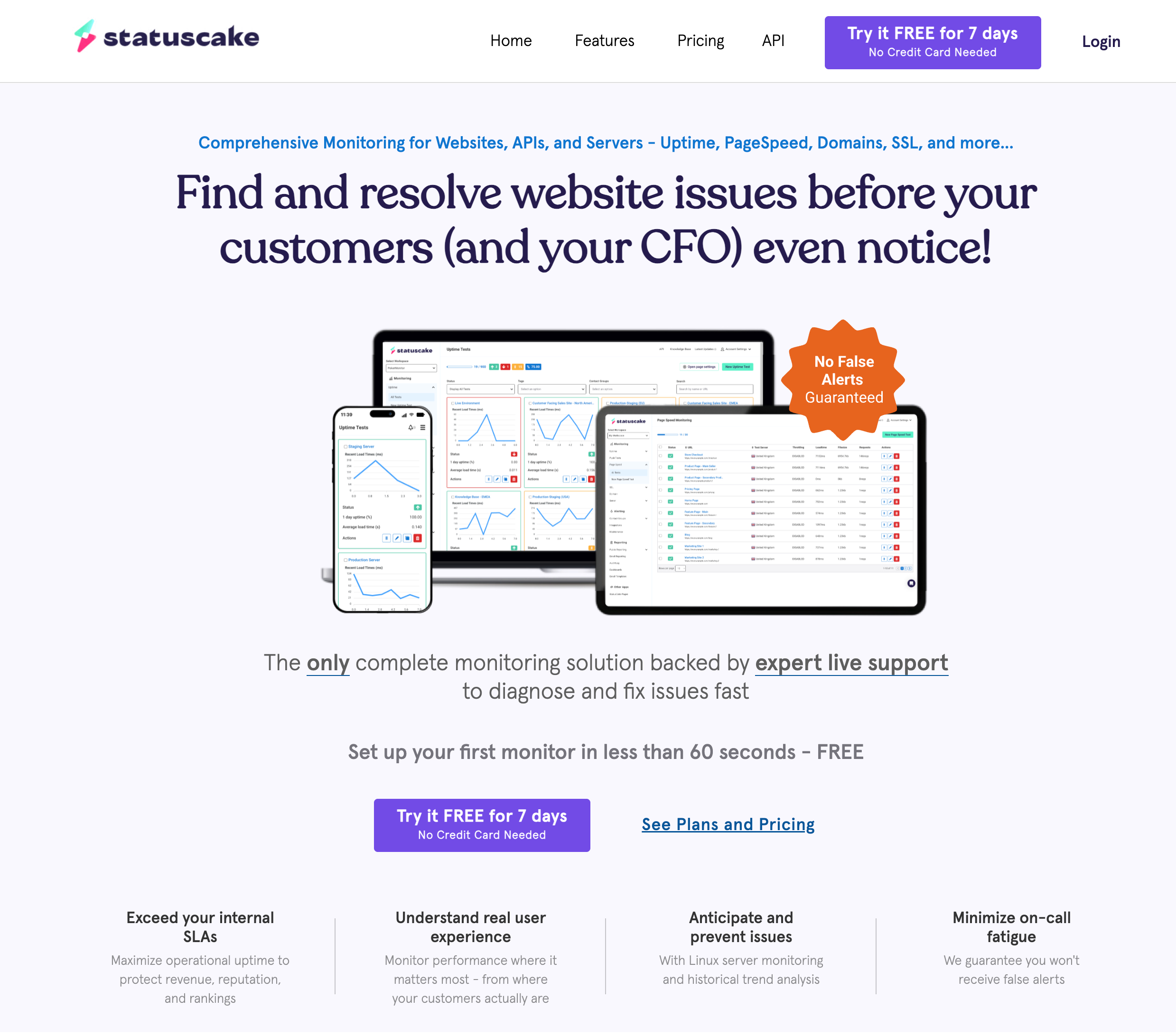
5. StatusCake (Status Pages Sold Separately)
StatusCake is a solid monitoring tool, but their status pages are a separate product with separate pricing. The free monitoring plan includes no status pages at all. You need to purchase a status page add-on starting at their Bronze tier.
This means your total cost for monitoring plus status pages with StatusCake is higher than tools that bundle them together. The monitoring itself is capable, with 10 free monitors, SSL monitoring, and page speed checks. But if a built-in status page is a requirement, StatusCake adds friction and cost that other tools avoid.
StatusCake status page highlights:
- No status pages on any monitoring plan (separate product)
- Status page add-on required for any status page functionality
- Monitoring is solid: 10 free monitors, SSL monitoring included
- 43 monitoring locations across 30+ countries
- Paid monitoring starts at $24.49/month
6. Uptime Kuma (Best Self-Hosted Option)
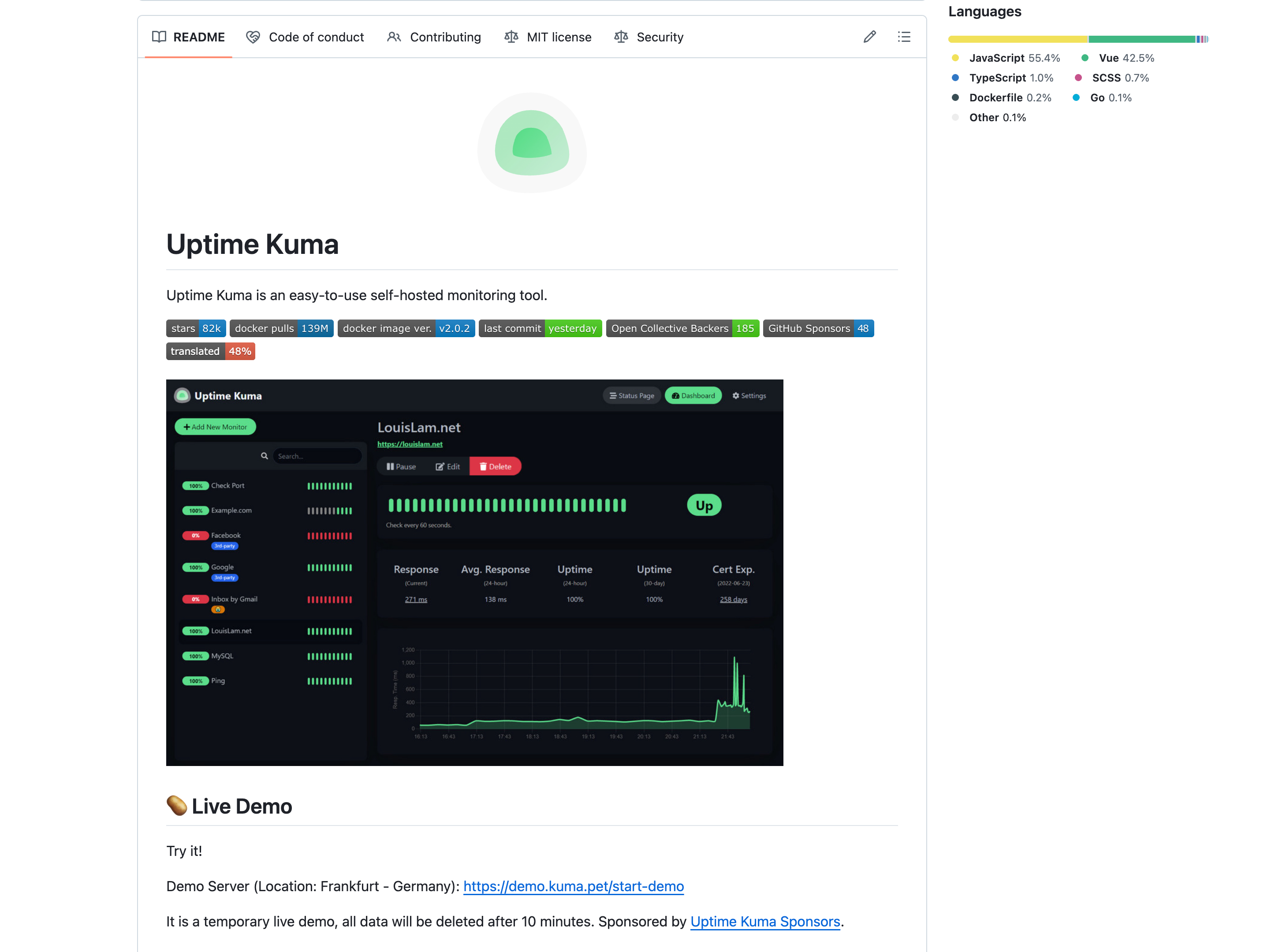
Uptime Kuma is free, open source, and includes unlimited status pages with domain mapping. You get full control over design, data, and configuration. For developers comfortable with self-hosting, it is the most flexible option.
The fundamental limitation is reliability. If the server running Uptime Kuma goes down, your monitoring and your status page go down with it. You will not get an alert about the outage because the alerting system is also offline. For personal projects or internal tools, this tradeoff is acceptable. For customer-facing services where status page availability during an outage is critical, a hosted solution is safer.
Uptime Kuma status page highlights:
- Unlimited status pages (free forever)
- Domain mapping for custom domains
- Full control over design and data
- Self-hosted: monitor goes down with your server
- No native SMS or phone call alerts
Status Page Feature Comparison
| Feature | Notifier | Better Stack | Pulsetic | UptimeRobot | StatusCake | Uptime Kuma |
|---|---|---|---|---|---|---|
| Free status pages | 5 | 1 | 3 | 1 (branded) | 0 | Unlimited |
| Custom domain | $4/mo+ | Paid plans | Paid plans | $34/mo+ | Separate product | Free (self-hosted) |
| Auto incident updates | Yes | Yes | Yes | Yes | N/A | Yes |
| Subscriber notifications | Team ($19/mo) | Included | Included | Team ($34/mo) | Separate product | No |
| Password protection | No | $42+/page/mo | Team ($19/mo) | Team ($34/mo) | Separate product | Yes (free) |
| SSL monitoring | All plans (free) | Included | Included | Included | Included | Included |
| Free monitors | 10 | 10 | 10 | 50* | 10 | Unlimited |
| SMS/Phone alerts | All plans | Paid only | Paid only | Paid only | Paid only | Via integrations |
| Cheapest plan with custom domain | $4/mo | $29/mo+ | $9/mo | $34/mo | Varies | $0 (self-hosted) |
*UptimeRobot's free plan is restricted to non-commercial use.
Setting Up Monitoring With a Status Page (Notifier Walkthrough)
Here is how to get both uptime monitoring and a public status page running in under five minutes using Notifier.
Step 1: Create Your Account and Add Monitors
Sign up and add the URLs you want to monitor. For each service you plan to show on your status page, create a separate monitor. For example, if you run a SaaS product, you might monitor your main website, your API, and your dashboard separately.

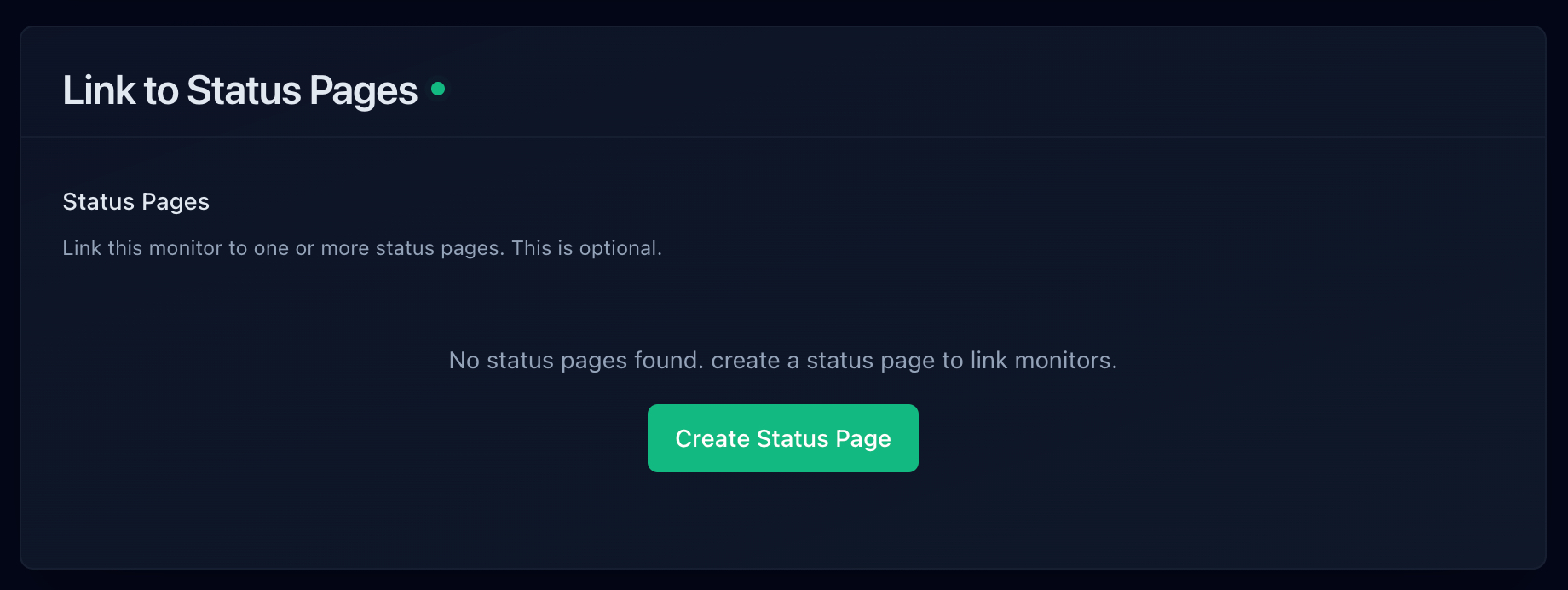
Step 2: Create a Status Page
Navigate to Status Pages and create a new page. Give it a name (this appears as the page title) and select which monitors to display. Each monitor appears as a component on the status page with its current status and uptime history.
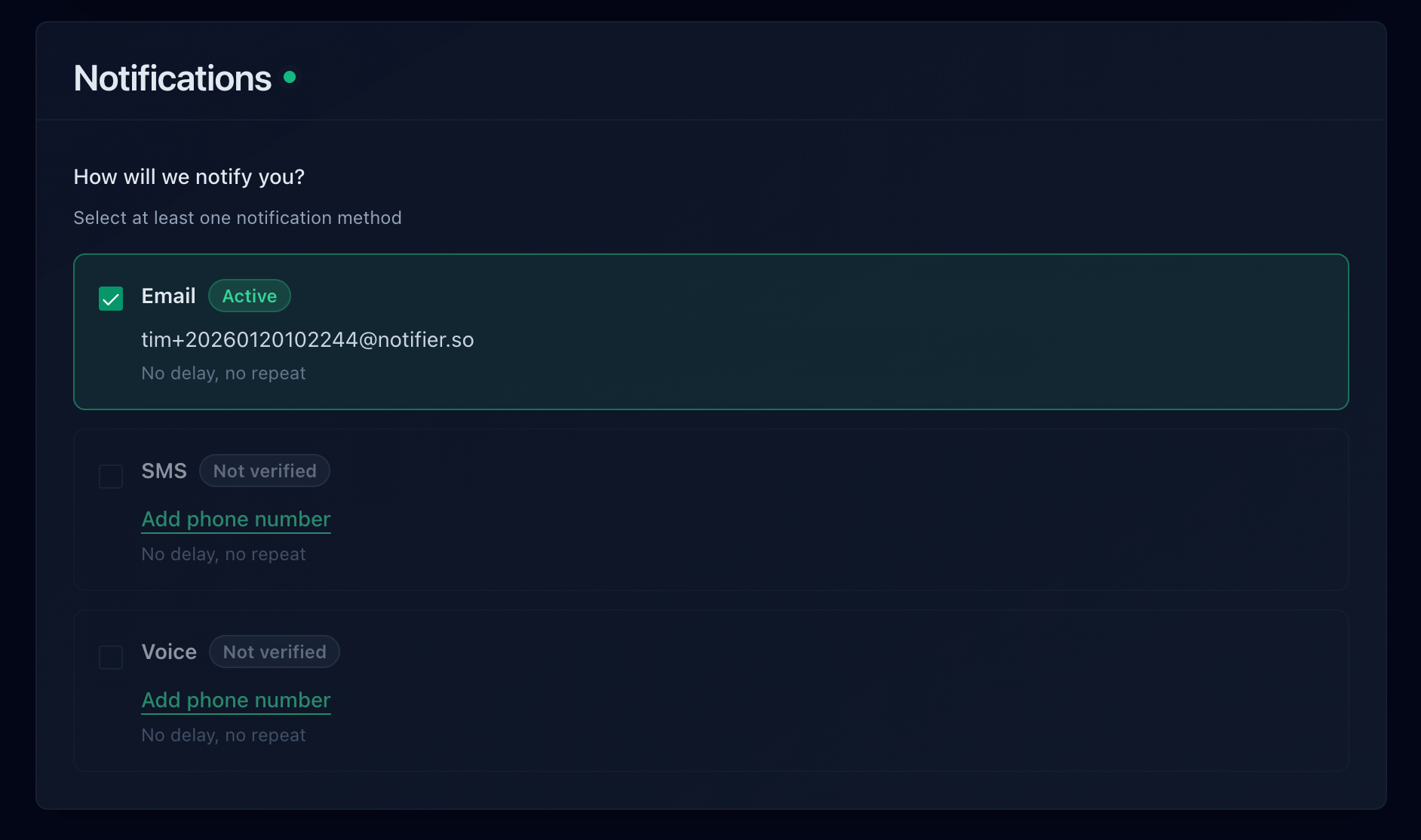
Step 3: Configure Alerts
Set up your alert channels so you know about issues before your customers check the status page. Notifier supports email, SMS, phone calls, and Slack alerts on all plans.
Step 4: Share Your Status Page
Your status page gets a public URL immediately. On paid plans, you can point a custom domain (like status.yourcompany.com) to your status page by adding a CNAME record in your DNS settings. Link to your status page from your website footer, help center, or support emails so customers know where to check during issues.
Self-Hosted vs Cloud: Which Is Right for Status Pages?
The self-hosted vs cloud decision matters more for status pages than for most other tools. Here is why:
A status page's most important job is being available during an outage. If you self-host your status page on the same infrastructure as your application, both go down together. Your customers visit the status page to find out what is happening, and they get a blank page instead.
| Factor | Cloud Hosted | Self-Hosted (Uptime Kuma) |
|---|---|---|
| Available during your outage? | Yes (separate infrastructure) | Only if hosted elsewhere |
| Maintenance required? | None | Updates, backups, security |
| Cost | $0 to $35/month | $5 to $20/month (VPS) |
| Customization | Template-based | Full control |
| Best for | Customer-facing services | Internal tools, hobby projects |
If you go the self-hosted route, host Uptime Kuma on a completely separate provider from your main application. For example, if your app runs on AWS, host Uptime Kuma on a DigitalOcean droplet. This way your status page stays up even if AWS has issues.
Recommendations by Use Case
SaaS companies
You need custom domain status pages, automatic incident updates, and fast alert delivery. Recommended: Notifier (Solo at $4/month for custom domains) or Better Stack if you also need on-call scheduling. See our SaaS monitoring guide for more.
Agencies managing client sites
You need multiple status pages (one per client), team access, and affordable per-site pricing. Recommended: Notifier (Team at $19/month for 100 monitors and 50 status pages). See our agency monitoring guide.
E-commerce stores
You need a customer-facing status page that builds trust plus fast SMS/phone alerts for checkout failures. Recommended: Notifier (free tier to start, Solo at $4/month for custom domain status page). See our e-commerce monitoring guide.
Developers and side projects
If you want full control and do not mind maintenance, Uptime Kuma gives you unlimited everything for free. If you want zero maintenance, Notifier's free tier gives you 10 monitors and 5 status pages with no time limit.
Design-focused teams
If the visual design of your status page is the top priority and you are willing to pay more for it, Pulsetic has the best-looking status pages out of the box.
Frequently Asked Questions
Do I need a status page if I am a small business?
Yes, even for small businesses. A status page reduces support tickets during outages because customers can check the page instead of emailing or calling you. It also builds trust by showing you take reliability seriously. The good news is that free tiers from tools like Notifier make this a zero-cost addition to your stack.
What is a custom domain status page and why does it matter?
A custom domain status page uses your own domain (like status.yourcompany.com) instead of a generic subdomain (like yourcompany.statusprovider.com). It matters for brand credibility. Customers checking your status during an outage see your brand, not someone else's. It also helps with SEO since the subdomain is under your main domain.
Can I use a free monitoring tool and a separate free status page?
You can, but you will need to keep them in sync manually. Open source options like Upptime and Cstate are free status page generators, but they require GitHub Actions or similar CI to update. For most teams, the convenience of a combined tool outweighs the savings of cobbling together separate free tools. Notifier's free tier includes both 10 monitors and 5 status pages with automatic sync, which covers most small projects.
How many status pages do I need?
Most single-product companies need just one. Create a single status page with components for each service (Website, API, Dashboard, etc.). Agencies and multi-product companies typically need one page per client or product. If you manage 10 client sites, you will want 10 status pages so each client sees only their own service status.
Should my status page show historical uptime data?
Yes. Historical uptime data builds trust with customers and prospects. A 90-day uptime chart showing 99.99% availability is a stronger signal than any marketing claim. It also helps your own team track reliability trends over time. Most tools in this guide display uptime history on status pages by default. For more on what makes a good uptime status page, see our dedicated guide.
What is the cheapest way to get monitoring with a custom domain status page?
Among hosted tools, Notifier's Solo plan at $4/month is the most affordable option that includes both uptime monitoring and custom domain status pages. It includes 20 monitors, 10 status pages, 1 minute check intervals, and SSL monitoring. The only cheaper route is self-hosting Uptime Kuma, which is free but requires your own server and ongoing maintenance.
