UptimeRobot and Pingdom are two of the most recognized names in uptime monitoring. UptimeRobot has over 2 million users and a generous free tier. Pingdom has been around since 2005 and carries serious enterprise credibility. Both check whether your website is up. Both send alerts when it goes down.
But they are very different products at very different price points. This comparison breaks down exactly what you get with each, where they genuinely excel, and where each one falls short. No vague "it depends" conclusions. By the end, you will know which one makes sense for your situation.
Pricing update (May 2026): UptimeRobot retired the old Pro tier and now charges $9/month annually (or $10/mo monthly) for Solo, $38/month annually ($45/mo monthly) for Team, and $69/month annually ($82/mo monthly) for Enterprise. For comparison, Notifier is $4/month for Solo and $19/month for Team — roughly half the price at every paid tier. See our complete UptimeRobot pricing breakdown for 2026.
Quick Comparison
| Feature | UptimeRobot | Pingdom |
|---|---|---|
| Free plan | Yes (50 monitors, personal use only) | No (14 day trial only) |
| Starting price | $7/mo (annual) | $10/mo (annual) |
| Monitors at entry tier | 10 | 10 |
| Check interval | 60 sec (30 sec on Enterprise) | 60 sec (no 30 sec option) |
| SMS alerts | Paid credits (not included) | Credits included per tier |
| Phone call alerts | Paid credits | Not available |
| Status pages | 1 to unlimited (by plan) | 1 per organization |
| Integrations | 12 native (Slack, Teams, PagerDuty...) | Slack, PagerDuty, webhooks |
| Transaction monitoring | No | Yes |
| Real User Monitoring | No | Yes (separate pricing) |
| Mobile app | Yes (iOS and Android, paid plans) | No |
| Ownership | Pale Fire Capital (private equity) | Turn/River Capital via SolarWinds (private equity) |
The table tells the basic story: UptimeRobot is cheaper and more flexible for most use cases. Pingdom has specialized features (transaction monitoring, RUM) that justify its higher price for specific situations. Let's dig into the details.
Pricing Breakdown
This is where the differences get real. UptimeRobot uses named plans. Pingdom uses a 22 tier usage based model with no plan names, just monitor counts and corresponding prices.
UptimeRobot Pricing
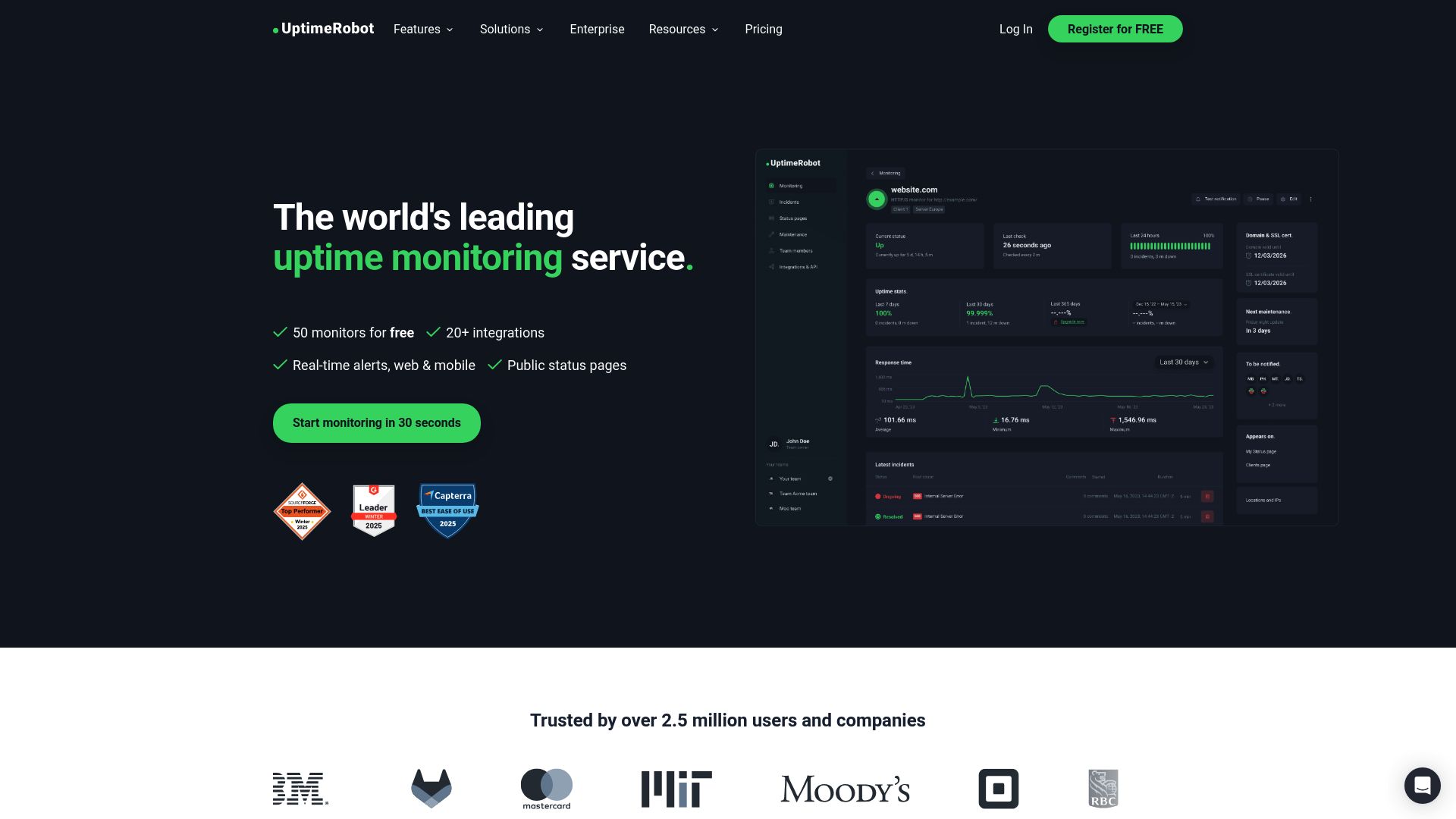
| Plan | Monthly | Annual | Monitors | Interval |
|---|---|---|---|---|
| Free | $0 | $0 | 50 | 5 min |
| Solo | $8 | $7 | 10 | 60 sec |
| Team | $34 | $29 | 100 | 60 sec |
| Enterprise | $64 | $54 | 200 | 30 sec |
One thing that catches people off guard: UptimeRobot's Solo plan only includes 10 monitors at the entry price. That is fewer than the free plan's 50. You are paying $9/month annually ($10/month monthly) primarily for 1 minute check intervals, not for more monitors. The Solo plan uses a slider that scales the price up as you add monitors, topping out at 50 monitors. Notifier's Solo plan, by contrast, includes 20 monitors at $4/month flat.
Pingdom Pricing
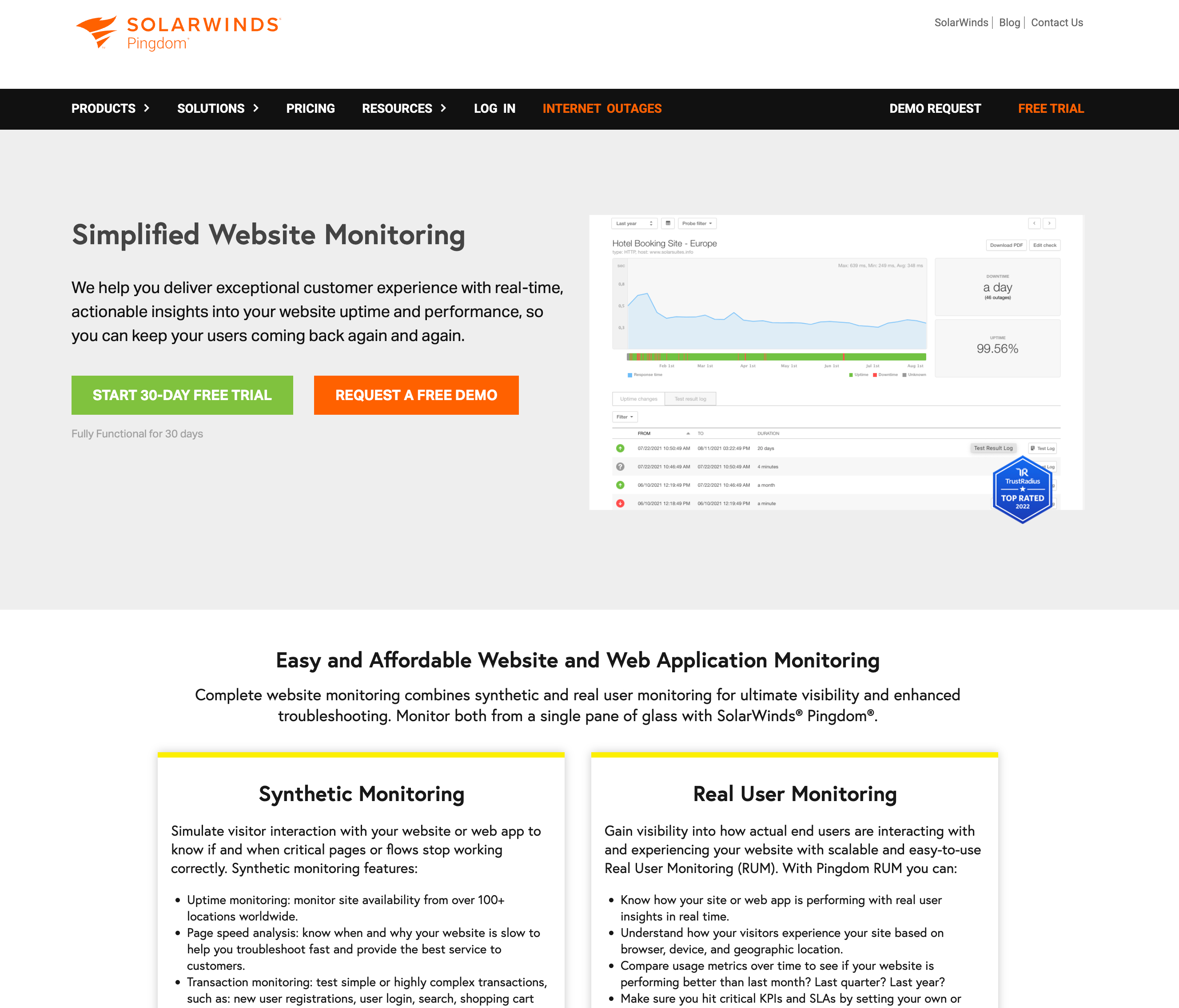
Pingdom does not use named plans. Instead, you pick a tier based on how many monitors you need. There are 22 tiers total, which can be confusing to navigate.
| Monitors | Monthly | Annual | SMS Credits/mo |
|---|---|---|---|
| 10 | $15 | $10 | 50 |
| 50 | $65 | $50 | 200 |
| 100 | $124 | $95 | 350 |
| 200 | $241 | $185 | 400 |
At small scale, the difference seems minor. Ten monitors costs $9/month annually on UptimeRobot vs $10/month on Pingdom. But scale up and the gap widens fast. One hundred monitors costs $38/month annually on UptimeRobot vs $95/month on Pingdom. At 200 monitors (Enterprise tier), UptimeRobot is $69/month annually vs Pingdom's $185/month. Notifier's 100-monitor Team plan, for context, is $19/month — making it the cheapest of the three at that tier.
Cost at Scale
| Monitors Needed | UptimeRobot (annual) | Pingdom (annual) | Difference |
|---|---|---|---|
| 10 | $7/mo | $10/mo | Pingdom costs 43% more |
| 50 | $15/mo | $50/mo | Pingdom costs 233% more |
| 100 | $29/mo | $95/mo | Pingdom costs 228% more |
| 200 | $54/mo | $185/mo | Pingdom costs 243% more |
At every tier, Pingdom costs two to three times more than UptimeRobot for the same number of monitors. You are paying a premium for Pingdom's brand and its specialized features (transaction monitoring, RUM). If you do not need those features, you are overpaying.
Free Tier: UptimeRobot Has One, Pingdom Does Not
This is the most clear cut difference between the two. UptimeRobot offers 50 free monitors with 5 minute check intervals, 1 basic status page, and email alerts. Pingdom offers a 14 day free trial and nothing after that.
If you are testing the waters or monitoring personal projects, UptimeRobot gives you a way to do that without spending anything. Pingdom requires a credit card (or at least a commitment to cancel before the trial ends).
Important: UptimeRobot's free plan is no longer for businesses
As of December 2024, UptimeRobot restricts its free plan to personal, non-commercial use only. If you are monitoring a business website, a client's site, or anything that generates revenue, you technically need a paid plan. Open source projects, educational institutions, and nonprofits are exempt.
This changes the calculus for a lot of people. If you are a freelancer or small business looking for free monitoring, UptimeRobot's free tier is no longer an option. You either pay for UptimeRobot Solo ($9/month annually for just 10 monitors), upgrade to Notifier's Solo plan at $4/month for 20 monitors, or look elsewhere.
Alerts and Notifications
How a monitoring tool alerts you matters as much as how often it checks. A 1 minute check interval is useless if the alert gets buried in a spam folder.
UptimeRobot Alert Channels
- Email: Included on all plans
- SMS: Available but costs extra (credits start at $3 for 10). Credits are a one time purchase, not monthly. They do not refill.
- Phone calls: Available via credits (2 credits per call)
- Push notifications: Via mobile app (iOS and Android)
- Integrations: Up to 12 native integrations including Slack, Microsoft Teams, Telegram, Discord, PagerDuty, Zapier, and webhooks. Free plan is limited to 5.
Pingdom Alert Channels
- Email: Included on all tiers
- SMS: Credits included per tier (50 to 1,000/month depending on tier). Does not roll over.
- Phone calls: Not available. Pingdom has no native phone call alerting.
- Push notifications: Limited (no dedicated mobile app)
- Integrations: Slack, PagerDuty, VictorOps, and webhooks. No native support for Microsoft Teams, Telegram, or Discord.
Pingdom's integration list is shorter than you might expect for a tool at this price point. It supports Slack, PagerDuty, VictorOps, and webhooks natively, but has no support for Microsoft Teams, Telegram, or Discord. UptimeRobot supports 12 integrations natively and includes push notifications through a dedicated mobile app on paid plans.
On the SMS front, it is a trade off. Pingdom includes SMS credits with your tier (50 to 1,000 per month). UptimeRobot makes you buy credits separately, and they do not renew monthly. If you need regular SMS alerts, Pingdom's included credits are more predictable. If you rarely need SMS, UptimeRobot's pay as you go approach avoids wasting money on unused credits.
Status Pages
If you need a public status page to show customers your uptime, this is another area where the two tools differ significantly.
| Feature | UptimeRobot | Pingdom |
|---|---|---|
| Pages included | 1 (Free) to unlimited (Enterprise) | 1 per organization (all tiers) |
| Custom domain | Yes (paid plans) | HTTP only (no HTTPS on custom domain) |
| Password protected | No | No |
| Customization | Custom design on paid plans | Logo and colors |
UptimeRobot wins here. Pingdom limits you to one status page per organization, regardless of how much you pay. If you run multiple products or client sites that each need their own status page, Pingdom simply cannot accommodate that. UptimeRobot offers up to 100 status pages on the Team plan and unlimited on Enterprise.
Pingdom's custom domain support also has a notable limitation: it only works over HTTP. If you want HTTPS (which you should in 2026), you are stuck using Pingdom's branded URL. UptimeRobot's paid plans support custom domains with HTTPS.
Where Pingdom Wins
Being fair: Pingdom does have genuine strengths that UptimeRobot cannot match.
Transaction Monitoring
Pingdom can monitor multi step web interactions: login flows, checkout processes, search functionality. It simulates a real user clicking through your site and alerts you if any step fails. UptimeRobot has no equivalent feature. If you need to verify that your checkout actually works (not just that the homepage loads), Pingdom is one of the few tools that can do this.
Real User Monitoring (RUM)
Pingdom offers RUM as a separate product, starting at $10/month for 100K pageviews. It embeds a JavaScript snippet on your site and collects real performance data from actual visitors. You get geographic breakdowns, browser performance data, and page load time distributions. UptimeRobot does not offer anything like this.
However, RUM is a separate purchase on top of your synthetic monitoring subscription. And if your primary need is performance analytics rather than uptime monitoring, tools like Google Lighthouse (free) or SpeedCurve may be better fits.
More Monitoring Locations
Pingdom checks from 100+ global locations. UptimeRobot offers 3 to 12 locations depending on your plan (free plan gets only 3). If you serve a global audience and need to catch region specific outages, Pingdom's broader coverage is a real advantage.
Enterprise Reporting
For teams that need detailed SLA reports and stakeholder dashboards, Pingdom's reporting is more comprehensive. It includes AI powered anomaly detection (added in 2025) and configurable alert rules per user and role. If your organization needs polished reports for management or clients, Pingdom delivers more out of the box.
Where UptimeRobot Wins
Price
At every comparable monitor count, UptimeRobot costs two to three times less than Pingdom. For most small to mid size businesses, this is the deciding factor. The monitoring quality is comparable for basic uptime checks, so you are getting roughly the same core product for a fraction of the price.
Free Tier
Fifty monitors at no cost is a significant advantage for personal projects, testing, and non commercial use. Pingdom gives you 14 days and then requires payment.
More Integrations
Twelve native integrations vs Pingdom's four (Slack, PagerDuty, VictorOps, and webhooks). If your team uses Microsoft Teams, Telegram, or Discord, UptimeRobot supports them natively. With Pingdom, you would need to build custom webhook integrations, which adds engineering time and maintenance overhead.
Mobile App
UptimeRobot has dedicated iOS and Android apps with push notifications. Pingdom has no mobile app. This matters for on call engineers who need instant alerts without relying on email or SMS.
More Monitor Types
UptimeRobot supports HTTP(S), ping, port, keyword, heartbeat/cron, SSL certificate, domain expiry, and DNS record monitoring. Pingdom focuses on HTTP(S) and transaction monitoring. For the breadth of monitoring types at a lower price, UptimeRobot covers more ground.
30 Second Checks
UptimeRobot's Enterprise plan offers 30 second check intervals. Pingdom maxes out at 1 minute regardless of how much you pay. If catching downtime within 30 seconds matters for your SLA, Pingdom cannot deliver that.
A Third Option: Notifier

If neither UptimeRobot nor Pingdom feels quite right, it is worth looking at Notifier. It combines UptimeRobot's simplicity and affordability with features that Pingdom charges extra for.
| Feature | Notifier | UptimeRobot | Pingdom |
|---|---|---|---|
| Free monitors | 10 (commercial use OK) | 50 (personal only) | None |
| Cheapest paid plan | $4/mo (20 monitors, 1 min) | $7/mo (10 monitors, 1 min) | $10/mo (10 monitors, 1 min) |
| 100 monitors | $19/mo | $29/mo | $95/mo |
| SMS alerts | Included (no credits) | Paid credits | Credits per tier |
| Phone call alerts | Included (no credits) | Paid credits | Not available |
| Status pages (free) | 5 | 1 (basic) | 0 (no free plan) |
| Custom domain status pages | All paid plans | Paid plans | HTTP only |
| 30 sec checks | $19/mo (Team) | $54/mo (Enterprise) | Not available |
Notifier's key advantages over both:
- SMS and phone call alerts included on every plan, including free. No credit systems, no per message charges, no running out of credits at 2 AM during an outage.
- Commercial use allowed on the free plan. Unlike UptimeRobot, you can use Notifier's free tier for business websites without violating any terms of service.
- Cheapest paid plan at $4/month with 20 monitors and 1 minute checks. UptimeRobot charges $7 for 10 monitors. Pingdom charges $10 for 10.
- Real human support. Email support@notifier.so or use the chat widget and get a response in minutes, not days. You are dealing with a small team that actually builds and uses the product.
Notifier does not have transaction monitoring or RUM (if you need those, Pingdom is your best bet). But for straightforward uptime monitoring with fast alerts and status pages, it offers better value than either UptimeRobot or Pingdom.
The Verdict
Here is the honest recommendation based on what you actually need:
Choose Pingdom if:
- You need transaction monitoring for checkout flows, login sequences, or multi step processes
- You need Real User Monitoring (RUM) for frontend performance analytics
- Your organization requires detailed SLA reporting for stakeholders
- You need 100+ monitoring locations for global coverage
- Budget is not a primary concern
Choose UptimeRobot if:
- You want a free tier for personal projects (non commercial only)
- You need many integrations (Teams, Telegram, PagerDuty, Discord)
- You want a mobile app for push notifications
- You need 30 second check intervals (Enterprise plan)
- Budget matters and you do not need RUM or transaction monitoring
Choose Notifier if:
- You want a free plan you can actually use for business
- You want SMS and phone call alerts without buying credits
- You want the cheapest paid plan with 1 minute checks ($4/month)
- You need multiple status pages with custom domains
- You value fast, personal support from the team building the product
For most small to mid size businesses, Pingdom's premium features do not justify its premium price. UptimeRobot is the better value between the two. But if you factor in the commercial use restriction on UptimeRobot's free plan, the SMS credit system, and the limited status pages, Notifier offers the best overall package at the lowest cost.
For more monitoring tool comparisons, see our guides on Pingdom alternatives, UptimeRobot alternatives, and cheap uptime monitoring.
