At a Glance
- •Agencies need 3 to 5 monitors per client site (homepage, admin login, key conversion page, SSL certificate), which adds up to 100+ monitors across 20 to 30 clients.
- •Per-client status pages are one of the highest-value, lowest-effort agency deliverables. They reduce "is our site down?" support tickets and provide concrete proof of your monitoring work.
- •Avoid tools with per-seat pricing if you have a team of 3 or more. Team member costs scale fast when managing 20+ client sites across multiple account managers.
- •UptimeRobot's free plan is restricted to non-commercial use since December 2024. Monitoring client sites as a paid service requires a paid plan or a different tool.
- •Notifier's Team plan ($19/month) covers 100 monitors, 50 status pages with custom domains, 3 team members, and SSL monitoring included free on every plan.
Agencies manage dozens of client websites. When one goes down, the client calls you, not their hosting provider. If you find out about the outage from your client's angry email, that is a credibility problem you can avoid entirely with the right monitoring tool.
This guide ranks the 6 best uptime monitoring tools for agencies in 2026, focused on what actually matters at scale: cost per client site, status pages as a client deliverable, team access, and alert routing so the right person gets notified about the right site.
What Agencies Need From a Monitoring Tool
Agency monitoring is different from monitoring a single product. You are managing 20, 50, or 100+ client sites, each with different stakeholders, SLAs, and urgency levels. The features that matter most:
- High monitor count at a reasonable price. You need 3 to 5 monitors per client (homepage, admin login, key conversion page, SSL certificate). At 30 clients, that is 90 to 150 monitors. Pricing needs to scale without blowing your margins.
-
Per-client status pages. A branded status page for each client is a tangible deliverable that builds trust and reduces "is our site down?" support tickets. Bonus if you can use custom domains like
status.clientdomain.com. - Team access with role-based permissions. Your account managers, developers, and DevOps staff all need access, but not to everything. Look for tools that support multiple team members without charging per seat.
- Alert routing. When Client A's site goes down, the account manager for Client A should get the alert. Not everyone on your team. Slack channel routing or configurable notification groups solve this.
- SSL certificate monitoring. Expired SSL certificates are one of the most common causes of "the site looks broken" calls from clients. Automatic SSL monitoring catches these days before they become a problem. For a deep dive, see our SSL certificate monitoring guide.
- Fast setup with minimal ongoing maintenance. You are running an agency, not a monitoring ops center. The tool should work reliably in the background without constant attention.
The 6 Best Uptime Monitoring Tools for Agencies
1. Notifier (Best Overall for Agencies)

Notifier is the best value for agencies that need reliable monitoring without enterprise pricing. The Team plan at $19/month gives you 100 monitors, 50 status pages, 3 team members, and 30-second check intervals. That is enough for 20 to 25 clients at 4 monitors per site.
What makes Notifier particularly strong for agencies:
- 50 status pages on Team means a dedicated page per client without extra fees
- Custom domain status pages so clients see
status.theirclient.cominstead of a generic subdomain - SSL monitoring included free on every plan, catching expired certificates before clients notice
- SMS, phone call, email, and Slack alerts on all plans, so your team gets reached through whatever channel works
- 3 team members included on Team, with the Enterprise plan ($35/month) supporting 10 members and 200 monitors
The free plan (10 monitors, 5 status pages) is a solid starting point for agencies with a small client roster. As you grow, the upgrade path is straightforward and affordable.
Agency pricing math:
Team plan at $19/month with 100 monitors = $0.19 per monitor per month. At 4 monitors per client (homepage, admin, conversion page, SSL), that works out to $0.76 per client per month. If you include monitoring in a $100/month retainer, you are spending less than 1% of the retainer on monitoring.
2. UptimeRobot (Best for High Monitor Counts)
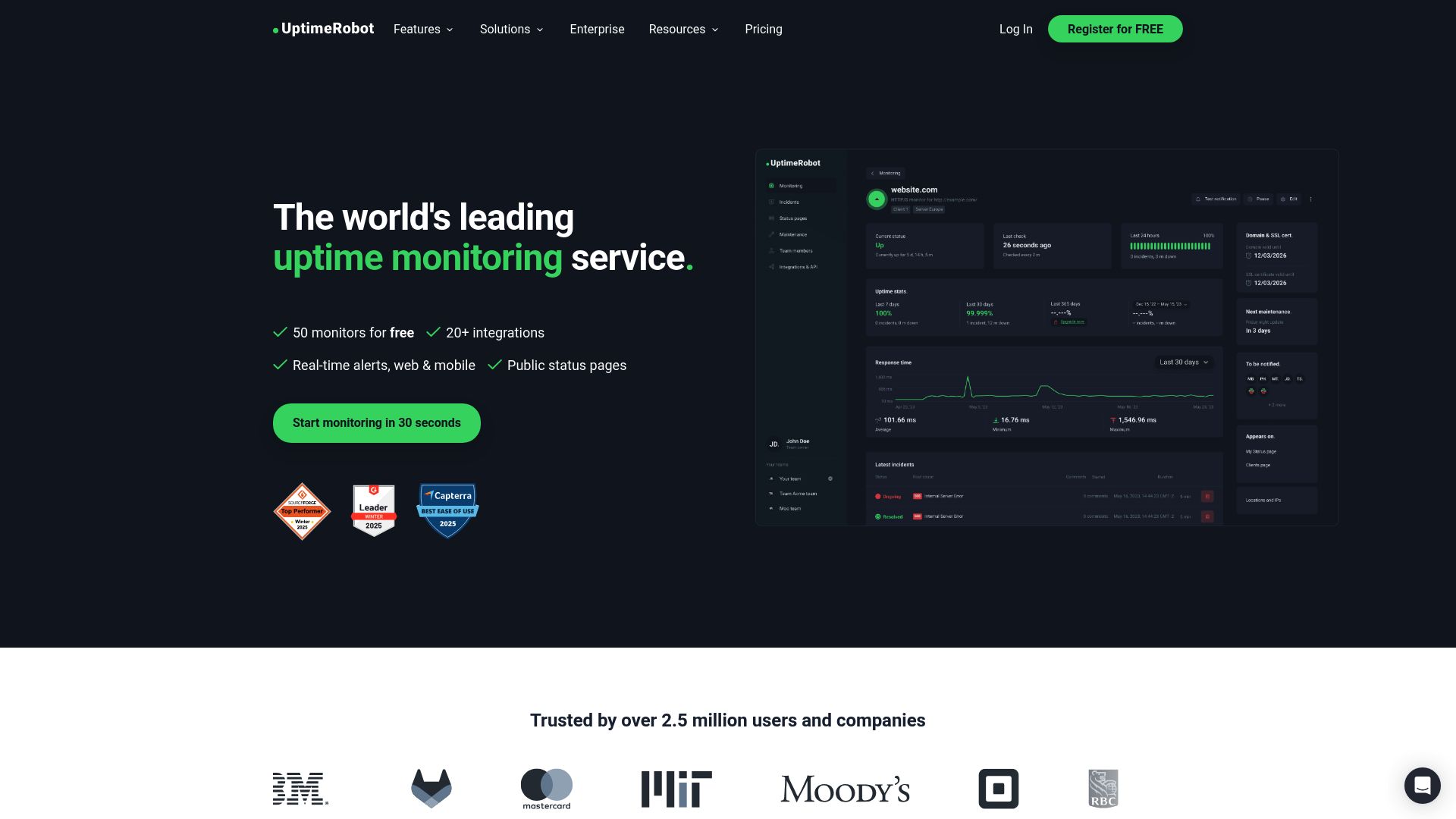
UptimeRobot has been a go-to for agencies for years, largely because of its high monitor counts on paid plans. The Team plan at $34/month gives you 100 monitors with 60-second checks. The Enterprise plan ($64/month) bumps that to 200 monitors with 30-second checks.
UptimeRobot's strengths for agencies include a mature API for automation, heartbeat/cron monitoring, and a familiar interface most developers already know. The main weaknesses are per-seat pricing ($15/month per additional team member on Team), SMS credits that do not renew monthly, and limited status page customization on lower tiers.
Commercial use restriction:
UptimeRobot's free plan has been restricted to non-commercial use since December 2024. Monitoring client websites as part of a paid agency service qualifies as commercial use, so the free plan is not an option for agencies. You will need a paid plan at $8/month minimum.
3. Better Stack (Best for Incident Workflows)
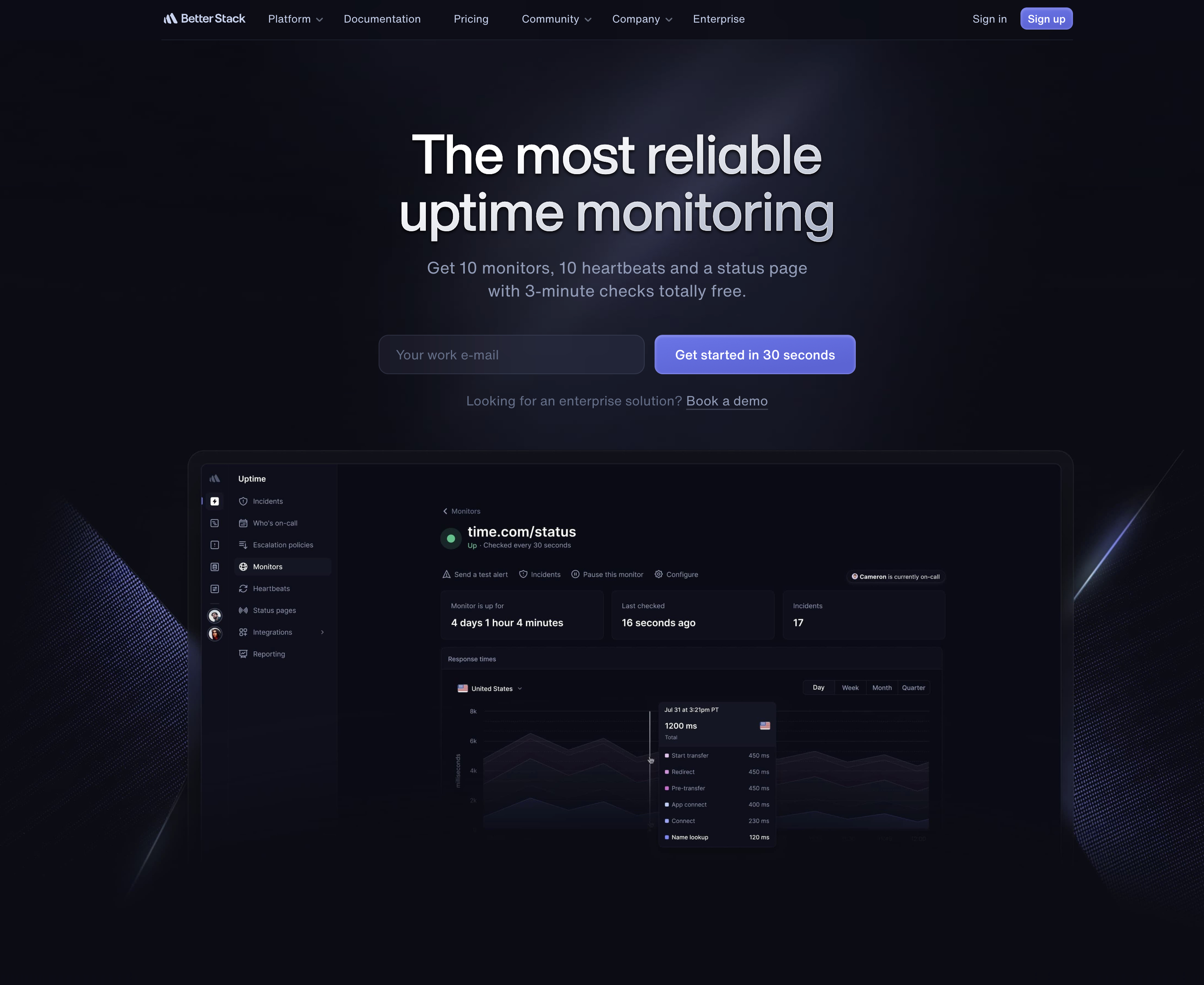
Better Stack (formerly Better Uptime) bundles monitoring with incident management, on-call scheduling, and log aggregation. If your agency has a DevOps team that needs PagerDuty-style workflows, Better Stack consolidates those tools into one platform.
The catch for agencies is pricing. Better Stack uses per-responder pricing ($34/month per responder) plus per-block charges for monitors ($25 per 50 monitors). A small agency team with 3 responders and 100 monitors would pay roughly $127/month. Password-protected status pages cost $42 to $50 each on top of that.
If you already use Better Stack for incident management and logs, adding monitoring makes sense. If you only need uptime monitoring and status pages, the cost is hard to justify compared to simpler tools. See our Better Stack alternatives guide for more options.
4. StatusCake (Best for Page Speed Monitoring)
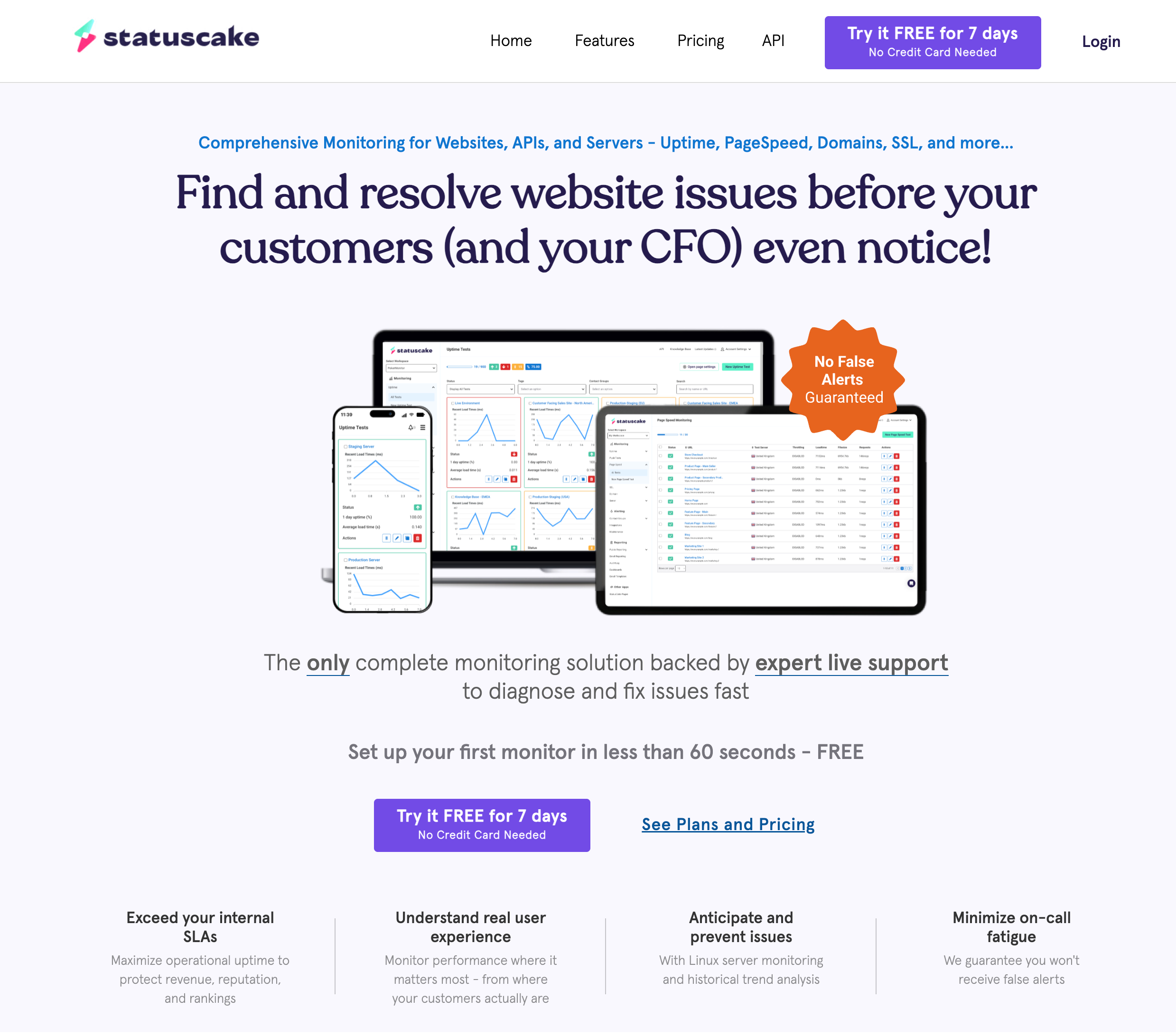
StatusCake offers 100 uptime monitors on their Superior plan at $24.49/month, along with page speed monitoring, SSL monitoring, and domain expiration checks. The 9 team members included on paid plans are generous compared to most competitors.
The downside for agencies: StatusCake sells status pages as a completely separate product. If you want status pages alongside monitoring, you are paying for two subscriptions. The free plan only includes 10 monitors with 5-minute intervals and no SMS credits, which limits its usefulness as a starting tier.
5. ManageWP (Best for WordPress-Only Agencies)
ManageWP is a WordPress management platform (owned by GoDaddy) that includes uptime monitoring as an add-on. If you are already using ManageWP for plugin updates, backups, and security scans across client WordPress sites, adding monitoring keeps everything in one dashboard.
The monitoring limitations are significant. ManageWP can only monitor WordPress sites, check intervals are limited, and there is no SSL monitoring, DNS monitoring, or public status pages. It works as a supplement, not a replacement for dedicated monitoring. For a more detailed look, see our WordPress agency monitoring guide.
6. Uptime Kuma (Best for Self-Hosted)
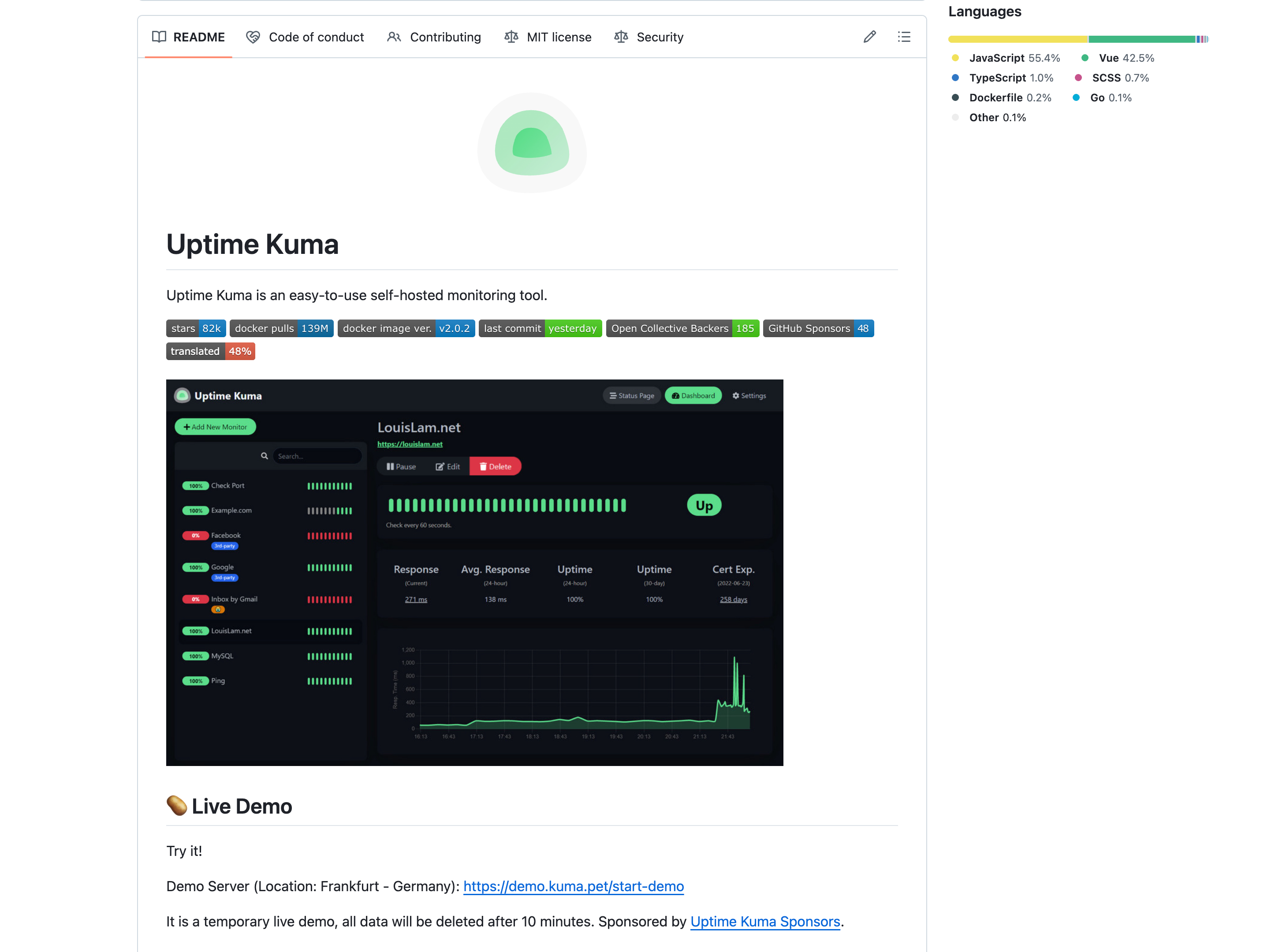
Uptime Kuma is free, open source, and supports unlimited monitors. For agencies with the technical staff to host and maintain it, the price is unbeatable. You can monitor every client site at no recurring cost beyond server hosting.
The trade-offs are real for agencies. Uptime Kuma is single-user only (no team access or RBAC), has no native SMS or phone call alerts, requires your own server (which creates a single point of failure), and performance degrades beyond 150 to 500 monitors. You also take on the maintenance burden: updates, security patches, and backup management. If your monitoring server goes down, all monitoring stops. For most agencies, a hosted solution is worth the monthly fee to avoid these risks.
Agency Monitoring Tool Comparison
| Tool | Price (100 monitors) | Status Pages | Team Members | Check Interval | SSL Monitoring | SMS/Phone Alerts |
|---|---|---|---|---|---|---|
| Notifier | $19/mo | 50 (custom domains) | 3 | 30 sec | Included free | All plans |
| UptimeRobot | $34/mo | 100 | 3 ($15/extra) | 60 sec | Included | One-time credits |
| Better Stack | ~$127/mo* | 1 free (+$12-15 each) | Per-responder | 30 sec | Included | Paid plans only |
| StatusCake | $24.49/mo | Separate product | 9 | 60 sec | Included | Credit-based |
| ManageWP | Varies (add-on) | None | Unlimited | Limited | No | No |
| Uptime Kuma | Free (self-hosted) | Unlimited | 1 (no RBAC) | 20 sec | No | No native |
*Better Stack estimated at 3 responders ($34 each) + 100 monitors ($25 per 50 monitors block). Actual cost varies by configuration.
Cost Per Client Site at 50 Monitors
Most agencies manage 10 to 15 clients and need roughly 50 monitors total (3 to 5 per client). Here is what each tool costs per client site at that scale, assuming 4 monitors per client and roughly 12 clients:
| Tool | Monthly Cost | Cost Per Client | Includes Status Pages |
|---|---|---|---|
| Notifier (Team) | $19/mo | ~$1.58/client | Yes (50 pages) |
| StatusCake (Superior) | $24.49/mo | ~$2.04/client | No (separate cost) |
| UptimeRobot (Team) | $34/mo | ~$2.83/client | Yes (100 pages) |
| Better Stack | ~$93/mo* | ~$7.75/client | 1 free (+$12 each) |
| Uptime Kuma | Free + hosting | ~$0.42/client** | Yes (unlimited) |
*Better Stack: 2 responders ($68) + 50 monitors ($25). **Uptime Kuma: estimated $5/month VPS hosting divided across 12 clients.
At any scale, Notifier offers the lowest cost per client when you factor in status pages and SSL monitoring being included. UptimeRobot is competitive on raw monitor count but charges extra for team members and has a weaker SMS/phone alert system. Better Stack is significantly more expensive unless you need its incident management workflows.
Using Status Pages as a Client Deliverable
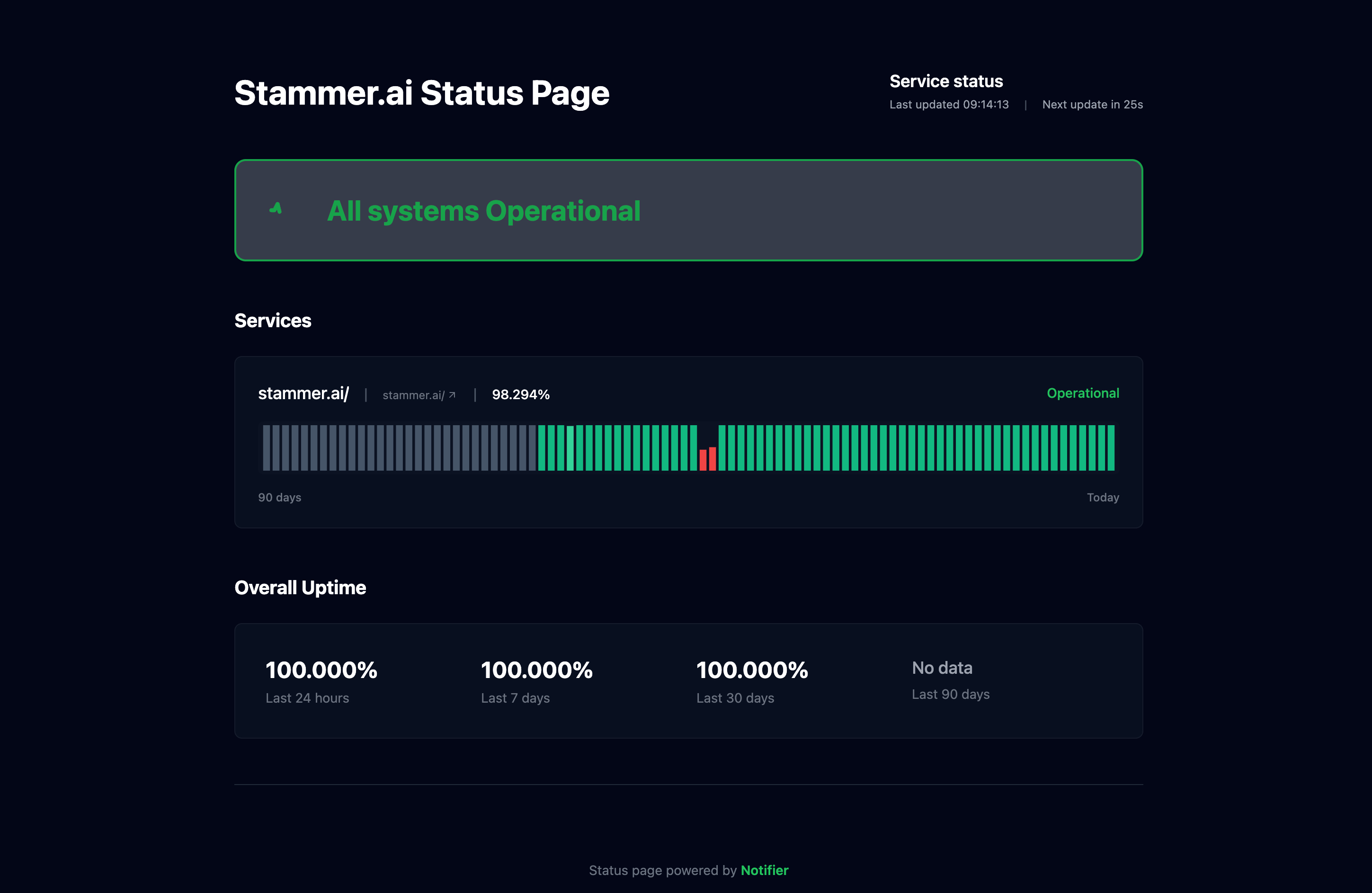
A per-client status page is one of the highest-value, lowest-effort deliverables an agency can offer. It shows real-time uptime status, response time graphs, and incident history for each client's website. Here is why it matters:
- Fewer "is our site down?" support tickets. When clients can check a status page themselves, they stop emailing your team to ask. This alone can save hours per month.
- Concrete proof of value. Uptime percentages, response time data, and incident resolution records demonstrate that your agency is actively maintaining their site, not just billing for it.
-
Professional appearance. A status page on
status.clientdomain.comsignals that you run a professional operation. It is the kind of detail that separates agencies charging $500/month from those charging $5,000/month.
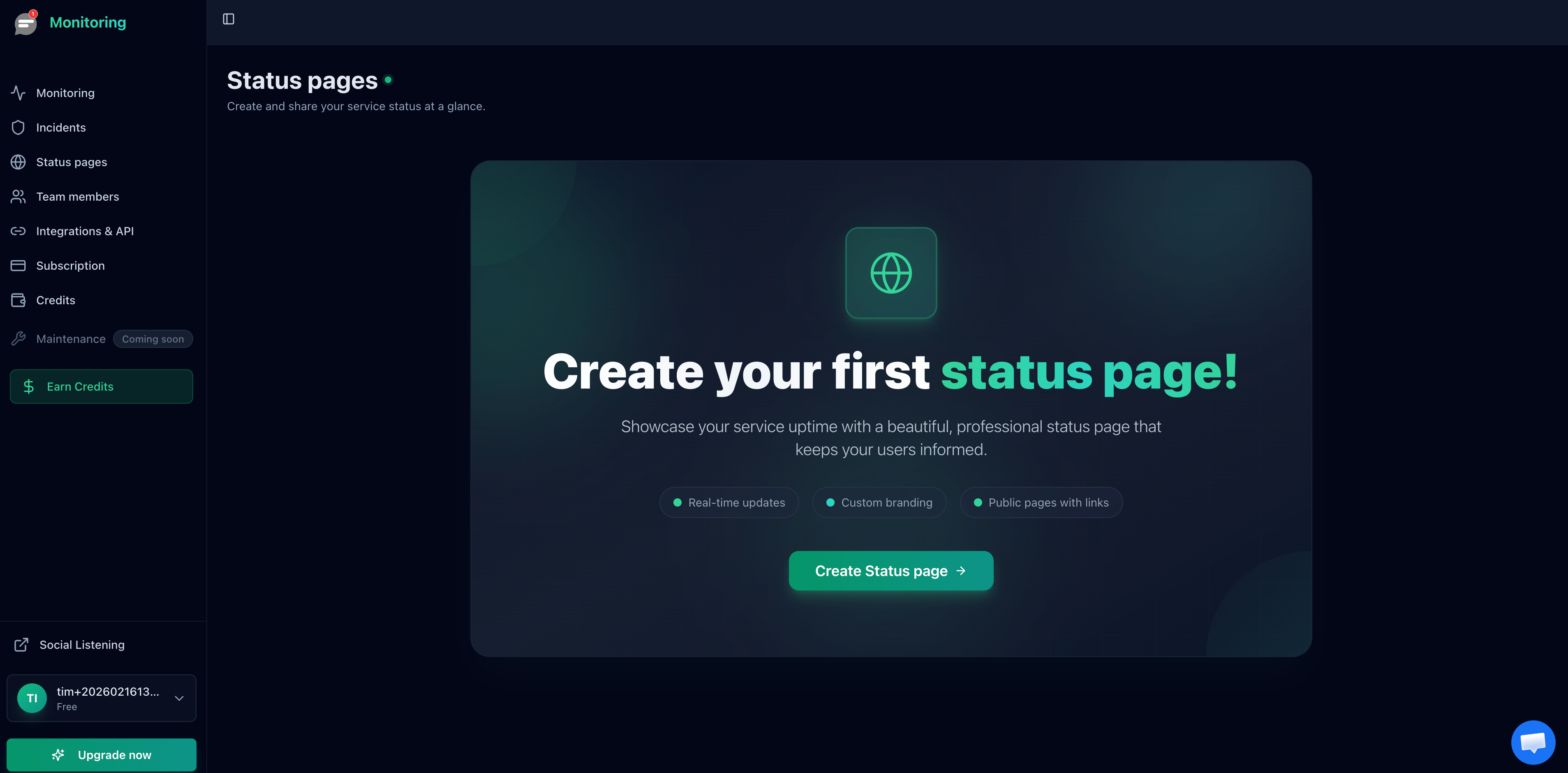
For a step-by-step walkthrough on creating status pages, see our guide to creating a status page. For more on using status pages in agency work, see our agency monitoring guide.
Setting Up Alert Routing for Multiple Clients
The biggest operational challenge with agency monitoring is alert fatigue. If every monitor on every client site sends alerts to your entire team, people start ignoring notifications. Here is how to structure alerts effectively:
Use a Consistent Naming Convention
Name every monitor with the client name first: [Acme Corp] Homepage, [Acme Corp] SSL Certificate, [Acme Corp] Contact Form. This groups monitors by client in your dashboard and makes alerts immediately identifiable. When you offboard a client, you can find and delete all their monitors in seconds.
Route Alerts to Client-Specific Channels
If you use Slack, create a channel per client (e.g., #monitoring-acme-corp) and route that client's monitoring alerts there. The account manager and relevant developers join only the channels for their clients. This eliminates cross-client noise entirely.
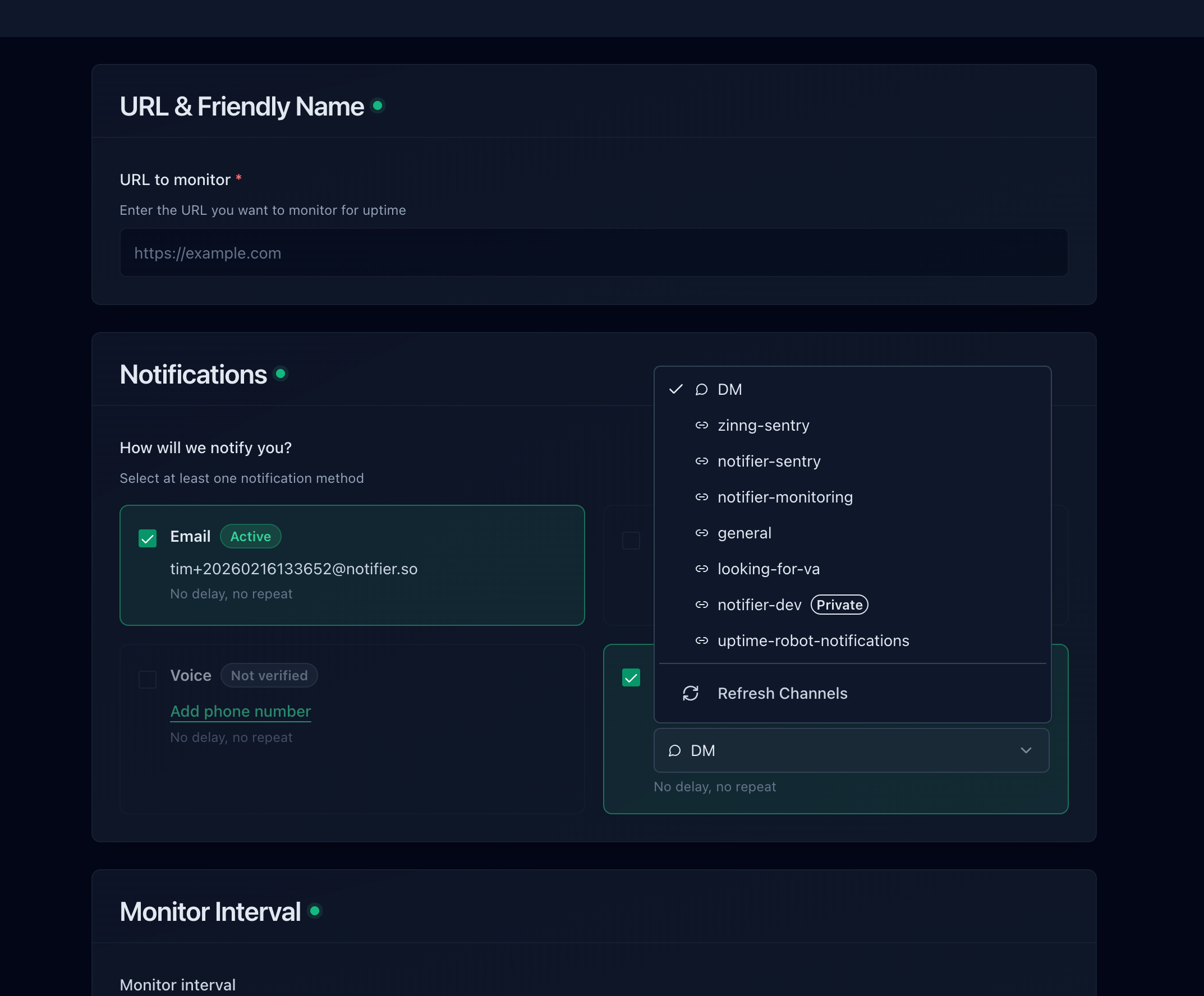
For more on setting up Slack alerts, see our Slack alerts guide.
Escalate by Alert Type
Use different alert channels for different severity levels:
- Slack: All alerts, for visibility and record-keeping
- Email: All alerts, as a backup channel
- SMS: Revenue-critical sites only (e-commerce checkout, SaaS login pages)
- Phone call: Enterprise clients with SLA commitments
This ensures your team gets the right level of urgency for each client, without every alert triggering a phone call at 2 AM.
Getting Started: Agency Monitoring Setup in 10 Minutes
Here is a quick setup workflow using Notifier, though the principles apply to any tool:
- 1. Create your account. Sign up at notifier.so/register. The free plan gives you 10 monitors and 5 status pages to start.
-
2. Add monitors for your first client. For each client, add at minimum: homepage, admin/login page, one key conversion page, and SSL certificate. Use the naming convention
[Client Name] Page Name. - 3. Connect Slack. Go to Integrations and connect your Slack workspace. Then assign each client's monitors to their specific Slack channel.
- 4. Create a status page per client. Add the relevant monitors to each client's status page and optionally set up a custom domain.
- 5. Invite team members. Add your account managers and developers so they receive alerts and can access the dashboard.
- 6. Repeat for each client. Once you have the pattern down, adding a new client takes about 2 minutes.
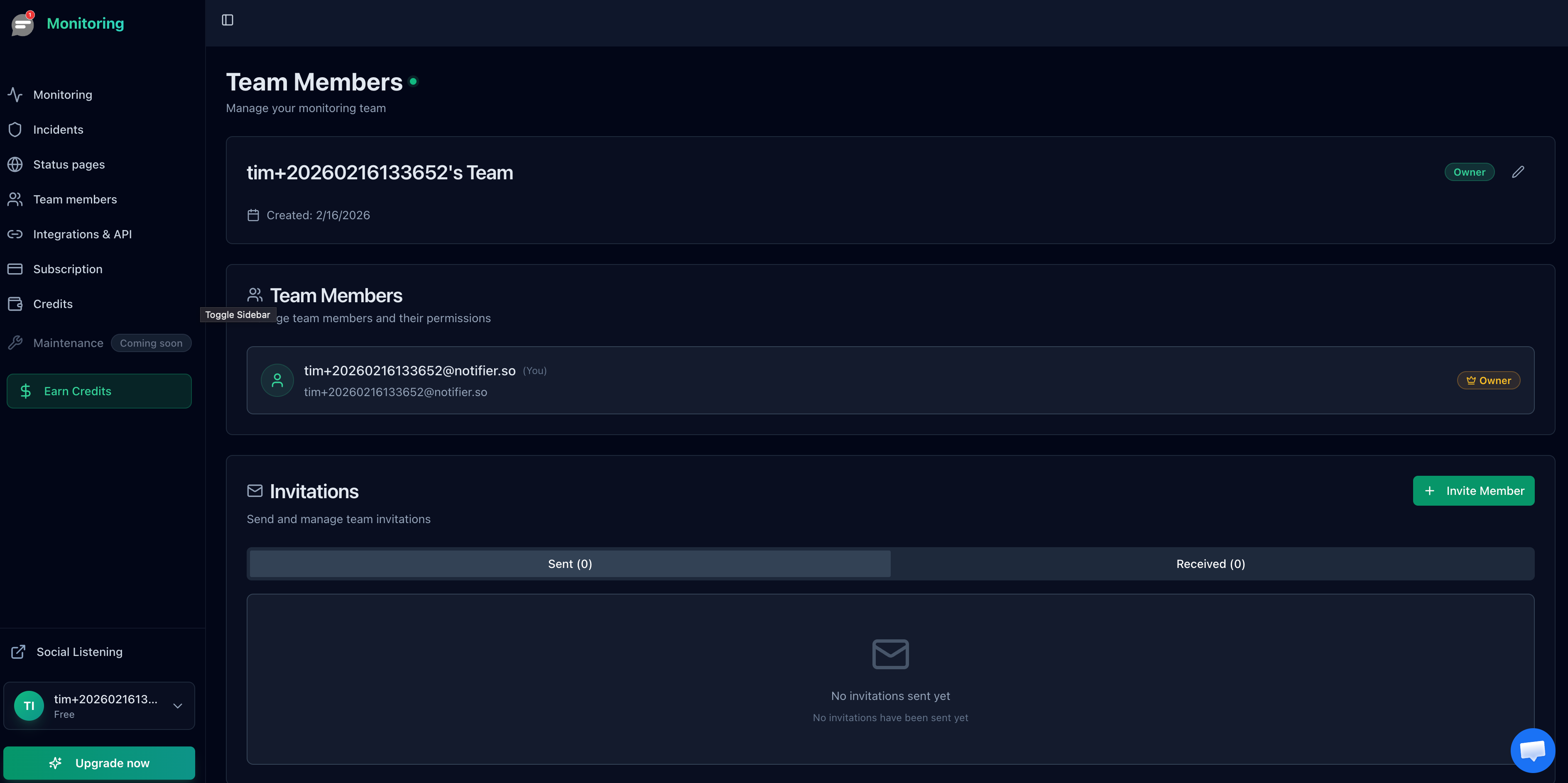
For a complete walkthrough of the onboarding process, see our website monitoring setup guide.
Frequently Asked Questions
How many monitors does an agency typically need?
Plan for 3 to 5 monitors per client site: homepage, admin/login page, one key conversion page (contact form, checkout, or booking), and SSL certificate. An agency with 20 clients needs roughly 80 to 100 monitors. At 50 clients, you need 150 to 250 monitors.
Should I include monitoring in my client retainer?
Yes. Monitoring is a natural fit for monthly maintenance retainers. At $1 to $3 per client per month (depending on the tool), the cost is negligible compared to even a modest retainer. Position it as proactive site management and include the status page as a tangible deliverable. Clients who can see their uptime data in real time are less likely to question the value of your retainer.
Can I use UptimeRobot's free plan for monitoring client sites?
No. Since December 2024, UptimeRobot's free plan is restricted to non-commercial use. Monitoring client websites as part of a paid service qualifies as commercial use. You need a paid UptimeRobot plan ($8/month minimum) or a tool like Notifier or StatusCake that allows commercial use on the free tier.
Is self-hosted monitoring a good choice for agencies?
For most agencies, no. Self-hosted tools like Uptime Kuma are free, but the reliability risk is significant. If your monitoring server goes down, you lose visibility on every client site simultaneously. You also take on maintenance, security patches, and backup management. The cost savings ($5 to $20/month in hosting) rarely justify the risk and time investment for an agency where client trust depends on reliable monitoring.
What check interval should I use for client sites?
For most client sites, 1-minute checks are a good balance between detection speed and resource usage. For e-commerce or SaaS clients where downtime directly impacts revenue, use 30-second checks on critical pages like checkout and login. For informational sites like blogs or brochure sites, 5-minute checks are sufficient. Match the check interval to the business impact of downtime for each client.
How do I handle client offboarding?
If you use a consistent naming convention (e.g., [Client Name] Homepage), offboarding is straightforward. Search your dashboard for the client name, delete all their monitors, remove their status page, and leave their Slack channel. The entire process takes less than a minute per client.
