Wix is the largest website builder in the world, powering over 8.5 million live websites. It handles your hosting, CDN, SSL, and security automatically. So you'd assume it also tells you when your site goes down, right?
It doesn't. Wix's built-in uptime tool lets you run a global availability test once every 24 hours, and you have to manually trigger it. There are no instant downtime alerts. No SMS notifications. No phone calls. If your Wix site goes down at 2 AM, Wix won't wake you up to tell you about it. You'll find out when a customer tells you, when your social media shares start showing broken links, or when you check your site the next morning.
Third-party outage trackers have logged over 400 incidents affecting Wix services since 2021. That's roughly 2 per week across the platform's various components. Wix is reliable for a website builder, but "managed hosting" doesn't mean "zero downtime." This guide covers exactly what Wix's monitoring can and can't do, why your Wix site can still go down, and how to set up real monitoring that alerts you in minutes, not hours.
What Wix's Built-in Monitoring Actually Does
Wix has an Uptime & Security Dashboard accessible from Site & Mobile App in your Wix dashboard. Here's what it includes and, more importantly, what it doesn't.
What You Get
- 90-day uptime status bar: A visual bar showing your site's uptime over the last 90 days. You can explore specific dates to see if any issues were recorded. It links to the Wix Services Status Page for details.
- Global availability test: You can manually run a test to check if your site is reachable from around the world. Results display on a map showing where the site is live versus having issues. But you can only run this once every 24 hours.
- Traffic load simulator: Shows average daily visitors and loading times during peak traffic. This is based on data from other Wix sites, not your specific site's actual performance.
- Security info: SSL certificate status and basic security notes.
What You Don't Get
- No automatic monitoring: You must manually trigger the availability check. It doesn't run on its own.
- No instant alerts: There is no feature that sends you a notification when your site goes down.
- No SMS or phone call alerts: Not available in any form.
- No response time tracking: You can't see how fast your site loads over time.
- No multi-location continuous checks: The one-time global test is useful but doesn't run automatically.
Wix also has an analytics alert system, but it monitors traffic and sales trends (daily sessions, weekly sales), not site availability. These alerts require 3 months of historical data before they activate and are delivered via email on daily or weekly schedules. They are not downtime alerts.
The gap in numbers
Wix's built-in tool: 1 check per day, manual trigger, no alerts.
External monitoring: 1,440 checks per day (every minute), automatic, with instant SMS/phone/email alerts.
That's a 1,440x difference in coverage.
Why Wix Sites Go Down
"Wix handles my hosting, so my site can't go down." This is the most common misconception among Wix users. Here are the real reasons Wix sites become inaccessible.
1. Wix Platform Outages
Wix runs on AWS and Google Cloud with Fastly CDN across 4 data centers and 200+ edge nodes. It's solid infrastructure, but it's not immune to outages. Platform-wide incidents affect all Wix sites simultaneously, and there's nothing you can do except wait for Wix to fix it. These happen more often than most users realize.
2. Custom Domain DNS Misconfiguration
When you connect a custom domain to Wix, the DNS records need to be configured correctly. Incorrect A records, missing CNAME records, or stale legacy records can make your site unreachable. DNS changes take up to 48 hours to propagate globally, and during that window your site may be accessible in some regions but not others.
A particularly common issue: Cloudflare's proxy mode is incompatible with Wix. If your domain registrar is Cloudflare (or you use Cloudflare DNS), the default "proxied" mode causes SSL handshake failures that take Wix sites offline. You must set DNS records to "DNS only" mode. Multiple Cloudflare community threads from 2024 document sudden Wix site outages caused by this conflict.
3. SSL Certificate Delays
Wix automatically provisions SSL certificates, but it can take up to 48 hours after DNS changes. During this window, visitors may see security warnings or be unable to access your site via HTTPS. DNSSEC settings at your domain registrar can also block SSL provisioning entirely, leaving your site in an "SSL unavailable" state.
4. Wix App Conflicts
Apps from the Wix App Market can conflict with each other or with your site's theme. Community forums document cases where third-party apps caused blank white pages on published sites. The Smart Target app, for example, has been identified as causing blank white screens. These conflicts can happen after an app update with no visible warning.
5. Editor Publishing Failures
Sometimes changes made in the Wix Editor fail to publish to the live site. In February 2026, Wix had a 2+ hour incident where published site changes weren't displaying on live sites. Your editing session works fine, you click publish, but the live site doesn't update (or worse, shows a broken state).
6. Bandwidth Limits (Free Plan)
Wix's free plan includes only 1 GB of bandwidth. If your site gets a traffic spike (a social media post goes viral, a marketing campaign drives traffic), you can hit the bandwidth cap and your site effectively becomes inaccessible. Even premium plans had bandwidth limits until recently (now "unlimited" on Light plans and above, though Wix's terms still include fair use policies).
7. Payment and Booking Failures
If you run a Wix store or use Wix Bookings, payment gateway issues can silently break your revenue stream. Wix Payments is only available in 15 countries with 6 currencies. Misconfigured Stripe or PayPal API keys, expired credentials, or gateway outages can cause checkout to fail while the rest of your site looks perfectly normal.
Wix's Real Outage History
StatusGator has tracked over 400 incidents affecting Wix services since August 2021. Wix monitors 90 components across 29 service groups. Here are some notable recent incidents.
March 11, 2024
22+ hoursFeedback links, app download links, and shortened links were broken for over 22 hours. The longest documented Wix incident in recent history.
February 7, 2026
2h 15mPublished site changes failed to display on live sites. Editors could save and publish, but the live site didn't update.
January 9, 2025
1h 50mIssues accessing websites directly. StatusGator detected it 21 minutes before Wix officially acknowledged the incident.
February 18, 2026
~2 hoursIssues with saving and publishing in the Wix Editor.
The pattern: Wix has multiple incidents per month across its various services. Most resolve within a few hours, but some last much longer. The January 2025 incident is telling because third-party tracking detected it 21 minutes before Wix acknowledged it. External monitoring consistently catches Wix outages faster than Wix's own status page.
What to Monitor on Your Wix Site
Wix sites are JavaScript-rendered, which means the HTML that loads initially is mostly empty and the content fills in via JavaScript. This is important for monitoring because keyword/content validation can be unreliable. Focus on HTTP status codes and monitoring the specific pages that matter to your business.
1. Your Homepage (Custom Domain)
Monitor https://yourdomain.com/ for HTTP 200 responses. This is your baseline check. It catches platform outages, DNS failures, SSL issues, and bandwidth cap problems.
2. Your .wixsite.com Domain (Backup Check)
Every Wix site has a default username.wixsite.com/sitename URL that works regardless of your custom domain configuration. Monitor this as a secondary check. If your custom domain is down but the .wixsite.com URL works, you have a DNS problem, not a Wix platform problem.
3. Key Business Pages
Monitor the pages that directly generate revenue or leads for your business:
- Online store: Your shop page and a key product page
- Booking page: If you use Wix Bookings for appointments or reservations
- Contact page: If your contact form is how customers reach you
- Landing pages: Pages linked from ad campaigns (these are the most expensive pages to have down)
| URL | What It Tests | Priority |
|---|---|---|
yourdomain.com/ |
DNS, SSL, CDN, platform availability | Essential |
user.wixsite.com/site |
Platform availability (bypasses DNS) | Essential |
/shop or /store |
E-commerce functionality | If e-commerce |
/booking page |
Wix Bookings system | If bookings |
Ad landing pages |
Pages with paid traffic | If running ads |
How to Set Up Wix Monitoring (Step by Step)
Step 1: Create Your Account
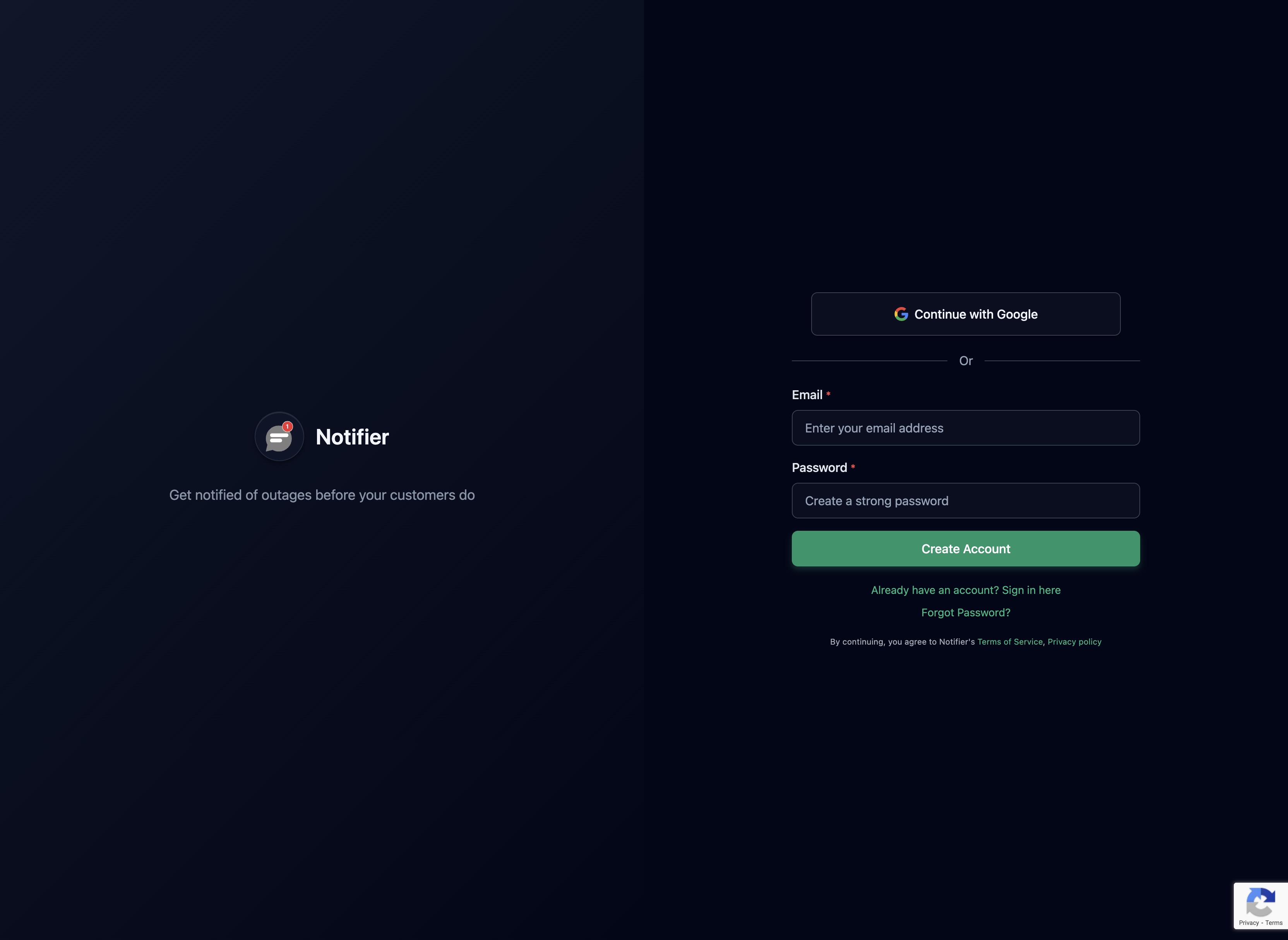
Sign up at notifier.so/register. The free plan gives you 10 monitors, which covers your homepage, .wixsite.com domain, and several key business pages.
Step 2: Add Your Custom Domain Monitor
Click "Add Monitor" and enter your custom domain (e.g., https://yourdomain.com). This is your primary monitor. Set the check interval based on your needs: 5 minutes on the free plan, or 1 minute on the Solo plan ($4/month) for faster detection.

Step 3: Add Your .wixsite.com Backup Monitor
Add a second monitor for your default Wix URL (https://username.wixsite.com/sitename). When both monitors alert, it's a Wix platform issue. When only the custom domain monitor alerts, it's a DNS or SSL issue on your end. This distinction saves you time diagnosing the problem.
Step 4: Set Up SMS or Phone Alerts
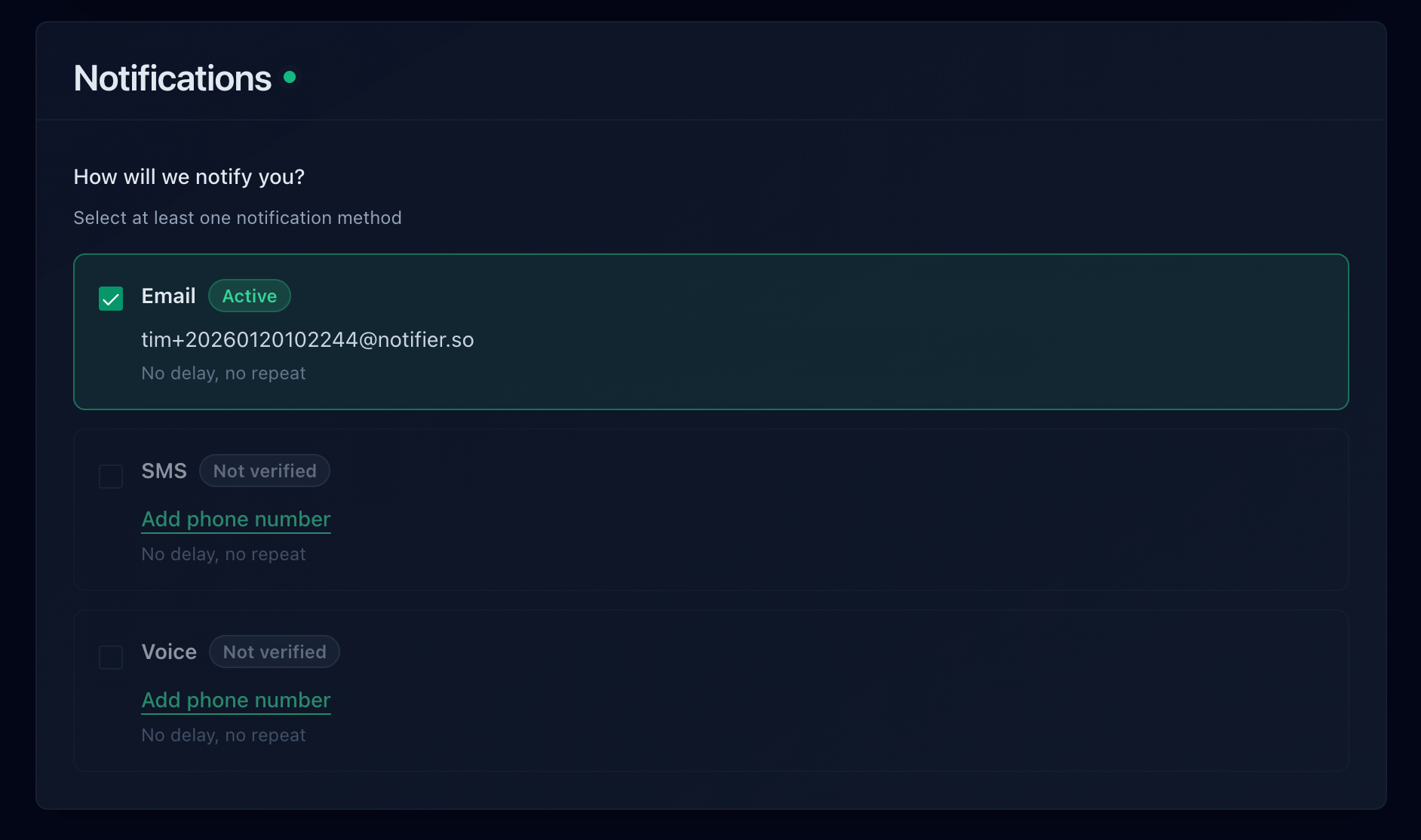
This is the biggest upgrade over Wix's built-in monitoring. Configure SMS or phone call alerts so you know the moment your site goes down. If you're running ads, every minute of undetected downtime is wasted ad spend. Notifier includes SMS and phone call alerts on all paid plans with no per-message fees.
Step 5: Subscribe to Wix's Status Page
Go to status.wix.com and subscribe to email notifications. This covers platform-wide issues that Wix acknowledges. Between this and your external monitoring, you'll have both layers covered.
Step 6: Create a Status Page (Optional)
If your Wix site serves clients or customers who depend on it, create a public status page. During outages, you can direct people there instead of fielding individual "is your site down?" messages. Notifier includes status pages with custom domain support on all paid plans.
Monitoring Tools for Wix Sites
| Tool | Free Tier | Check Interval | SMS/Phone Alerts | Status Pages |
|---|---|---|---|---|
| Notifier | 10 monitors | 5 min (free), 1 min ($4/mo) | Yes (all paid) | 5 (free), more on paid |
| UptimeRobot | 50 monitors | 5 min (free), 1 min ($7/mo) | SMS only (paid, 10/mo) | 1 (free) |
| Better Stack | 10 monitors | 3 min (free), 30 sec ($25/mo) | SMS (paid), phone ($25+) | 1 (free) |
| Wix Built-in | Included | Once per day (manual) | No | No |
Our Recommendation
For Wix site owners, Notifier is the best fit. The free plan gives you 10 monitors and 5 status pages, which is more than enough for any Wix site. When you need 1 minute checks and SMS/phone alerts (especially if you're running ads), the Solo plan at $4/month is the cheapest option with those features. If you run into issues, their support team typically responds within minutes.
For a comparison of all free monitoring options, see our guide to the best free monitoring tools.
Frequently Asked Questions
Does Wix notify me when my site goes down?
No. Wix has no instant downtime alerts. The Uptime & Security Dashboard lets you manually check availability once per day. Wix's analytics alerts track traffic and sales trends on daily/weekly schedules, but they are not downtime notifications. If your site goes down, Wix will not proactively tell you.
What is Wix's uptime guarantee?
Wix advertises approximately 99.9% uptime on standard plans. Wix Enterprise customers get a contractual 99.99% SLA with service credits. Even at 99.9%, that allows for nearly 9 hours of downtime per year. Independent tests from Tooltester measured 99.95% uptime over their testing period.
My Wix site is down but Wix's status page shows "All Systems Operational." Why?
Wix's status page (status.wix.com) tracks platform-wide issues. It doesn't monitor your individual site. If your site is down because of a DNS misconfiguration, SSL certificate delay, app conflict, or bandwidth limit, the platform can be running perfectly while your site is inaccessible. This is exactly why external monitoring matters. For more on diagnosing this situation, see our guide on how to check if a website is down.
I use Cloudflare with my Wix site and it keeps going down. What's wrong?
Wix does not support Cloudflare's proxy mode. If your DNS records in Cloudflare are set to "Proxied" (orange cloud icon), this causes SSL handshake failures that take your site offline. Switch all DNS records pointing to Wix to "DNS only" (gray cloud icon). This is one of the most common causes of unexpected Wix downtime.
How many monitors do I need for a Wix site?
A minimum of 2 (custom domain + .wixsite.com backup). For a business with an online store or bookings, add monitors for those pages too, bringing it to 3 to 5 total. Notifier's free plan gives you 10, which is plenty.
Can I monitor my Wix site's response time?
Yes. External monitoring tools like Notifier record response time for every check and display it as a graph over time. This helps you spot performance degradation before it becomes a full outage. Wix's built-in dashboard does not track response time. For a deeper dive into response time monitoring, see our response time monitoring guide.
