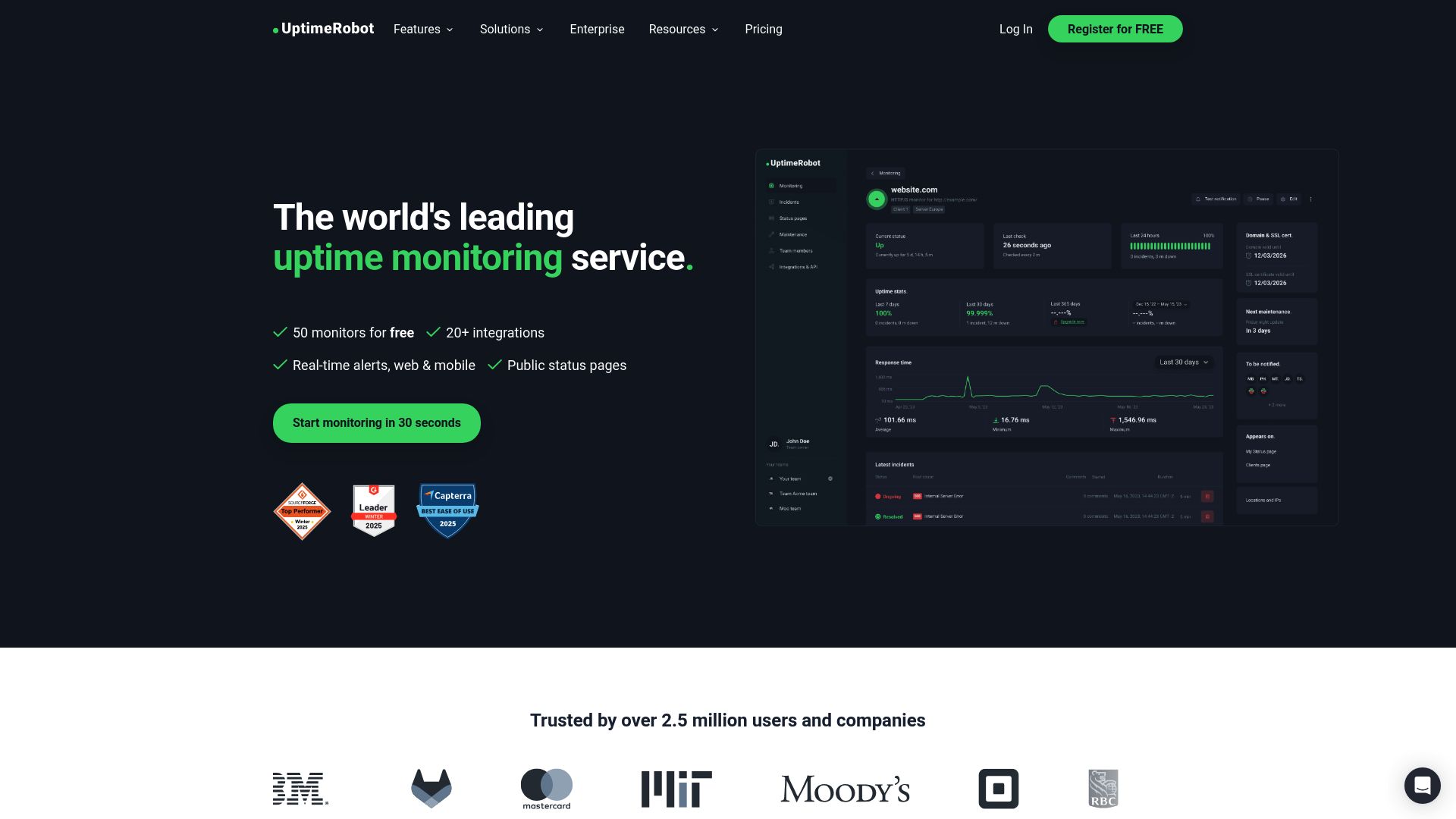
Looking for an UptimeRobot alternative? You're not alone. UptimeRobot has been one of the most popular uptime monitoring tools since 2010, and for years their generous free tier (50 monitors) made them the default choice for developers and small businesses. But things have changed.
Recent UptimeRobot free tier limits, reliability issues, and growing user frustrations have people searching for UptimeRobot competitors. If you're considering a switch in 2026, here are the best UptimeRobot alternatives and why users are leaving.
Why Users Are Switching from UptimeRobot in 2026
Based on user feedback across review sites and forums, here are the most common reasons people are looking for UptimeRobot alternatives:
1. Free Plan Now Limited to Non-Commercial Use
Important: In October 2024, UptimeRobot changed their terms to limit the free plan to non-commercial use only. If you're monitoring a business website, SaaS product, or anything that generates revenue, you technically need a paid plan. This is one of the biggest UptimeRobot free tier limits driving users to look for alternatives.
This is a significant change that caught many users off guard. If you're running any kind of commercial project, the free tier is no longer an option.
2. False Positives and Unreliable Alerts
Users have reported receiving false downtime alerts, particularly from the EU monitoring region. In August 2025, UptimeRobot experienced multiple incidents where users received false alerts for sites that were actually online. Some users report receiving false positives on a daily basis.
When your monitoring tool cries wolf, you start ignoring alerts. That defeats the entire purpose of uptime monitoring.
3. Single-Location Monitoring Triggers False Alerts
UptimeRobot's primary checks come from a single location (Dallas, USA). Temporary network blips, CDN issues, or regional connectivity problems can trigger alerts even when your site is accessible to most users. Multi-location verification only happens after an initial downtime detection.
4. Confusing Pricing Structure
The jump from free to paid is jarring. You go from 50 monitors at 5-minute intervals to just 10 monitors at 1-minute intervals for $7/month. Users expected a more gradual upgrade path.
5. Basic Status Pages
UptimeRobot's status pages are functional but dated. Users looking for modern, customizable status pages often need to look elsewhere or use a separate service entirely.
6. IP Whitelisting Complexity
If you use a firewall or Cloudflare, you need to whitelist UptimeRobot's IP addresses. Users report that keeping these lists up to date is tedious, and new IPs can cause monitoring failures until you update your rules.
UptimeRobot Alternatives: Quick Comparison
| Tool | Free Monitors | Check Interval | Free Status Pages | Commercial Use |
|---|---|---|---|---|
| UptimeRobot | 50 | 5 min | 1 | No (paid only) |
| Notifier.so ⭐ | 10 | 5 min | 5 | Yes |
| Better Stack | 10 | 3 min | 1 | Yes |
| StatusCake | 10 | 5 min | 0 | Yes |
| HetrixTools | 15 | 1 min | 0 | Yes |
| Uptime Kuma | Unlimited | 20 sec | Unlimited | Yes (self-hosted) |
1. Notifier.so (Our Pick)
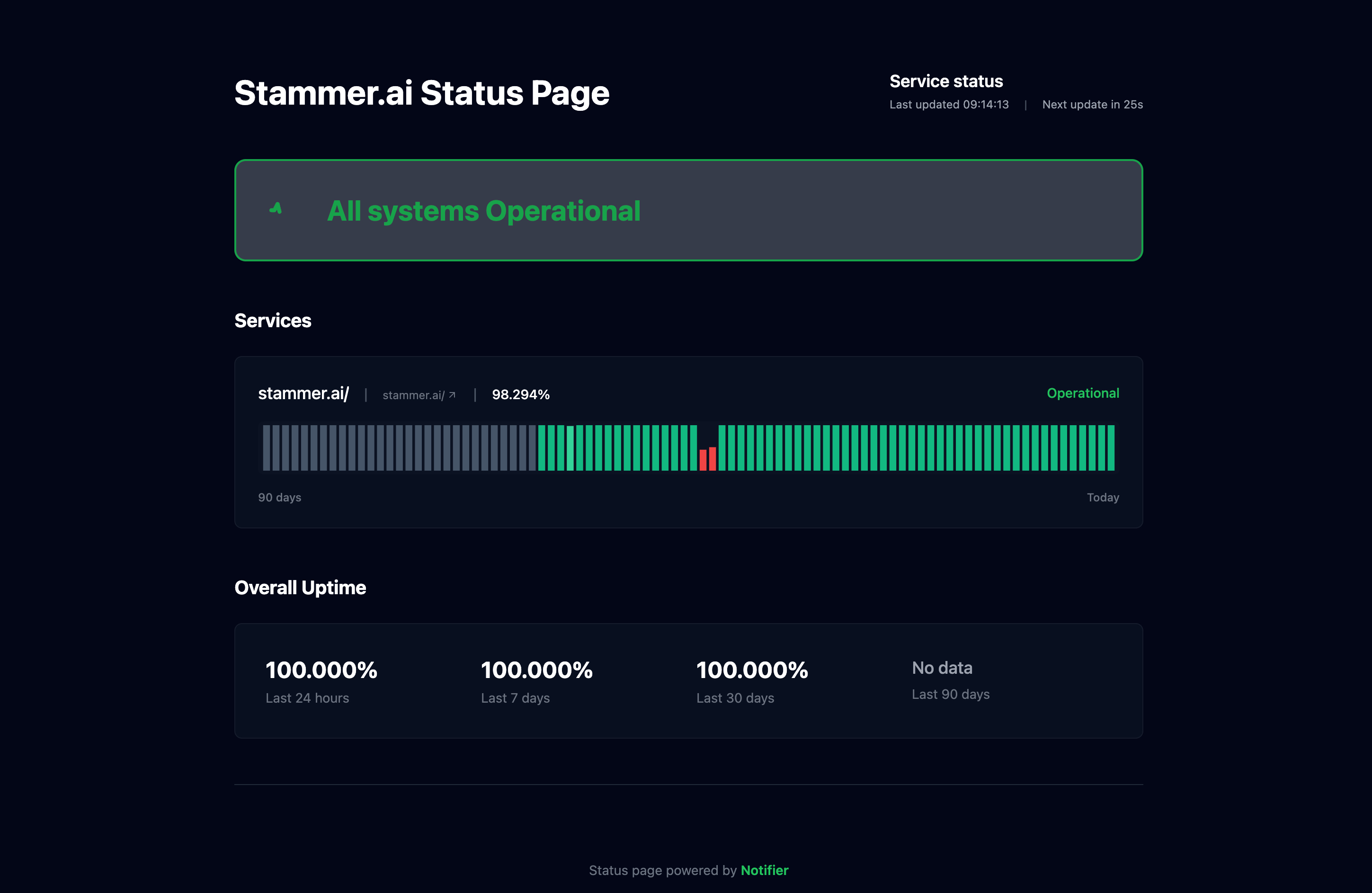
Notifier.so is uptime monitoring built for indie developers and small teams. No enterprise bloat, no confusing dashboards, just monitoring that works. It's the best free UptimeRobot alternative for commercial projects.

Why Switch from UptimeRobot?
- Commercial use allowed: No restrictions on what you can monitor. Use it for your business from day one.
- 5 status pages free: UptimeRobot gives you 1. Notifier gives you 5, even on the free tier.
- Free SSL monitoring: Get notified before your SSL certificates expire. Included on all plans, even the free tier.
- SMS and phone alerts included: No extra charges for critical alert channels.
- Affordable upgrade: Paid plans start at $4/month, not $7.
- Real human support: Email or use the chat widget. You'll hear back in minutes, not days.
Free Plan Includes:
- 10 monitors with 5 minute check intervals
- 5 public status pages
- Email, SMS, and phone call alerts
- Free SSL certificate monitoring
- Slack integration
- Uptime history and response time tracking
Paid Plans:
- Solo ($4/mo): 20 monitors, 1 minute checks, custom domain status pages, SSL monitoring
- Team ($19/mo): 100 monitors, 30 second checks, 3 team members
- Enterprise ($35/mo): 200 monitors, unlimited status pages, 10 team members
2. Better Stack
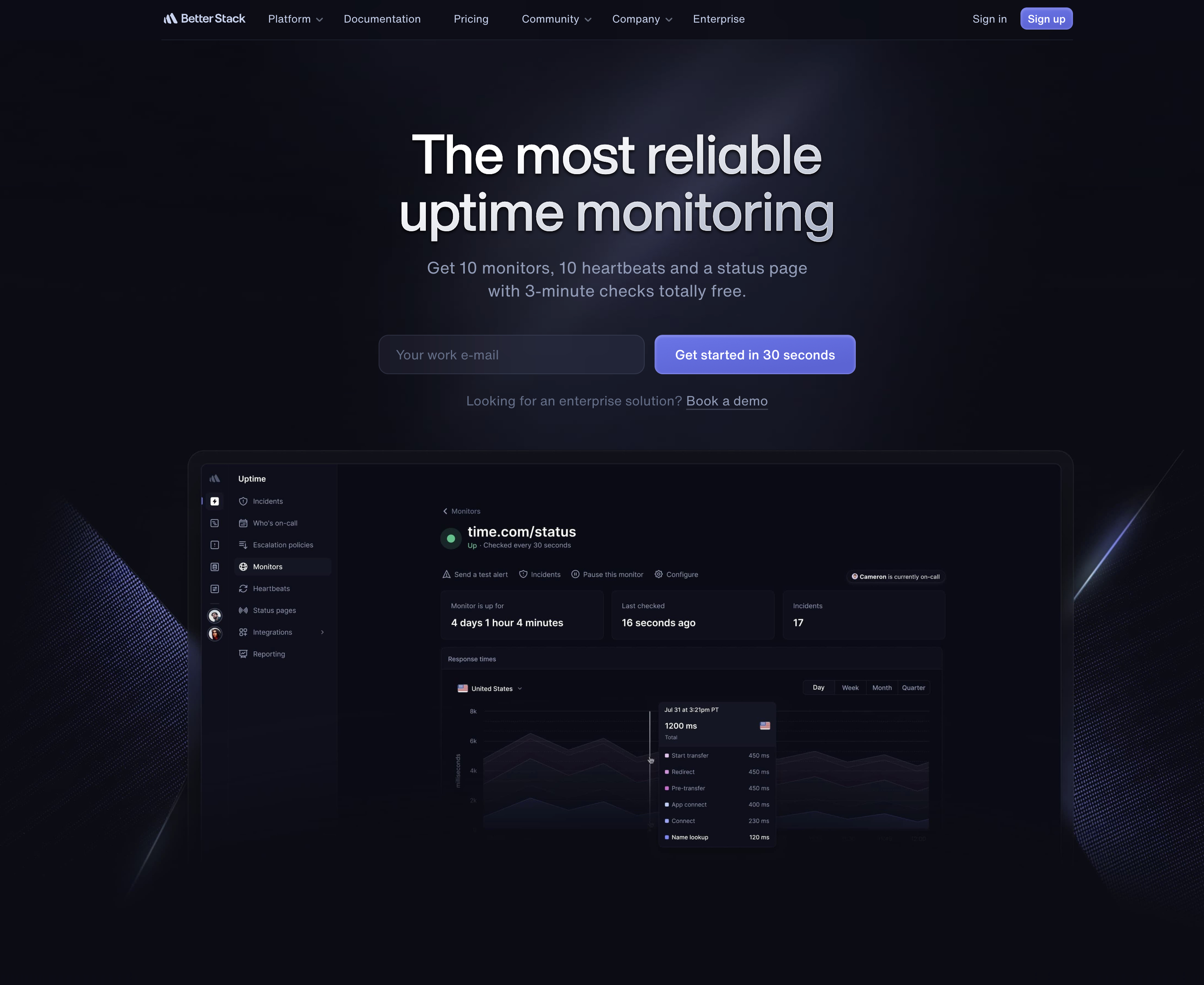
Better Stack (formerly Better Uptime) is the most polished UptimeRobot competitor on this list. It combines uptime monitoring with incident management, on-call scheduling, and beautiful status pages.
Why Consider Better Stack:
- 3 minute check intervals on free tier (faster than UptimeRobot's 5 minutes)
- Built-in incident management and on-call scheduling
- Unlimited phone, SMS, and email alerts on free tier
- Heartbeat monitoring for cron jobs
The Catch:
- Usage-based pricing: $21/month per 50 monitors plus $29/month per responder (steep jump from free)
- Can feel like overkill if you just want simple monitoring
- Only 10 monitors on free tier (vs UptimeRobot's 50)
Better Stack is ideal for teams that need incident management workflows. If you just want uptime alerts, it's more than you need.
3. Freshping (Discontinued)
⚠️ Freshping has shut down. Freshworks discontinued Freshping in early 2026. All existing monitors were disabled and the service is no longer available. We're keeping this section for reference. If you were a Freshping user, see our Freshping shutdown guide for migration options.
Freshping, by Freshworks, previously offered an impressive free tier: 50 monitors with 1-minute check intervals. That was the same monitor count as UptimeRobot but with faster checks. The service was shut down as Freshworks shifted focus to their enterprise products.
4. StatusCake
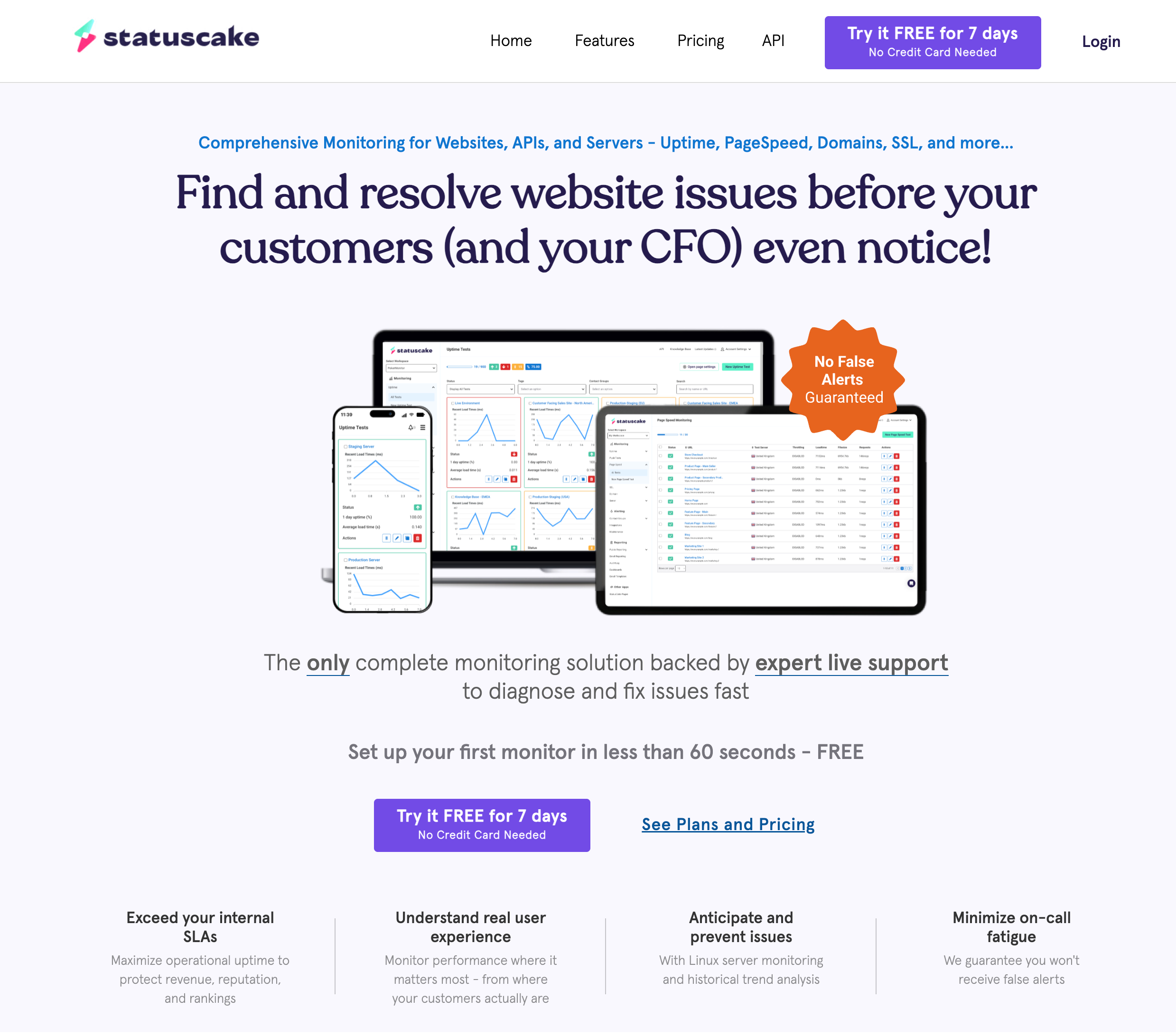
StatusCake is a UK-based UptimeRobot competitor that's been around since 2012. Their free tier is basic, but it includes SSL certificate and domain expiration monitoring, features that most competitors charge for.
Why Consider StatusCake:
- Free SSL certificate monitoring (1 certificate)
- Free domain expiration monitoring (1 domain)
- 30+ global monitoring locations
- Page speed monitoring included
The Catch:
- No status pages on free plan (paid plans start at $20.41/month)
- Only 10 uptime monitors on free tier
- Domain monitor only checks weekly
StatusCake is a good choice if SSL and domain expiration monitoring are priorities, and you don't need status pages.
5. HetrixTools
HetrixTools is unique among UptimeRobot alternatives because it combines uptime monitoring with server monitoring and blacklist checking. If you run your own servers or email infrastructure, this is valuable.
Why Consider HetrixTools:
- 15 uptime monitors with 1-minute checks (free)
- Server monitoring (CPU, RAM, disk)
- Blacklist monitoring (100+ blacklists)
- 12 global monitoring locations
- Webhook, Telegram, and Slack notifications
The Catch:
- No status pages on free plan
- Interface can feel dated
HetrixTools is ideal if you manage your own infrastructure and want more than just uptime monitoring. The blacklist monitoring is particularly useful if you run email servers.
6. Uptime Kuma (Self-Hosted)
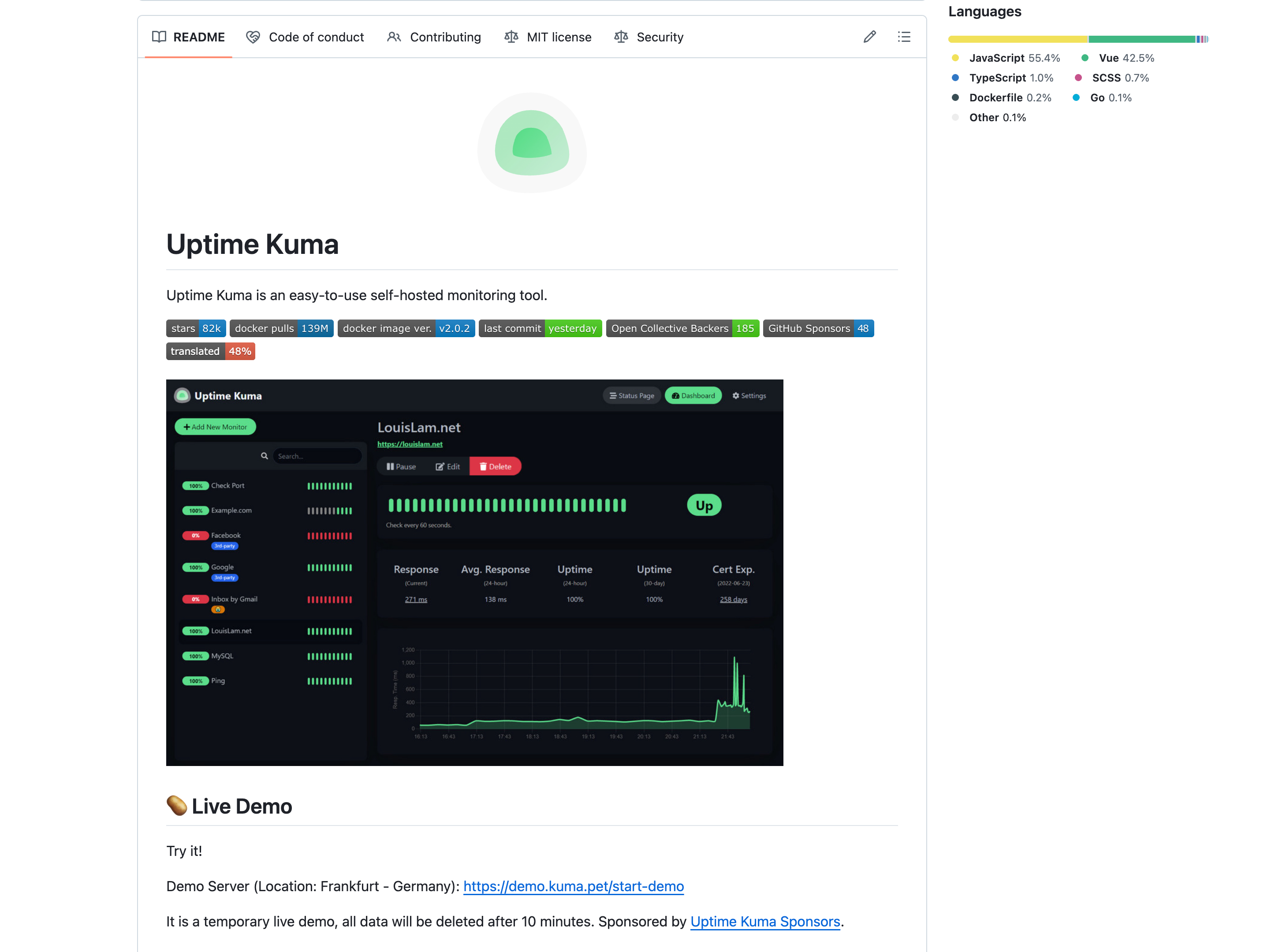
Uptime Kuma is the only truly free UptimeRobot alternative on this list because it's open source and self-hosted. You run it on your own server, which means unlimited monitors, faster check intervals, and complete control over your data.
Why Consider Uptime Kuma:
- Completely free (open source)
- Unlimited monitors, no restrictions
- Check intervals as low as 20 seconds
- 90+ notification integrations
- SSL certificate monitoring included
The Catch:
- You need a server to host it (VPS, Raspberry Pi, etc.)
- You're responsible for maintenance and updates
- If your server goes down, your monitoring goes down too
- Single location monitoring (unless you run multiple instances)
Uptime Kuma is perfect for developers who already run servers and want complete control. But if you'd rather focus on building your product than maintaining monitoring infrastructure, a hosted service is the better choice.
Migration Tips: Switching from UptimeRobot
Switching from UptimeRobot to a new service is straightforward. Here's how to do it smoothly:
1. Export Your Monitor List
UptimeRobot doesn't have a one-click export, but you can use their API or simply copy your URLs manually. For most users with under 50 monitors, manual setup in a new tool takes less than an hour.
2. Run Both Services in Parallel
Don't delete your UptimeRobot account immediately. Run both services for at least a week to compare alert timing and reliability. This helps you catch any configuration issues before fully committing.
3. Update Your Firewall Rules
If you've whitelisted UptimeRobot's IP addresses, you'll need to add your new service's IPs. Check their documentation for the current list. Most services publish their monitoring IPs publicly.
4. Migrate Status Pages Last
If you have public status pages, keep them running on UptimeRobot until your new service is fully configured and tested. Then update your DNS or redirect to point to the new status page.
Our Pick: Best UptimeRobot Alternatives in 2026
Recommendations:
- For commercial projects and simplicity: Start with Notifier.so. No commercial use restrictions, 5 free status pages, free SSL monitoring, SMS and phone alerts included, and paid plans start at just $4/month.
- For incident management and on-call: Better Stack is the most polished option among UptimeRobot competitors, though the usage-based pricing adds up quickly.
- For SSL and domain monitoring: StatusCake includes these features on their free tier.
- For server infrastructure monitoring: HetrixTools combines uptime with server resource and blacklist monitoring.
- For complete control: Self-host Uptime Kuma if you have the infrastructure and want unlimited everything.
When UptimeRobot Is Still Fine
To be fair, UptimeRobot still works for certain use cases:
- Non-commercial hobby projects: The free tier is generous if you're not running a business.
- Users who only need email alerts: Basic monitoring with email notifications works fine.
- Existing users with stable setups: If you've already configured IP whitelisting and aren't experiencing issues, there's no urgent need to switch.
Get Started Free
Ready to switch? Create a free Notifier.so account and set up your first monitor in under 30 seconds. No credit card required, no commercial use restrictions, and real human support if you need help.

Frequently Asked Questions
What are the UptimeRobot free tier limits in 2026?
As of 2026, UptimeRobot's free plan includes 50 monitors with 5-minute check intervals, 1 status page, and email alerts. However, the biggest limitation is the non-commercial use restriction added in October 2024. If you're monitoring a business website, SaaS product, or any revenue-generating project, you need a paid plan ($7/month minimum). The free tier also only checks from a single primary location, which can cause false positive alerts.
What is the best free UptimeRobot alternative?
For commercial projects, Notifier.so is the best free UptimeRobot alternative. It offers 10 monitors with no commercial use restrictions, 5 free status pages, SSL monitoring, and SMS/phone alerts on the free tier. For self-hosted, Uptime Kuma offers unlimited monitors for free. HetrixTools is another strong option with 15 free monitors and 1-minute checks.
Who are UptimeRobot's main competitors?
The main UptimeRobot competitors in 2026 are Notifier.so (simple, affordable, commercial-friendly), Better Stack (polished with incident management), StatusCake (SSL and domain monitoring), HetrixTools (server monitoring and blacklist checks), and Uptime Kuma (self-hosted, open source). Freshping was previously a major competitor but was discontinued by Freshworks in early 2026.
Do I need to whitelist IP addresses with UptimeRobot alternatives?
It depends on your firewall setup. If you use Cloudflare, a WAF, or server-level firewall rules, you may need to whitelist your monitoring service's IP addresses to prevent checks from being blocked. Most services publish their IP ranges publicly. Notifier.so publishes its monitoring IPs in its documentation, making it straightforward to configure.
Can I use UptimeRobot's free plan for my business?
No. Since October 2024, UptimeRobot's free plan is restricted to non-commercial use only. If you're monitoring a business website, e-commerce store, SaaS product, or any project that generates revenue, you need UptimeRobot's paid plan ($7/month) or switch to an alternative like Notifier.so that allows commercial use on its free tier.
