Pingdom was once the default choice for website monitoring. It's been around since 2005 and the name is practically synonymous with uptime checks. But times have changed. Pingdom now starts at $15/month for just 10 monitors, charges separately for Real User Monitoring and status pages, and lacks features that newer Pingdom competitors include for free.
Whether you're currently on Pingdom looking to cut costs, or you're exploring cheaper uptime monitoring tools and want to avoid overpaying, this guide compares 8 Pingdom alternatives at every price point. We cover free Pingdom alternatives, the best alternative to Pingdom for teams, and tools like Pingdom but with better pricing in 2026.
Pingdom Alternative Comparison Table
Here's how the top Pingdom competitors stack up on pricing, free tiers, and features:
| Tool | Starting Price | Free Tier | Check Interval | Status Pages | SSL Monitoring |
|---|---|---|---|---|---|
| Notifier.so ⭐ | $4/mo | 10 monitors | 5 min free, 1 min paid, 30 sec Team | 5 public (free), custom domain (paid) | Free on all plans |
| UptimeRobot | $7/mo | 50 monitors* | 1 min (paid) | Included | Paid plans |
| Better Stack | $29/responder | 10 + 10 heartbeats | 30 sec (paid) | 1 free, add-ons $12+ | Paid plans |
| Site24x7 | $9/mo | No | 1 min | Included | Included |
| Uptrends | $16/mo | No | 1 min | Included | Included |
| StatusCake | $20/mo | 10 monitors | 1 min (paid) | Paid only | Free (1 monitor) |
| Uptime Kuma | Free (self-hosted) | Unlimited | 20 sec | Included | Included |
| Pingdom | $15/mo | No | 1 min | 1 per org | Included |
* UptimeRobot free tier is limited to non-commercial use since October 2024
Why Switch From Pingdom in 2026?
Pingdom is a capable product, but several issues drive users to look for alternatives to Pingdom:
Pingdom Pricing in 2026
Pingdom's entry-level Synthetic Monitoring plan costs $15/month for just 10 uptime monitors. That's reasonable for a single site, but costs climb fast when you need to monitor multiple endpoints. Many alternatives offer 10+ monitors for free, making Pingdom's pricing hard to justify for smaller teams.
No Pingdom Free Tier
Pingdom eliminated their free plan years ago. You can try it free for 14 days, but after that you're paying or leaving. Most Pingdom competitors offer permanent free tiers with useful limits. There is no Pingdom free tier in 2026, and there hasn't been one for years. If you're searching for a Pingdom free plan, it doesn't exist.
Separate Products
Pingdom splits functionality across separate products with separate pricing. Synthetic monitoring is one plan. Real User Monitoring is another. Status pages are included, but limited to just 1 per organization with custom domains restricted to HTTP only. Competitors offer multiple status pages with HTTPS custom domains.
Missing Features
- No cron job monitoring: Pingdom can't monitor scheduled tasks or heartbeats
- No mobile app: Competitors like UptimeRobot have iOS and Android apps
- Limited integrations: The integration list is smaller than modern alternatives
Support Concerns
After SolarWinds acquired Pingdom, some users report slower support response times. Reviews mention delayed responses and unresolved issues. When your monitoring tool has a problem, you need fast help.
The 8 Best Pingdom Alternatives in 2026
1. Notifier.so (Best Pingdom Alternative Overall)

Notifier is website monitoring built for simplicity. No enterprise bloat, no confusing dashboards, just monitoring that works. It's the tool we wished existed before we built it.
Pricing vs Pingdom:
- Free: 10 monitors, 5 status pages, SSL monitoring (Pingdom: $0)
- Solo ($4/mo): 20 monitors, 1 min checks, SSL monitoring (Pingdom $15/mo: 10 monitors)
- Team ($19/mo): 100 monitors, 30 sec checks (Pingdom ~$30+/mo)
What You Get:
- HTTP/HTTPS and DNS monitoring with response time tracking
- SSL certificate monitoring free on all plans (including free tier)
- Email, SMS, and phone call alerts (included on all plans)
- 5 public status pages on free plan, custom domain support on paid plans
- Slack integration
- Setup in 30 seconds, not 30 minutes
Why Switch:
Notifier costs 75% less than Pingdom for equivalent features. The free tier alone matches Pingdom's cheapest plan. Support responds in minutes via chat or email, not days via ticket queue. Unlike larger competitors, you're dealing with a small team that actually uses the product they build.
2. UptimeRobot
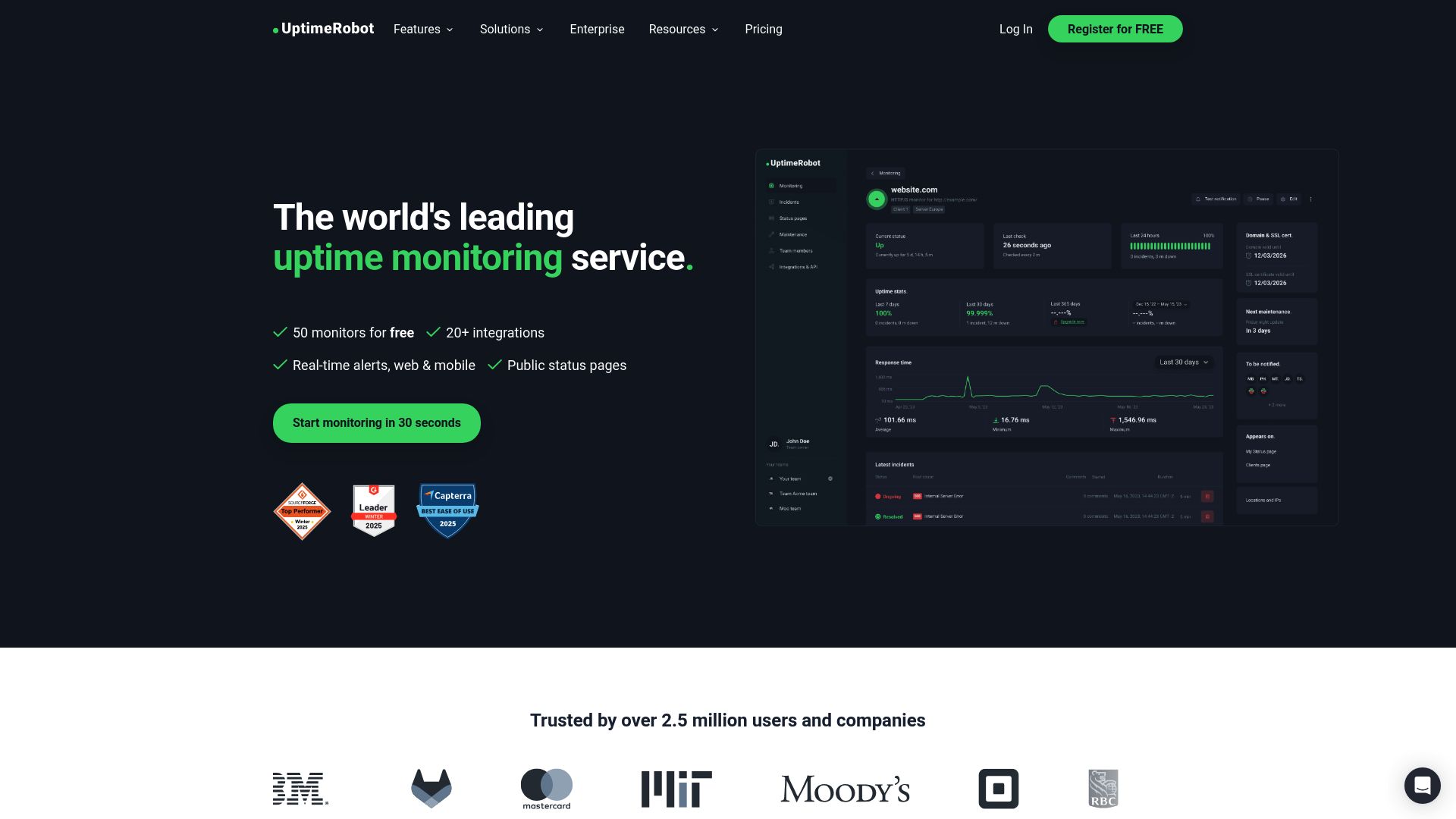
UptimeRobot has been around since 2010 and is one of the most popular Pingdom alternatives. They're known for their generous free tier: 50 monitors at 5 minute intervals.
Pricing:
- Free: 50 monitors, 5 min intervals (non-commercial only)
- Solo ($7/mo): 10 monitors, 1 min intervals
- Team ($29/mo): 100 monitors, 1 min intervals
- Enterprise ($54/mo): 200 monitors, 30 sec intervals
Important: In late 2024, UptimeRobot restricted their free plan to non-commercial use only. If you're monitoring a business website, SaaS product, or anything revenue-generating, you need a paid plan.
UptimeRobot vs Pingdom:
UptimeRobot's free tier is generous for hobbyists and open source projects. At the paid level, UptimeRobot costs less than Pingdom ($7/mo vs $15/mo for entry level), but you only get 10 monitors on the Solo plan. For commercial use, Notifier at $4/month with 20 monitors is a better deal than both.
3. Better Stack (formerly Better Uptime)
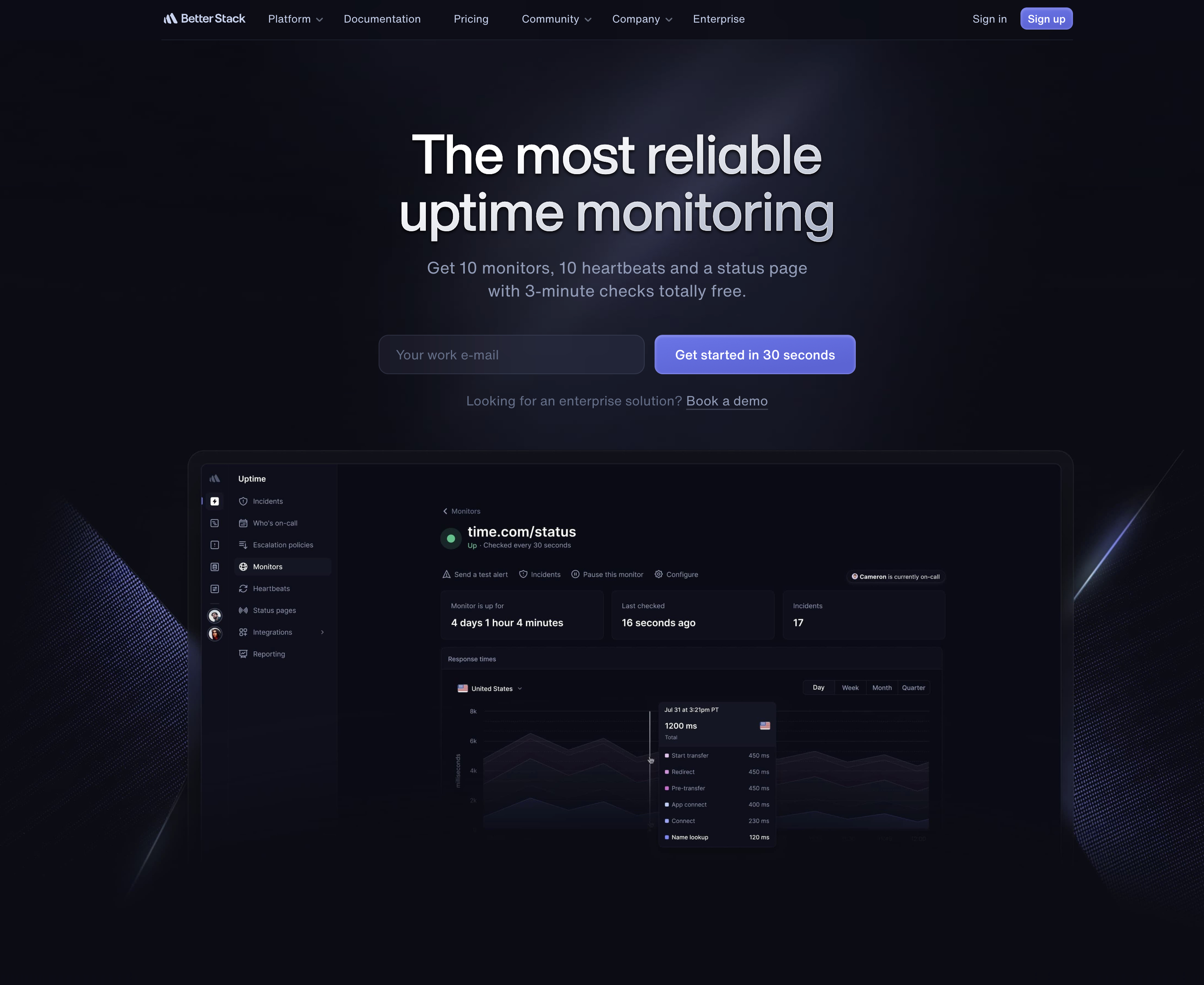
Better Stack is the most polished monitoring platform on this list. It combines uptime monitoring, incident management, on-call scheduling, and logs into one product. The UI is genuinely impressive.
Pricing:
- Free: 10 monitors + 10 heartbeats, 3 min intervals, email/Slack only
- Paid: $29/responder/month (annual), plus $21 per additional 50 monitors
- Example: 50 monitors + 2 responders ≈ $79/month
Better Stack uses per-component pricing, not fixed plans. Costs scale with responders, monitors, and add-ons.
Is Better Stack Actually the Best Uptime Monitoring Product vs Datadog and Pingdom?
This is one of the most common questions in the Better Stack vs Datadog vs Pingdom uptime monitoring comparison. The answer depends on what you need. Datadog is a full observability platform (logs, APM, infrastructure) where uptime monitoring is just one small feature, and pricing scales quickly into hundreds of dollars per month. Pingdom is uptime focused but expensive for what you get. Better Stack sits in between: more features than Pingdom (incident management, on-call) but less complex than Datadog. For a Better Stack uptime monitoring review, it's excellent for teams that need incident workflows, but overkill for straightforward uptime checks. For teams that just need monitoring without the enterprise overhead, Notifier at $4/month is the most practical choice.
Best For:
Teams that need incident management and on-call rotations built into their monitoring. If you just want uptime checks, Better Stack is overkill and overpriced. But if you need PagerDuty-style features, it's a good alternative to buying multiple products.
4. Freshping (Shut Down March 6, 2026)
Freshping has shut down. Freshworks permanently discontinued Freshping on March 6, 2026. All accounts have been disabled and data will be permanently deleted approximately 90 days after shutdown (~June 4, 2026). If you were a Freshping user, see our Freshping shutdown guide for migration steps.
Freshping was part of the Freshworks ecosystem (same company behind Freshdesk). Their free tier was remarkably generous: 50 monitors with 1 minute check intervals and 10 global locations. However, Freshworks permanently shut down Freshping on March 6, 2026, making it no longer available as a Freshping alternative to Pingdom or any other tool.
Looking for a Freshping Replacement?
If you're searching for a Freshping alternative or Freshping replacement after the shutdown, Notifier is the closest match. You get status pages on all plans, SMS and phone call alerts, Slack integration, free SSL certificate monitoring, and paid plans starting at just $4/month. No ecosystem lock-in, no risk of another shutdown.
5. Site24x7
Site24x7 is a full observability platform from Zoho. It goes far beyond uptime monitoring to include server monitoring, APM, cloud monitoring, and more. If Pingdom feels too simple, Site24x7 is on the opposite end of the spectrum.
Pricing:
- Starter ($9/mo): 10 monitors, basic features
- Pro ($35/mo): 40 monitors, APM, RUM
- Classic ($89/mo): 100 monitors, full platform
Best For:
Organizations that need full-stack observability, not just uptime monitoring. If you monitor AWS, Azure, or GCP infrastructure alongside websites, Site24x7 bundles everything. Overkill for simple uptime checks.
6. Uptrends
Uptrends is an enterprise monitoring platform with 229 global checkpoint locations (Pingdom has 100+). They offer real browser monitoring with Chrome and Edge, multi-step transaction checks, and detailed performance analytics.
Pricing:
- Starter ($16/mo): 10 monitors, basic uptime
- Premium ($41/mo): 25 monitors, transaction monitoring
- Enterprise: Custom pricing
Uptrends vs Pingdom
Uptrends and Pingdom are the closest competitors on this list. Both target enterprise users and both offer real browser monitoring. The key differences: Uptrends has 229 checkpoint locations vs Pingdom's 100+, and Uptrends includes transaction monitoring on lower tiers. Pricing is similar ($16/month vs $15/month for entry level). If global coverage matters, Uptrends wins. If you don't need enterprise features, both are overpriced compared to cheaper uptime monitoring tools like Notifier.
Best For:
Enterprise users who need extensive global coverage and real browser monitoring. The 229 checkpoint locations are useful if you need to verify your site works from specific regions. Not cost-effective for simple monitoring.
7. StatusCake
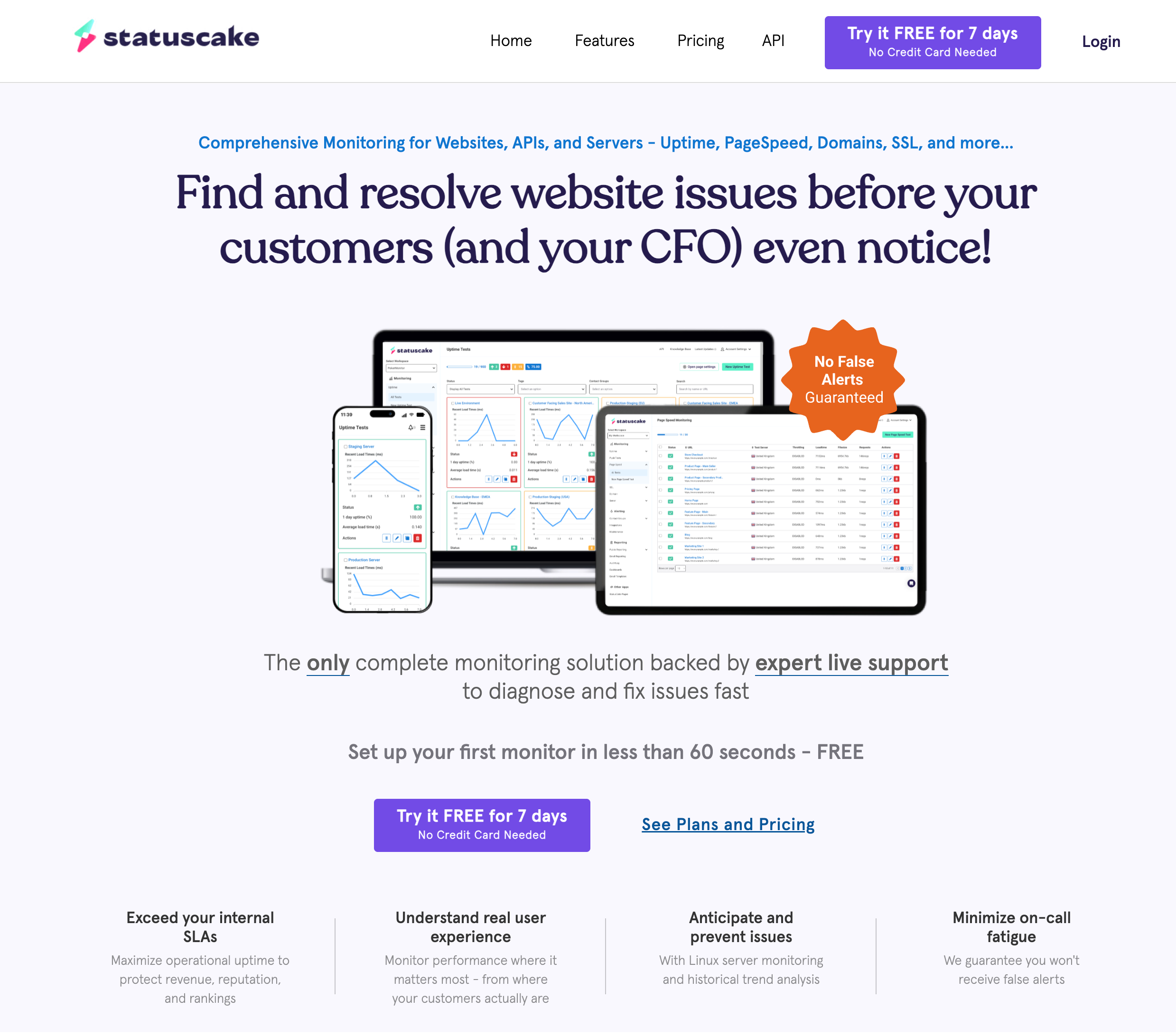
StatusCake is a UK-based monitoring service that's been around since 2012. Their free tier includes 10 uptime monitors plus SSL and domain expiration monitoring. Paid plans include page speed testing.
Pricing:
- Free: 10 monitors, 5 min intervals, 1 SSL monitor
- Superior ($20.41/mo annual): 100 monitors, 1 min intervals
- Business ($66.66/mo annual): 300 monitors, 30 sec intervals, status pages
Best For:
Users who want SSL and domain expiration monitoring included. StatusCake's free tier is one of the few that includes these features (though Notifier now includes free SSL monitoring on all plans too). The downside: status pages require a paid plan.
8. Uptime Kuma (Self-Hosted)
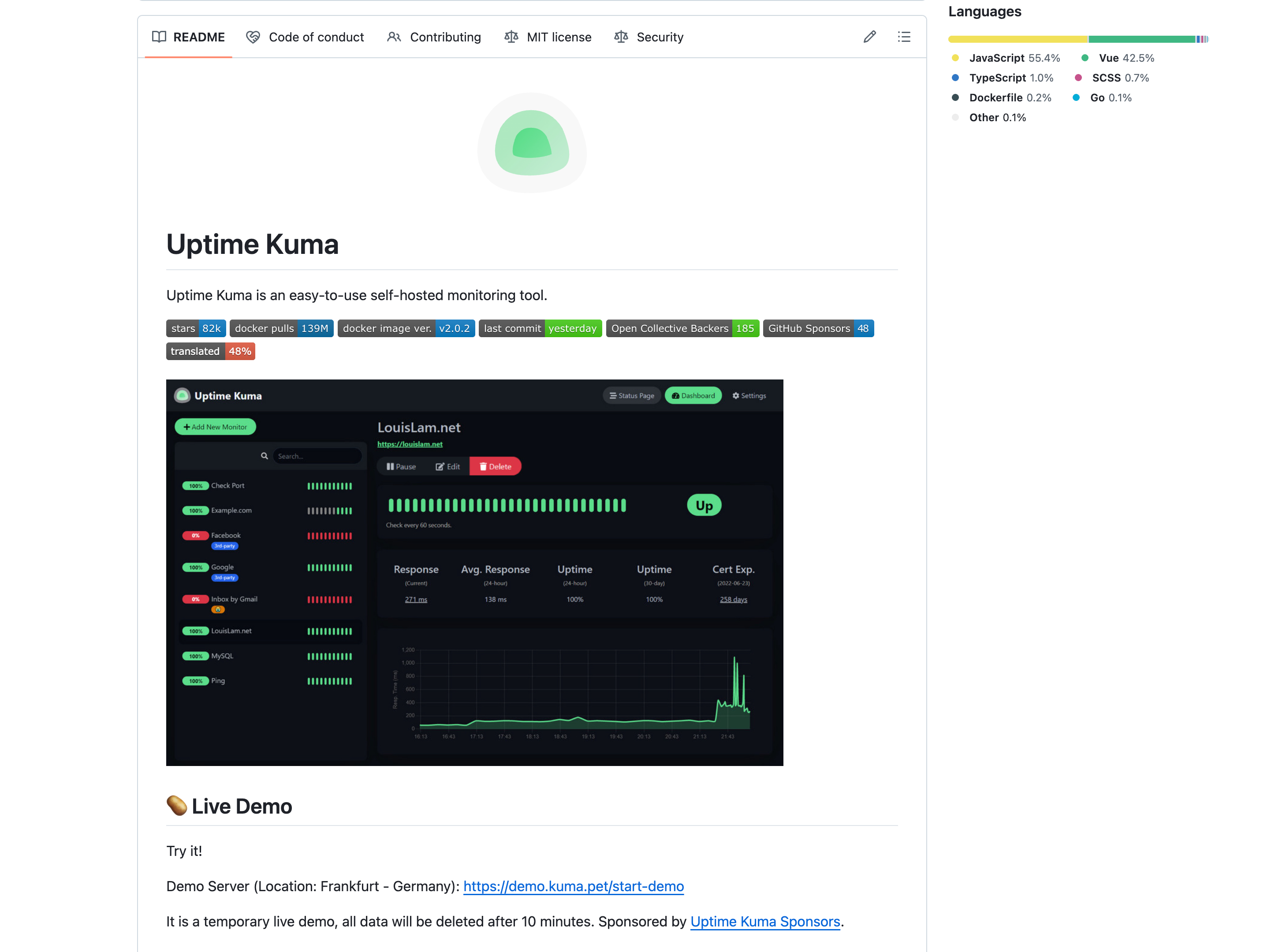
Uptime Kuma is an open source, self-hosted monitoring tool. You run it on your own server, which means unlimited monitors, 20 second check intervals, and zero ongoing costs beyond hosting. It's the best free Pingdom alternative if you're comfortable managing a server.
Cost:
Free (self-hosted). You pay only for your server ($5 to 10/month for a basic VPS).
What You Get:
- Unlimited monitors with 20 second intervals
- HTTP, TCP, ping, DNS, Docker, database monitoring
- 90+ notification integrations
- Full data ownership and control
The Trade-offs:
- You need a server to host it
- You maintain and update it yourself
- Single location monitoring (unless you deploy multiple instances)
- If your server goes down, your monitoring goes down too
Best For:
Developers who already manage servers and want complete control. Not for people who want a managed service.
Pingdom Pricing 2026: What It Actually Costs
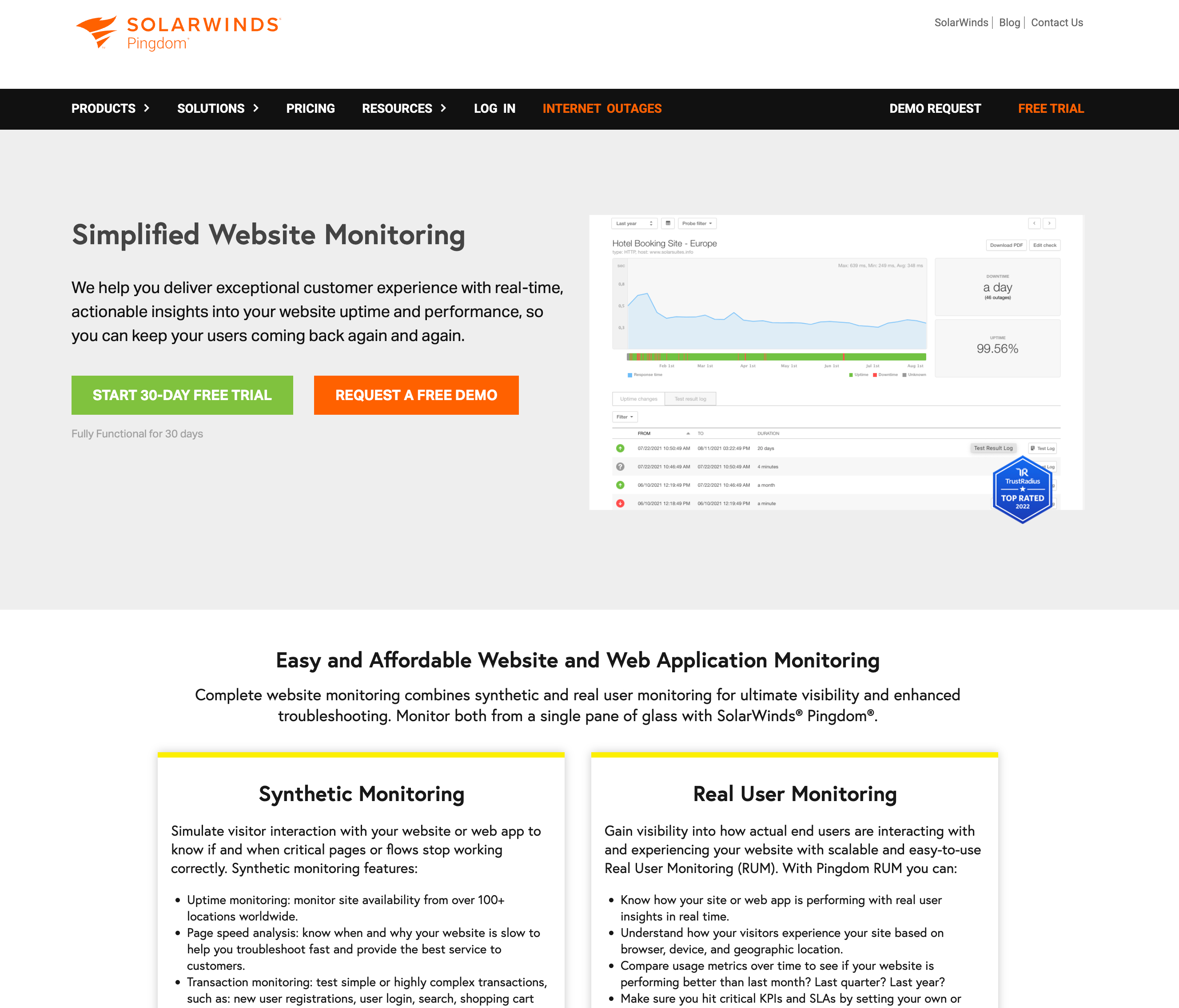
Pingdom pricing is one of the most common reasons people search for alternatives. Let's be clear about what Pingdom actually costs in 2026:
| Product | Price | What You Get |
|---|---|---|
| Synthetic Monitoring | $15/mo | 10 uptime monitors, 1 min checks |
| Synthetic Monitoring (Advanced) | $42/mo | 40 uptime monitors, advanced checks |
| Synthetic Monitoring (Professional) | $90+/mo | 100+ monitors, API monitoring |
| Real User Monitoring | $10+/mo | 100K pageviews/mo (scales with usage) |
| Status Pages | Included (limited) | 1 per organization, custom domain HTTP only |
The "starting at $15/month" price gets you only 10 monitors. If you need to monitor 20 endpoints, you're already looking at $42/month. If you need 100 monitors, that's $90+/month. Status pages are a completely separate product. If you want RUM, that's another add-on.
Pingdom Pricing vs Cheaper Uptime Monitoring Tools
To put Pingdom pricing in perspective, here's what the same money gets you with alternative monitoring tools:
- $15/month (Pingdom): 10 monitors, 1 status page (HTTP custom domain only), no free tier
- $4/month (Notifier): 20 monitors, 10 status pages with custom domains, SMS and phone alerts, SSL monitoring
- $7/month (UptimeRobot): 10 monitors, 3 status pages, 1 min checks
- $20/month (StatusCake): 100 monitors, SSL monitoring, page speed checks
- $0/month (Notifier Free): 10 monitors, 5 status pages, email, SMS, and phone call alerts, SSL certificate monitoring. The same number of monitors as Pingdom's $15 plan.
Notifier's free tier gives you the same monitor count as Pingdom's entry-level paid plan. For $19/month (Notifier Team), you get 100 monitors with 30 second checks and team access, which would cost over $90/month on Pingdom.
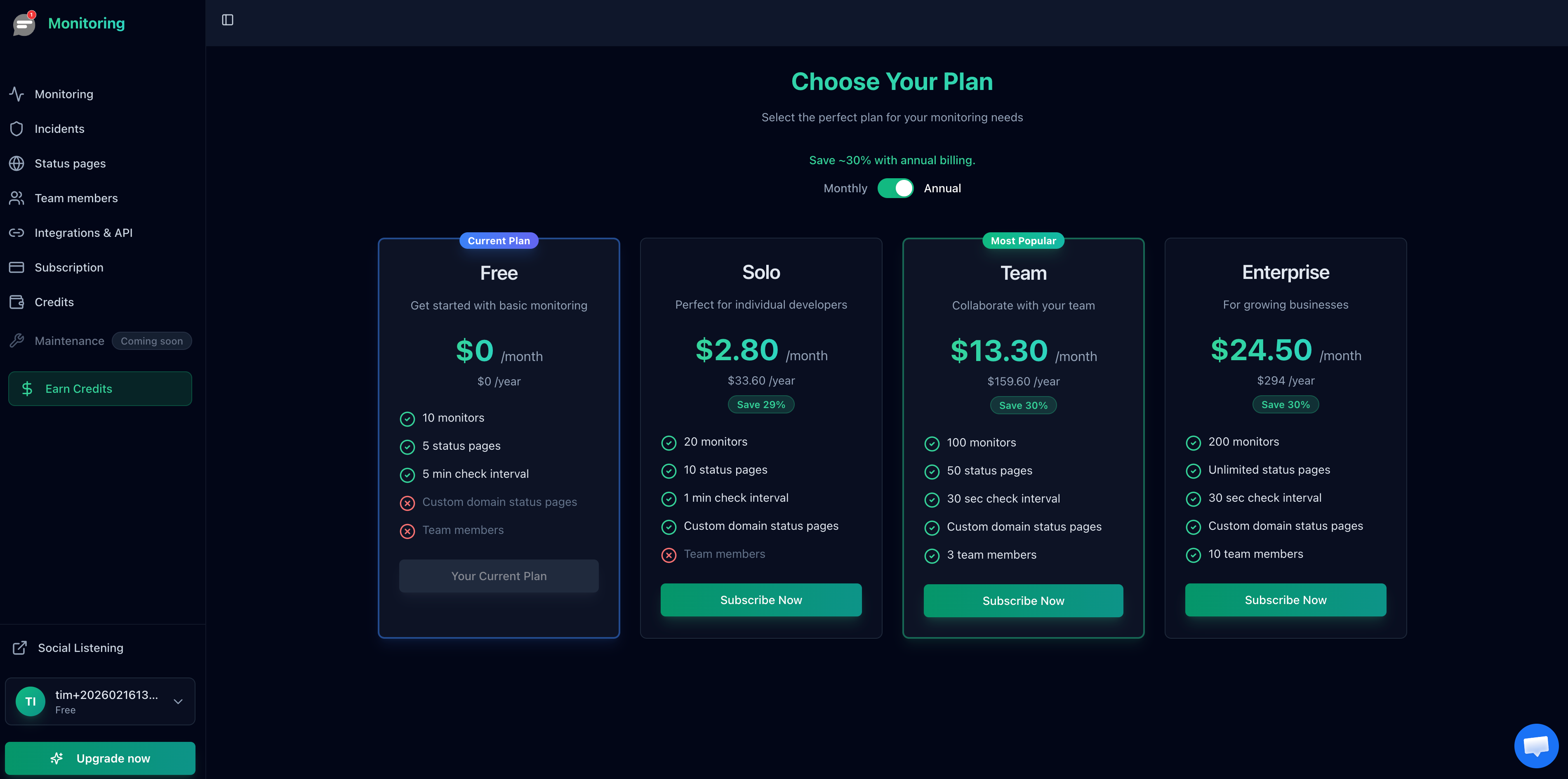
Notifier's pricing starts at $0/month with 10 monitors, compared to Pingdom's $15/month minimum.
Migrating From Pingdom
Switching from Pingdom to another service is straightforward. Here's what to do:
1. Export Your Monitor List
Before canceling Pingdom, document all your monitors. Note the URL, check type, and any custom settings. Pingdom doesn't have a clean export, so you may need to manually copy this.
2. Set Up the New Service
Create an account on your new platform. With Notifier, you can add your first monitor in about 30 seconds. Recreate your monitors from your exported list.

Adding a new monitor in Notifier takes about 30 seconds.
3. Run Both in Parallel
Keep Pingdom running for a week while you verify the new service is working correctly. Check that alerts arrive, response times look reasonable, and status pages work as expected.
4. Update Integrations
If you have webhooks, Slack integrations, or other automation connected to Pingdom, update them to use your new service's endpoints.
5. Cancel Pingdom
Once you're confident the new service is working, cancel your Pingdom subscription. Make sure you cancel before your next billing cycle to avoid charges.
Which Pingdom Alternative Should You Choose?
Best Pingdom Alternative for Most Users
Notifier. Simple setup, transparent pricing, free SSL monitoring, and real support. The free tier matches Pingdom's cheapest plan. Paid plans start at $4/month.
Best Free Pingdom Alternative
Notifier (10 monitors, SSL monitoring, 5 status pages, commercial use allowed) or UptimeRobot (50 monitors, non-commercial only). If you need a Pingdom alternative free of charge for a business, Notifier is the only option.
For Teams Needing Incident Management
Better Stack. The premium price includes on-call scheduling, runbooks, and incident workflows. Worth it if you need PagerDuty-style features.
For Full Observability
Site24x7. If you need APM, server monitoring, cloud infrastructure monitoring, and uptime checks in one platform.
For Enterprise Global Coverage
Uptrends. 229 checkpoint locations worldwide, real browser monitoring, and transaction checks.
For Self-Hosting
Uptime Kuma. Completely free, unlimited monitors, full control. Requires your own server and maintenance.
For Freshping Users After the Shutdown
Notifier. Closest match to Freshping's feature set with status pages, multi-channel alerts, and affordable paid plans. See our Freshping shutdown migration guide.
Frequently Asked Questions
What is the best Pingdom alternative in 2026?
For most users, Notifier is the best Pingdom alternative. It offers the same core monitoring features at 75% less cost, includes a free tier that matches Pingdom's $15/month plan, and adds free SSL certificate monitoring on all plans. Support responds in minutes, not days.
Does Pingdom have a free tier in 2026?
No. Pingdom does not have a free plan or free tier. They offer a 14-day free trial, but after that you must pay at least $15/month. If you need free monitoring, Notifier (10 monitors free), UptimeRobot (50 monitors, non-commercial only), and StatusCake (10 monitors free) all offer permanent free tiers.
How much does Pingdom cost?
Pingdom pricing starts at $15/month for 10 monitors with synthetic monitoring. The Advanced plan is $42/month for 40 monitors. Professional is $90+/month for 100+ monitors. Real User Monitoring is a separate add-on starting at $10/month. There is no free plan.
Who are Pingdom's biggest competitors?
The main Pingdom competitors in 2026 are Notifier, UptimeRobot, Better Stack, StatusCake, Site24x7, Uptrends, and Datadog. For simple uptime monitoring, Notifier and UptimeRobot are the most direct competitors with significantly lower pricing. For enterprise observability, Datadog and Site24x7 compete at a different level. Better Stack competes on features like incident management. Freshping was a major competitor but shut down on March 6, 2026.
Is Better Stack better than Pingdom and Datadog for uptime monitoring?
It depends on your needs. Better Stack is more feature-rich than Pingdom (incident management, on-call scheduling) but less comprehensive than Datadog (which covers full-stack observability). For pure uptime monitoring, Better Stack is overkill and overpriced compared to focused tools like Notifier. Datadog is enterprise-grade with enterprise pricing. For most teams, a simple monitoring tool is more practical than either.
Is there a free tool like Pingdom?
Yes. Several tools offer free tiers that match or exceed Pingdom's $15/month plan. Notifier's free tier includes 10 monitors, 5 status pages, and SSL certificate monitoring. UptimeRobot offers 50 free monitors (non-commercial use only). Uptime Kuma is a free self-hosted option with unlimited monitors. All of these are tools like Pingdom but without the price tag.
What happened to Freshping? Is it still a Pingdom alternative?
Freshping shut down permanently on March 6, 2026. Freshworks discontinued the service and all accounts have been disabled. Freshping is no longer available as an alternative to Pingdom or any other monitoring tool. If you're looking for a Freshping replacement, Notifier is the closest match with free status pages, SSL monitoring, and paid plans starting at $4/month.
What's the cheapest Pingdom alternative?
Free: Notifier, UptimeRobot, and StatusCake all offer free tiers. For paid plans, Notifier at $4/month is the cheapest option with 1 minute checks, 20 monitors, and SSL monitoring included. UptimeRobot Solo is $7/month for 10 monitors. StatusCake Superior is about $20/month for 100 monitors.
How does UptimeRobot compare to Pingdom?
UptimeRobot is cheaper than Pingdom at every tier. The free plan offers 50 monitors (non-commercial only) vs Pingdom's $0. UptimeRobot Solo ($7/mo) is half the price of Pingdom's entry plan ($15/mo) with the same 10 monitors. The main tradeoff is that UptimeRobot's paid plans only go down to 1 minute checks, while Pingdom includes more advanced transaction monitoring at higher tiers.
How does Uptrends compare to Pingdom?
Uptrends and Pingdom are the closest competitors on this list, both targeting enterprise users. Uptrends starts at $16/month vs Pingdom's $15/month. Key differences: Uptrends has 229 global checkpoint locations vs Pingdom's 100+, includes transaction monitoring on lower tiers, and offers real browser monitoring with Chrome and Edge. If global coverage is your priority, Uptrends has the edge. If you don't need enterprise features, both are overpriced.
Can I import my Pingdom monitors to another service?
Not directly. Pingdom doesn't offer an export feature. You'll need to manually recreate your monitors in the new service. For most setups with 10 to 20 monitors, this takes under an hour. Some services like Notifier support bulk monitor upload to speed up the process.
Conclusion
Pingdom was the right choice in 2010. In 2026, better alternatives exist at every price point. Whether you want a free tier that Pingdom no longer offers, or paid plans that cost 75% less, the Pingdom alternatives on this list deliver more value.
For most users, we recommend starting with Notifier. The free tier is generous, paid plans are affordable, SSL certificate monitoring is included on all plans, and setup takes seconds. Try it free and see if it meets your needs before committing.
