Your website monitoring says everything is fine. Meanwhile, your European customers are staring at a timeout error. Your US-based monitor never noticed because the problem is 5,000 miles away.
This is the fundamental flaw with single-location monitoring. If your monitor checks your site from one server in Virginia, it can only tell you whether the site is reachable from Virginia. It knows nothing about what users in London, Tokyo, or Sydney are experiencing.
Multi-location monitoring solves this by checking your site from multiple geographic locations simultaneously. It catches regional outages, reduces false alerts, and gives you a complete picture of your global availability.
The Problem with Single-Location Monitoring
Single-location monitoring has two major blind spots:
Blind Spot #1: Missed Regional Outages
The internet is not a single network. It's thousands of interconnected networks, and the path from your server to a user in Germany is completely different from the path to a user in Brazil. A problem anywhere along one of those paths can make your site unreachable for users in that region while everyone else sees it working perfectly.
If your monitoring server happens to be on the working path, you'll never know about the outage. Your dashboard shows 100% uptime while a portion of your users can't reach your site.
Blind Spot #2: False Positive Alerts
The opposite problem is just as bad. A temporary network issue between your monitoring server and your site triggers a downtime alert. Your phone buzzes at 3 AM. You jump out of bed, check your site, and everything is fine. The "outage" was just a brief network hiccup near the monitoring server that had nothing to do with your infrastructure.
With single-location monitoring, there's no way to tell the difference between "your site is down" and "the path between this one server and your site had a brief problem." Over time, these false alerts create alert fatigue, and when a real outage happens, you're slower to respond because you've learned to ignore the noise.
Real Examples of Regional Outages
Regional outages are not theoretical. They happen regularly to the biggest infrastructure providers in the world.
- AWS us-east-1 (July 2024): Internal traffic between services in the us-east-1 region was significantly disrupted, specifically within a single availability zone. AWS advised customers to route workloads to other zones. Services in other regions were unaffected.
- Cloudflare (September 2024): A performance incident caused reachability issues for services using Cloudflare's CDN in the United States, Europe, the UAE, and the Philippines. The outage lasted about 90 minutes. Services routed through other Cloudflare data centers continued to work.
- Amazon CloudFront (January 2024): A CloudFront disruption caused "404 NoSuchBucket" errors primarily across EU regions due to integration problems with S3 origin buckets. US users were largely unaffected.
- Cloudflare R2 (March 2025): A credential rotation error caused write failures and partial read failures across Cloudflare's R2 storage, lasting over an hour. The impact varied significantly by region.
In every one of these incidents, a single-location monitor could have shown either "down" or "up" depending on where the monitoring server was located. Only multi-location monitoring would have given the complete picture: "down in Europe, up in the US" or "degraded in Asia, normal everywhere else."
How Multi-Location Monitoring Works
The concept is straightforward: instead of checking your site from one server, the monitoring service checks from multiple servers spread across different geographic regions.
Check Nodes
Monitoring providers maintain servers (called check nodes or probe locations) in data centers around the world. Common locations include:
- North America: US East (Virginia), US West (Oregon/California), Canada
- Europe: UK, Germany, Netherlands, France
- Asia-Pacific: Singapore, Japan, Australia, India
- South America: Brazil
Each check node independently sends a request to your site and records the result (response code, response time, any errors).
Consensus-Based Alerting
This is where multi-location monitoring really shines. Instead of alerting the moment a single node reports a failure, the system waits for confirmation from multiple locations before triggering an alert.
For example, a typical setup might work like this:
1 of 3 nodes reports failure → Likely a network blip. No alert sent. Recheck from all locations.
2 of 3 nodes report failure → Probable regional issue. Alert sent with regional context.
3 of 3 nodes report failure → Your site is down globally. Urgent alert sent immediately.
This consensus approach dramatically reduces false positives while still catching real outages quickly.
Regional Latency Tracking
Multi-location monitoring also tracks response times from each region. Even if your site is technically "up" everywhere, you might discover that response times from Asia are 3x slower than from the US. This kind of performance disparity is invisible to single-location monitoring but directly impacts user experience.
What Multi-Location Monitoring Catches
Here are the specific problems that multi-location monitoring detects and single-location monitoring misses:
CDN and Edge Failures
CDNs like Cloudflare, AWS CloudFront, and Fastly serve your content from edge servers close to the user. When one of these edge locations has a problem, users routed to that edge go down while everyone else is fine. A monitor checking from a healthy edge location sees no issue.
DNS Propagation Issues
DNS changes don't propagate instantly. After updating a DNS record, some regions might resolve to the new IP while others still point to the old one. If you're migrating servers or changing hosting providers, multi-location monitoring tells you when the change has actually reached all regions.
Geo-Routing Misconfigurations
If you use geo-based routing (sending users to the nearest server), a misconfiguration can send traffic from one region to the wrong server, or to a server that's down. Multi-location checks verify that geo-routing is working correctly for each region.
ISP-Level Outages
Sometimes the issue isn't your server or your CDN. It's a major ISP having routing problems. Users on that ISP can't reach your site, but everyone else can. Multi-location monitors on different network paths can detect this pattern.
Regional Cloud Provider Issues
Cloud providers like AWS, Google Cloud, and Azure organize infrastructure into regions. A problem in us-east-1 doesn't affect eu-west-1. If your application runs in a single region, users near that region might be fine while users farther away experience latency spikes or timeouts due to how traffic is routed.
Multi-Location Monitoring with Notifier
Notifier.so supports multi-location monitoring in beta. When enabled, your monitors are checked from multiple geographic regions, and alerts use consensus-based confirmation to reduce false positives.

How to Get Access
Multi-location monitoring is currently in beta and available to all Notifier users on request. To enable it for your account:
- Email: Reach out to support@notifier.so and ask to enable multi-location checks
- Chat: Use the chat widget on any Notifier page (bottom right corner)
The team typically responds within minutes and can enable the feature right away. There's no extra charge during the beta period.
What You Get
- Checks from multiple regions around the world
- Consensus-based alerting to reduce false positives
- Per-region response time tracking
- Works with your existing monitors (no reconfiguration needed)
If you don't have a Notifier account yet, sign up free and then reach out to enable multi-location checks.
Multi-Location Monitoring Tools Compared
Most uptime monitoring tools offer some form of multi-location checking, but they differ in how many locations they use, how consensus works, and what's available on free plans.
1. Notifier.so
Notifier offers multi-location monitoring with consensus-based alerting. Simple to set up, integrates with your existing monitors, and available on request during the beta period at no extra charge.
- Pricing: Free tier available, multi-location in beta (no extra cost)
- Alerting: Consensus-based confirmation from multiple locations
- Best for: Teams that want simple, affordable multi-location monitoring
2. UptimeRobot
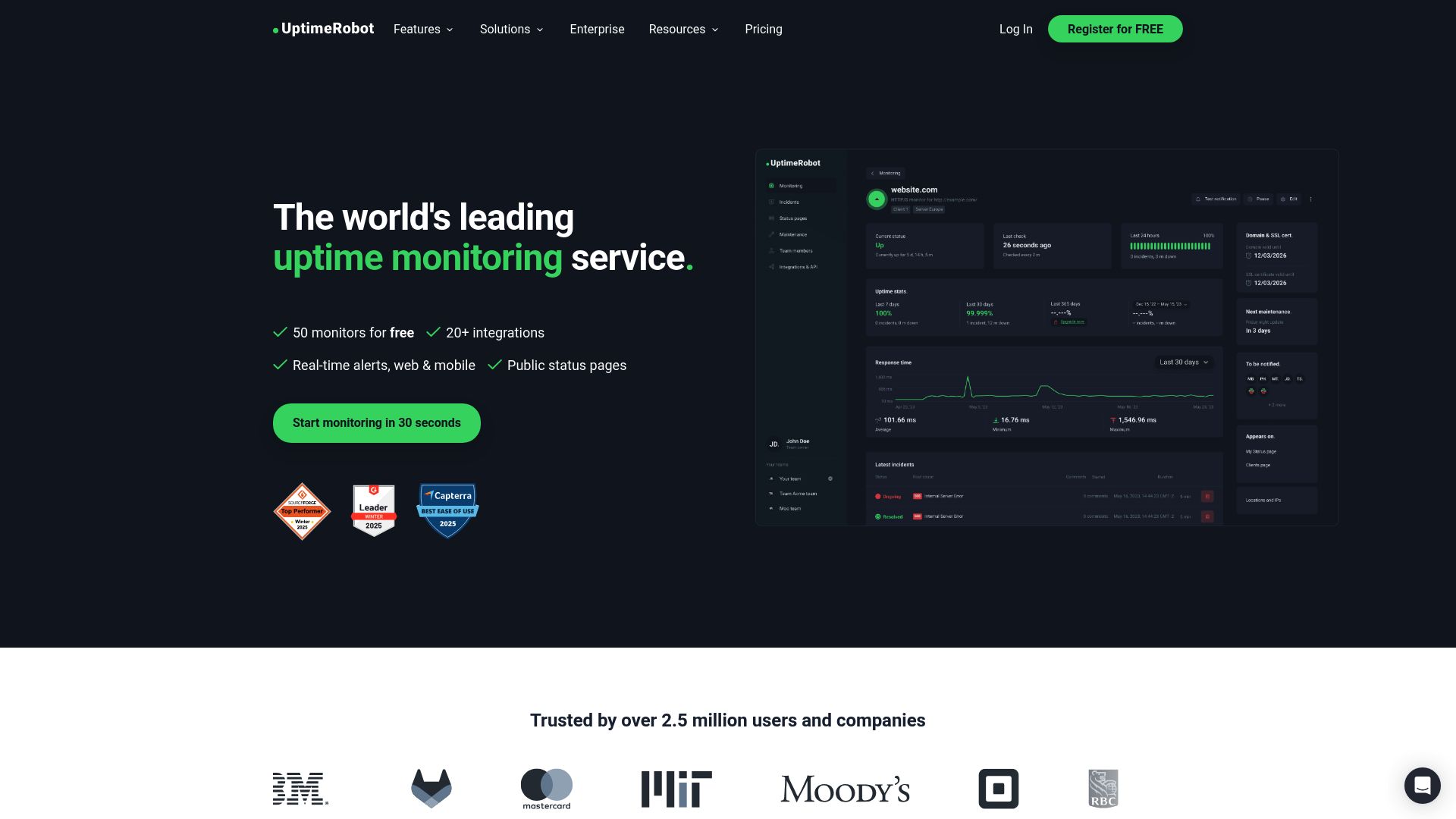
UptimeRobot checks from multiple locations and allows you to select preferred regions. The free tier uses a single location; multi-location requires a paid plan starting at $7/month.
- Pricing: Multi-location from $7/month
- Locations: US, Europe, Asia, South America
- Limitation: Free tier is single-location only
3. Better Stack
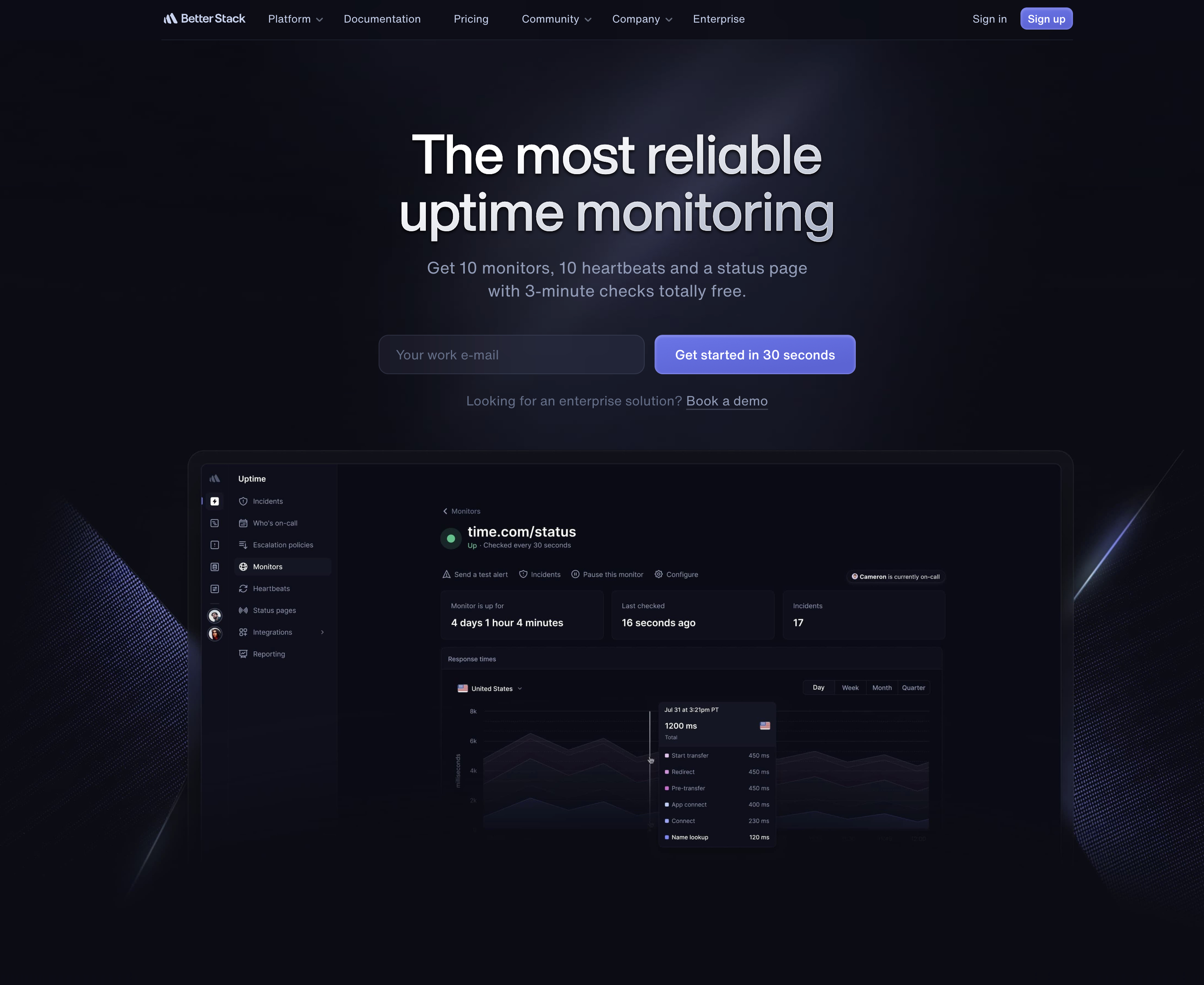
Better Stack (formerly Better Uptime) monitors from multiple locations and uses verification checks before alerting. They offer a solid free tier with 10 monitors.
- Pricing: Free tier available, paid from $24/month
- Locations: Checks from multiple regions globally
- Best for: Teams that want monitoring with incident management built in
4. Pingdom
Pingdom has been doing multi-location monitoring longer than most. They check from over 100 probe locations worldwide. The downside is the price: plans start at $10/month with no free tier.
- Pricing: From $10/month, no free tier
- Locations: 100+ probe servers globally
- Best for: Enterprise users who need maximum geographic coverage
5. StatusCake
StatusCake monitors from over 40 locations worldwide. Their free tier includes basic uptime monitoring, but multi-location features and faster check intervals require a paid plan.
- Pricing: Free tier available, paid from ~$6/month
- Locations: 40+ probe servers
- Best for: Budget-conscious users who need good geographic coverage
Quick Comparison
| Tool | Multi-Location Free | Paid From | Consensus Alerting |
|---|---|---|---|
| Notifier.so | Yes (beta) | Free | Yes |
| UptimeRobot | No | $7/month | Yes |
| Better Stack | Yes | $24/month | Yes |
| Pingdom | No free tier | $10/month | Yes |
| StatusCake | Limited | ~$6/month | Yes |
Best Practices for Multi-Location Monitoring
1. Match Locations to Your User Base
If 90% of your users are in North America and Europe, monitoring from those regions matters most. Don't waste monitoring resources on regions where you have no users. Check your analytics to understand where your traffic comes from, and choose monitoring locations accordingly.
2. Use at Least Three Locations
Three locations is the minimum for effective consensus-based alerting. With two locations, a disagreement gives you a 50/50 guess. With three, you get a majority vote. If your service is global, aim for five or more locations spread across your key regions.
3. Understand Consensus Settings
Most tools let you configure how many locations need to report failure before an alert fires. The right setting depends on your tolerance for false positives versus detection speed:
- Strict (all locations must fail): Fewest false positives, but you'll miss regional outages
- Majority (most locations must fail): Good balance for most services
- Any (one location failure triggers alert): Catches everything, but more false positives
For most services, majority consensus (2 of 3, or 3 of 5) provides the best balance between alert accuracy and detection speed.
4. Monitor Latency, Not Just Uptime
A site that responds in 200ms from the US but takes 4 seconds from Asia is technically "up" everywhere, but the user experience is terrible in Asia. Use multi-location monitoring to track response times from each region and set latency thresholds that trigger alerts when performance degrades.
5. Test After DNS or CDN Changes
Whenever you make DNS changes, switch CDN providers, or update geo-routing rules, pay extra attention to your multi-location monitoring. These changes can affect different regions at different times, and what looks fine from your location might be broken elsewhere.
6. Include Regional Context in Alerts
When an alert fires, knowing which regions are affected helps you triage faster. "Site down from Europe, up from US and Asia" immediately points toward a CDN edge issue or regional routing problem. "Site down from all locations" tells you it's a server-level problem. Make sure your monitoring tool includes this context in alerts.
Get Started with Multi-Location Monitoring
If you're still using single-location monitoring, you're operating with a blind spot. Regional outages, CDN failures, and DNS propagation issues can all take down your site for a subset of users without you ever knowing.
Here's how to get started with multi-location monitoring on Notifier:
- 1. Sign up for Notifier.so (free, takes 30 seconds)
- 2. Add monitors for your key services
- 3. Reach out to support@notifier.so or use the chat widget to enable multi-location checks
- 4. Your existing monitors will start checking from multiple regions automatically
Multi-location monitoring is available at no extra charge during beta. The support team typically responds within minutes.
Bottom line:
Single-location monitoring is better than no monitoring, but it gives you an incomplete picture. Multi-location checks catch regional outages, eliminate false alerts, and show you what your users in different parts of the world actually experience. If your service has users in more than one region, multi-location monitoring isn't a luxury. It's a necessity.
