Freshping shut down on March 6, 2026
Free accounts were disabled on that date. Paid subscriptions will not renew. All data will be permanently deleted approximately 90 days after shutdown (~June 4, 2026). If you still need to export your data, act now.
Freshping, the free website monitoring tool by Freshworks, permanently shut down on March 6, 2026. The service that once monitored over 55,000 URLs for 20,000+ businesses is gone, and there is no replacement product from Freshworks.
If you're searching for a Freshping replacement or Freshping alternative, this guide covers everything you need to know: the full timeline, how to export your data before it is deleted, why Freshworks made this decision, and which Freshping free alternatives are worth migrating to.
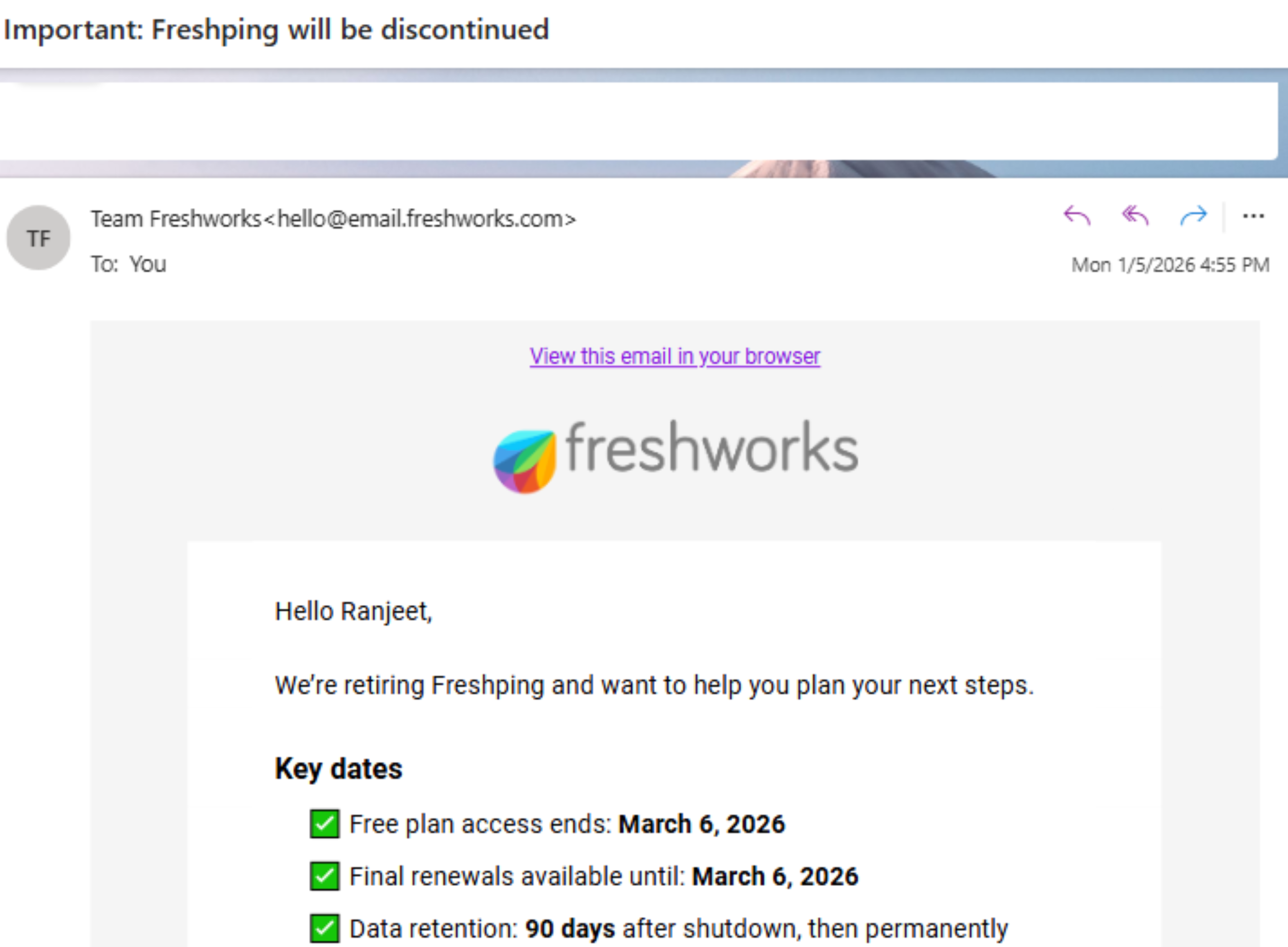
The official email from Freshworks announcing Freshping's retirement, sent January 5, 2026.
What Happened to Freshping?
Freshworks, the publicly traded company behind Freshdesk and Freshservice, retired Freshping entirely. This was not a temporary pause or a migration to another Freshworks product. The Freshping free website monitoring service has been discontinued, and all data will be permanently deleted.
From the official Freshworks FAQ: "We have evaluated our business priorities and have decided that supporting Freshping is no longer part of our go forward plan. Therefore, we've made the decision to gradually discontinue Freshping to avoid compromising service quality and reliability."
Notably, Freshworks does not recommend a specific replacement. Their FAQ simply suggests users "explore alternative monitoring solutions." There is no Freshworks product that replaces Freshping's uptime monitoring functionality.
Key Dates and Timeline
| Date | Event |
|---|---|
| Mid 2023 | Freshping suspended new signups and plan upgrades, citing a "product revamp" |
| January 5, 2026 | Freshworks emailed users announcing Freshping would be discontinued |
| March 6, 2026 | Free plan accounts disabled. Paid subscriptions stopped renewing. |
| After March 6 | Paid plans continue until their current subscription period ends (no renewals processed) |
| ~June 4, 2026 | All data permanently deleted (90 days after account disablement) |
Important: You can still export data for approximately 90 days after your account was disabled, but monitoring has already stopped. After ~June 4, 2026, everything is permanently deleted.
Why Did Freshping Shut Down?
The Short Answer
Freshping was never a revenue driver for Freshworks. It was a free tool that served as a lead generation funnel for Freshworks' paid products (Freshdesk, Freshservice). When Freshworks' new CEO decided to simplify the product portfolio and focus on profitability, Freshping was cut. This is why people searching for "Freshping pricing" now find nothing: the service and all its plans no longer exist.
The Full Story
Freshping started life as Insping, a personal project by Sri Venkata Reddy, a former Zarget employee. Freshworks acquired Insping in February 2018 (their 10th acquisition) when it already had 3,000+ SMB users. By September 2018, Freshworks relaunched it as Freshping with the promise that it would be "free forever."
That promise lasted about seven years.
In May 2024, Dennis Woodside became Freshworks' new CEO. He inherited a company that had grown to over $838 million in annual revenue but was unprofitable and had too many products. Woodside conducted a "comprehensive assessment" and concluded that Freshworks needed to focus on just two core products: Freshdesk (customer support) and Freshservice (IT service management), plus AI.
In November 2024, Freshworks laid off 660 employees (13% of its workforce). Woodside acknowledged the company had a culture of "letting a thousand flowers bloom" and that simplification was necessary. He stated they have "two amazing products with 73,000 customers" and there are "more problems they could solve with just those two focus areas."
Freshping, as a free monitoring tool with no direct revenue, was collateral damage in this portfolio cleanup.
The Warning Signs Were There
In mid 2023, Freshping quietly suspended new signups and plan upgrades. At the time, their FAQ said: "We are temporarily suspending new signups and plan upgrades so that we can focus on revamping the product." They explicitly denied it was a shutdown and promised the "revamp" would happen in H2 2023.
That revamp never materialized. Two and a half years later, the shutdown was announced instead.
How to Export Your Freshping Data
If you haven't exported your data yet, do it now. The deletion deadline is approximately June 4, 2026.
Who Can Export
Only account administrators or owners can initiate a data export.
How to Start the Export
You have two options:
- In app banner: Click the data export banner that Freshping displays at the top of your dashboard
- Account Settings: Navigate to Account Settings and initiate the export from there
What You Get
Freshping sends you a secure download link within 48 hours. The link is valid for 60 days. The export includes:
- XML files: Monitor configurations, status page settings, and integration configurations
- CSV files: Incident history, uptime data, and user details
Using the API
If you prefer a programmatic approach, you can use Freshping's REST API to extract configurations and transactional data. This is useful if you want to script the migration to another service. However, note that no monitoring service offers a direct Freshping import, so you will need to manually recreate your monitors regardless of which export method you use.
Export Deadlines
- Free plan users: Export by approximately June 4, 2026 (90 days after March 6 shutdown)
- Paid plan users: Export within 90 days after your subscription end date
Don't wait until the last minute. Export your data now, even if you haven't picked a Freshping replacement yet. Having a local copy of your monitor configurations, incident history, and status page settings means you won't lose anything if you miss a deadline.
Best Freshping Alternatives and Replacements
Freshping's free tier was genuinely generous: 50 monitors, 1 minute check intervals, 5 status pages, and 10 global locations. No other free tool matches that exact combination. But several Freshping free alternatives come close, and some are better in specific areas.
| Service | Free Monitors | Interval | Status Pages | SMS/Phone | Commercial Use |
|---|---|---|---|---|---|
| Notifier | 10 | 5 min | 5 | Included free | Yes |
| UptimeRobot | 50 | 5 min | 1 | Paid credits | No (personal only) |
| HetrixTools | 15 | 1 min | Unlimited | Paid credits | Yes |
| Better Stack | 10 + 10 heartbeats | 3 min | 1 | Email/Slack only | Yes |
| StatusCake | 10 | 5 min | 0 | Paid credits | Yes |
| Uptime Kuma | Unlimited | 20 sec | Unlimited | Via integrations | Yes (self-hosted) |
| Pulsetic | 10 | 5 min | 3 | No | Yes |
| Freshping (was) | 50 | 1 min | 5 | Via Twilio | Yes |
1. Notifier (Recommended Freshping Replacement)

Notifier is the most practical Freshping replacement, especially if you were using Freshping for a business or commercial project.
Pricing:
- Free: 10 monitors, 5 status pages, 5 min intervals, email + SMS + phone call alerts, free SSL monitoring
- Solo ($4/mo): 20 monitors, 10 status pages, 1 min intervals, SSL monitoring
- Team ($19/mo): 100 monitors, 50 status pages, 30 sec intervals, 3 team members
- Enterprise ($35/mo): 200 monitors, unlimited status pages, 30 sec intervals, 10 team members
Why it's the best Freshping alternative:
- Free plan allows commercial use: Unlike UptimeRobot's free tier, which is restricted to non-commercial use, Notifier's free plan works for business websites, SaaS products, and any revenue-generating project.
- SMS and phone call alerts included free: Every other free tier on this list either excludes SMS entirely or charges credits for it. Notifier includes SMS and phone call alerts on the free plan.
- Free SSL monitoring: Get notified before your SSL certificates expire. Included on all plans, even the free tier. Freshping did not include SSL monitoring on its free plan.
- 5 status pages on free: Freshping gave you 5 status pages. Notifier matches that. Most alternatives give you 0 or 1.
- Cheapest upgrade path: If 10 free monitors isn't enough, the Solo plan at $4/month gives you 20 monitors with 1 minute checks. That's the cheapest paid plan of any service on this list.
- Real human support: You can reach the team via chat or email and typically get a response within minutes. If you run into issues during migration, that matters.
The main gap compared to Freshping: Notifier's free tier has 10 monitors at 5 minute intervals vs. Freshping's 50 monitors at 1 minute intervals. If you had 50 monitors on Freshping, you would need a Notifier Team plan ($19/month) to cover them all. For most Freshping users who monitored fewer than 10 endpoints, the free plan is a direct replacement.
2. UptimeRobot
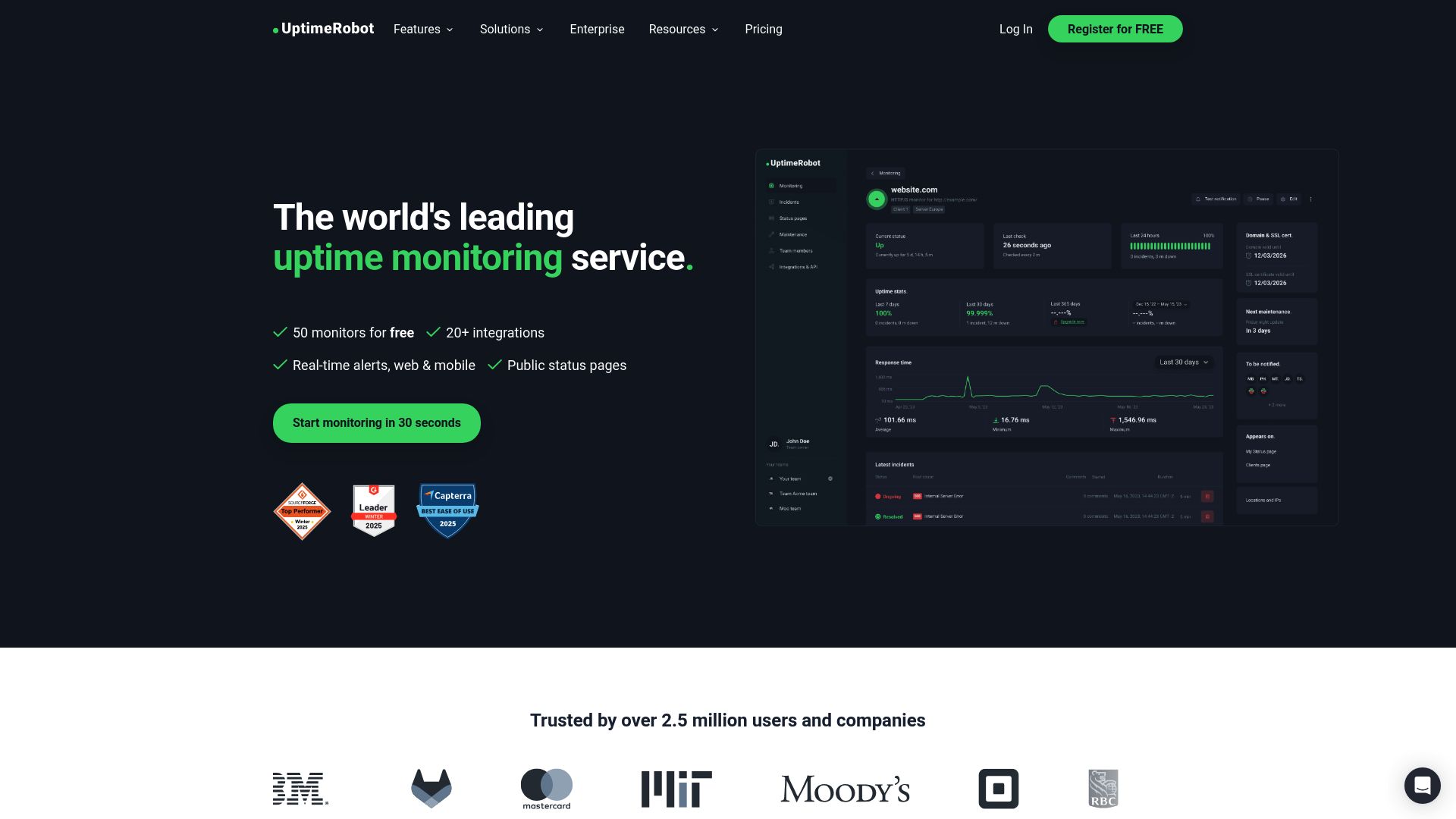
UptimeRobot is the closest match to Freshping's free tier in terms of raw monitor count: 50 monitors at 5 minute intervals. It has been around since 2010 and has over 2.1 million users.
Pricing:
- Free: 50 monitors, 5 min intervals (non-commercial only)
- Solo ($7/mo): 10 monitors, 1 min intervals
- Team ($29/mo): 100 monitors, 1 min intervals
- Enterprise ($54/mo): 200 monitors, 30 sec intervals
Important: In late 2024, UptimeRobot restricted their free plan to non-commercial use only. If you were using Freshping to monitor a business website, SaaS product, or anything revenue-generating, UptimeRobot's free tier is not a valid Freshping replacement. You would need their Solo plan at $7/month, which drops to only 10 monitors.
3. HetrixTools
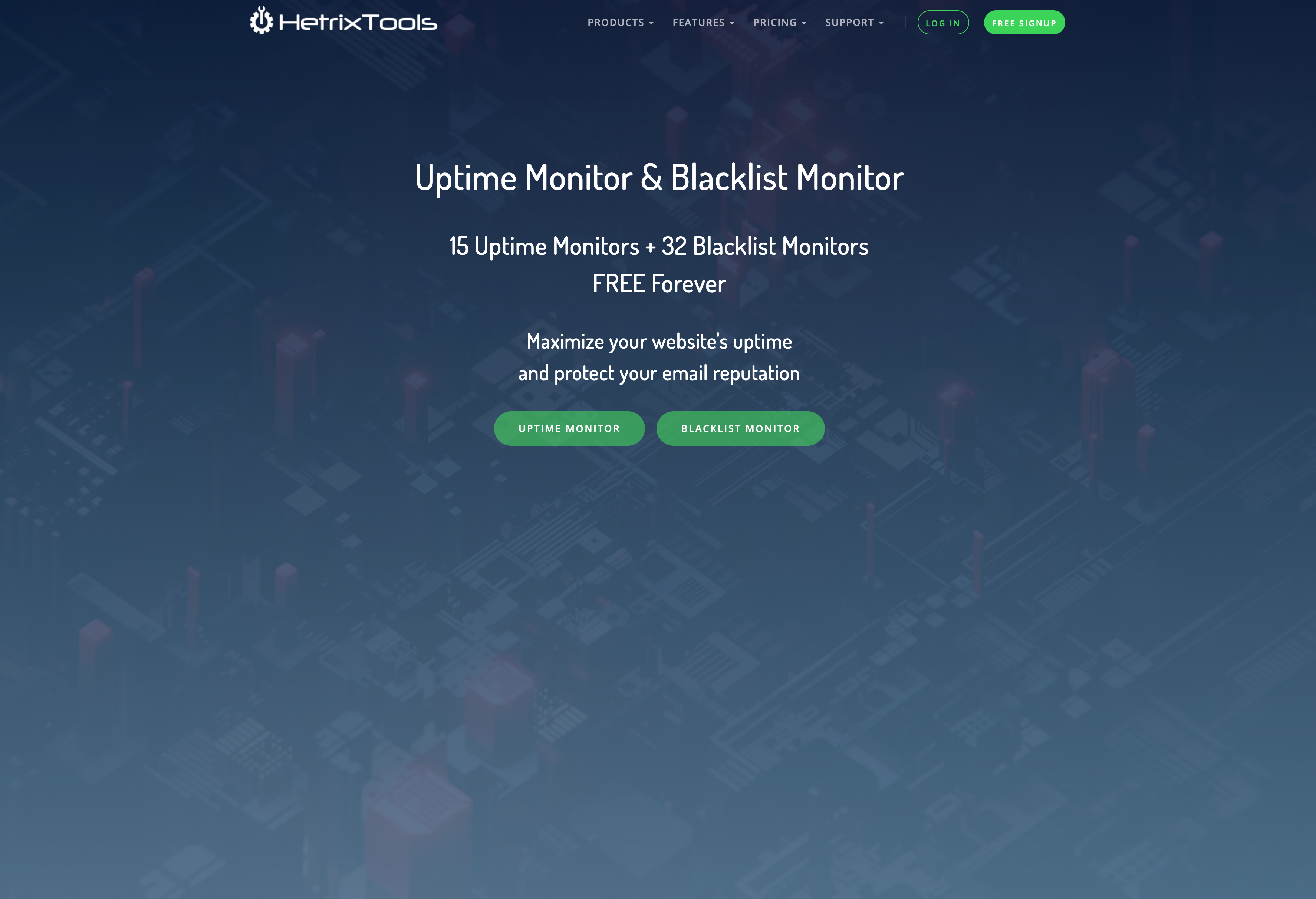
HetrixTools offers 15 free monitors with 1 minute check intervals and 14 monitoring locations. It is the closest match to Freshping's check frequency on a free plan.
Pricing:
- Free: 15 monitors, 1 min intervals, unlimited status pages
- Paid plans start at $9.95/month for 25 monitors
HetrixTools is a good Freshping free alternative if 1 minute check intervals matter to you and you need fewer than 15 monitors. The interface is more technical than some alternatives, and SMS alerts use a credit system.
4. Uptime Kuma (Self-Hosted)
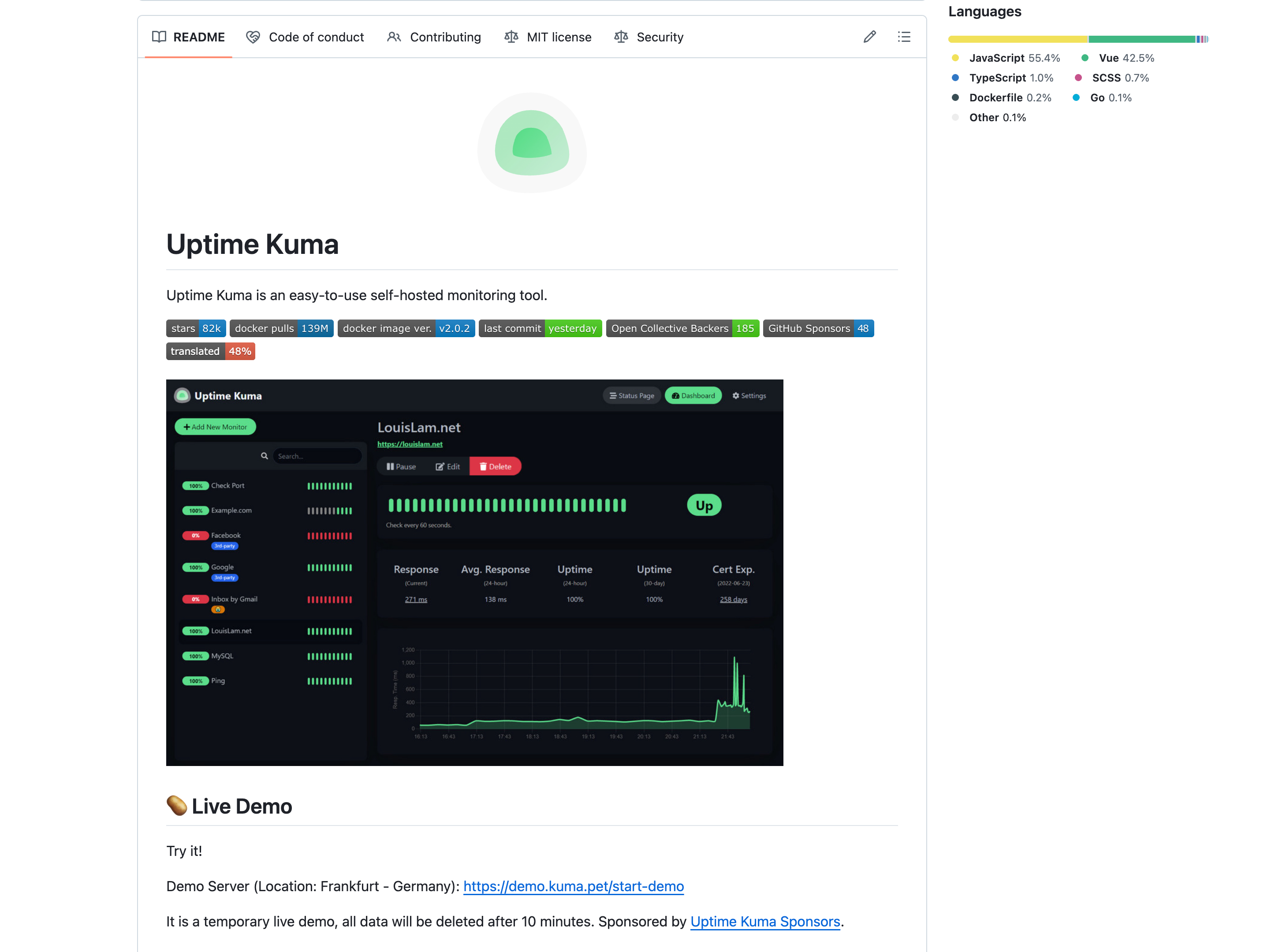
If you want unlimited monitors with no recurring cost, Uptime Kuma is a free, open source monitoring tool you host on your own server. It supports HTTP, TCP, ping, DNS, and more, with 20 second check intervals and over 90 notification integrations.
The trade off: you need to maintain the server yourself. If your monitoring server goes down, you won't know your other servers are down either. This is fine for developers comfortable with Docker and server management, but not ideal for non-technical users or teams that want zero maintenance.
5. Better Stack
Better Stack (formerly Better Uptime) combines uptime monitoring, incident management, and on-call scheduling. Their free tier includes 10 monitors and 10 heartbeat monitors at 3 minute intervals, with alerts limited to email and Slack.
Pricing:
- Free: 10 monitors + 10 heartbeats, 3 min intervals, email/Slack only
- Paid: $21/month per 50 monitors, plus $29/month per responder
Better Stack is excellent if you need incident management and on-call rotations. For users who just want uptime monitoring (like what Freshping provided), it is overkill and significantly more expensive than simpler alternatives.
6. StatusCake
StatusCake is a UK-based monitoring service with a free tier of 10 monitors at 5 minute intervals. Their free plan also includes SSL and domain expiration monitoring.
Pricing:
- Free: 10 monitors, 5 min intervals, 1 SSL monitor
- Superior ($20.41/mo annual): 100 monitors, 1 min intervals
- Business ($66.66/mo annual): 300 monitors, 30 sec intervals, status pages
StatusCake's free tier is functional but limited. Status pages require a paid plan, and the jump from free to paid ($20/month) is steep compared to Freshping alternatives like Notifier ($4/month).
Step by Step Freshping Migration Checklist
Follow these steps to migrate from Freshping to your chosen alternative. The entire process typically takes 30 minutes to an hour depending on how many monitors you have.
Step 1: Document Your Current Setup
Before you start, document what you had in Freshping:
- List all monitor URLs, check types (HTTP, HTTPS, ping, TCP), and expected response codes
- Note any keyword checks or custom headers
- Record your status page URLs and which monitors were linked to each page
- Save your alert recipient list (email addresses, phone numbers)
- Export your uptime history if you need it for SLA reporting
Step 2: Export Your Data
Use the in app banner or Account Settings to request a data export. You will receive a download link within 48 hours. Save this locally. Remember: data deletion happens around June 4, 2026.
Step 3: Sign Up for Your New Service
Create an account on your chosen Freshping alternative. If you are not sure which one to pick, start with Notifier's free plan. It takes about 30 seconds to create an account and add your first monitor.
Step 4: Recreate Your Monitors
No monitoring service offers a direct Freshping import feature. You will need to manually create each monitor in the new service using the documentation from Step 1. For most setups with 10 to 20 monitors, this takes under 30 minutes.
Step 5: Set Up Alerts
Configure your notification channels (email, SMS, Slack, phone calls) in the new service. Send a test notification to verify everything reaches you.
Step 6: Recreate Status Pages
If you were using Freshping's public status pages, create new ones in your replacement service. Update any links on your website or documentation that pointed to your old Freshping status page URL.
What You Lost When Freshping Shut Down
Freshping had a combination of features that was uniquely generous for free website monitoring. Here is what made it special and how it compares to what is available today.
50 Free Monitors at 1 Minute Intervals
No free tier today matches this combination. UptimeRobot offers 50 free monitors but at 5 minute intervals and restricted to non-commercial use. HetrixTools offers 1 minute intervals but only 15 monitors. To get both high monitor counts and fast intervals, you need a paid plan.
5 Status Pages with Custom Domains
Freshping included 5 status pages with custom domain support on the free plan. Notifier matches this (5 free status pages). Most other free tiers include 0 or 1 status page.
10 Global Monitoring Locations
Freshping checked your site from 10 locations across North America, Europe, Asia Pacific, and South America. This was better than most free tiers which typically offer 3 to 6 locations.
Multiple Check Types
Beyond HTTP/HTTPS, Freshping supported ICMP ping, TCP, UDP, WebSocket, and DNS checks. Most free alternatives support only HTTP/HTTPS and basic ping. If you relied on UDP, WebSocket, or DNS monitoring, your options are more limited.
The Broader Lesson
Freshping's shutdown is a reminder that free products from large companies come with risk. When the parent company's priorities change, free tools are the first to go. There is no SLA, no obligation to keep the service running, and sometimes minimal notice. If uptime monitoring is important to your business, it is worth paying for a service where monitoring is the core product, not a side feature.
Frequently Asked Questions
What happened to Freshping?
Freshping, the free website monitoring tool by Freshworks, permanently shut down on March 6, 2026. Freshworks discontinued the service as part of a company-wide portfolio simplification to focus on Freshdesk and Freshservice. There is no replacement product from Freshworks. All Freshping data will be permanently deleted approximately 90 days after shutdown.
What is the best free Freshping alternative?
For commercial use, Notifier.so is the best Freshping free alternative. It offers 10 monitors, 5 status pages, free SSL monitoring, and SMS/phone alerts on the free tier with no commercial use restrictions. For the highest free monitor count, UptimeRobot offers 50 monitors but is restricted to non-commercial use. HetrixTools offers 15 monitors with 1 minute checks. For self-hosted, Uptime Kuma is unlimited and free.
What was Freshping pricing before it shut down?
Freshping had a free tier with 50 monitors, 1 minute check intervals, 5 status pages, and 10 global monitoring locations. Paid plans (Blossom at $11/month) added features like SSL monitoring and more integrations. Since Freshping has shut down, these plans are no longer available. The closest equivalent pricing today starts at $4/month with Notifier.so.
What are the Freshping IP addresses for whitelisting?
Since Freshping has shut down, its monitoring IP addresses are no longer active and no longer need to be whitelisted in your firewall or Cloudflare rules. If you had Freshping IPs whitelisted, you should remove them and replace them with the IP addresses of your new monitoring service. Most monitoring services publish their IP ranges publicly in their documentation.
Can I still export my Freshping data?
Possibly. Freshworks stated that data would be available for export for approximately 90 days after account disablement. For free plan users (disabled March 6, 2026), the export deadline is approximately June 4, 2026. If you haven't exported yet, log in to your Freshping account immediately and request a data export from Account Settings. After the 90-day window, all data is permanently deleted.
Is Freshworks replacing Freshping with another product?
No. Freshworks does not have a replacement product for uptime monitoring. Freshstatus (their status page product) is still active but does not include uptime monitoring. Freshworks' FAQ simply recommends users "explore alternative monitoring solutions."
What's the cheapest way to replace Freshping's 50 free monitors?
For personal or non-commercial use, UptimeRobot's free tier gives you 50 monitors at 5 minute intervals. For commercial use, the most affordable Freshping replacements are Notifier's free plan (10 monitors, includes SMS and phone alerts) or HetrixTools' free plan (15 monitors, 1 min intervals). If you need all 50 monitors for commercial use, the cheapest paid option is Notifier Team at $19/month for 100 monitors.
