At a Glance
- •E-commerce stores lose revenue every minute they are down. A store making $100,000/month loses roughly $139 per hour of downtime, and peak traffic hours can multiply that by 2x to 5x.
- •Monitor more than just your homepage. Checkout pages, cart functionality, product pages, and SSL certificates each need separate monitors to catch failures that a single URL check would miss.
- •SMS and phone call alerts are essential for stores. Email notifications are too easy to miss at 3 AM when your checkout goes down during a sale.
- •Notifier offers the best value for e-commerce: 100 monitors with 30 second checks, SMS and phone alerts, and 50 status pages for $19/month. Free plan includes 10 monitors, 5 status pages, and SSL monitoring.
When an e-commerce store goes down, the meter starts running. Every minute of downtime is lost revenue, abandoned carts, and customers who may never come back. A blog can afford to be offline for an hour. An online store cannot.
This guide ranks the best uptime monitoring tools for e-commerce, based on what actually matters for online stores: fast alerting, checkout flow monitoring, SMS and phone call notifications, and status pages to keep customers informed. We compared pricing at realistic monitor counts for store owners, not just headline numbers.
Why E-Commerce Monitoring Is Different
Monitoring a store is not the same as monitoring a blog or portfolio site. Online stores have unique requirements:
- Downtime directly costs money. A SaaS product loses signups during an outage. An e-commerce store loses completed sales, immediately and measurably. Even a 10 minute outage during peak hours can mean thousands in lost revenue.
- Multiple critical paths, not just one. Your homepage can be up while your checkout is broken. Payment gateway timeouts, cart errors, and failed product page loads each need separate monitoring. A single URL check is not enough.
- Speed matters as much as uptime. A slow product page loses sales even if the site is technically "up." Amazon found that every 100ms of latency cost them 1% in sales. Response time monitoring catches slowdowns before they become outages.
- Customers need to know what is happening. When your store is down, customers check social media or give up. A public status page gives them a reason to wait and come back, instead of shopping at a competitor.
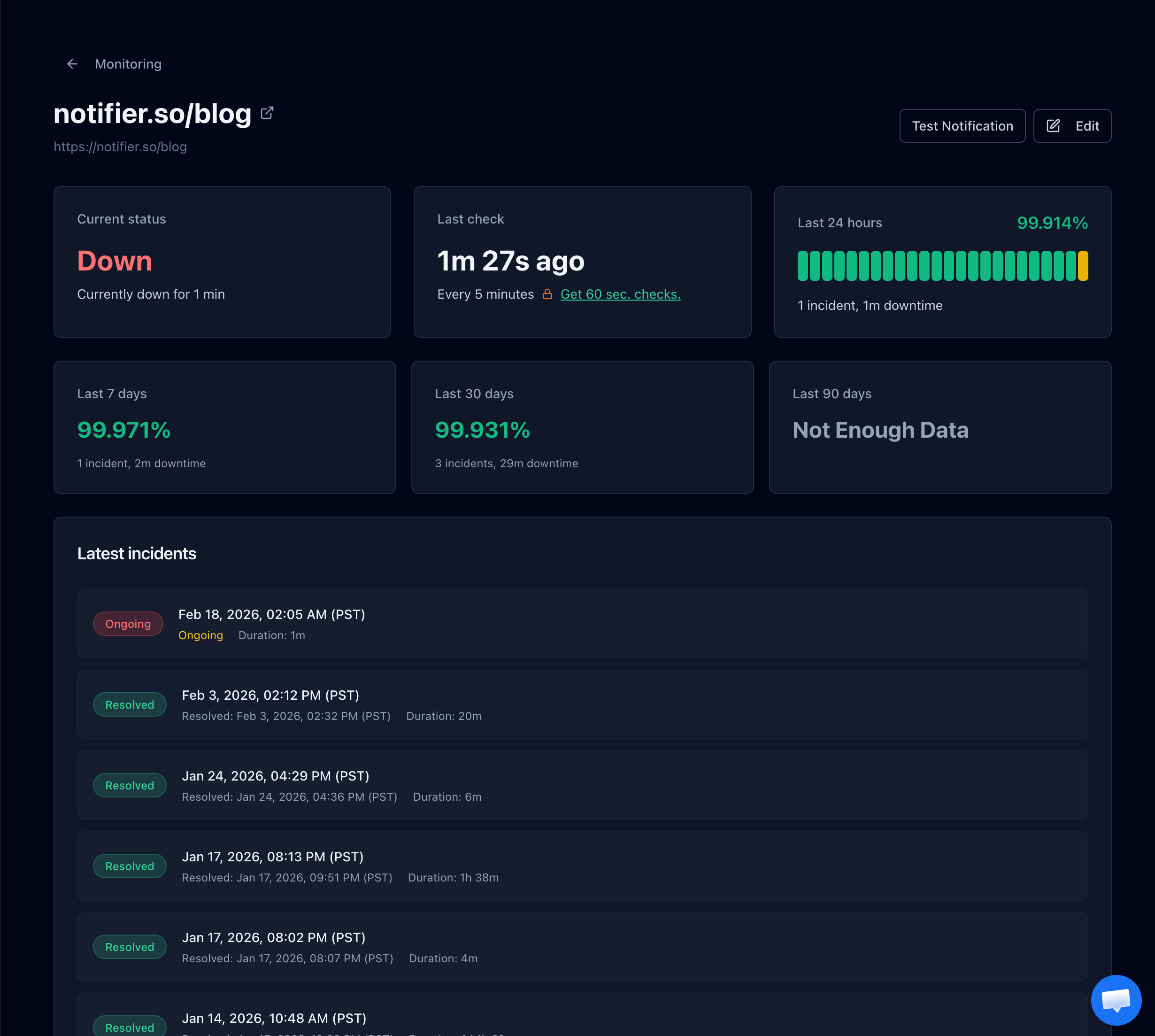
A monitoring dashboard showing real time downtime detection with response time tracking and incident history.
What E-Commerce Sites Should Monitor
Most store owners set up one monitor for their homepage and call it done. That misses the majority of failure modes. Here is what you actually need to watch:
| What to Monitor | Why It Matters | Priority |
|---|---|---|
| Homepage / storefront | First thing customers see; if it is down, nobody gets to your products | Essential |
| Checkout page | The page where money changes hands; a broken checkout means zero conversions | Essential |
| Cart / add to cart | Cart failures cause silent lost sales that do not show up in error logs | Essential |
| Product pages | Broken product pages from database issues or CDN failures lose shoppers | Important |
| Search functionality | If search returns no results, customers leave; search backends fail silently | Important |
| SSL certificate | An expired certificate shows security warnings that kill trust instantly | Essential |
| Payment gateway status | Stripe, PayPal, or your processor can go down independently of your site | Important |
For most stores, that means 5 to 8 monitors. Even on a free plan, you can cover the essentials. For a deeper look at what to track and why, see our complete e-commerce monitoring guide.
How Much Does Downtime Cost Your Store?
The math is straightforward. Take your average daily revenue and divide by 1,440 (the minutes in a day). That is your cost per minute of downtime.
| Monthly Revenue | Cost per Minute | Cost of 1 Hour Downtime | Cost of 4 Hours |
|---|---|---|---|
| $5,000/mo | $0.12 | $7 | $28 |
| $25,000/mo | $0.58 | $35 | $139 |
| $100,000/mo | $2.31 | $139 | $556 |
| $500,000/mo | $11.57 | $694 | $2,778 |
| $1,000,000/mo | $23.15 | $1,389 | $5,556 |
These numbers assume revenue is evenly distributed across the day. In reality, peak hours (evenings, weekends, sale events) generate 2x to 5x the average rate. An outage during Black Friday or a flash sale costs far more than the table suggests.
The hidden cost
Revenue loss is just the immediate impact. Customers who hit a broken checkout often do not come back. They find a competitor, bookmark it, and you have permanently lost that relationship. Studies show that 88% of online shoppers are less likely to return to a site after a bad experience. The long term cost of downtime is always higher than the revenue math suggests.
Best Uptime Monitoring for E-Commerce: 6 Tools Ranked
1. Notifier (Best Overall for E-Commerce)

Notifier's monitoring dashboard with real time uptime status and response time tracking.
Notifier hits the sweet spot for e-commerce: fast check intervals, SMS and phone call alerts on all paid plans, status pages with custom domains, and pricing that does not punish you for adding monitors. At $19/month for 100 monitors with 30 second checks, you can cover every critical URL in your store without worrying about costs.
SSL certificate monitoring is included free on every plan, which matters for e-commerce sites where an expired certificate immediately destroys customer trust. The free plan gives you 10 monitors and 5 status pages, enough to cover a small store's essential URLs.
- Pricing: Free (10 monitors), Solo $4/mo (20 monitors, 1 min checks), Team $19/mo (100 monitors, 30 sec checks), Enterprise $35/mo (200 monitors)
- Best for: Store owners who want fast alerts, status pages, and SSL monitoring without overspending
- Alert channels: Email, SMS, phone calls, Slack
- Status pages: Included on all plans, custom domains on Solo and above
2. Better Stack (Best for Incident Management)
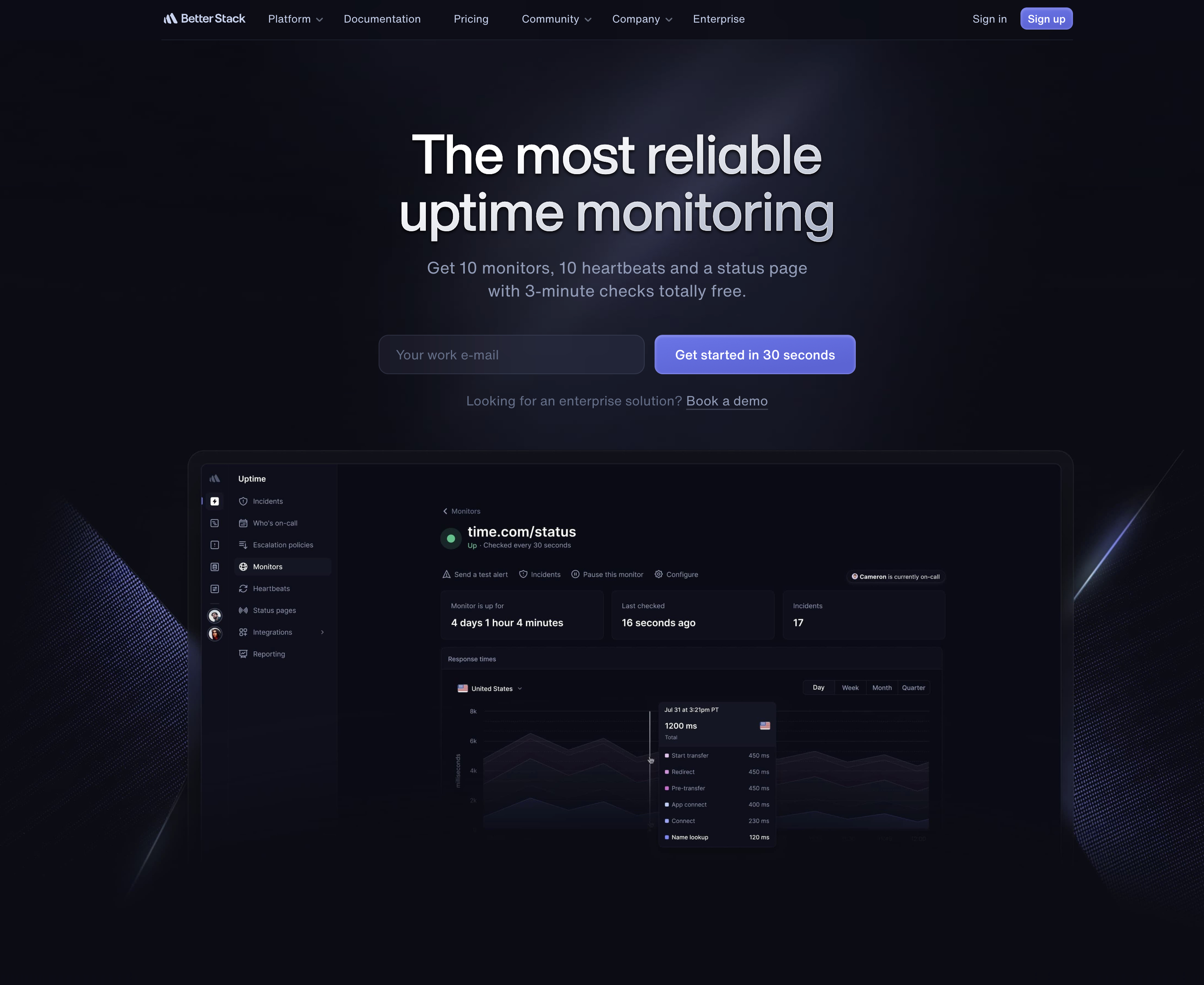
Better Stack combines monitoring with incident management and on-call scheduling.
Better Stack bundles uptime monitoring with incident management and on-call scheduling. If you have a team handling support and operations, the built-in escalation policies and on-call rotation save you from buying PagerDuty separately. For a solo store owner, this is more complexity than you need.
The pricing model is component based: you pay per responder ($29/month) plus add-ons for additional monitors ($21/month per 50). That makes costs harder to predict than flat tier pricing. For more details, see our Better Stack alternative comparison.
- Pricing: Free (10 monitors, 3 min checks), paid from ~$29/mo per responder + $21/mo per 50 monitors
- Best for: E-commerce teams with dedicated operations staff who need on-call scheduling
- Alert channels: Email, Slack, SMS, phone calls (paid plans)
- Status pages: 1 free, additional pages $12 to $15/month each
3. UptimeRobot (Best Free Tier for Non-Commercial)
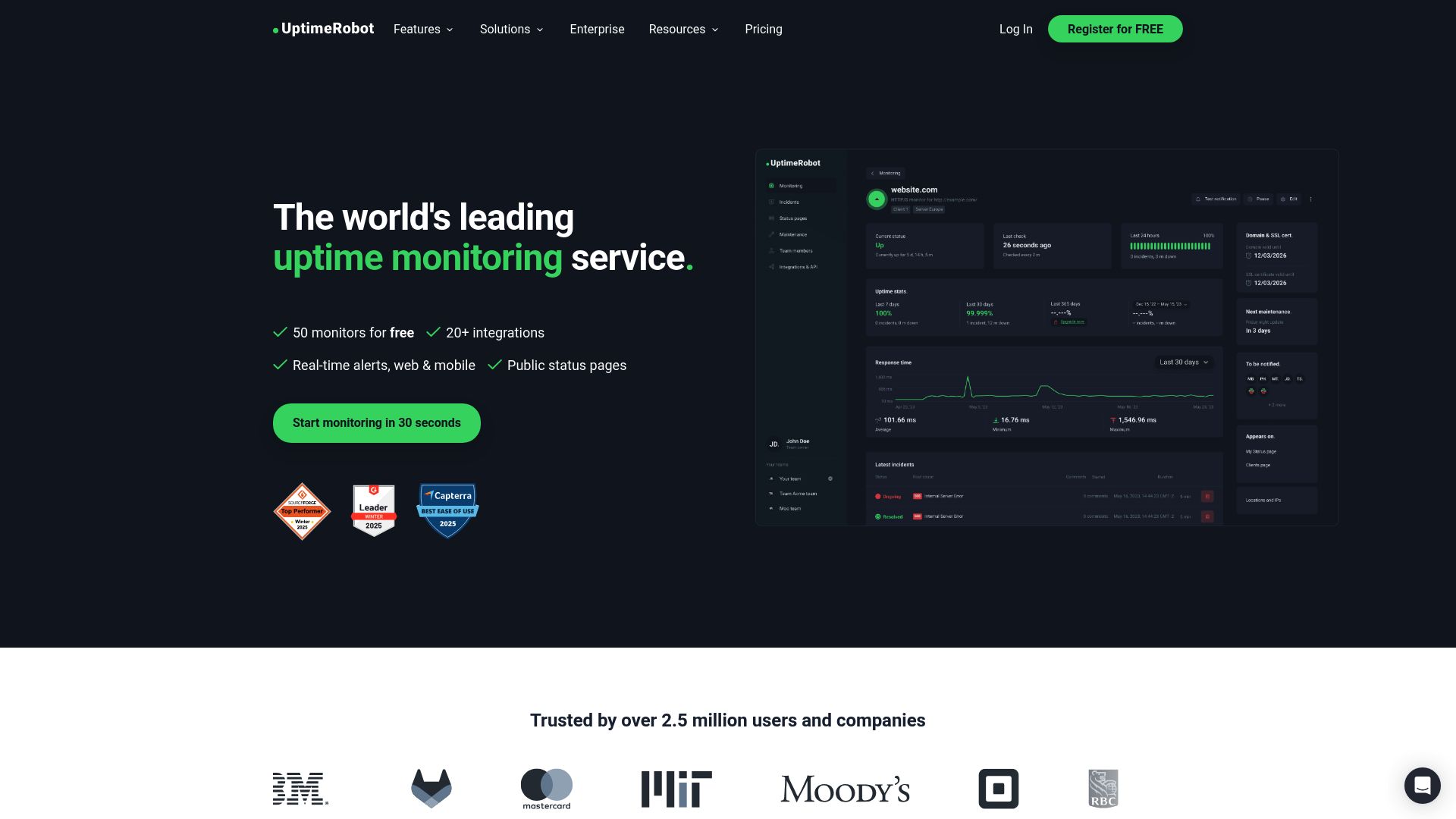
UptimeRobot offers 50 free monitors, but the free plan is restricted to non-commercial use.
UptimeRobot's 50 free monitors are generous, but there is a catch for e-commerce: the free plan is restricted to non-commercial use since December 2024. If you are running a store, you need to be on a paid plan. The Solo plan at $8/month only gives you 10 monitors, which is tight for a store with multiple pages to watch.
Note: UptimeRobot's free plan is limited to non-commercial use since October 2024. E-commerce stores must use a paid plan ($8/month or higher).
- Pricing: Free (50 monitors, non-commercial only), Solo $8/mo (10 monitors), Team $34/mo (100 monitors), Enterprise $64/mo (200 monitors)
- Best for: Developers testing a side project store before launch
- Alert channels: Email, SMS (credit based), voice (credit based), Slack (Team+), push notifications
- Status pages: 1 branded on free, 3 on Solo, 100 on Team
4. Pingdom (Best for Real User Monitoring)
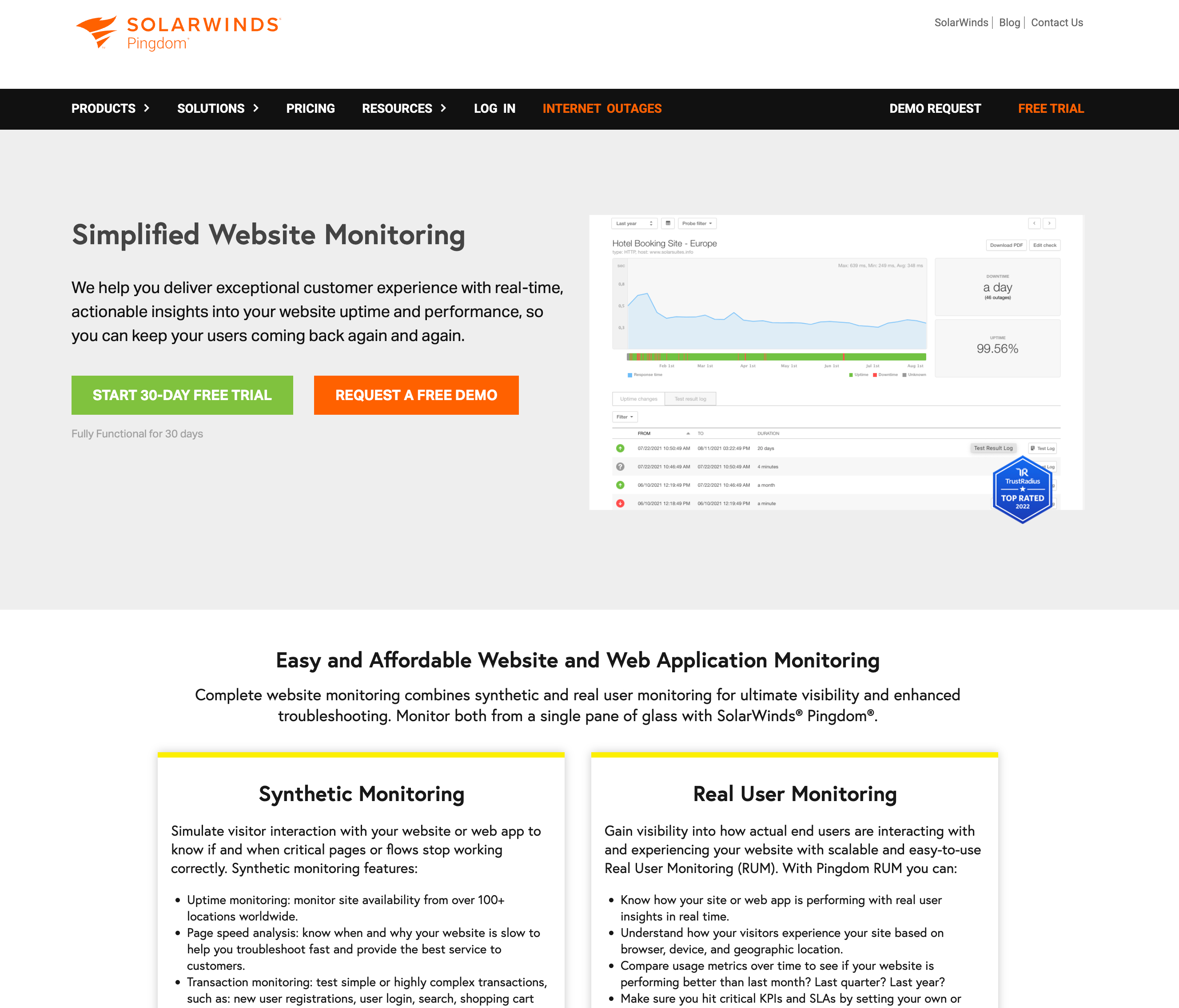
Pingdom offers synthetic monitoring and real user monitoring (RUM) for performance insights.
Pingdom has been around since 2005 and is now owned by SolarWinds (which was acquired by Turn/River Capital in 2025). Its standout feature for e-commerce is Real User Monitoring (RUM), which measures actual page load times from real visitors. This gives you data that synthetic checks cannot: how fast your product pages load for customers on different devices and connections.
The downside is price. There is no free plan, and 10 monitors start at $15/month. At 100 monitors, you are paying roughly $95/month on an annual plan. RUM is a separate add-on starting at $10/month. For a deeper comparison, see our Pingdom alternatives guide.
- Pricing: No free plan. From $15/mo (10 monitors), $95/mo (100 monitors, annual). RUM starts at $10/mo extra.
- Best for: Larger stores that need RUM data alongside synthetic monitoring
- Alert channels: Email, SMS (credits), Slack, webhooks. No phone call alerts.
- Status pages: 1 per organization, no custom domain password protection
5. StatusCake (Best for Page Speed Monitoring)
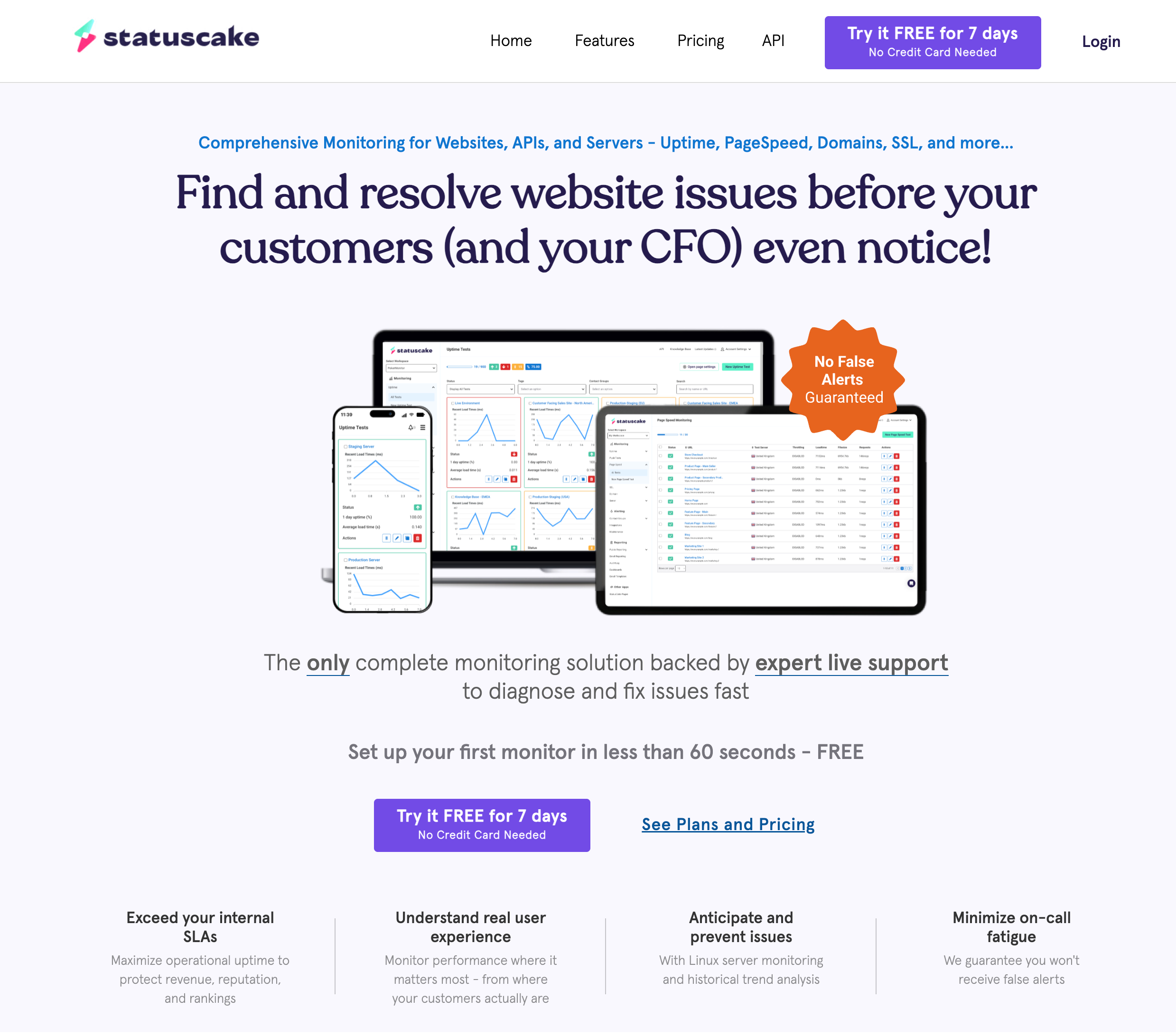
StatusCake includes page speed monitoring and SSL checks alongside uptime tracking.
StatusCake bundles uptime monitoring with page speed testing, SSL monitoring, and domain expiration alerts. For e-commerce stores that care about load times (and every store should), the built-in page speed monitors are useful without needing a separate tool.
The main drawback for e-commerce is that status pages are sold separately, starting at $12.46/month for a single page. If you need monitoring and a status page, the combined cost climbs quickly. The free plan includes 10 monitors with 5 minute checks but zero SMS credits. For a detailed comparison, see our StatusCake vs UptimeRobot breakdown.
- Pricing: Free (10 monitors), Superior $24.49/mo (100 monitors), Business $79.99/mo (300 monitors)
- Best for: Stores that want page speed and SSL monitoring in one dashboard
- Alert channels: Email, SMS (credits), Slack, Discord, Telegram, PagerDuty, webhooks
- Status pages: Sold separately starting at $12.46/month
6. Site24x7 (Best for Full Stack Observability)
Site24x7 by Zoho is a full observability platform covering website monitoring, server monitoring, APM, and network monitoring. For larger e-commerce operations with in-house engineering teams, it replaces multiple tools. For a small or mid-size store, it is overkill.
Pricing starts at $9/month for basic monitoring, but useful e-commerce features (APM, real browser monitoring, multiple locations) are only available on higher tiers that start at $35/month and scale into hundreds. The interface is powerful but dense, and setup takes significantly longer than simpler tools.
- Pricing: From $9/mo (Starter), $35/mo (Pro), $89/mo (Classic). 30 day free trial.
- Best for: Enterprise e-commerce with in-house DevOps teams who need full stack visibility
- Alert channels: Email, SMS, voice, Slack, Microsoft Teams, PagerDuty, webhooks
- Status pages: Included on paid plans
E-Commerce Monitoring: Feature Comparison
| Feature | Notifier | Better Stack | UptimeRobot | Pingdom | StatusCake | Site24x7 |
|---|---|---|---|---|---|---|
| Free monitors | 10 | 10 | 50* | None | 10 | None |
| Commercial use (free) | Yes | Yes | No | N/A | Yes | N/A |
| 100 monitors cost | $19/mo | ~$79/mo | $34/mo | ~$95/mo | $24.49/mo | ~$89/mo |
| Fastest check interval | 30 sec | 30 sec | 30 sec | 1 min | 30 sec | 1 min |
| SMS alerts | All paid | Paid only | Credits | Credits | Credits | Paid only |
| Phone call alerts | All paid | Paid only | Credits | No | No | Paid only |
| SSL monitoring | Free (all plans) | Hourly checks | Paid only | With HTTPS | 1 free, more paid | Paid only |
| Status pages included | 5 free | 1 free | 1 (branded) | 1 | Separate product | Paid only |
| Custom domain status | Solo+ ($4/mo) | Paid add-on | Team+ ($34/mo) | Yes | Separate product | Yes |
| Slack integration | All plans | Free + paid | Team+ ($34/mo) | All tiers | All plans | All plans |
*UptimeRobot free plan is non-commercial use only since December 2024.
Setting Up Monitoring for Your Store (5 Minutes)
Here is how to set up comprehensive monitoring for an e-commerce store using Notifier. The process takes about 5 minutes and covers all critical store URLs.
Step 1: Create Your Account
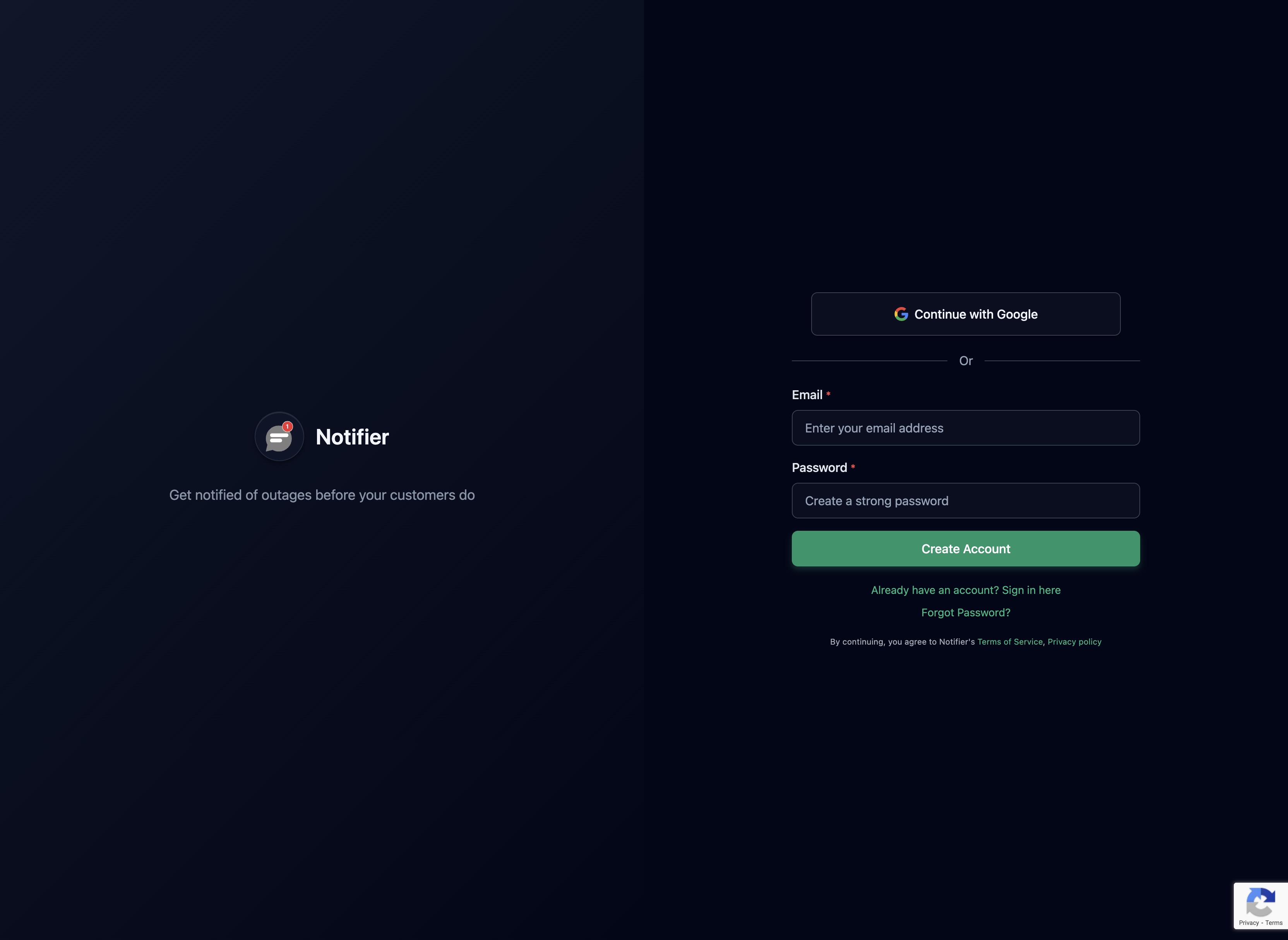
Sign up at notifier.so/register. No credit card required for the free plan.
Sign up at notifier.so/register. The free plan gives you 10 monitors immediately, which is enough to cover the critical URLs of most stores.
Step 2: Add Your Store's Critical URLs

Add each critical URL as a separate monitor.
Add monitors for each critical page. For a typical store, start with:
- 1. Your homepage (
https://yourstore.com) - 2. A popular product page (
https://yourstore.com/products/best-seller) - 3. The cart page (
https://yourstore.com/cart) - 4. The checkout page (
https://yourstore.com/checkout) - 5. Your account/login page (
https://yourstore.com/account)
Step 3: Set Your Check Interval
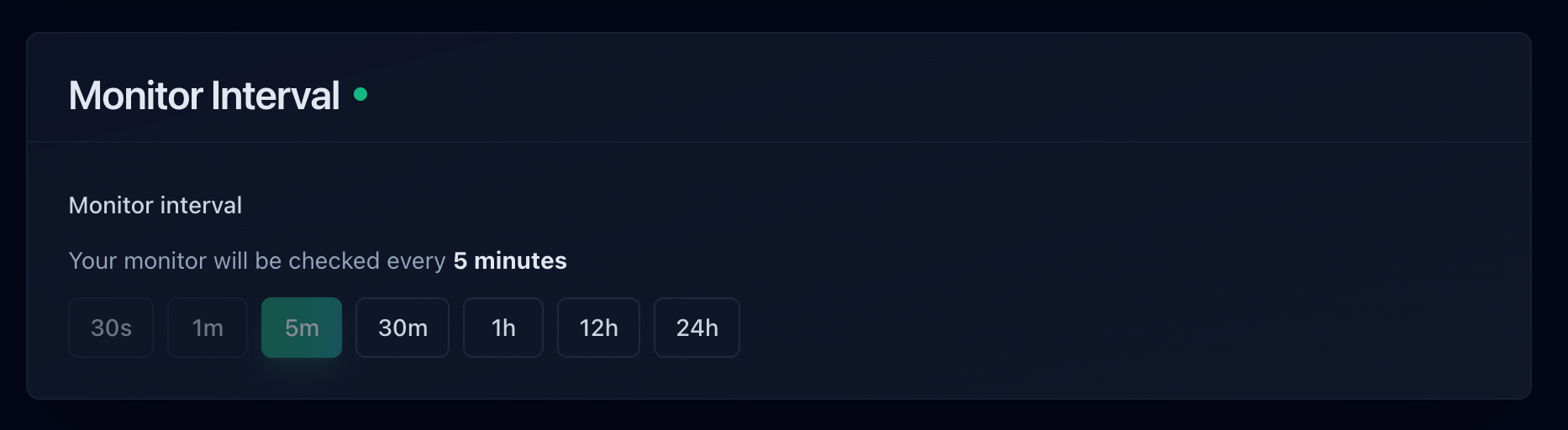
Choose a check interval based on how critical the page is.
For e-commerce, faster is better. On the free plan, checks run every 5 minutes. Upgrading to Solo ($4/month) gives you 1 minute checks. For stores where every minute counts, the Team plan ($19/month) offers 30 second checks.
Step 4: Configure Alerts
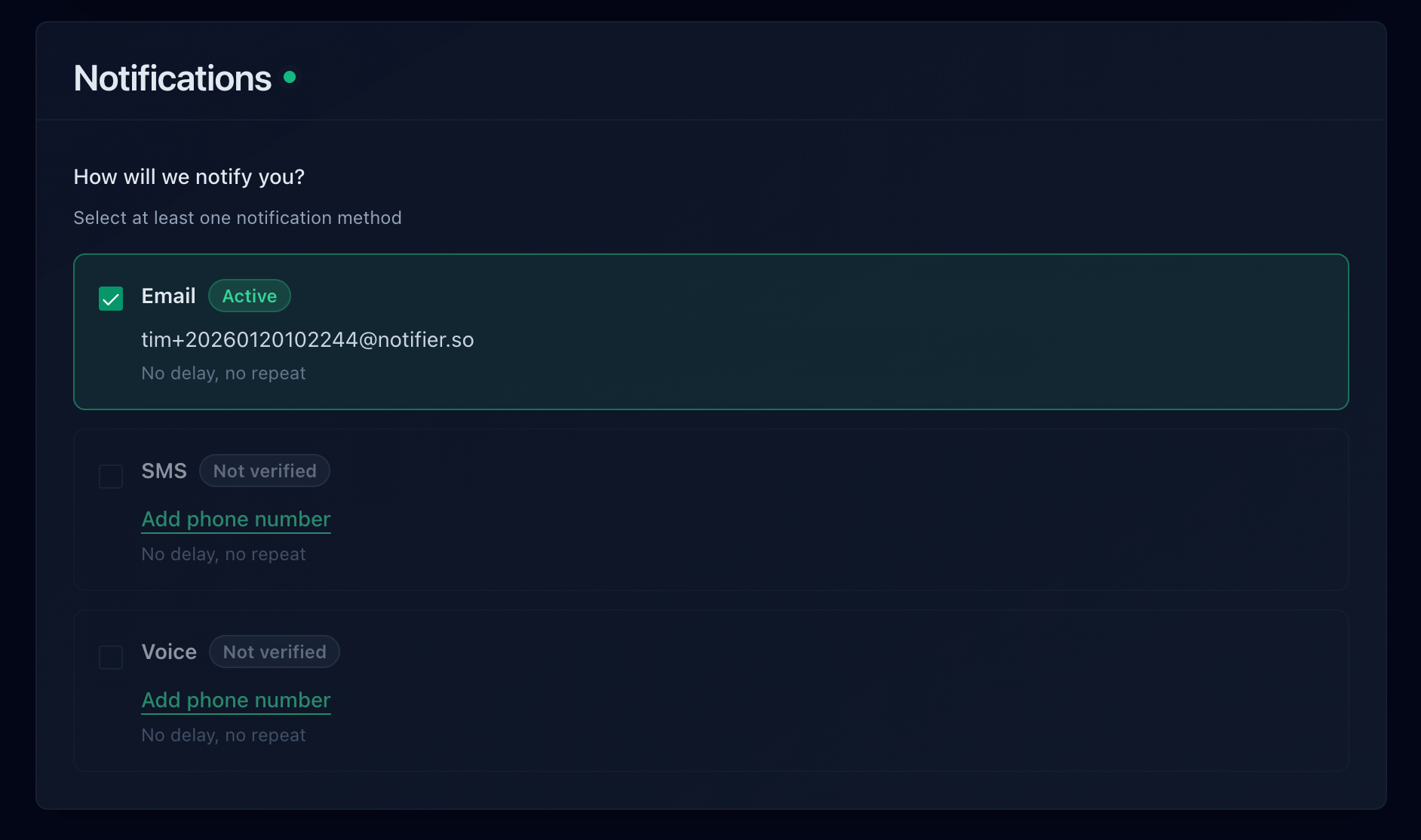
Choose how you want to be notified when something goes down.
For an e-commerce store, email alerts alone are not enough. You need notifications that wake you up at 3 AM. Enable SMS or phone call alerts for your checkout and homepage monitors. Use email or Slack for less critical monitors like blog pages or FAQ sections.
If your team uses Slack, connect it through the integrations page for instant channel notifications. See our Slack alerts setup guide for a complete walkthrough.
Step 5: Create a Status Page
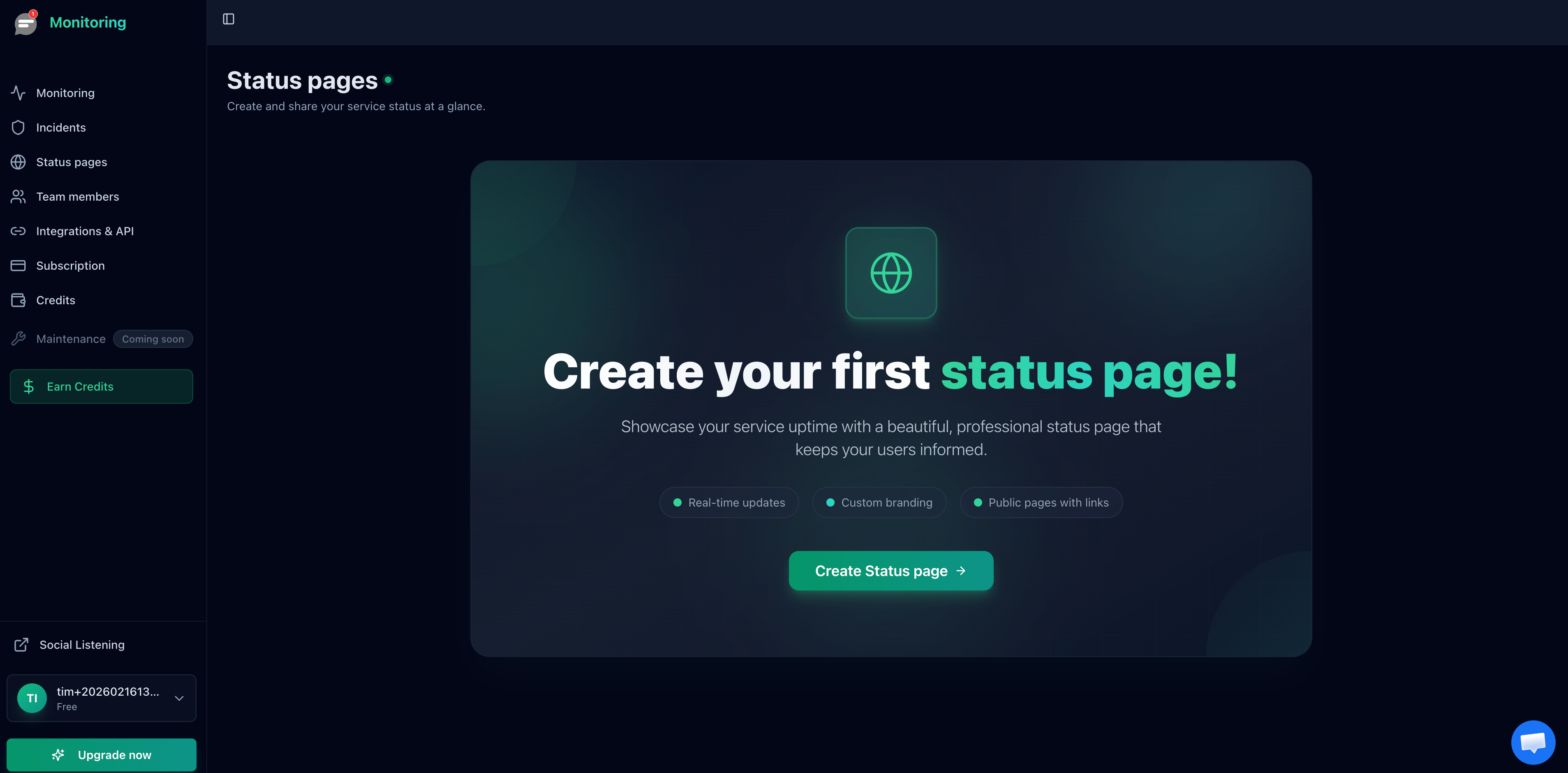
Create a public status page so customers can check your store's status during outages.
Create a public status page and link it from your store's footer or help center. During an outage, this is where customers go instead of flooding your support inbox. On paid plans, you can use a custom domain like status.yourstore.com for a professional look.
Monitoring During Peak Traffic Events
Black Friday, Cyber Monday, flash sales, product launches, and holiday seasons are when your store makes the most money and when it is most likely to go down. Traffic spikes expose every weakness in your infrastructure.
Here is how to prepare:
- Increase check frequency before the event. If you normally check every 5 minutes, switch to 1 minute or 30 second checks during peak periods. Faster detection means less lost revenue.
-
Add monitors for sale-specific pages. If you are running a flash sale at
/saleor/black-friday, add a monitor for that URL specifically. - Enable phone call alerts. During a sale, you need to know about outages within seconds. SMS and phone calls cut through notification noise in a way that email and Slack cannot.
- Watch response times, not just uptime. A site that takes 8 seconds to load is technically "up" but practically broken. Use response time tracking to catch slowdowns before they become full outages.
- Update your status page in advance. Let customers know you are monitoring actively during the sale. A proactive status page builds confidence.
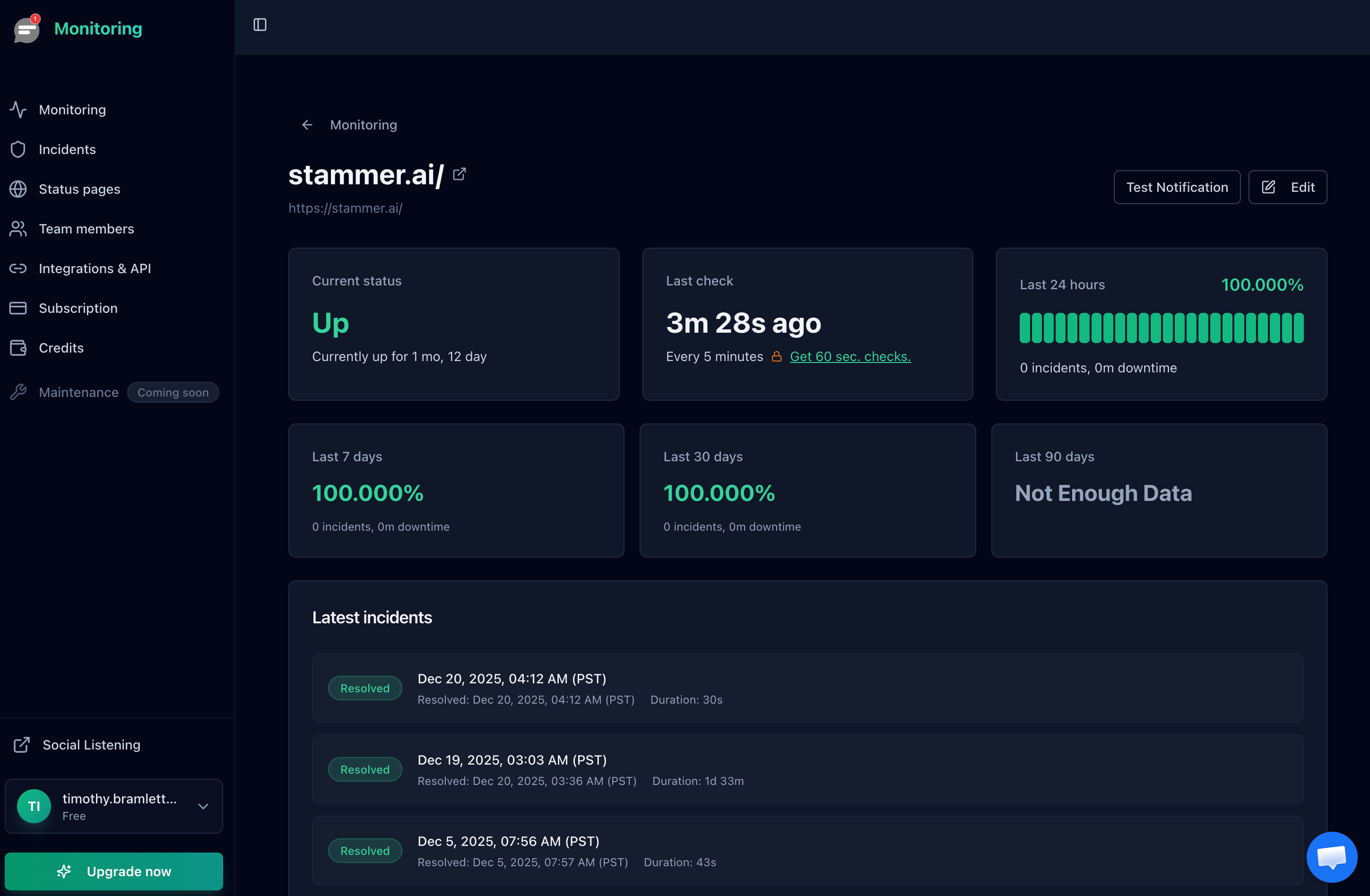
Track response time trends to catch slowdowns before they turn into full outages during peak traffic.
Why Every Store Needs a Status Page
When your store goes down, customers do one of three things: refresh the page, check social media, or go to a competitor. A status page gives them a fourth option: see exactly what is happening and when it will be fixed.
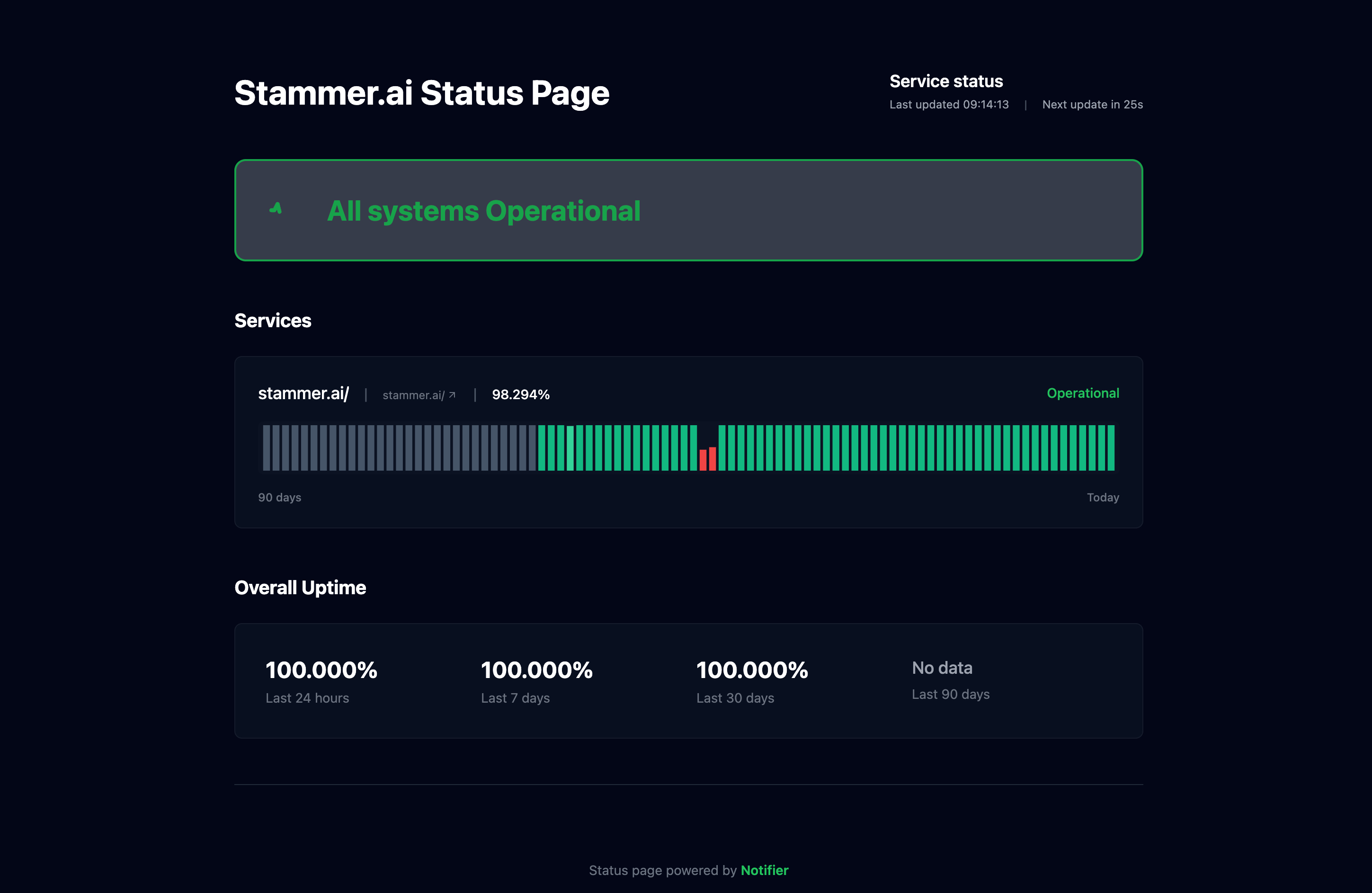
A public status page keeps customers informed during outages and builds trust.
For e-commerce, a status page serves multiple purposes:
- Reduces support tickets. Instead of emailing "is your site down?", customers check the status page. This saves your support team from drowning in duplicate tickets during outages.
- Retains customers during outages. A customer who sees "checkout is temporarily unavailable, we are working on it" is far more likely to come back in 30 minutes than one who sees a blank error page and leaves forever.
- Builds trust over time. A status page showing 99.9% uptime over the past 90 days tells customers your store is reliable. This matters especially for new customers evaluating whether to trust you with their payment information.
For step by step instructions on creating one, see our complete status page setup guide. For hosting options, check our status page hosting comparison.
Frequently Asked Questions
How many monitors do I need for an e-commerce store?
Most stores need 5 to 10 monitors: homepage, checkout, cart, a few key product pages, account/login, and optionally your API endpoints or payment gateway status page. Start with the essentials (homepage + checkout) and add more as you identify critical paths. Even on a free plan with 10 monitors, you can cover the most important URLs.
What check interval should I use for my store?
For stores making over $10,000/month, use 1 minute checks at minimum. For stores making over $50,000/month or during peak sales events, 30 second checks are worth the cost. On a 5 minute check interval, you could be down for up to 10 minutes before getting alerted (if the outage starts right after a check). With 30 second checks, maximum detection time drops to about a minute.
Do I need monitoring if I use Shopify or a managed platform?
Yes. Shopify, BigCommerce, and other managed platforms handle hosting, but they still experience outages. Shopify has had multiple platform wide outages affecting thousands of stores. External monitoring tells you the moment your specific store is affected, instead of waiting for the platform to acknowledge the issue. For a Shopify specific setup guide, see our Shopify uptime monitoring guide.
Should I use email or SMS alerts for my store?
Use both for different purposes. SMS or phone call alerts for your checkout and homepage ensure you wake up for critical outages. Email alerts work fine for less urgent monitors like blog pages or help center content. If your team uses Slack, channel notifications provide a middle ground: visible but not as intrusive as a phone call.
How much does e-commerce monitoring cost?
You can start for free. Notifier's free plan covers 10 monitors with SSL monitoring and 5 status pages. For faster 1 minute checks, the Solo plan costs $4/month. For 30 second checks with 100 monitors and team access, the Team plan is $19/month. Compare that to even a single minute of downtime during a sale and the ROI is obvious.
Can monitoring prevent downtime?
Monitoring detects downtime; it does not prevent it. But faster detection means faster recovery, which directly reduces revenue loss. SSL certificate monitoring and domain expiration alerts do prevent a specific category of outages by warning you days or weeks before something expires. For a full list of preventable failure modes, see our guide on website downtime causes.
