Team Members
Invite your team to collaborate on monitoring, status pages, and alerts.
Overview
Invite team members to collaborate on your monitoring setup. Team members can view monitors, manage status pages, and receive alerts alongside you.
Roles
There are two roles in Notifier:
Team Owner
The account creator is automatically the Team Owner. This role has full access to everything, including billing, subscription management, and the ability to invite or remove team members.
Team Member
Team Members can view and manage monitors, status pages, and alert configurations. They cannot access billing settings or manage other team members.
Inviting Members
To invite a new team member:
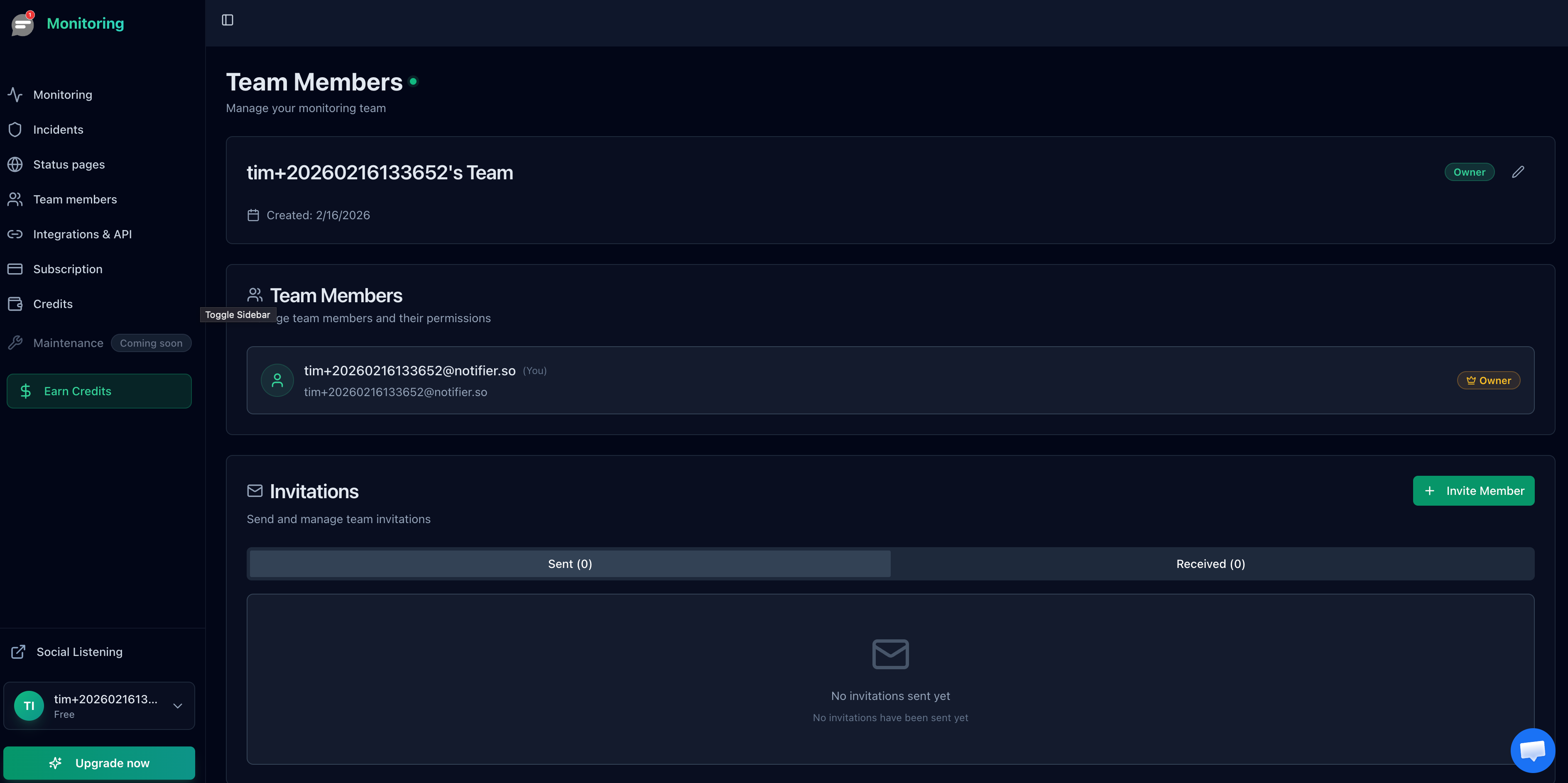
- Go to Team Members in the sidebar.
- Enter the person's email address in the invitation form.
- Optionally add a personal message that will be included in the invitation email.
- Click Invite.
The invited person receives an email with a unique invitation link. They can accept or decline the invitation from that email.
Invitation Details
- Invitations expire after 7 days. You can resend an invitation if it expires.
- The invited person can accept or decline the invitation.
- If the person already has a Notifier account, they can accept immediately after clicking the link.
- If they do not have an account, they need to sign up first, then accept the invitation.
Each invitation has one of three statuses:
- Pending: Invitation sent, waiting for a response.
- Accepted: The person joined your team.
- Declined: The person declined the invitation.
Plan Limits
| Plan | Team Members Included | Can Invite |
|---|---|---|
| Free | 0 | No |
| Solo | 0 | No |
| Team | 3 | Yes |
| Enterprise | 10 | Yes |
Managing Members
The Team Members page shows all active members and pending invitations. As the Team Owner, you can:
- View the status of all invitations (pending, accepted, declined).
- Remove a team member at any time. They will immediately lose access to your monitors and status pages.
- Resend expired invitations.