Getting Started
Set up website monitoring in under five minutes.
1. Create Your Account
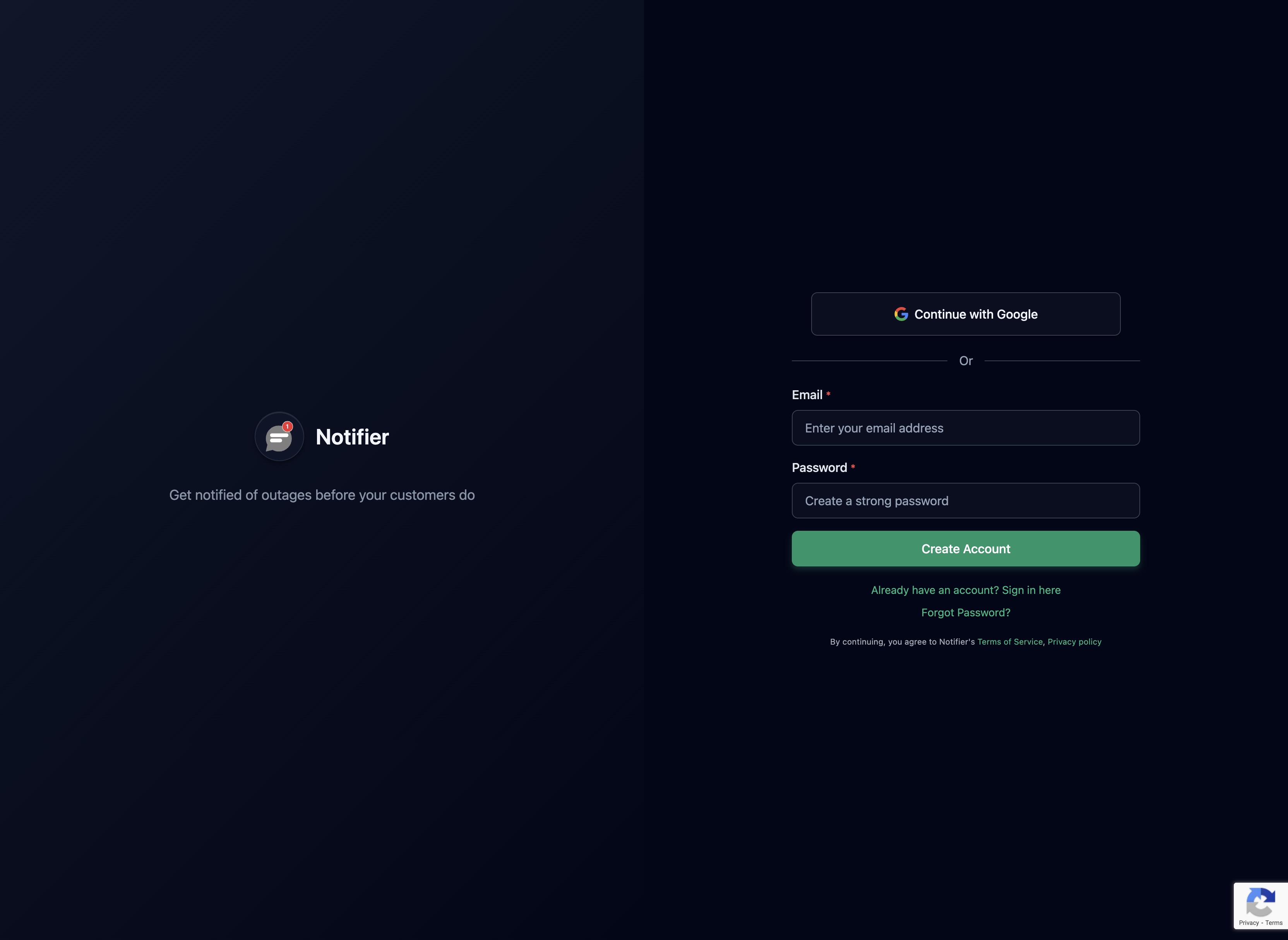
Sign up at /register/. The free plan includes 10 monitors and 5 status pages with no credit card required.
2. Add Your First Monitor
Click Add Monitor in the dashboard. Enter the full URL of the site you want to monitor (must include https://). You can optionally give it a friendly name.

Choose a check interval. The default is every 5 minutes. Faster intervals (1 min, 30 sec) are available on paid plans.
How status is determined: Notifier sends an HTTP HEAD request to your URL with a 25 second timeout. Status codes 200, 403, and 405 are treated as UP. Everything else (including timeouts, SSL errors, and connection failures) is treated as DOWN.
3. Configure Alerts
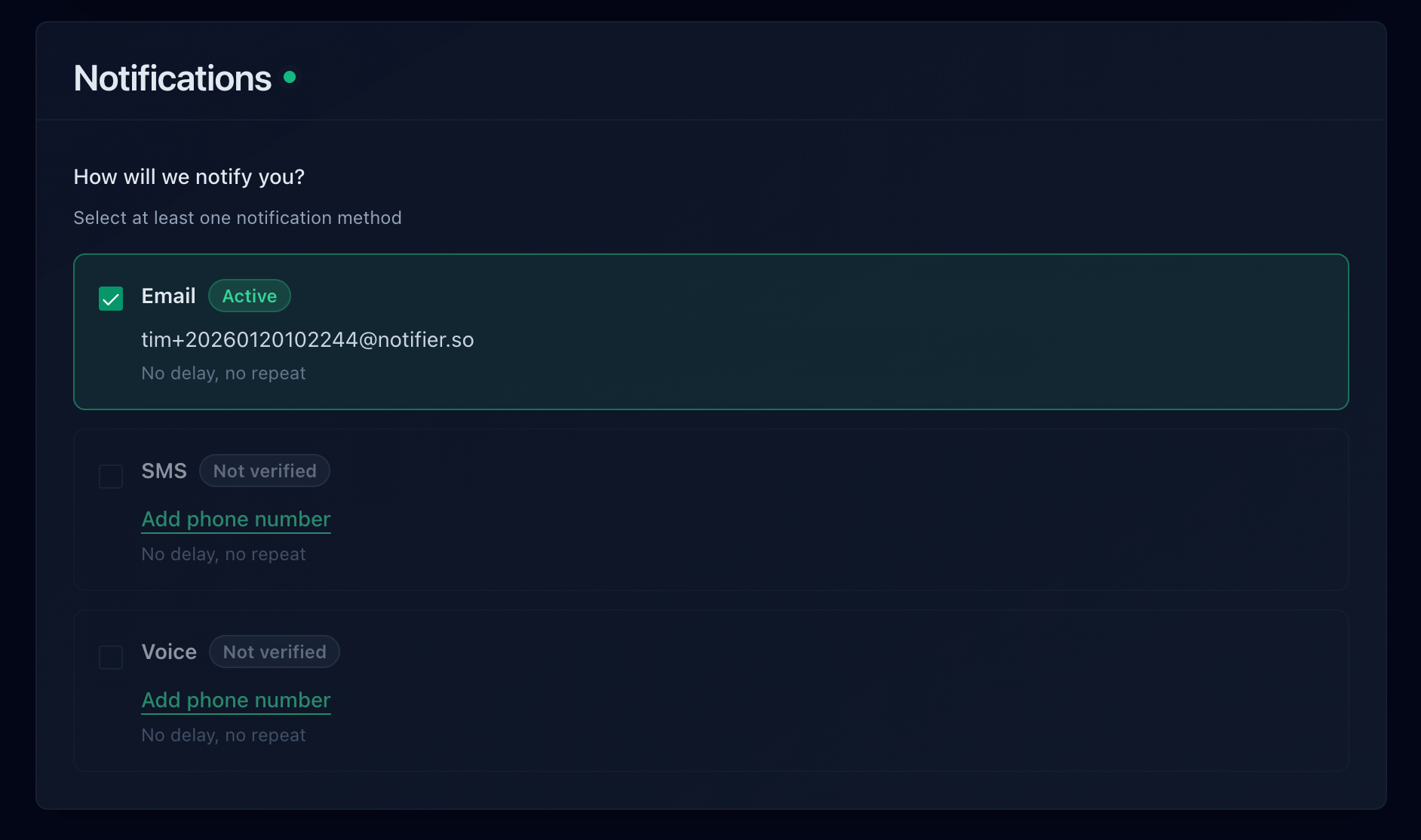
By default, you will receive email alerts when a monitor goes down and when it recovers. You can also enable:
- SMS alerts — requires a verified phone number. Uses credits from your credit wallet.
- Phone call alerts — also requires a verified phone number and uses credits.
- Slack — connect your workspace first from the Integrations page, then select a channel per monitor.
4. Set Up a Status Page
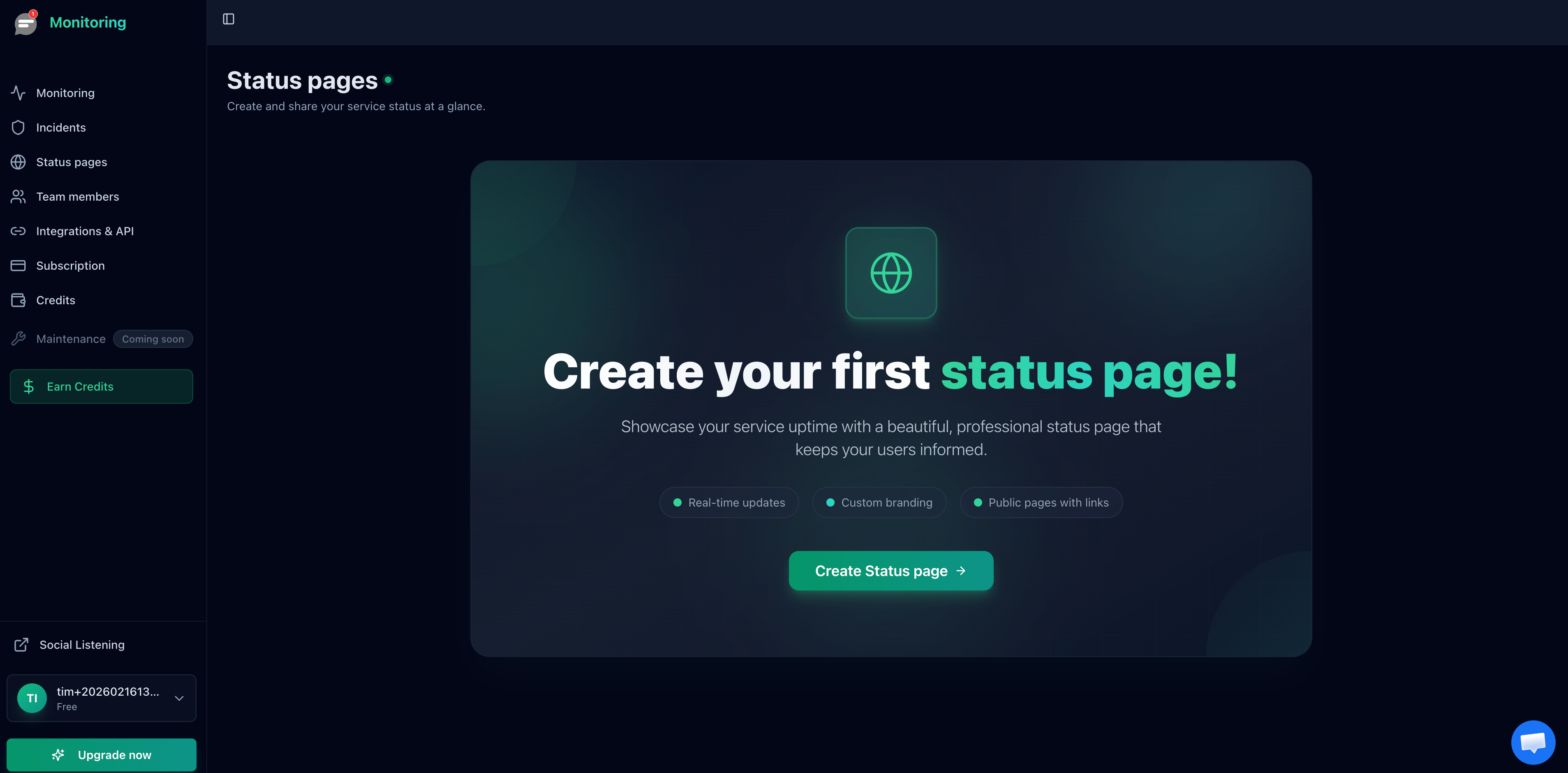
Status pages let you share real time uptime information with your users. To create one:
- Go to Status Pages in the sidebar.
- Click Create Status Page.
- Give it a name and add the monitors you want to display.
- Share the public URL with your users.
Custom domains for status pages are available on paid plans (Solo and above).
5. Invite Team Members
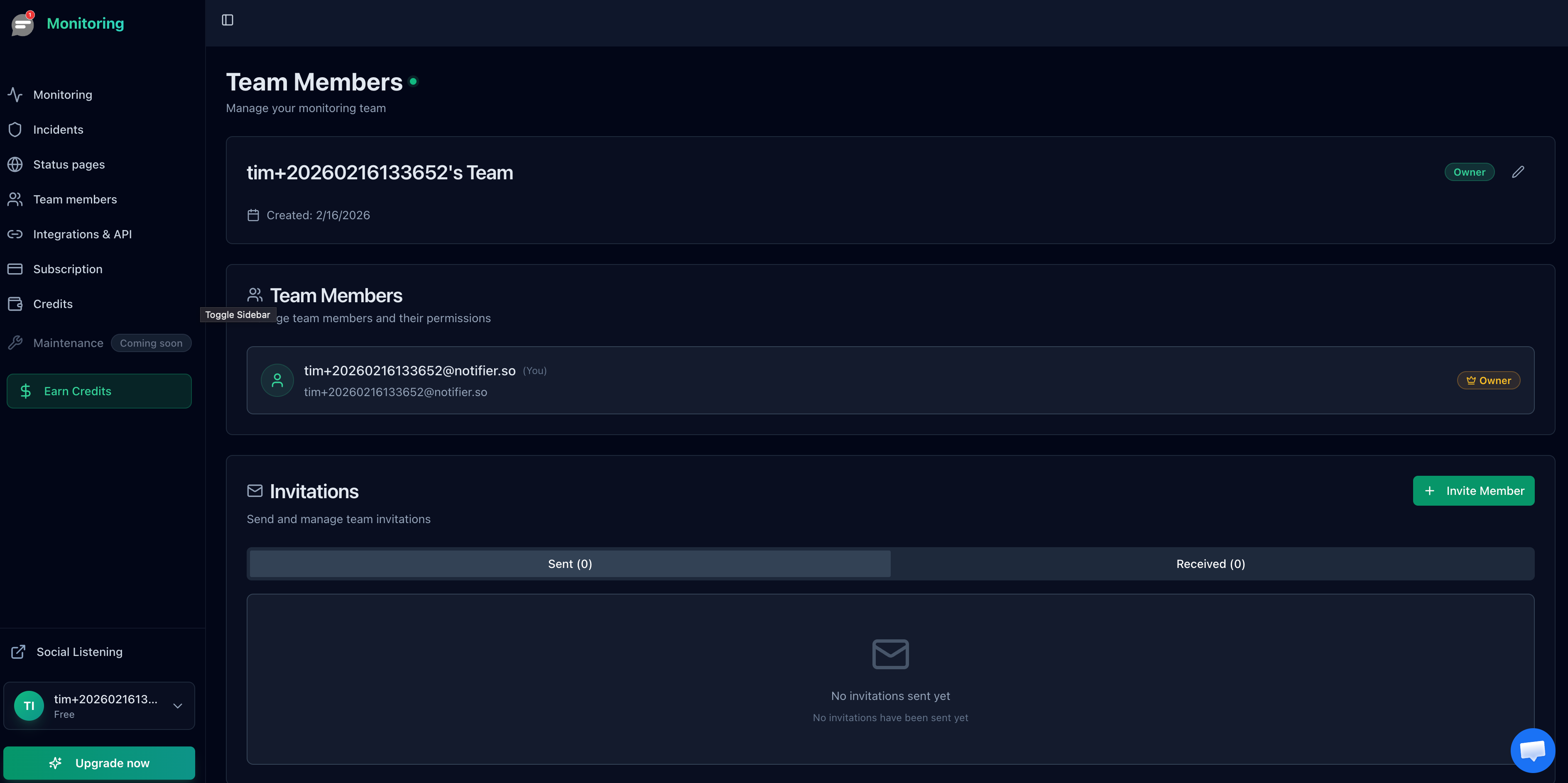
Team collaboration is available on Team ($19/mo, up to 3 members) and Enterprise ($35/mo, up to 10 members). To invite someone:
- Go to Team Members in the sidebar.
- Enter their email address and click Invite.
- They will receive an invitation email. Invitations expire after 7 days.
6. Plan Limits
Quick reference for what each plan includes:
| Plan | Price | Monitors | Status Pages | Check Interval | Team Members |
|---|---|---|---|---|---|
| Free | $0 | 10 | 5 | 5 min | 0 |
| Solo | $4/mo | 20 | 10 | 1 min | 0 |
| Team | $19/mo | 100 | 50 | 30 sec | 3 |
| Enterprise | $35/mo | 200 | Unlimited | 30 sec | 10 |
All plans include email, SMS, and phone call alerts, SSL monitoring, DNS monitoring, Slack integration, and public status pages.
Need Help?
Email support@notifier.so or use the chat widget in the bottom right corner of any page. The support team typically responds within minutes.