Looking for the Pingdom free tier? It's gone. Pingdom eliminated their free plan entirely, and their cheapest option now starts at $15/month for just 10 monitors. If you're an indie developer, small business owner, or just someone who wants to know when their website goes down without paying enterprise prices, you need a free Pingdom alternative.
I've tested seven free Pingdom alternatives and compared their features, limitations, and paid upgrade options. Here's what I found.
Quick Comparison
| Tool | Free Monitors | Check Interval | Status Pages | Best For |
|---|---|---|---|---|
| Notifier.so ⭐ | 10 | 5 min | 5 | Simplicity, SMS/phone alerts, free SSL monitoring |
| UptimeRobot | 50 | 5 min | 1 | Non-commercial projects |
| HetrixTools | 15 | 1 min | Basic | Server + blacklist monitoring |
| Better Stack | 10 | 3 min | 1 | Beautiful UI, incident management |
| StatusCake | 10 | 5 min | 0 (paid only) | SSL + domain monitoring |
| Uptime Kuma | Unlimited | 20 sec | Yes | Self-hosted, full control |
Why Look for Pingdom Alternatives?
Pingdom was once the go-to choice for website monitoring. But things have changed:
- No free tier: Pingdom eliminated their free plan entirely. You now need to pay at least $15/month.
- Enterprise pricing: Even the basic plan feels overpriced for indie developers monitoring a handful of sites.
- Feature bloat: Pingdom offers Real User Monitoring and synthetic transactions that most small teams don't need.
The good news? There are now plenty of alternatives that offer generous free tiers with the core features you actually need: uptime monitoring, alerts, and status pages.
1. Notifier.so (Our Pick)
Notifier.so is website monitoring built for indie developers and small teams. No enterprise bloat, no confusing dashboards, just monitoring that works.

Click into any monitor to see detailed uptime history and response times:
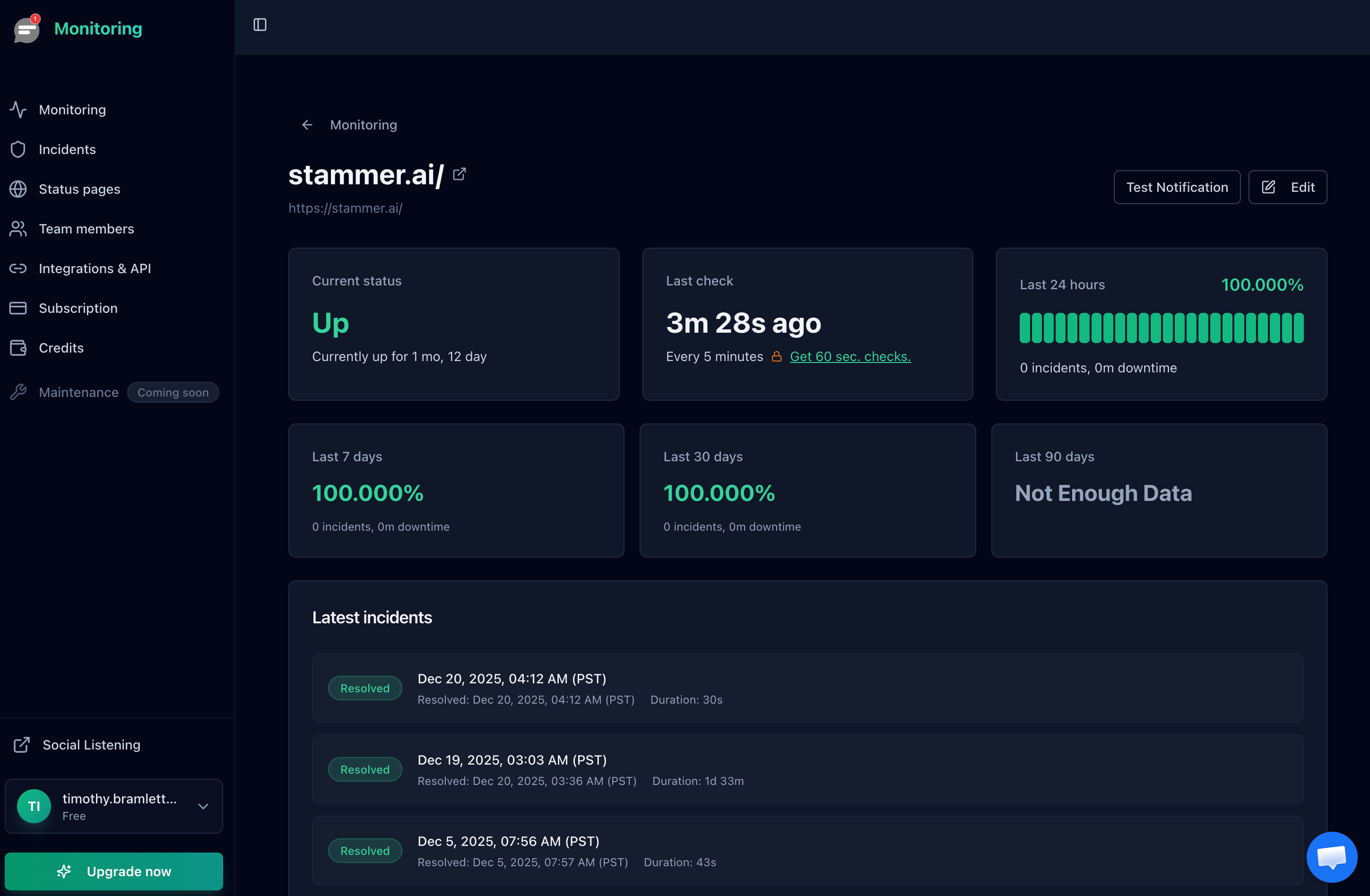
Free Plan Includes:
- 10 monitors with 5 minute check intervals
- 5 public status pages
- Email, SMS, and phone call alerts
- Slack integration
- SSL certificate monitoring and expiration alerts
- Uptime history and response time tracking
Why We Recommend It:
Notifier stands out for its simplicity. Setup takes less than 30 seconds. There's no learning curve, no complex configuration, and no features you'll never use. The free tier includes SMS and phone call alerts, which most competitors charge extra for. It's also one of the only platforms that includes SSL certificate monitoring on the free plan, so you'll get alerted before your certificates expire without paying a cent. And if you need to upgrade, paid plans start at just $4/month.
Paid Plans:
- Solo ($4/mo): 20 monitors, 1 minute checks, custom domain status pages
- Team ($19/mo): 100 monitors, 30 second checks, 3 team members
- Enterprise ($35/mo): 200 monitors, unlimited status pages, 10 team members
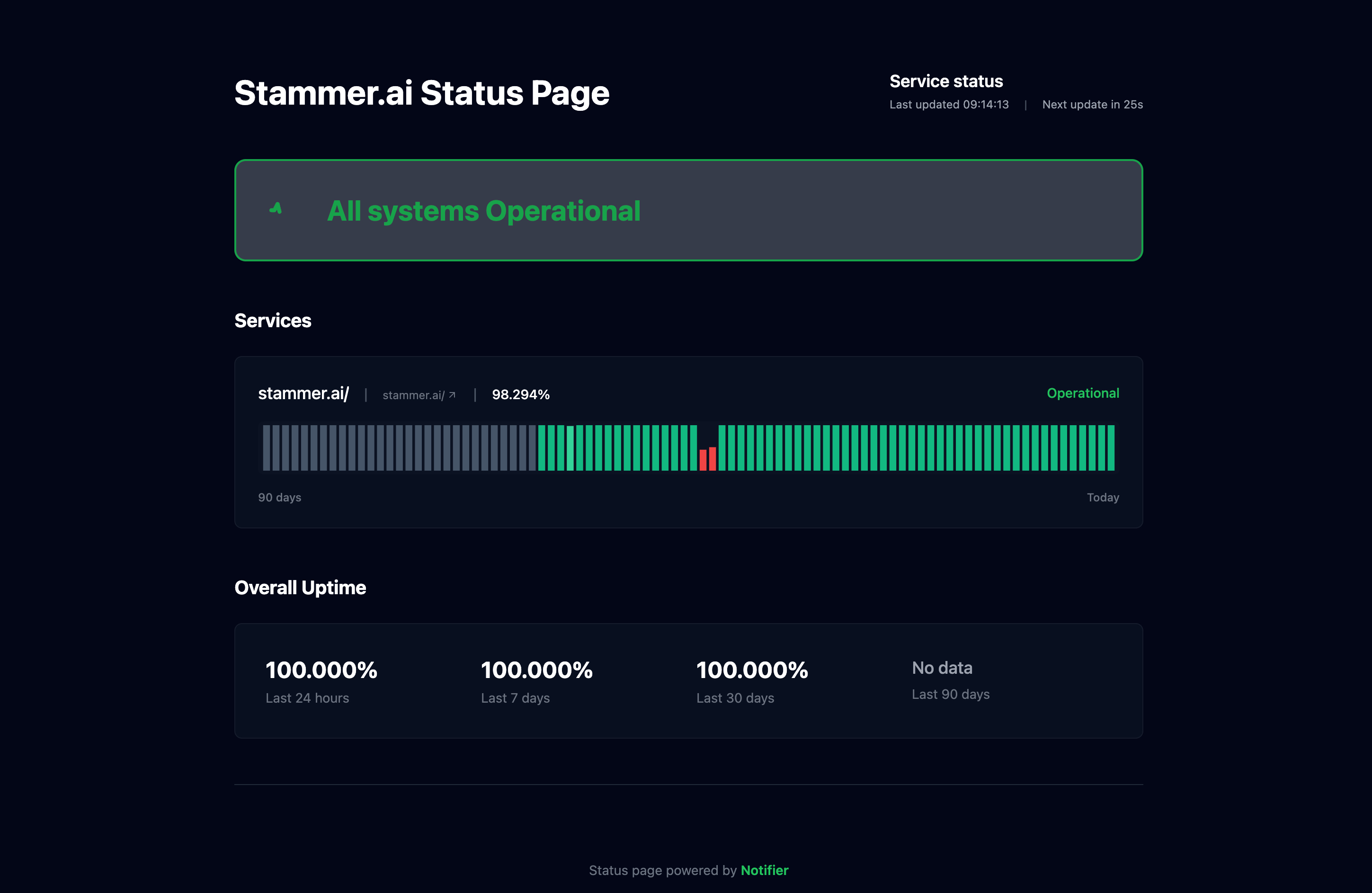
Every plan includes public status pages to keep your customers informed:
2. UptimeRobot
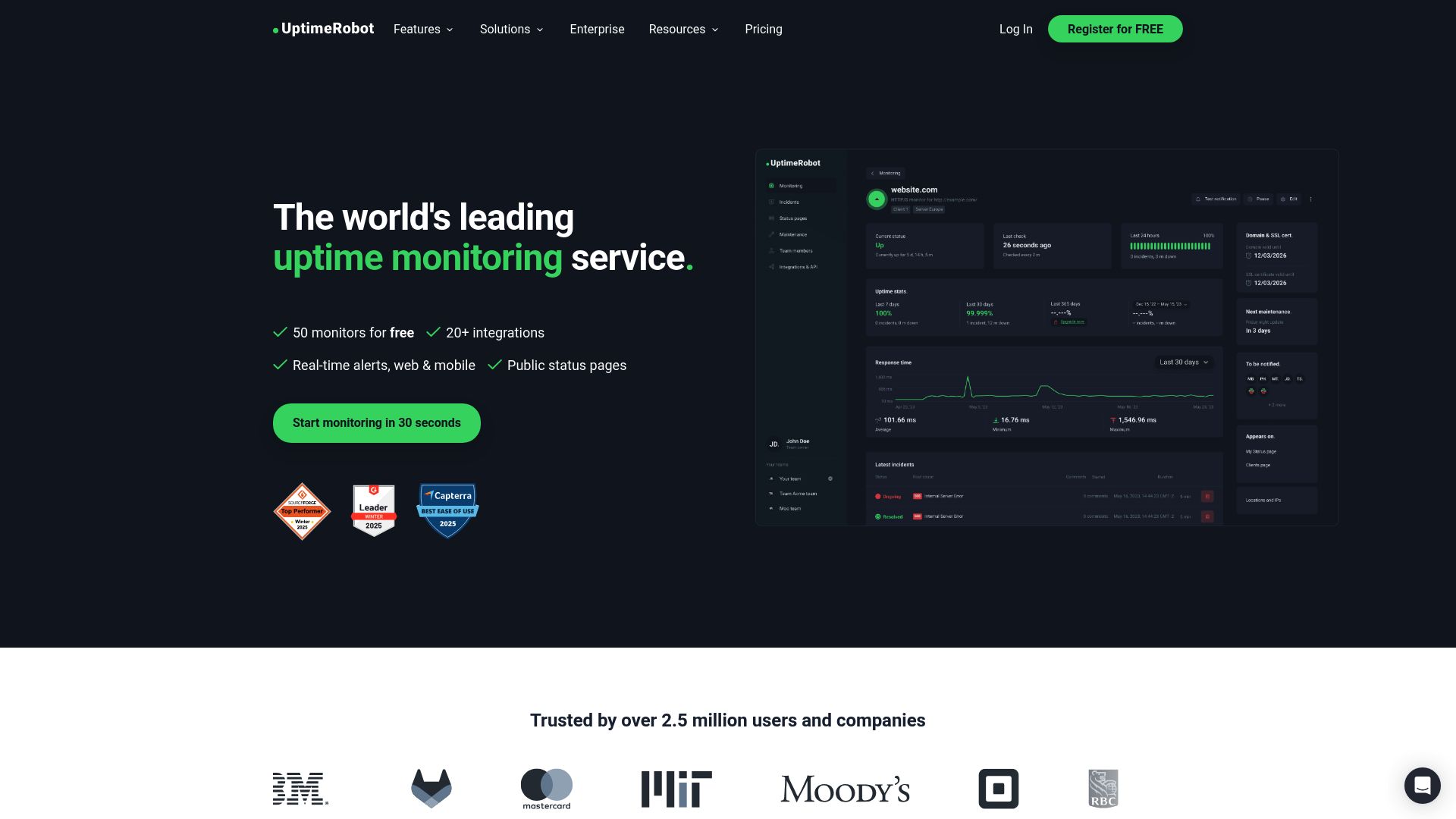
UptimeRobot has been around since 2010 and offers one of the most generous free tiers in terms of monitor count: 50 monitors at 5 minute intervals.
Free Plan Includes:
- 50 monitors with 5 minute check intervals
- HTTP, ping, port, and keyword monitoring
- 1 status page
- Email alerts
The Catch:
Important: In October 2024, UptimeRobot limited their free plan to non-commercial use only. If you're monitoring a business website, SaaS product, or anything that generates revenue, you technically need a paid plan.
This is a significant change that many users don't know about. If you're running a side project for fun, UptimeRobot's free tier is great. But for any commercial use, you'll need to look elsewhere or upgrade to their paid plans (starting at $7/month).
3. Freshping (Discontinued)
Update: Freshworks shut down Freshping on March 6, 2026. The service is no longer available. We're keeping this section for reference. Read our full breakdown of the Freshping shutdown.
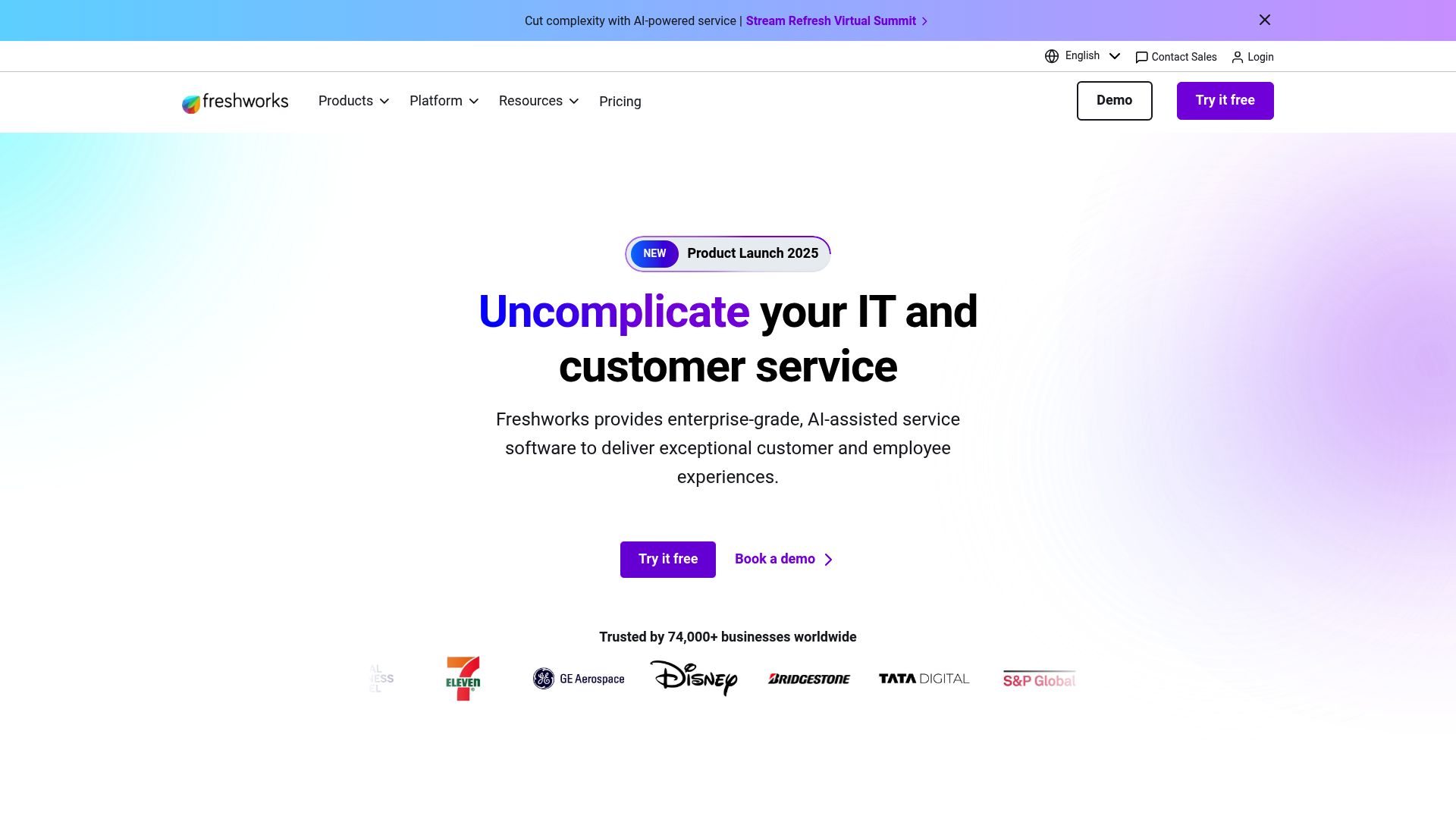
Freshping, by Freshworks, used to offer an impressive free tier with 50 monitors and 1 minute check intervals. It was one of the few free options that checked more frequently than every 5 minutes. Unfortunately, Freshworks discontinued the product entirely in March 2026.
What the Free Plan Included:
- 50 monitors with 1 minute check intervals
- 5 public status pages
- Up to 30 team members
- 10 global monitoring locations
- Email, SMS, and Slack alerts
Limitations:
- No SSL certificate monitoring on free plan
- No response string checking on free plan
- No mobile app
- Part of larger Freshworks ecosystem (can feel overwhelming)
Freshping was a solid choice while it lasted, but Freshworks pulled the plug in 2026. If you were a Freshping user looking for a replacement, Notifier.so offers a similar free tier with SMS and phone alerts included.
4. HetrixTools
HetrixTools is unique because it combines uptime monitoring with server monitoring and blacklist checking. If you run your own servers, this is valuable.
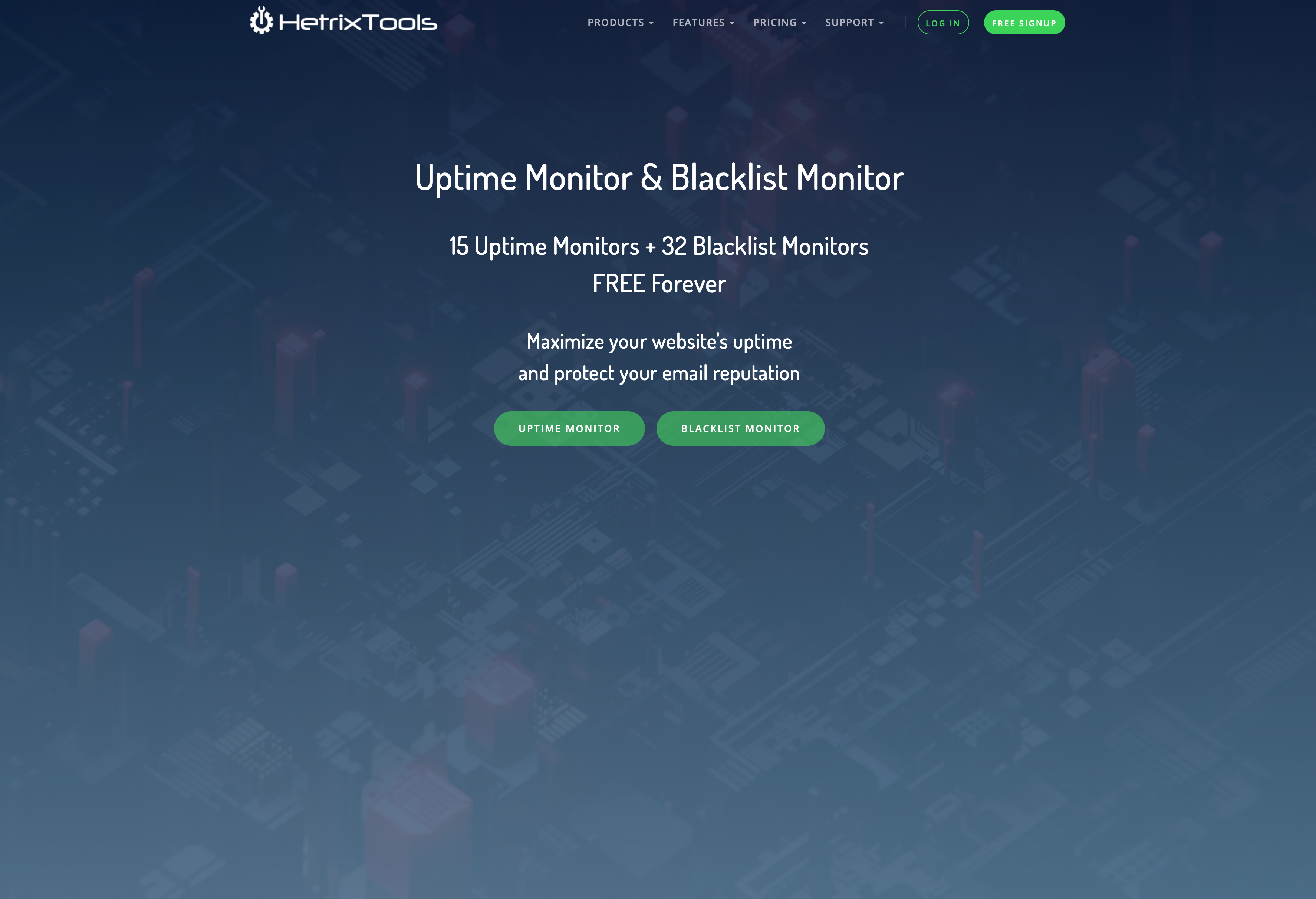
Free Plan Includes:
- 15 uptime monitors with 1 minute check intervals
- Server monitoring (CPU, RAM, disk)
- Blacklist monitoring (100+ blacklists)
- 12 global monitoring locations
- Webhook, Telegram, and Slack notifications
HetrixTools is ideal if you manage your own infrastructure and want more than just uptime monitoring. The blacklist monitoring is particularly useful if you run email servers.
5. Better Stack (formerly Better Uptime)
Better Stack is the most polished option on this list. It combines uptime monitoring with incident management, on-call scheduling, and beautiful status pages. The UI is genuinely impressive.
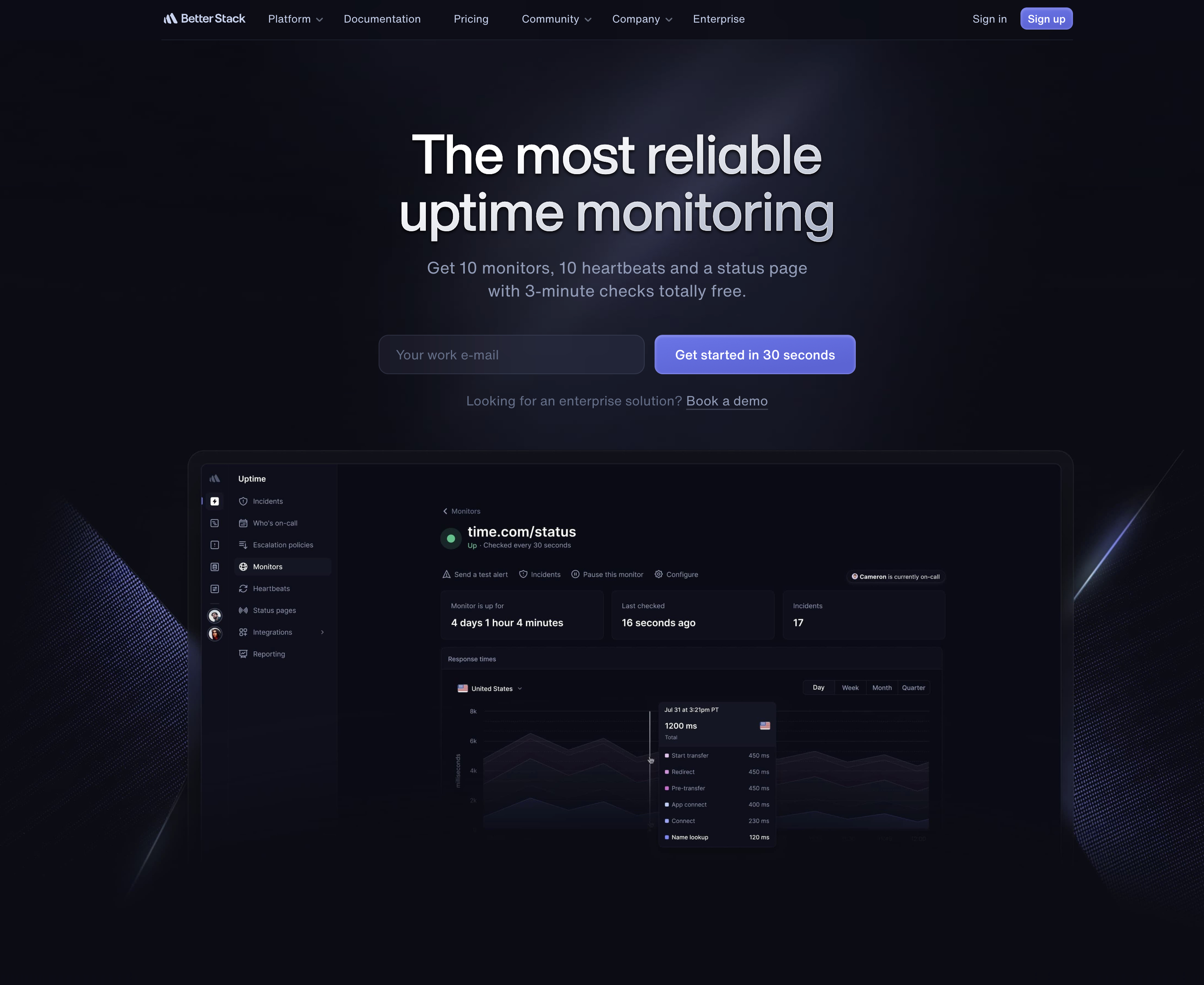
Free Plan Includes:
- 10 monitors with 3 minute check intervals
- 10 heartbeat monitors (for cron jobs)
- 1 status page
- Unlimited phone, SMS, and email alerts
- On-call scheduling and incident management
Downsides:
The main downside is complexity. Better Stack is designed for teams that need incident management workflows, on-call rotations, and runbooks. If you just want simple uptime monitoring, it can feel like overkill. The jump from free to paid is also significant (their Team plan is $85/month).
6. StatusCake
StatusCake is a UK-based monitoring service that's been around since 2012. Their free tier is basic but includes some features others charge for.
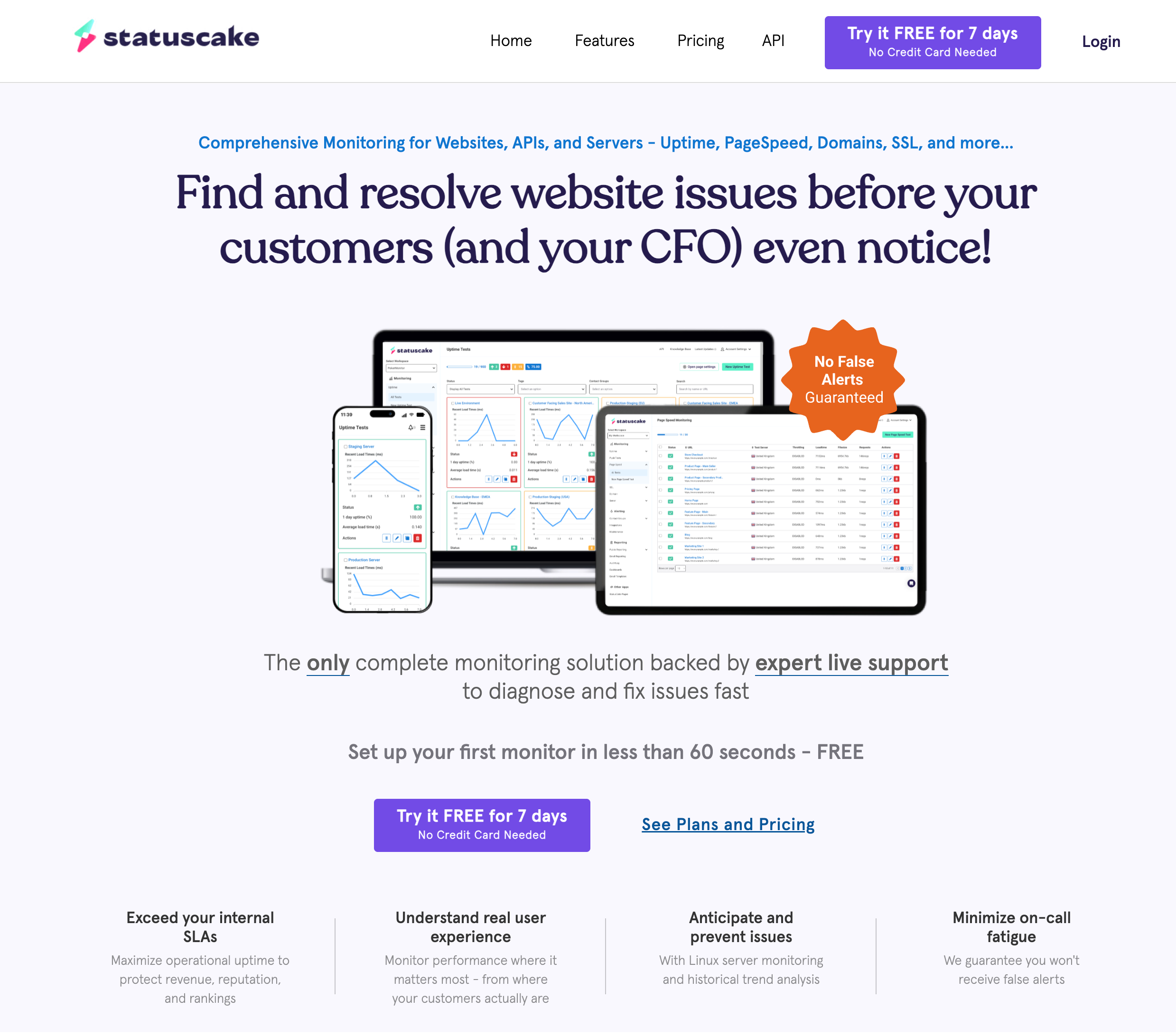
Free Plan Includes:
- 10 uptime monitors with 5 minute check intervals
- 1 SSL monitor (with expiration alerts)
- 1 domain monitor (expiration alerts)
- 1 page speed monitor
- 30+ global monitoring locations
Limitations:
- No status pages on free plan (paid plans start at $20/month for status pages)
- Page speed only checks once per day
- Domain monitor only checks weekly
StatusCake is a decent choice if you want SSL and domain expiration monitoring included for free. Just be aware that the "1 SSL monitor" is quite limited, and you'll need to pay for status pages.
7. Uptime Kuma (Self-Hosted)
Uptime Kuma is the only truly free option on this list because it's open source and self-hosted. You run it on your own server, which means unlimited monitors, faster check intervals, and complete control over your data.
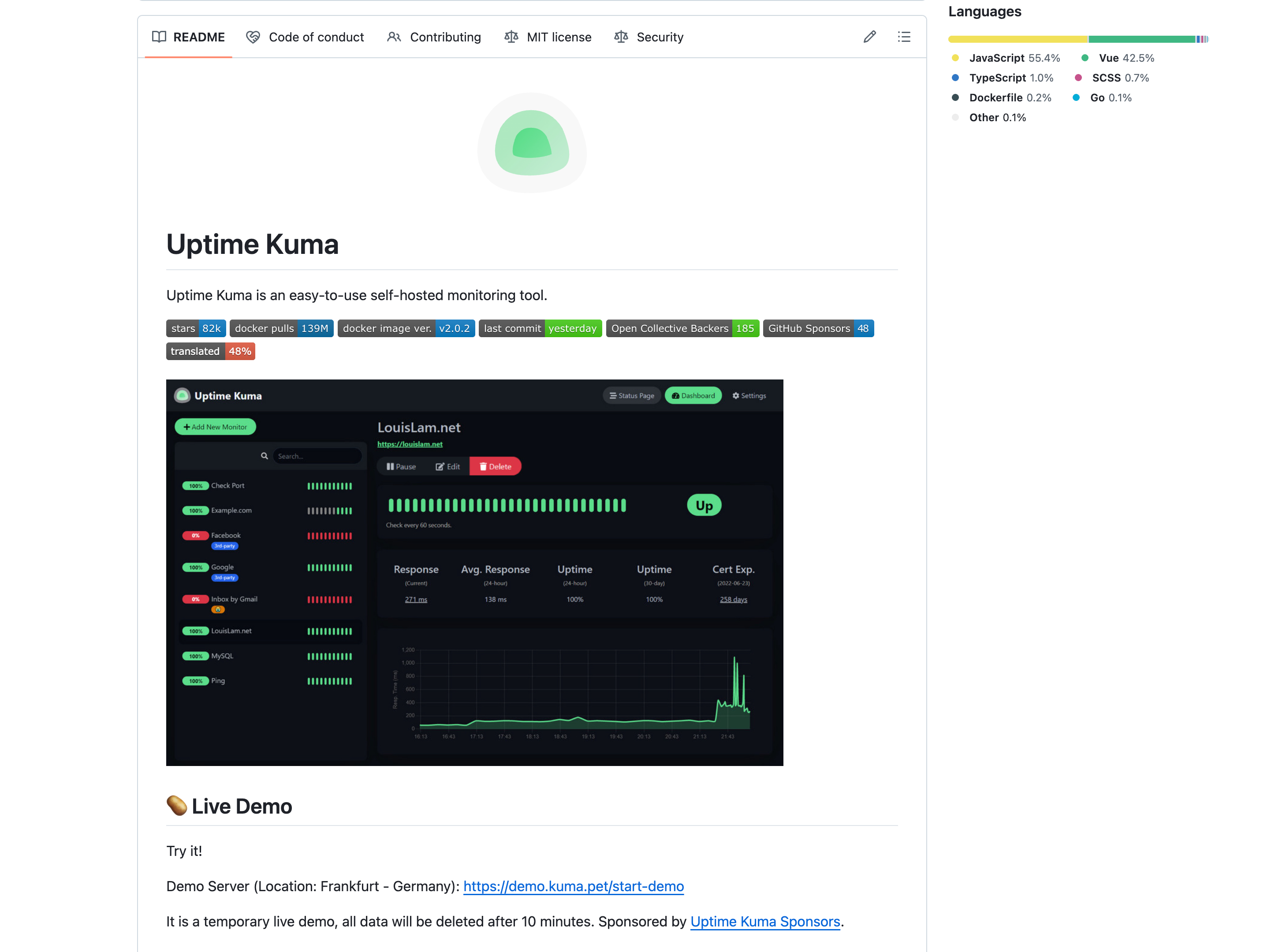
Features:
- Unlimited monitors
- Check intervals as low as 20 seconds
- HTTP, TCP, ping, DNS, Docker, and database monitoring
- 90+ notification integrations (Telegram, Discord, Slack, email, etc.)
- SSL certificate monitoring
- Status pages included
The Catch:
You need to host it yourself. This means:
- You need a server (VPS, Raspberry Pi, etc.)
- You're responsible for maintenance and updates
- If your server goes down, your monitoring goes down too
- Single location monitoring (unless you set up multiple instances)
- No multi-user support or role-based access
Uptime Kuma is perfect for developers who already run servers and want complete control. But if you'd rather focus on building your product than maintaining monitoring infrastructure, a hosted service is the better choice.
What About Pingdom?
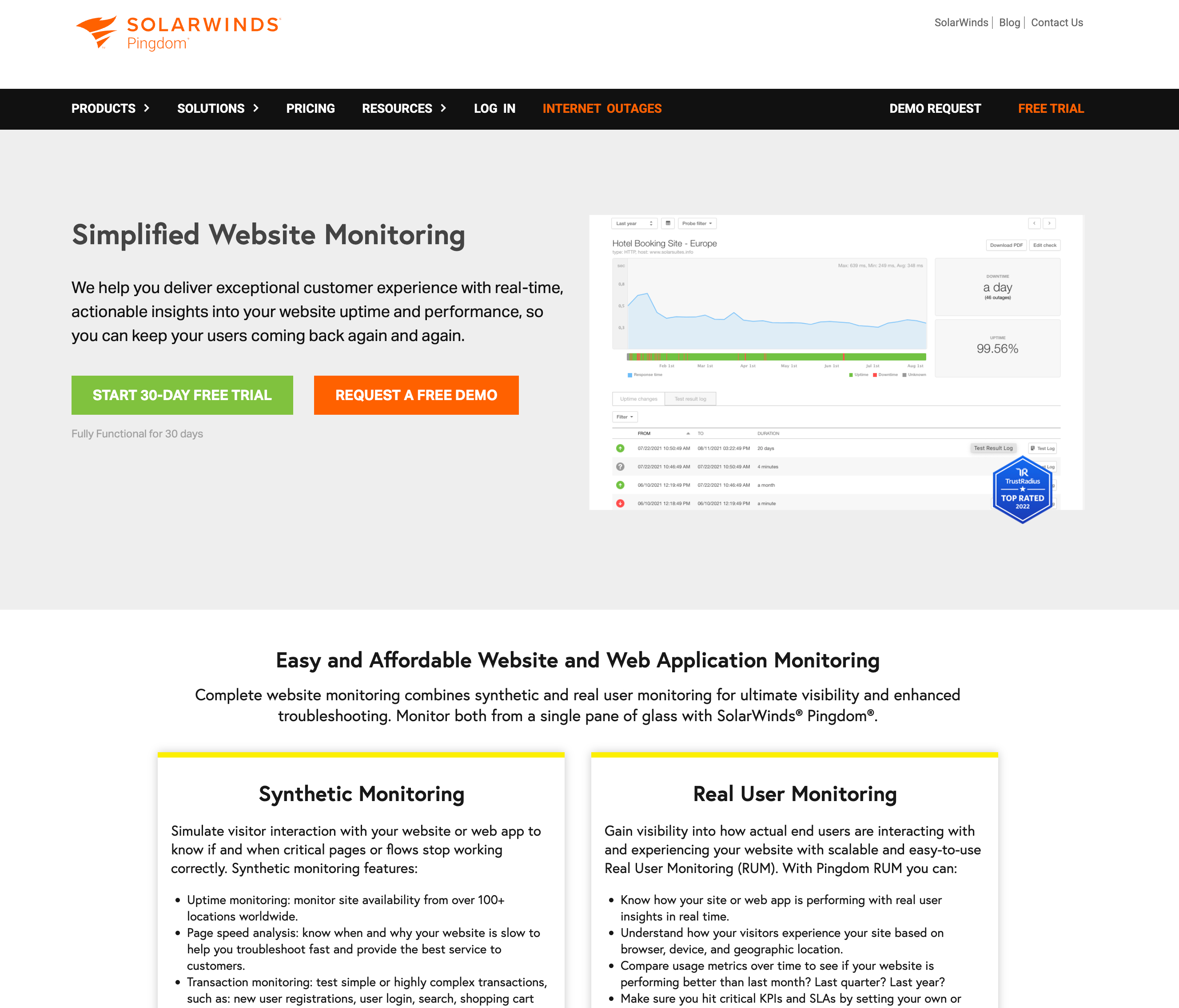
For comparison, here's what Pingdom offers:
- Cheapest plan: $15/month (paid annually) or $19/month (paid monthly)
- What you get: 10 uptime monitors, 1 advanced check
- Check interval: 1 minute
- Status pages: Not included (separate product)
Pingdom is a solid enterprise product, but the pricing doesn't make sense for indie developers or small teams. You can get equivalent (or better) monitoring for free with the alternatives above.
Which One Should You Choose?
Our Recommendations:
- For most people: Start with Notifier.so. It's the simplest to set up, includes SMS/phone alerts and SSL certificate monitoring on the free tier (something most competitors charge for), and paid plans start at just $4/month.
- For non-commercial side projects: UptimeRobot offers 50 monitors, but remember their free tier is now limited to non-commercial use.
- For fastest free checks: Freshping has been discontinued. For fast checks on a free plan, consider HetrixTools (1 minute intervals).
- For server monitoring: HetrixTools includes server resource monitoring and blacklist checking.
- For teams needing incident management: Better Stack is the most polished option with on-call scheduling.
- For complete control: Self-host Uptime Kuma if you have the infrastructure.
Pingdom Alternatives FAQ
Does Pingdom have a free tier in 2026?
No. Pingdom discontinued their free tier several years ago after the SolarWinds acquisition. As of 2026, Pingdom's cheapest plan is $15/month (billed annually) or $19/month (billed monthly) for 10 monitors. There is a 14 day free trial available, but no permanent free plan. If you need free website monitoring, the alternatives listed above all offer generous free tiers.
What is the best free Pingdom alternative?
For most people, Notifier.so is the best free Pingdom alternative. It offers 10 monitors, 5 status pages, SSL certificate monitoring, and SMS/phone call alerts on the free plan. Most competitors either limit you to email-only alerts or charge for SSL monitoring on their free tiers. If you need more monitors for non-commercial use, UptimeRobot offers 50 on their free plan.
Is Pingdom still worth it in 2026?
Pingdom is still a capable monitoring tool, but it's hard to justify the pricing for most small teams and indie developers. At $15/month for 10 monitors (with status pages as a separate product), you're paying significantly more than alternatives that offer comparable features for free or at a fraction of the cost. Pingdom makes more sense for enterprise teams that already use other SolarWinds products and need the integration.
Are free Pingdom alternatives reliable enough for production use?
Yes. The free alternatives listed here are production-ready tools used by thousands of teams. Notifier.so, Better Stack, and UptimeRobot all run checks from multiple global locations, so a single network issue won't trigger a false alert. The main differences between free and paid tiers are typically the number of monitors, check frequency, and alert channels.
Can I migrate from Pingdom to a free alternative?
Switching from Pingdom to a free alternative is straightforward. Most monitoring tools only need a URL to start checking. There's no data migration required since uptime history is specific to each platform. You can run both tools in parallel for a few days to verify the new tool catches the same incidents, then cancel Pingdom. The entire switch typically takes less than 10 minutes.
Get Started Free
Don't wait until your site goes down to set up monitoring. Create a free Notifier.so account, add your URL, and you'll know the moment something goes wrong. Setup takes less than 30 seconds.

